AULA F98 vs F98 PROHot-Swap vs LCD Screen Comparison
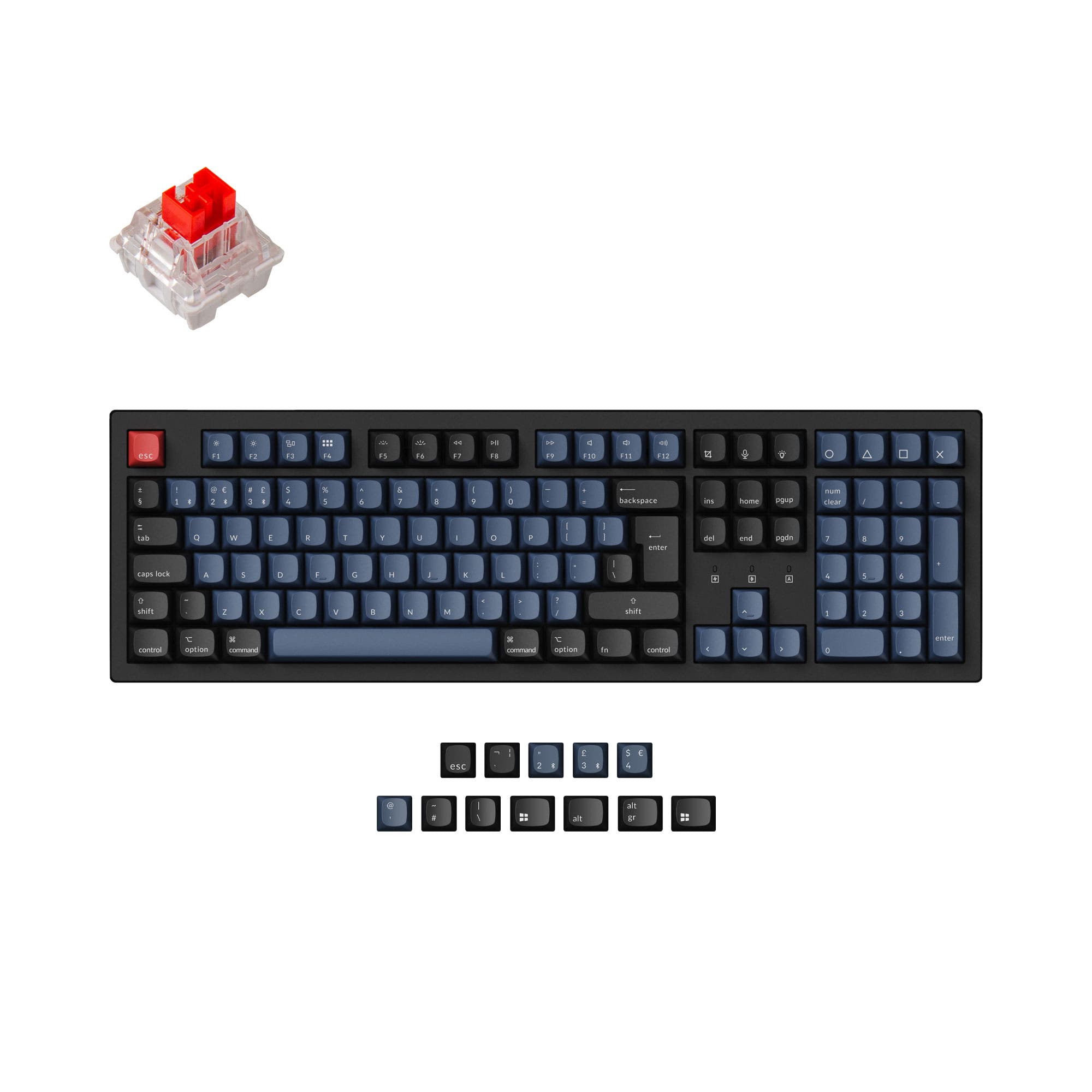
Choose the AULA F98 for switch customization and a lower price, or the F98 Pro for its LCD screen and knob controls.


Which one should you get?
Get the
AULA F98
Hot-Swap
- Confirmed 1000 Hz polling rate for potentially lower latency.
- Hot-swappable PCB compatible with 3-pin and 5-pin switches.
- Comes with linear switches, as per the product listing.
- Lacks the LCD screen and rotary knob found on the Pro model.
- Keycaps are a mix of PBT and ABS, while the Pro uses PC material.
- No mention of knob support in its feature set.
Get the
AULA F98 PRO
LCD Screen Comparison
- Features a 1.14-inch LCD screen showing time, battery, and connection status.
- Includes a multifunctional rotary knob and button for navigation and control.
- PC transparent keycaps with a GDA profile for a different aesthetic and feel.
- The product listing does not mention a hot-swappable PCB.
- No specific polling rate is listed in the provided information.
- Typically commands a higher price than the standard F98.
Your primary need dictates the choice. If you want to customize your typing feel with different switches, the AULA F98's hot-swap feature is essential. If you value on-screen information, media controls, and a unique aesthetic from transparent keycaps and side lighting, the F98 Pro's extra features justify its higher cost. For most other purposes, they are functionally similar keyboards.
The differences that matter
Skip the 40-row spec sheet. These are the specs that change how each board feels, sounds, and fits your desk.
AULA F98
AULA F98 PRO
Hot-swappable
Yes
No
Knob
No
Yes
Display
None
LCD
Keycaps
ABS, PBT
PC
N-key rollover
Yes
No
- AULA F98
- AULA F98 PRO
- Performance
- 7648
- Build quality
- 6150
- Productivity
- 7876
- Customizability
- 6158
- Portability
- 5450
- Layout size: 98%
- Connection: Bluetooth, 2.4 GHz, Wired
- Battery: 4,000 mAh
- Mount style: Gasket Mount
- Sound dampening
What will you mostly use it for?
The AULA F98 takes the lead for gaming and modding due to its confirmed polling rate and hot-swap capability. The F98 Pro is better suited for office and content creation workflows, thanks to its functional LCD screen and rotary knob. For programming and travel, the keyboards are evenly matched, sharing core specs like layout, size, and battery life.
Pick the AULA F98
- The AULA F98 lists a 1000 Hz polling rate, which the F98 Pro's description does not mention.
- The F98's vendor page mentions N-Key Rollover (NKRO), a feature not explicitly listed for the F98 Pro.
- The F98 comes with linear switches, which are often preferred for gaming.
AULA F98 vs F98 PRO specs
Every tracked spec, side by side. Rows marked with a dot differ between the boards.
6 of 22 specs differ
AULA F98
AULA F98 PRO
Switch options
Hot-swappable
Mount style
Sound dampening
Layout size
Layout standard
Ergonomics
Knob
Display
Connection
Max polling rate
Battery
USB-C
Case material
Plate material
Keycaps
Weight
Dimensions
Backlight
N-key rollover
Mac & Windows
Released
Compare prices
Live prices from the stores we track, cheapest in-stock offer first.
Lowest price across stores, Amazon excluded.



Prices in USD are converted to your currency and can change at any time. KeebFinder may earn a commission when you buy through these links, at no extra cost to you.
AULA F98 vs F98 PRO: your questions
The product listing and vendor description for the AULA F98 Pro do not mention hot-swappable switches. In contrast, the standard AULA F98 is explicitly listed with a full-key hot-swappable PCB.
The provided specifications for the AULA F98 Pro do not list a polling rate. The standard AULA F98 is listed with a 1000 Hz polling rate.
The vendor description for the AULA F98 Pro mentions it includes 'Ice Crystal' tactile switches. The standard AULA F98 comes with 'Nimbus' linear switches, according to its vendor page.
Yes, according to the manufacturer's description, users can scroll to a custom image option on the LCD and use software to personalize the display images.
Both the AULA F98 and F98 Pro are listed with a 4000mAh battery capacity, suggesting similar potential battery life for wireless use.
The AULA F98 uses keycaps made from PBT and ABS materials. The AULA F98 Pro uses keycaps made from PC (polycarbonate), which are transparent.
Both keyboards feature a gasket-mounted design with sound dampening materials. The F98 lists Poron foam and silicone padding, while the F98 Pro mentions Poron cotton, EVA damping, and silicone pads. Both should offer a quiet typing experience.
No, the AULA F98 product listing does not include knob support. The AULA F98 Pro features a rotary knob and button next to its LCD screen.
Yes, both the AULA F98 and F98 Pro list Mac and Windows support as features. The F98 Pro's description specifically details a system switching function via its LCD screen.
The core difference is that the F98 Pro adds an LCD screen and a rotary knob for controls and information display. The standard F98 lacks these but offers a confirmed hot-swappable PCB, which the Pro model's listing does not mention.
Both keyboards offer extensive RGB customization. The F98 lists 19 lighting effects, while the F98 Pro's description mentions 19 built-in RGB effects and 20 total lighting options, including an off mode.
Not sold on either?




Still torn?
Answer a few quick questions and the keyboard finder ranks 2,000+ boards by how you will actually use yours.