Ducky One 2 Pro Classic vs XVX M61
Get the XVX M61 for hot-swappable.
KeebFinder may earn a commission when you buy through these links, at no extra cost to you.


Which one should you get?
Get the
Ducky One 2 Pro Classic
Build quality in the bottom 25% of 100% boards under $100.
- Switches are soldered. Swapping them means soldering.
- North-facing LEDs. Cherry-profile keycaps can hit the switch housing.
Get the
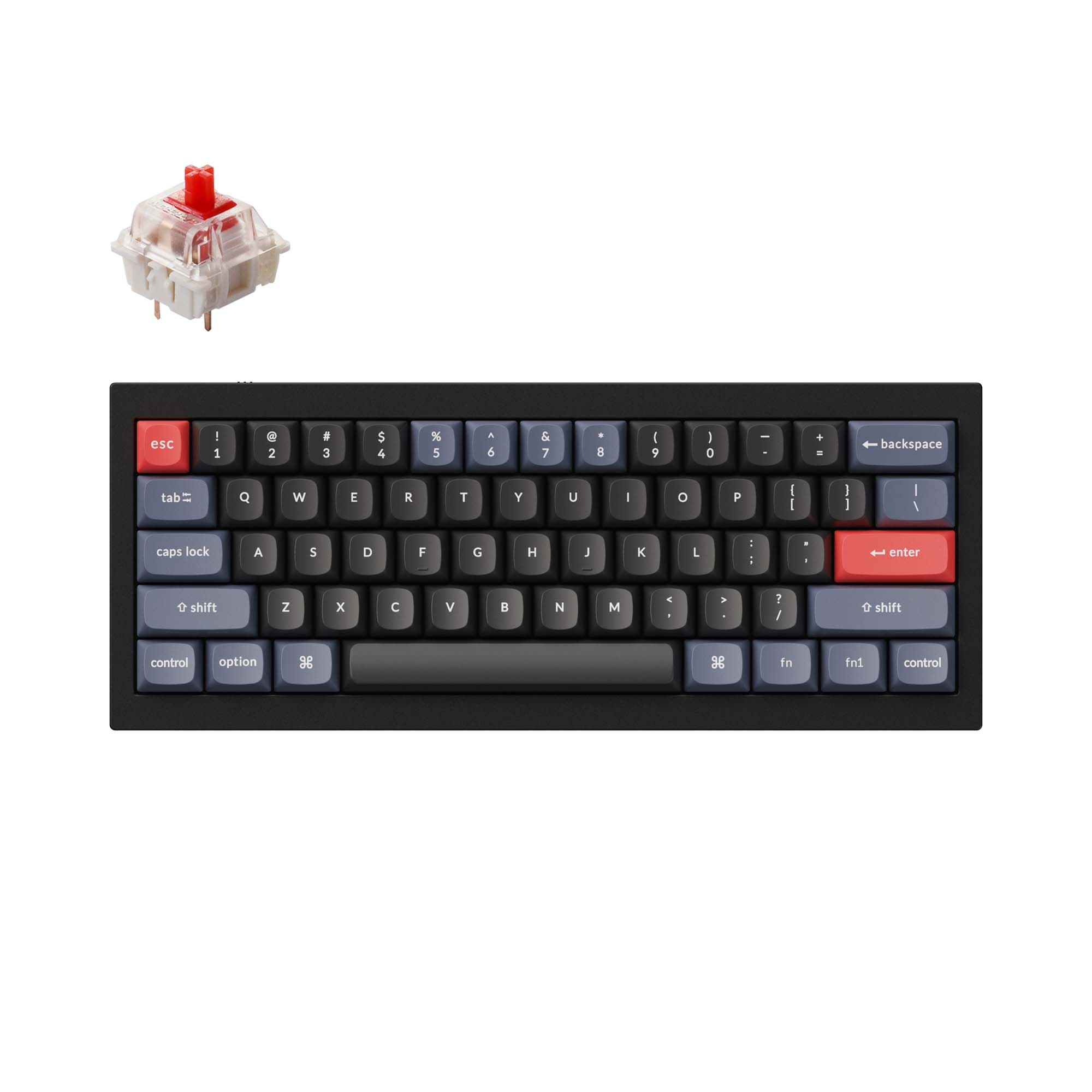
XVX M61
Hot-swappable
Build quality in the bottom 20% of 60% boards under $100.
- Compact layout only. No function row, dedicated arrow keys, or numpad.
The differences that matter
Skip the 40-row spec sheet. These are the specs that change how each board feels, sounds, and fits your desk.
Ducky One 2 Pro Classic
XVX M61
Layout size
100%
60%
Connection
Wired
Bluetooth, 2.4 GHz, Wired
Wireless for several devices and wired for lower latency
Hot-swappable
No
Yes
Switch changes without soldering
Case material
Plastic
ABS
Switch options
Clicky, Linear, Silent, Tactile
Linear, Tactile
- Ducky One 2 Pro Classic
- XVX M61
- Performance
- 7244
- Build quality
- 4747
- Productivity
- 7058
- Customizability
- 5348
- Portability
- 4386
- Keycaps: PBT
Ducky One 2 Pro Classic vs XVX M61 specs
Every tracked spec, side by side. Rows marked with a dot differ between the boards.
10 of 20 specs differ
Ducky One 2 Pro Classic
XVX M61
Switch options
Hot-swappable
Mount style
Sound dampening
Layout size
Layout standard
Ergonomics
Display
Media keys
Connection
Battery
USB-C
Case material
Plate material
Keycaps
Weight
Backlight
N-key rollover
Mac & Windows
Released
Compare prices
Live prices from the stores we track, cheapest in-stock offer first.
Prices in USD are converted to your currency and can change at any time. KeebFinder may earn a commission when you buy through these links, at no extra cost to you.
Lowest price across stores, Amazon excluded.



Not sold on either?




Still torn?
Answer a few quick questions and the keyboard finder ranks 2,000+ boards by how you will actually use yours.