Redragon EISA K686 HE vs Keychron K10 HEBudget Gaming vs Premium Custom
Choose the Redragon for maximum gaming performance on a budget, or the Keychron for premium build quality, wireless flexibility, and deep customization.
KeebFinder may earn a commission when you buy through these links, at no extra cost to you.

No reviews
from$62at Redragon

4.2 (18)4.2 · 18 reviews
from$134at MK
Which one should you get?
Get the
Redragon EISA K686 HE
Budget Gaming
- Extremely high 8000 Hz polling rate for minimal input delay.
- Includes 5-layer noise dampening with PORON and case foam.
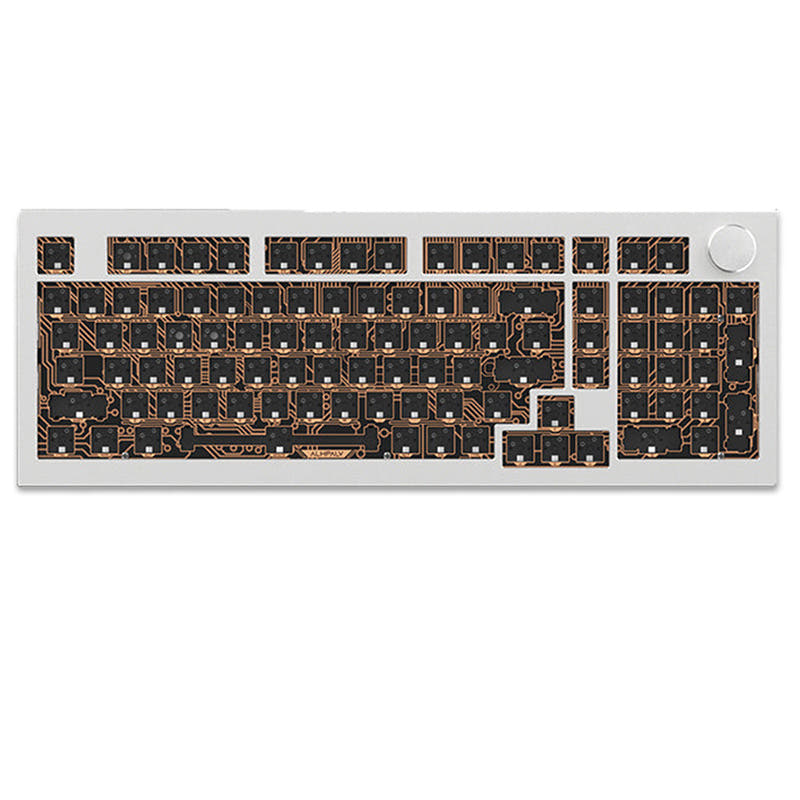
- Compact 98-key layout retains numpad while saving space.
- Magnetic switches only. Standard MX switches will not fit.
- No ISO layout. ISO-DE, UK, and other ISO variants are not offered.
Get the
Keychron K10 HE
Premium Custom
Build quality in the top 5% of 100% boards under $150.
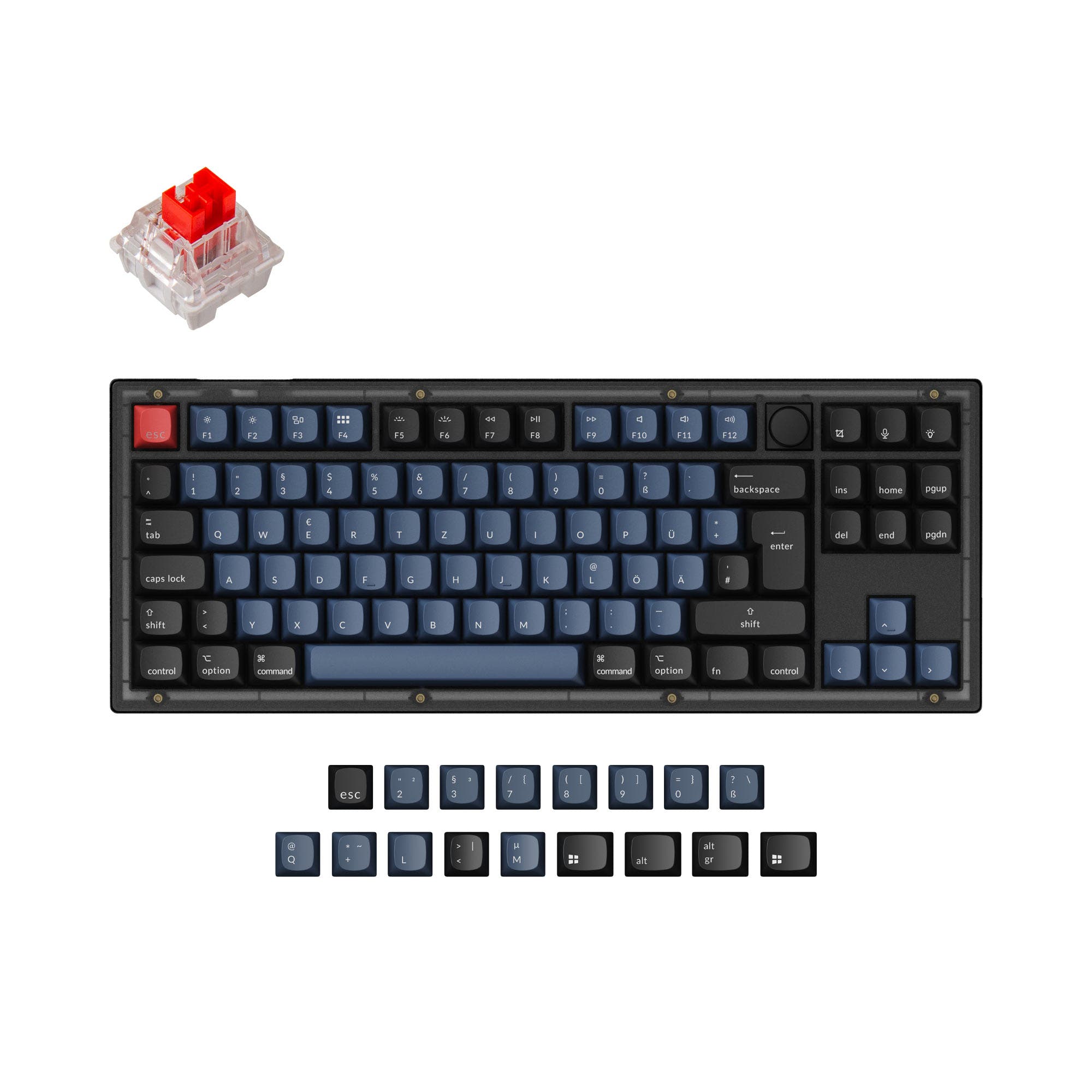
- Premium aluminum case construction, with wood accents on Special Edition.
- Triple-mode wireless with 2.4 GHz, Bluetooth, and wired connectivity.
- Fully hot-swappable for Gateron double-rail magnetic switches.
- Magnetic switches only. Standard MX switches will not fit.
- North-facing LEDs. Cherry-profile keycaps can hit the switch housing.
Your budget and primary use case dictate the choice. If you are a competitive gamer seeking the absolute highest performance specs and want to spend as little as possible, the Redragon EISA K686 HE delivers exceptional value. If you value wireless freedom, a premium metal build, and the ability to deeply customize your keyboard's switches, firmware, and sound, the Keychron K10 HE is worth the investment.
The differences that matter
Skip the 40-row spec sheet. These are the specs that change how each board feels, sounds, and fits your desk.
Redragon EISA K686 HE
Keychron K10 HE
Layout size
90%
100%
Connection
Wired
Bluetooth, 2.4 GHz, Wired
Wireless for several devices and wired for lower latency
Hot-swappable
No
Yes
Switch changes without soldering
Max polling rate
8,000 Hz
1,000 Hz
Higher polling helps competitive FPS and does nothing for typing
Case material
Plastic
ABS, Aluminum, Plastic, Wood
- Redragon EISA K686 HE
- Keychron K10 HE
- Performance
- 9892
- Build quality
- 5789
- Productivity
- 6294
- Customizability
- 4894
- Portability
- 4155
- Hall effect (magnetic)
- Rapid trigger
- Sound dampening
- Keycaps: PBT
What will you mostly use it for?
The Keychron K10 HE wins in most productivity and customization scenarios due to its full layout, wireless options, and open-source firmware. The Redragon EISA K686 HE is the clear choice for competitive gamers prioritizing the highest polling rate and lowest latency. For travel and modding, the Keychron's features are unmatched, while content creators might value either the Redragon's knob or the Keychron's wireless design.
Pick the Redragon EISA K686 HE
- Higher 8000 Hz polling rate compared to 1000 Hz on the Keychron.
- Lower latency of 0.125 ms as stated by Redragon.
- Compact 90% layout saves desk space for mouse movement.
Redragon EISA K686 HE vs Keychron K10 HE specs
Every tracked spec, side by side. Rows marked with a dot differ between the boards.
16 of 28 specs differ
Redragon EISA K686 HE
Keychron K10 HE
Switch options
Hall effect (magnetic)
Rapid trigger
Hot-swappable
Mount style
Sound dampening
Screw-in stabilizers
Layout size
Layout standard
Ergonomics
Knob
Display
Connection
Max polling rate
Battery
USB-C
Case material
Plate material
Keycaps
Weight
Dimensions
Typing angle
Backlight
QMK
VIA
N-key rollover
Mac & Windows
Released
ISO layouts by store
Which stores sell ISO-DE, UK, and the other regional layouts.
Redragon EISA K686 HE
No ISO layout at the stores we track.
Keychron K10 HE
Keychron (DE)
ISO-DE, ISO-UK
In stockDoes not ship to you
Compare prices
Live prices from the stores we track, cheapest in-stock offer first.
Prices in USD are converted to your currency and can change at any time. KeebFinder may earn a commission when you buy through these links, at no extra cost to you.
Lowest price across stores, Amazon excluded.
- Check on Amazon
Amazon
Check price




Redragon EISA K686 HE vs Keychron K10 HE: your questions
The Redragon EISA K686 HE has a faster polling rate at 8000 Hz. The Keychron K10 HE operates at 1000 Hz in both its wired and 2.4 GHz wireless modes.
No. According to Redragon's product specifications, the EISA K686 HE is not hot-swappable. The switches are soldered to the PCB and use a proprietary design that is not cross-compatible with other magnetic switches.
Yes. The Keychron K10 HE listing states it includes Mac and Windows keycaps and has a system toggle switch. It is listed as compatible with Windows, macOS, and Linux.
Yes. Both the Redragon EISA K686 HE and the Keychron K10 HE feature rapid trigger technology, allowing for dynamic actuation and reset points for faster keystrokes.
The Keychron K10 HE has a 4000mAh rechargeable battery. Keychron states a wireless working time of up to 120 hours based on lab tests, though actual use may vary.
The Redragon EISA K686 HE is more compact. It uses a 90% (98-key) layout, which Redragon says reduces size by 20% compared to a full layout. The Keychron K10 HE is a full-size 100% keyboard.
The Redragon uses MOA profile PBT keycaps. The Keychron K10 HE Standard Version uses Cherry profile double-shot PBT keycaps, while the Special Edition uses OSA profile double-shot PBT keycaps.
Yes, both allow adjustable actuation points. The Redragon allows adjustment from 0.1 to 3.4 mm. The Keychron allows adjustment from 0.2 to 3.8 mm, both with 0.1 mm sensitivity.
Yes. According to Keychron's description, the K10 HE features an Analog Mode that enables variable, game controller-like inputs based on how far a key is pressed.
The Redragon package includes the keyboard, a detachable USB Type-C cable, a keycap and switch puller, four spare switches, a sticker, and a user manual.
The Keychron K10 HE uses screw-in PCB stabilizers, which are generally preferred for their stability and are easier to modify or lube compared to clip-in stabilizers.
The Keychron K10 HE offers far more extensive software customization. It supports the open-source QMK firmware, VIA for real-time remapping, and the Keychron Launcher web app for configuring features like Dynamic Keystrokes and Last Key Priority.
Not sold on either?


Still torn?
Answer a few quick questions and the keyboard finder ranks 2,000+ boards by how you will actually use yours.