Gamakay SN75 vs Keychron V1Wireless vs Wired Customization
Choose the Gamakay SN75 for wireless flexibility or the Keychron V1 for a more polished, highly customizable wired experience.
KeebFinder may earn a commission when you buy through these links, at no extra cost to you.

No reviews
from$69at GamaKay

4.8 (63)4.8 · 63 reviews
from$44at Keychron
Which one should you get?
Get the
Gamakay SN75
Wireless
Build quality in the top 25% of 75% boards under $100.
- Tri-mode wireless connectivity (Bluetooth 5.0, 2.4GHz, wired) for maximum flexibility.
- Unique acrylic case material with light-transmitting properties for RGB effects.
- Includes a 3400mAh battery for cordless operation.
- No ISO layout. ISO-DE, UK, and other ISO variants are not offered.
Get the
Keychron V1
Wired Customization
Build quality in the top 5% of 75% boards under $50.
- Extensive layout compatibility including ANSI, ISO, JIS, and multiple European ISO variants.
- High polling rate of 1000 Hz (with 8000 Hz listed as a spec) for responsive input.
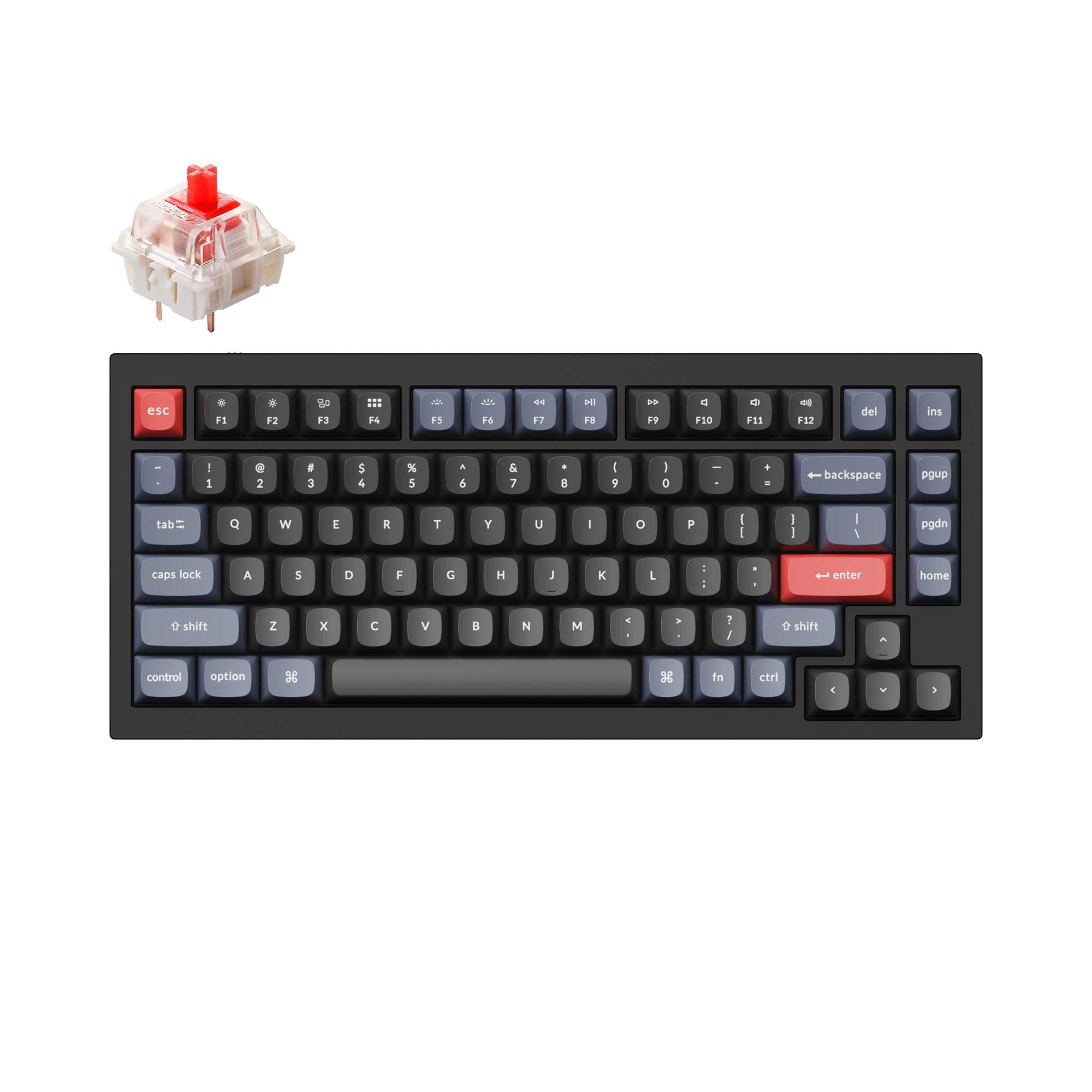
- Superior customization with QMK/VIA support, screw-in stabilizers, and multiple mount style options.
- South-facing LEDs. Shine-through legends stay dark, and some sculpted keycaps can clip the LED.
Your primary need dictates the choice. If wireless operation and a distinctive acrylic build are priorities, the Gamakay SN75 kit is the clear path. If you value maximum customization, layout options, and proven wired performance for gaming or typing, the Keychron V1 offers a more complete and polished package. Consider the V1 especially if you want a ready-to-use keyboard without sourcing your own switches and keycaps.
The differences that matter
Skip the 40-row spec sheet. These are the specs that change how each board feels, sounds, and fits your desk.
Gamakay SN75
Keychron V1
Connection
Bluetooth, 2.4 GHz, Wired
Wired
Wireless for several devices and wired for lower latency
Case material
Acrylic
ABS, Plastic
Mount style
Gasket Mount
Gasket Mount, Plate Mount, Tray Mount
QMK
No
Yes
The deep option when you want to remap every key
Layout standard
ANSI
ANSI, ISO, ISO-DE, ISO-ES, ISO-FR, ISO-Nordic, ISO-SW, ISO-UK, JIS
ISO and JIS exist so regional layouts fit
- Gamakay SN75
- Keychron V1
- Performance
- 7091
- Build quality
- 7689
- Productivity
- 9098
- Customizability
- 8798
- Portability
- 8164
- Layout size: 75%
- Hot-swappable
- Knob
- VIA
- Sound dampening
What will you mostly use it for?
The Gamakay SN75 wins for office use and travel due to its wireless connectivity and battery. The Keychron V1 is stronger for gaming, programming, and modding, thanks to its confirmed high polling rate, extensive layout support, and detailed modding features. For content creation, both are capable, with the decision resting on the need for wireless freedom versus the V1's proven wired ecosystem.
Pick the Keychron V1
- The Keychron V1 lists a 1000 Hz polling rate for reduced latency.
- Its listing mentions an 8000 Hz polling rate as a spec, suggesting high-performance variants.
- The V1's tray mount design, per its specs, may offer a more consistent typing plane for gaming.
Gamakay SN75 vs Keychron V1 specs
Every tracked spec, side by side. Rows marked with a dot differ between the boards.
9 of 27 specs differ
Gamakay SN75
Keychron V1
Switch options
Hot-swappable
Mount style
Sound dampening
Screw-in stabilizers
Layout size
Layout standard
Ergonomics
Knob
Display
Media keys
Connection
Max polling rate
Battery
USB-C
Case material
Plate material
Keycaps
Weight
Dimensions
Typing angle
Backlight
QMK
VIA
N-key rollover
Mac & Windows
Released
ISO layouts by store
Which stores sell ISO-DE, UK, and the other regional layouts.
Gamakay SN75
No ISO layout at the stores we track.
Keychron V1
Keychron
ISO-DE, ISO-UK, ISO-Nordic, ISO-FR, ISO-ES, ISO-SW
In stockShips to you
Keychron (DE)
ISO-DE, ISO-FR, ISO-ES
In stockDoes not ship to you
Keychron (DE)
ISO-DE, ISO-UK, ISO-Nordic, ISO-FR, ISO-ES, ISO-SW
In stockDoes not ship to you
Compare prices
Live prices from the stores we track, cheapest in-stock offer first.
Prices in USD are converted to your currency and can change at any time. KeebFinder may earn a commission when you buy through these links, at no extra cost to you.
Lowest price across stores, Amazon excluded.




Gamakay SN75 vs Keychron V1: your questions
Yes, the Gamakay SN75 features tri-mode connectivity. According to the manufacturer, it supports Bluetooth 5.0, 2.4GHz wireless, and a wired Type-C connection, and includes a 3400mAh battery for cordless use.
No, the Keychron V1 is a wired-only keyboard. Its connectivity is listed solely as wired via a Type-C cable. For a wireless 75% option from Keychron, you would need to look at other models in their lineup.
The Keychron V1 may have an edge for typists due to its detailed construction. It features screw-in stabilizers for larger keys, south-facing LEDs for broad keycap compatibility, and is available with pre-lubed switches. The SN75 uses a gasket mount and includes sound-dampening foam, which can also create a pleasant typing experience.
Yes, both keyboards support standard MX-style switches and keycaps. The Keychron V1 specifically highlights its south-facing RGB LEDs as being free from interference with Cherry-profile keycaps, which is a notable advantage for aftermarket sets.
Both support VIA for easy graphical key remapping. The Keychron V1 additionally supports the open-source QMK firmware, which allows for more advanced, code-based customization. The V1's knob is also programmable via the Keychron Launcher web app.
Yes, but the process differs. The Keychron V1 uses screw-in PCB stabilizers, which are standard in the custom keyboard community and easy to replace or lube. The Gamakay SN75 listing mentions PCB satellite stabilizers, which are typically clip-in style and can also be modded or replaced.
The Keychron V1 is available as a fully assembled version that includes double-shot PBT keycaps and Keychron K Pro switches. The Gamakay SN75 is sold as a barebones kit, meaning you must supply your own switches and keycaps.
The Keychron V1 case is made of ABS plastic, according to the product specifications. It is available in frosted translucent and solid color options.
The vendor description for the SN75 does not specify a polling rate. It emphasizes wireless performance 'without latency,' but for confirmed high polling rates like 1000Hz or 8000Hz, the Keychron V1's specifications are explicitly stated.
Yes, the Keychron V1 listing includes Mac/Win support. It comes with an additional set of keycaps for macOS and features a system toggle switch to easily swap between macOS and Windows key mappings.
The Gamakay SN75 includes an EVA sound insulation mat on the PCB and silicone filling in the bottom case. The Keychron V1 listing mentions an acoustic silicone pad among its features for dampening sound and improving typing acoustics.
Yes, both keyboards feature a multi-function knob. The Gamakay SN75's knob controls volume and media playback. The Keychron V1's aluminum rotary encoder can be programmed through Keychron Launcher for various commands like volume, zoom, or brush size.
Not sold on either?




Still torn?
Answer a few quick questions and the keyboard finder ranks 2,000+ boards by how you will actually use yours.