Keychron K14 Pro vs K14QMK Customization vs Budget 70% Layout
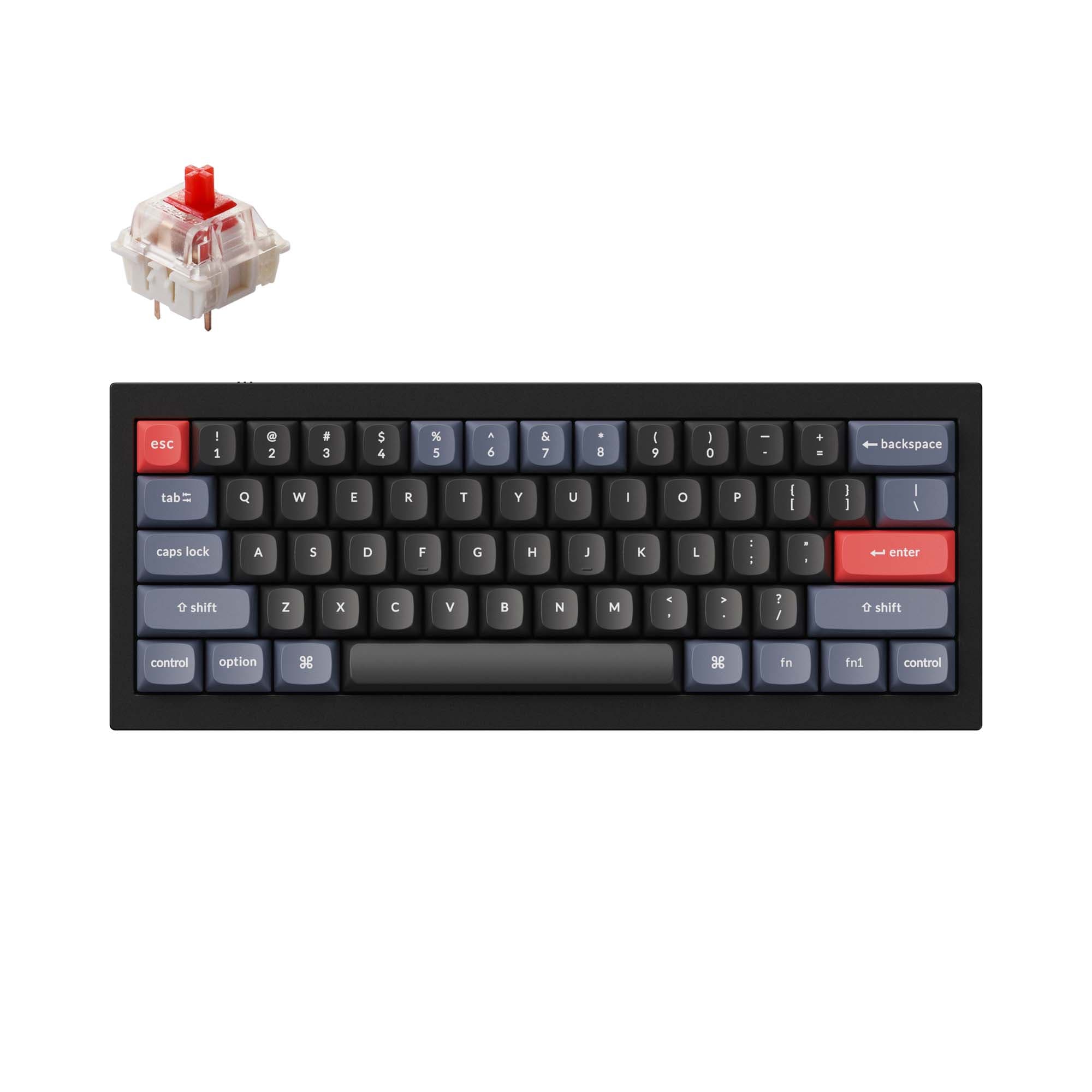
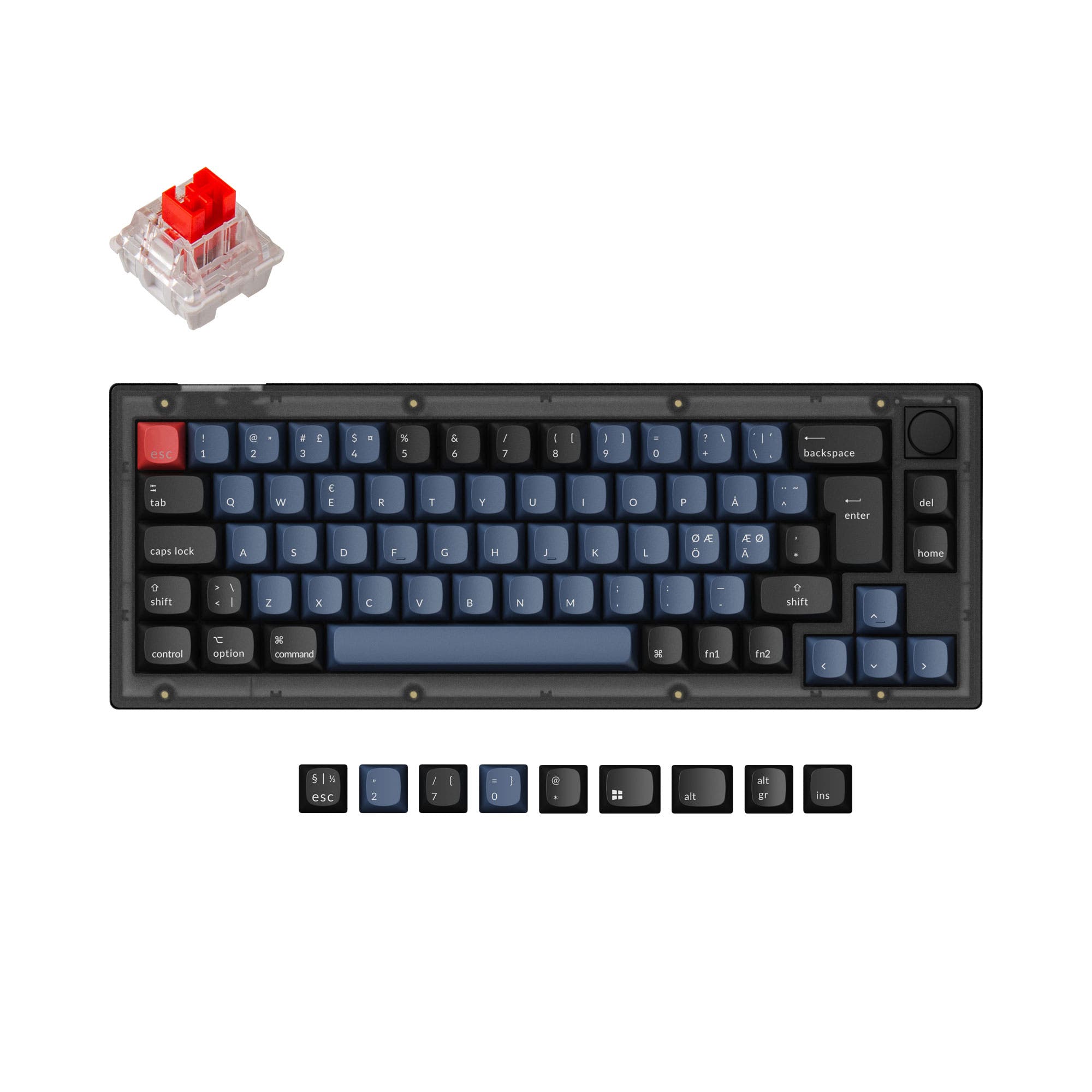
Choose the K14 Pro for deep firmware customization and a premium typing feel, or the K14 for a capable, more affordable entry into the 70% layout.
KeebFinder may earn a commission when you buy through these links, at no extra cost to you.

No reviews
from$67at Keychron

4.9 · 29 reviews
from$52at Keychron
Which one should you get?
Get the
Keychron K14 Pro
QMK Customization
- Full QMK and VIA support for unlimited key remapping and macros.
- Enhanced typing sound with added sound-absorbing foam and a silicone dampening pad.
- Screw-in PCB stabilizers for less wobble on large keys.
- South-facing LEDs. Shine-through legends stay dark, and some sculpted keycaps can clip the LED.
Get the
Keychron K14
Budget 70% Layout
- Generally more affordable than the K14 Pro.
- Has a strong 4.9/5 rating from 29 user reviews confirming satisfaction.
- User reviews specifically praise its 70% layout for programming and portability.
- North-facing LEDs. Cherry-profile keycaps can hit the switch housing.
Your budget and desire for customization dictate this choice. Invest in the Keychron K14 Pro if you plan to heavily modify your keyboard's firmware, sound, and feel. The standard Keychron K14 is the smarter buy if you want a reliable, compact wireless keyboard with positive user feedback and do not need deep programmability. Both successfully deliver the unique 70% layout with dedicated arrow and navigation keys.
The differences that matter
Skip the 40-row spec sheet. These are the specs that change how each board feels, sounds, and fits your desk.
Keychron K14 Pro
Keychron K14
Case material
ABS, Aluminum, Plastic
Aluminum, Plastic
QMK
Yes
No
The deep option when you want to remap every key
VIA
Yes
No
GUI remapping without compiling firmware
Sound dampening
Yes
No
Keycaps
PBT
ABS, PBT
- Keychron K14 Pro
- Keychron K14
- Performance
- 7556
- Build quality
- 8767
- Productivity
- 9259
- Customizability
- 9668
- Portability
- 8081
- Layout size: 70%
- Connection: Bluetooth, Wired
- Hot-swappable
- Battery: 4,000 mAh
- Max polling rate: 1,000 Hz
- Switch options: Clicky, Linear, Tactile
What will you mostly use it for?
The K14 Pro is the clear choice for users who prioritize customization, whether through firmware (programming, content creation) or physical mods. Its features are tailored for enthusiasts. The standard K14 wins for travel due to its lower cost and proven portability, while both are equally competent for general office work. For gaming, the K14 Pro's emphasis on wired performance gives it an edge.
Pick the Keychron K14 Pro
- The K14 Pro's manufacturer description highlights a 1000 Hz polling rate for low latency gaming.
- South-facing RGB on the K14 Pro avoids interference with Cherry-profile keycaps, a common choice for gamers.
- The K14's vendor page notes a 90 Hz polling rate in wireless mode, while the K14 Pro's description does not specify a wireless reduction.
Keychron K14 Pro vs K14 specs
Every tracked spec, side by side. Rows marked with a dot differ between the boards.
9 of 26 specs differ
Keychron K14 Pro
Keychron K14
Switch options
Hot-swappable
Mount style
Sound dampening
Screw-in stabilizers
Layout size
Layout standard
Ergonomics
Display
Media keys
Connection
Max polling rate
Battery
USB-C
Case material
Plate material
Keycaps
Weight
Dimensions
Typing angle
Backlight
QMK
VIA
N-key rollover
Mac & Windows
Released
Compare prices
Live prices from the stores we track, cheapest in-stock offer first.
Prices in USD are converted to your currency and can change at any time. KeebFinder may earn a commission when you buy through these links, at no extra cost to you.
Lowest price across stores, Amazon excluded.


Keychron K14 Pro vs K14: your questions
The Keychron K14 Pro adds QMK and VIA firmware support for advanced programming, along with physical upgrades like sound-dampening foam, screw-in stabilizers, and south-facing RGB LEDs. The standard K14 is a more basic, pre-built option that retains the hot-swap capability and 70% layout at a lower cost.
The standard Keychron K14 does not support QMK or VIA according to its listed features. Key remapping is limited to any onboard functions it may have, which are not detailed. For full, easy key remapping, the K14 Pro with its QMK/VIA support is the designed solution.
Yes, both the Keychron K14 and K14 Pro offer hot-swappable versions. You must select the hot-swappable switch option when purchasing the K14. The K14 Pro is listed as hot-swappable by default.
Both keyboards are fully compatible with macOS and include Mac-specific keycaps. The K14 vendor page notes Keychron is one of the few brands offering a dedicated Mac layout. There is no significant difference in core Mac compatibility between the two models.
Both have a 4000mAh battery. The K14's product description provides a specific estimate for its non-backlight version: up to 2 months with 8 hours of daily use. The K14 Pro description does not provide a comparable runtime estimate.
The Keychron K14 Pro comes with OSA profile double-shot PBT keycaps, according to its manufacturer description. The standard K14 comes with either ABS or double-shot ABS keycaps, depending on the version selected.
No. The K14 Pro description only specifies a 1000 Hz polling rate, likely for wired mode. The K14's specification sheet explicitly states a 90 Hz polling rate in wireless mode, which is a common trade-off for battery life.
The standard Keychron K14 is likely more beginner-friendly due to its lower price, pre-built nature, and abundance of positive user reviews that newcomers can trust. The K14 Pro is geared towards users ready to explore firmware customization and acoustic mods.
You can physically install them on both, but interference may occur. The K14 Pro uses south-facing RGB LEDs specifically to avoid interference with Cherry-profile keycaps. The standard K14 uses north-facing LEDs, which are known to cause interference with some Cherry-profile keycap sets.
Neither keyboard includes a palm rest in the standard package. However, the vendor pages for both list a separate Keychron silicone palm rest designed for the K14/K14 Pro as a frequently bought-together item.
The K14 Pro vendor page lists options for Keychron K Pro Mechanical Red, Brown, or a Barebone kit with no switches. The K Pro switches are described as pre-lubed (excluding clicky ones) for a smoother feel.
Not sold on either?





Still torn?
Answer a few quick questions and the keyboard finder ranks 2,000+ boards by how you will actually use yours.