Keychron Q4 vs Q560% vs 96% Layout Showdown
Choose the Q4 for a compact, minimalist desk setup or the Q5 if you need a dedicated numpad and function row in a condensed layout.
KeebFinder may earn a commission when you buy through these links, at no extra cost to you.
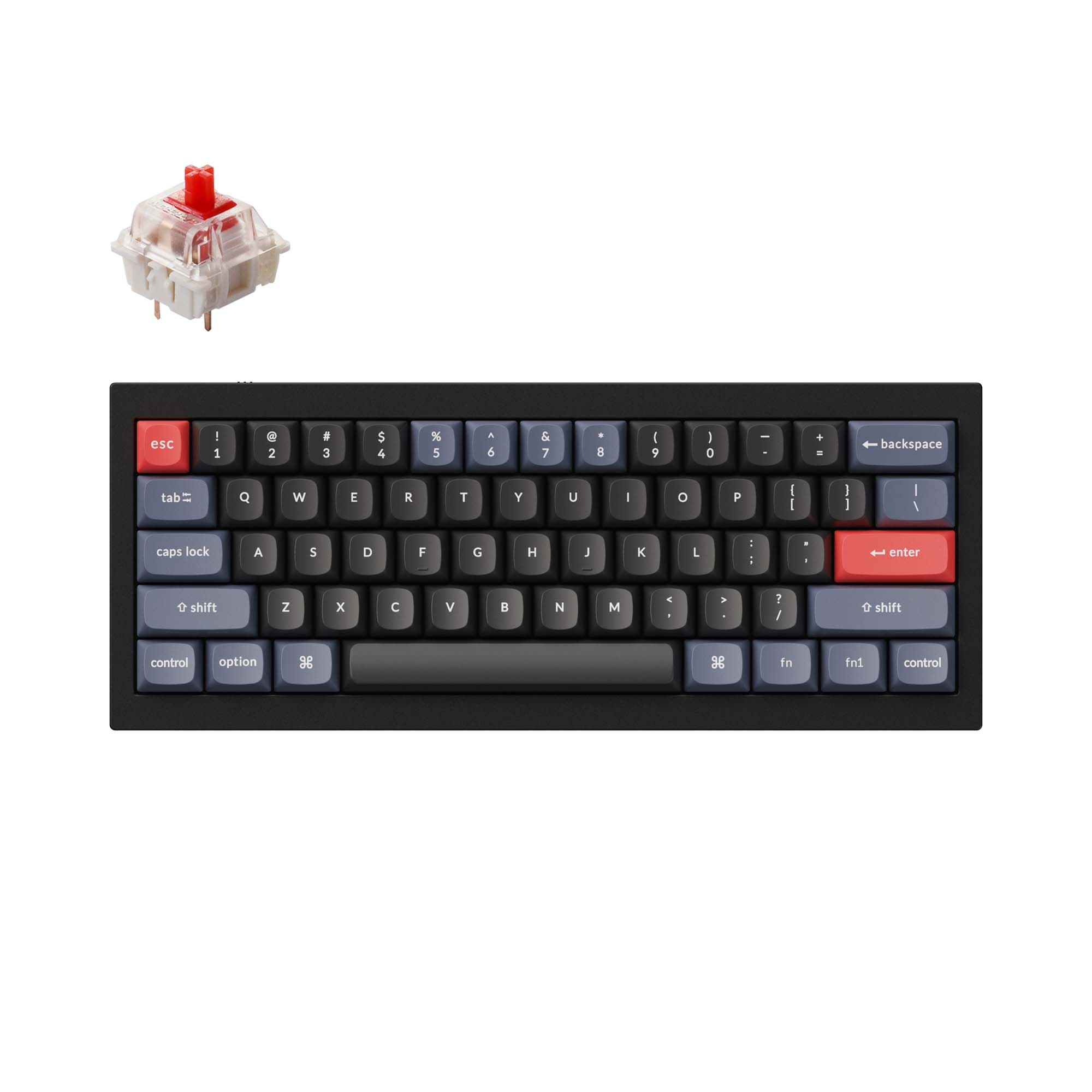
4.7 (10)4.7 · 10 reviews
from$59at Keychron
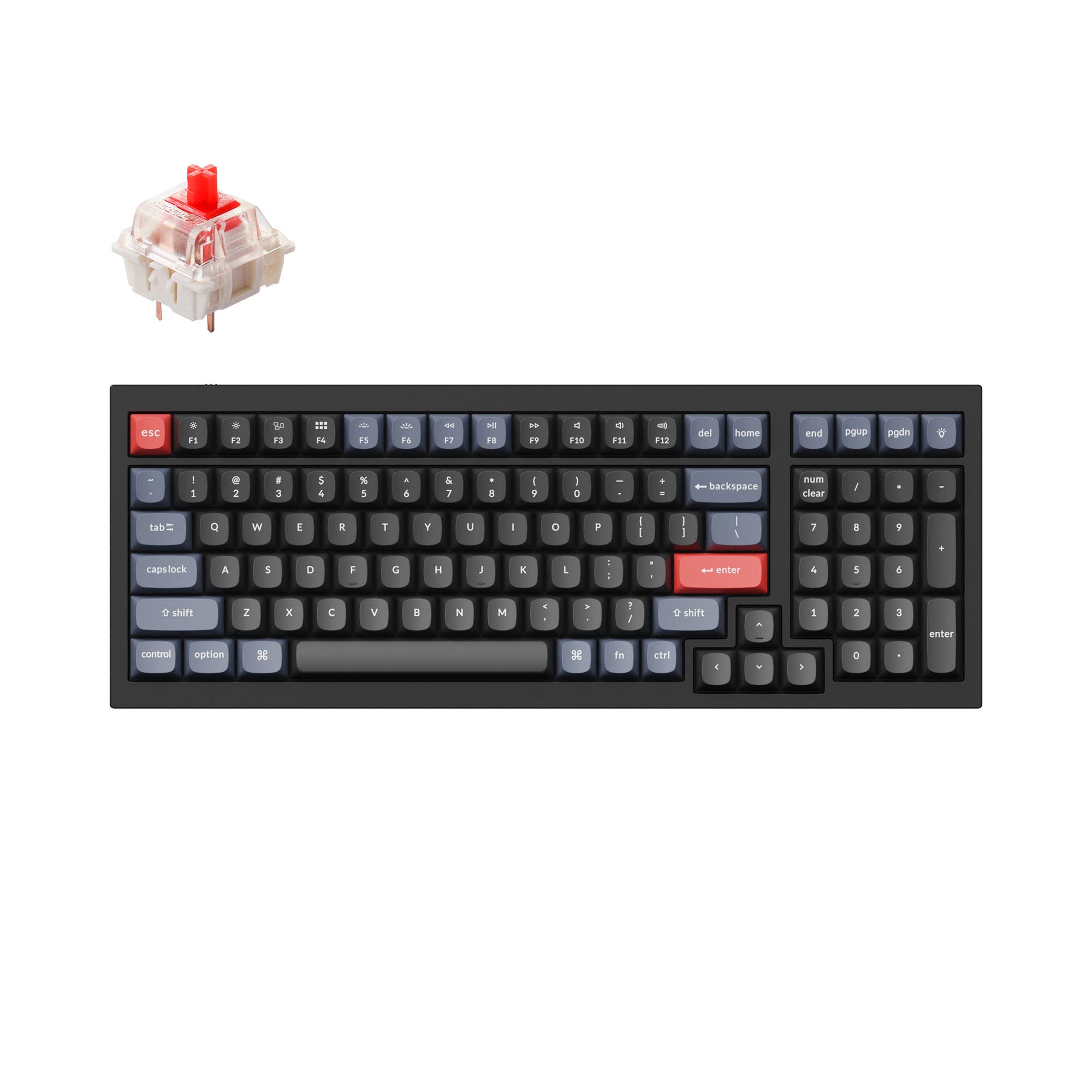
4.8 (17)4.8 · 17 reviews
from$119at Keychron
Which one should you get?
Get the
Keychron Q4
60%
Build quality in the top 5% of 60% boards under $100.
- Compact 60% layout saves desk space and is highly portable at 1500g
- Double-shot PBT keycaps in OSA profile (OEM height, SA shape) offer oil resistance
- Full CNC machined aluminum body with double-gasket design for reduced resonance
- South-facing LEDs. Shine-through legends stay dark, and some sculpted keycaps can clip the LED.
- Compact layout only. No function row, dedicated arrow keys, or numpad.
Get the
Keychron Q5
96% Layout Showdown
Build quality in the top 5% of 96% boards under $150.
- 96% layout retains numpad and function row for productivity tasks
- Includes a programmable knob on fully assembled versions for zoom, volume, or brush size
- South-facing RGB with ABS backlight shine-through keycaps for better lighting effects
- South-facing LEDs. Shine-through legends stay dark, and some sculpted keycaps can clip the LED.
- Missing ISO-FR, ISO-ES. The other board is sold in those layouts.
- Compact full-size layout. The numpad is present, the gaps of a full-size board are not.
If desk space and portability are your priorities, the Keychron Q4 delivers a premium 60% experience with the same build quality as its larger sibling. If you need a numpad and function row for work or content creation, the Keychron Q5 offers those without jumping to a full-size board. Both are excellent wired choices for QMK/VIA customization, so let your layout needs decide.
The differences that matter
Skip the 40-row spec sheet. These are the specs that change how each board feels, sounds, and fits your desk.
Keychron Q4
Keychron Q5
Layout size
60%
96%
Weight
1,500 g
2,310 g
Heavier boards stay planted and lighter ones travel
Layout standard
ANSI, ISO, ISO-DE, ISO-ES, ISO-FR, ISO-Nordic, ISO-SW, ISO-UK, JIS
ANSI, ISO, ISO-DE, ISO-Nordic, ISO-SW, ISO-UK
ISO and JIS exist so regional layouts fit
Dimensions
20 x 121 x 303 mm
20 x 145 x 390 mm
Typing angle
7°
5°
- Keychron Q4
- Keychron Q5
- Performance
- 6672
- Build quality
- 9089
- Productivity
- 9597
- Customizability
- 9898
- Portability
- 7046
- Connection: Wired
- Hot-swappable
- Max polling rate: 1,000 Hz
- Case material: Aluminum
- Switch options: Clicky, Linear, Tactile
- Mount style: Gasket Mount, Plate Mount
What will you mostly use it for?
The Q4 wins for gaming, programming, and travel due to its lighter weight and smaller footprint. The Q5 takes the office and content creation categories because its 96% layout includes a numpad and function row, which speeds up data entry and creative workflows. For modding, both are tied since they share identical hot-swap PCBs, stabilizers, and firmware support.
Pick the Keychron Q4
- Lighter at 1500g, easier to reposition during gaming sessions
- More desk space for low-sensitivity mouse movements with a 60% layout
- 1000 Hz polling rate out of the box from both, same latency advantage
What owners say
Ratings and quotes collected from verified store reviews, including the critical ones.
Keychron Q4
10 owner reviews
“Perfect keyboard, sounds lovely, feels lovely, i just fee like the white keys are a lot more cream than pictured. Not an issue though! Just a little annoying haha”
Keychron Q5
17 owner reviews
“I really like this keyboard. I have a couple of Q1s, and I like this layout better. The key caps on the silver gray model look terrific.”
Keychron Q4 vs Q5 specs
Every tracked spec, side by side. Rows marked with a dot differ between the boards.
5 of 25 specs differ
Keychron Q4
Keychron Q5
Switch options
Hot-swappable
Mount style
Sound dampening
Screw-in stabilizers
Layout size
Layout standard
Ergonomics
Knob
Display
Media keys
Connection
Max polling rate
USB-C
Case material
Plate material
Keycaps
Weight
Dimensions
Typing angle
Backlight
QMK
VIA
Mac & Windows
Released
ISO layouts by store
Which stores sell ISO-DE, UK, and the other regional layouts.
Keychron Q4
Keychron
ISO-DE, ISO-UK, ISO-Nordic, ISO-FR, ISO-ES, ISO-SW
In stockShips to you
Keychron (DE)
ISO-DE, ISO-UK, ISO-Nordic, ISO-FR, ISO-ES, ISO-SW
In stockDoes not ship to you
Keychron Q5
Keychron
ISO-DE, ISO-UK, ISO-Nordic, ISO-SW
In stockShips to you
Keychron (DE)
ISO-DE, ISO-UK, ISO-Nordic, ISO-SW
Out of stockDoes not ship to you
Compare prices
Live prices from the stores we track, cheapest in-stock offer first.
Prices in USD are converted to your currency and can change at any time. KeebFinder may earn a commission when you buy through these links, at no extra cost to you.
Lowest price across stores, Amazon excluded.



Keychron Q4 vs Q5: your questions
The Keychron Q4 is better for a minimalist setup because its 60% layout removes the numpad, function row, and arrow cluster, freeing up desk space. It also weighs only 1500g versus the Q5's 2310g, making it easier to reposition or move.
Yes, the Q5 uses a 96% layout that includes a dedicated numpad along with arrow keys and a function row. This makes it suitable for users who frequently enter numbers or spreadsheets.
Yes, both the Q4 and Q5 have hot-swappable PCBs that support 3-pin and 5-pin MX mechanical switches. This allows you to change switches without soldering.
The Keychron Q4 is significantly lighter at 1500g compared to the Q5 at 2310g. Its smaller dimensions (303mm x 121mm) also make it easier to pack in a bag.
Yes, both the Q4 and Q5 support open-source QMK firmware and can be customized using the Keychron Launcher web app or VIA. This allows remapping keys, creating macros, and adjusting layers.
The Q4 has a 7 degree typing angle, while the Q5 has a 5 degree angle. Neither board has adjustable feet beyond the built-in risers (2.7mm on Q4, 2.4mm on Q5).
Yes, the fully assembled knob version of the Q5 includes a programmable rotary encoder. It can be customized via VIA for functions like volume, zoom, or brush size.
The Q5's fully assembled version uses OSA profile ABS backlight shine-through keycaps, which allow RGB to pass through the legends. The Q4 uses double-shot PBT keycaps that are not shine-through, so RGB is more ambient.
Both the Q4 and Q5 come with screw-in PCB stabilizers that are more stable than plate-mount types. They also support third-party stabilizers from brands like Cherry and Durock.
Yes, both the Q4 and Q5 are available in barebone versions that do not include keycaps or switches. The Q5 also offers barebone ISO knob variants.
The Q4's 60% layout can be very effective for programming if you are comfortable using layers for arrows and symbols. Programmers who prefer dedicated keys may find the Q5's 96% layout more convenient.
Not sold on either?


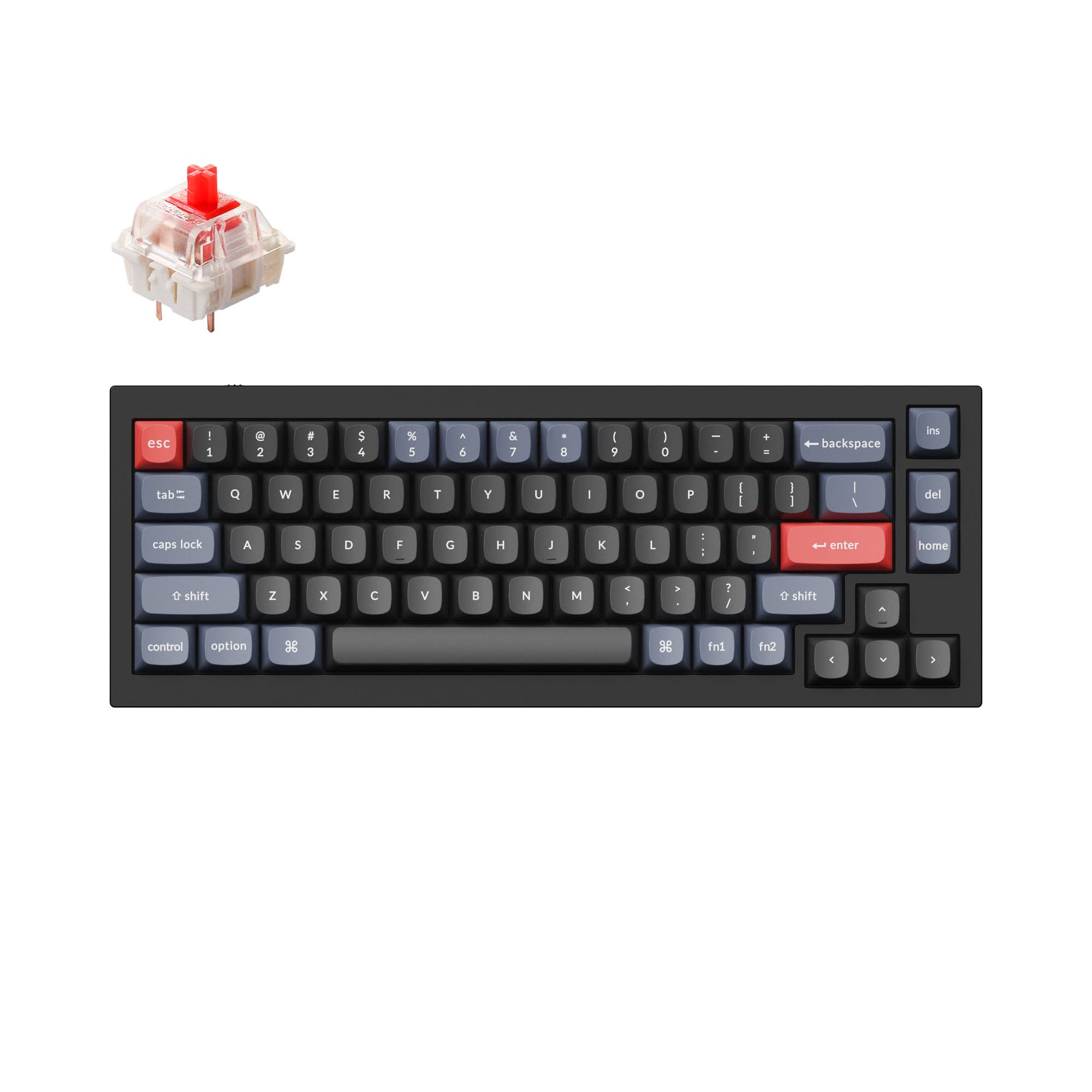




Still torn?
Answer a few quick questions and the keyboard finder ranks 2,000+ boards by how you will actually use yours.