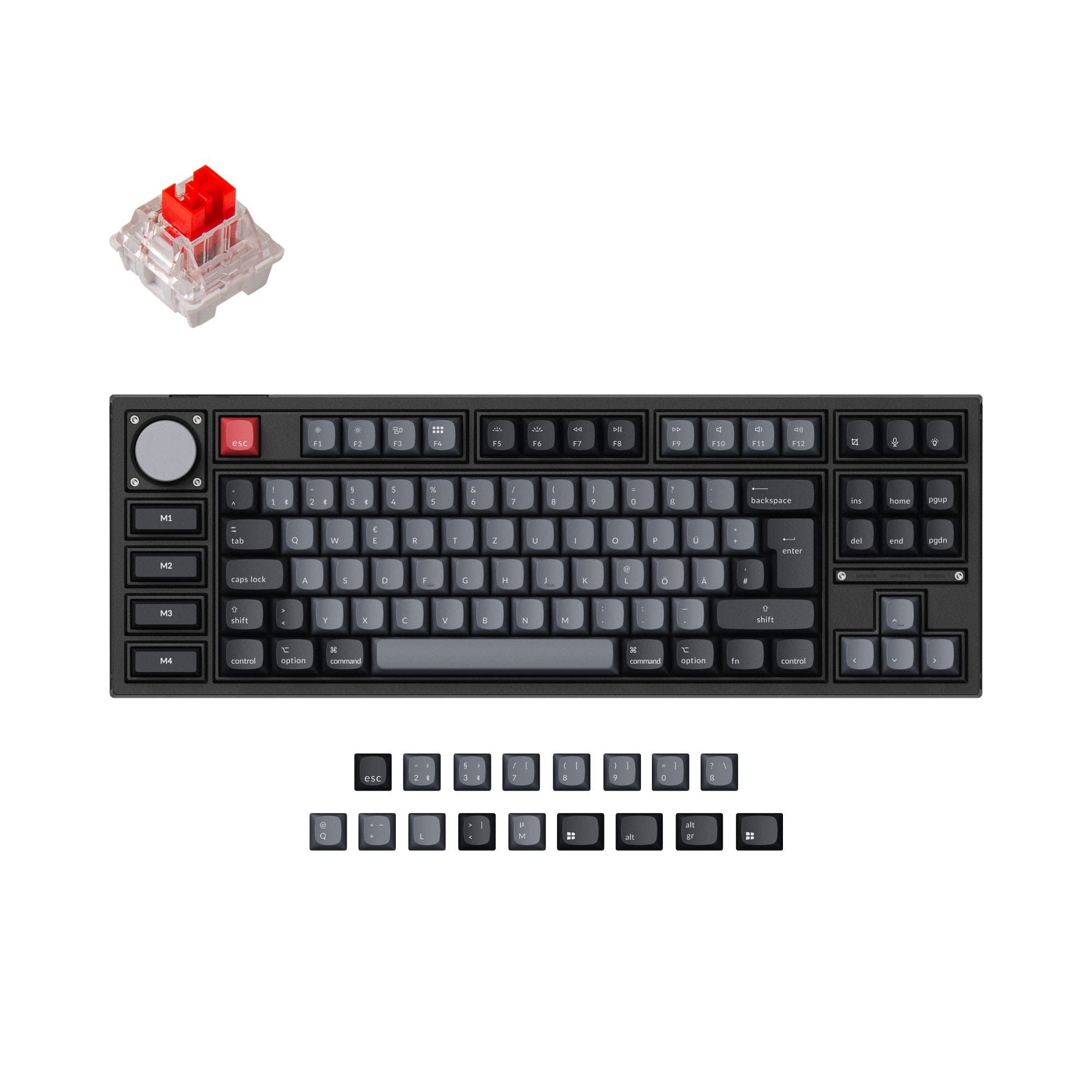
PlayKeyboard Smurve80 vs Smurve80 R2
Choose the Smurve80 for its sound-dampening feature, and the Smurve80 R2 for VIA support, an LED screen, and N-key rollover.
Prices checked Nov 27, 2026. KeebFinder may earn a commission when you buy through these links, at no extra cost to you.
Sound dampening


Which one should you get?
Get the
PlayKeyboard Smurve80
Sound dampening
Build quality in the top 40% of 80% boards under $150.
If you want
- Sound dampening is listed as an extra feature.
- Vendor-described complete foam set is intended to control sound.
Rules this board out
- South-facing LEDs. Shine-through legends stay dark, and some sculpted keycaps can clip the LED.
Get the
PlayKeyboard Smurve80 R2
VIA
Build quality in the top 25% of 80% boards under $150.
If you want
- VIA support is listed for configuring the keyboard.
- An LED screen and N-key rollover are included.
- Semi-transparent, frosted ABS case with diffuse RGB lighting, plus a Glint key and gray coiled cable listed by the vendor.
Rules this board out
- South-facing LEDs. Shine-through legends stay dark, and some sculpted keycaps can clip the LED.
Bottom line
Get the Smurve80 if sound dampening is the deciding feature, or if its vendor-described complete foam set suits your sound preferences. Choose the Smurve80 R2 for VIA support, N-key rollover, and an LED screen, along with its semi-transparent case and listed cable and Glint key. Both share the same south-facing LED keycap compatibility caveat.
The differences that matter
- Display
None
LED
A case display rather than a typing feature - VIA
No
Yes
GUI remapping without compiling firmware - Sound dampening
Yes
No
- Keycaps
PBT
PBT, PC
- N-key rollover
No
Yes
KeebFinder scores
How we score- PlayKeyboard Smurve80
- PlayKeyboard Smurve80 R2
- Performance
- 6378
- Build quality
- 6070
- Productivity
- 7674
- Customizability
- 6180
- Portability
- 8788
What they share
- Layout size: 80%
- Connection: Bluetooth, 2.4 GHz, Wired
- Hot-swappable
- Battery: 8,000 mAh
- Max polling rate: 1,000 Hz
- Case material: ABS
What will you mostly use it for?
For gaming, pick the PlayKeyboard Smurve80 R2
- The R2 explicitly lists N-key rollover.
- Both boards list 1000 Hz polling, so that specification does not separate them.
PlayKeyboard Smurve80 vs Smurve80 R2 specs
5 of 22 specs differ
 |  | |
| PlayKeyboard Smurve80$119 | PlayKeyboard Smurve80 R2$130 | |
|---|---|---|
| Typing & switches | ||
| Switch options | Linear, Silent, Tactile | Linear, Silent, Tactile |
| Hot-swappable | Yes | Yes |
| Mount style | Gasket Mount | Gasket Mount |
| Sound dampening (differs) | Yes | No |
| Layout | ||
| Layout size | 80% | 80% |
| Layout standard | ANSI | ANSI |
| Ergonomics | Standard | Standard |
| Display (differs) | None | LED |
| Connectivity & battery | ||
| Connection | Bluetooth, 2.4 GHz, Wired | Bluetooth, 2.4 GHz, Wired |
| Max polling rate | 1,000 Hz | 1,000 Hz |
| Battery | 8,000 mAh | 8,000 mAh |
| USB-C | Yes | Yes |
| Build & materials | ||
| Case material | ABS | ABS |
| Plate material | Aluminum | Aluminum |
| Keycaps (differs) | PBT | PBT, PC |
| Weight | 1,384 g | 1,384 g |
| Dimensions | 38 x 387 x 179 mm | 38 x 387 x 179 mm |
| Backlight | RGB, south-facing | RGB, south-facing |
| Firmware & software | ||
| VIA (differs) | No | Yes |
| N-key rollover (differs) | No | Yes |
| Mac & Windows | Yes | Yes |
| Extras | ||
| Released | 2026 | 2026 |
Compare prices
Prices in USD are converted to your currency and can change at any time. KeebFinder may earn a commission when you buy through these links, at no extra cost to you.
Lowest price across stores, Amazon excluded.
- Price now
- $119
- Lowest in range
- $113Sep 23
- Highest in range
- $134Oct 3
Price in USD
- Check on Amazon
AmazonGlobal
Check price - Extra 5% off


- Check on Amazon
AmazonGlobal
Check price - Extra 5% off