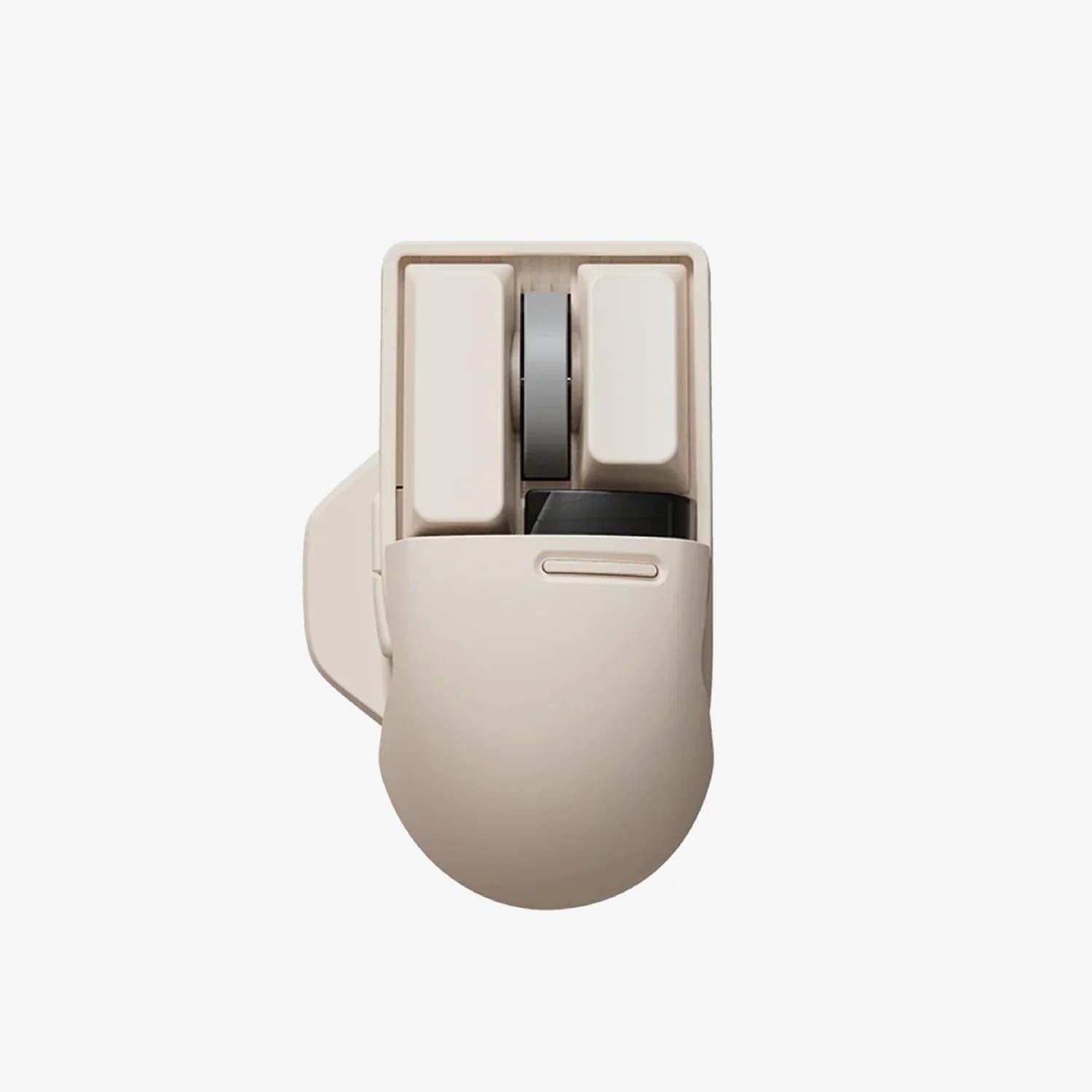
$51

Keychron M6 Mouse
Wireless,
800 mAh,
26000 DPI,
1000 Hz;4000 Hz;125 Hz
Explore the comprehensive side-by-side comparison of the Keychron BM27 Mouse and Keychron G4 Mouse and view their biggest differences. The detailed comparison table allows you to see all the essential features, specifications, and benefits of each mouse at a glance. Whether you're looking for performance, value, or specific functionalities, this comparison tool helps you make an informed decision.
 |  | Select a mouse to compare |
0.0 stars (0 reviews) | 0.0 stars (0 reviews) | |
|
| |
Name Keychron BM27 Mouse | Name Keychron G4 Mouse | |
Release year 2026 | Release year 2026 | |
Features Macro Buttons Adjustable DPI Software Tunable Memory Profiles Multi-Device Pairing | Features Macro Buttons Adjustable DPI Multi-Device Pairing Software Tunable Memory Profiles | |
Weight 99g | Weight 55g | |
Dimensions - | Dimensions - | |
Battery capacity 500 mAh | Battery capacity 500 mAh | |
Connection Bluetooth, 2.4 GHz, Wired, Wireless | Connection Bluetooth, 2.4 GHz, Wired, Wireless | |
Battery Capacity 500 mAh | Battery Capacity 500 mAh | |
Battery Life 100h | Battery Life 130h | |
Max Polling Rate 1000 Hz | Max Polling Rate 8000 Hz | |
Min DPI - | Min DPI 100 DPI | |
Max DPI 2400 DPI | Max DPI 30000 DPI | |
Handedness - | Handedness Right | |
Button Count - | Button Count - | |
Sensor Type - | Sensor Type Optical | |
Scroll Wheel Type Standard | Scroll Wheel Type Standard | |
Acceleration - | Acceleration 50G | |
Switch Type - | Switch Type Mechanical |
You might also like similar products in that price range: