Not sure which keyboard to choose? Try the Keyboard Finder now!

Compare ATTACK SHARK AttackShark K85 vs AULA WIN68 Differences Side by Side

This comparison is for buyers deciding between two wired, magnetic switch keyboards at different price points. The AttackShark K85 offers an aluminum case and a 75% layout with a knob, while the AULA WIN68 focuses on a high 8KHz polling rate in a smaller 65% form factor. The decision hinges on whether you prioritize build materials and media controls or raw gaming performance and compactness.

68
ATTACK SHARK K85 Magnetic Switch RT Mechanical Keyboard
AULA WIN68 Magnetic Switch Wired Gaming Keyboard

Select a keyboard to compare

0.0 (0)
0.0 (0)
  • Has Magnetic switch options
  • Supports hot-swappable switches
  • Available in a 75% layout
  • Comes with a knob
  • Provides dedicated media keys
  • Includes screw-in stabilizers
  • Uses a Gasket Mount mounting style
  • Weighs about 780 g
  • Sized at 40 x 136 x 327 mm
  • Made with a Aluminum case
  • Features PBT keycaps
  • Offers No RGB lighting
  • Has Linear, Magnetic switch options
  • Available in a 65% layout
  • Has built-in sound dampening
  • Runs at a 8000 Hz polling rate
  • Weighs about 690 g
  • Sized at 37 x 109 x 321 mm
  • Made with a Plastic case
  • Offers Yes, Rgb RGB lighting
Scores
  • Performance: 46.1
  • Build Quality: 63.3
  • Productivity: 83.3
  • Customizability: 67.2
  • Portability: 62.9
Scores
  • Performance: 84.8
  • Build Quality: 47
  • Productivity: 72.4
  • Customizability: 53
  • Portability: 71.4
Name
ATTACK SHARK AttackShark K85
Name
AULA WIN68
Release year
2024
Release year
2024
Switch Options
Magnetic
Switch Options
Linear, Magnetic
Profile
Normal Profile
Profile
Normal Profile
Hot Swappable
 
Hot Swappable
 
Layout Size
75%
Layout Size
65%
Layout Standard
ANSI
Layout Standard
ANSI
Layout Ergonomics
Normal
Layout Ergonomics
Normal
Knob Support
 
Knob Support
 
Display Support
 
Display Support
 
Mac/Win Support
 
Mac/Win Support
 
Multi-Media Keys
 
Multi-Media Keys
 
USB-C
 
USB-C
 
USB passthrough
 
USB passthrough
 
Connection
Wired, Wired only
Connection
Wired, Wired only
Polling Rate
-
Polling Rate
8000 Hz
Battery capacity
-
Battery capacity
-
Hall Effect Support
 
Hall Effect Support
 
QMK Support
 
QMK Support
 
VIA Support
 
VIA Support
 
VIAL Support
 
VIAL Support
 
N-Key Rollover
 
N-Key Rollover
 
Rapid Trigger
 
Rapid Trigger
 
Mount Style
Gasket Mount
Mount Style
-
Screw in Stabilizers
 
Screw in Stabilizers
 
Sound Dampening
 
Sound Dampening
 
Backlight
 
Backlight
 
Rgb
Case Colors
Case Colors
Case Material
Aluminum
Case Material
Plastic
Keycaps Material
PBT
Keycaps Material
-
Dimensions
40 x 136 x 327 mm
Dimensions
37 x 109 x 321 mm
Weight
780g
Weight
690g
*Something incorrect or missing? Please
let me know
!

Pros and Trade-offs

Your primary need dictates the choice. If your budget is tighter and you want the highest possible polling rate for competitive gaming in a minimal footprint, the AULA WIN68 is compelling. If you can spend more for a sturdier aluminum build, a more practical 75% layout with a volume knob, and better modding foundations like hot-swap and screw-in stabilizers, the AttackShark K85 is the more versatile keyboard.

ATTACK SHARK AttackShark K85

  • +Aluminum alloy case construction for a premium feel.
  • +75% layout includes arrow keys and some navigation keys.
  • +Includes a metallic volume knob for multimedia control.
  • +Features screw-in stabilizers and a gasket mount.
  • +Uses PBT material keycaps for durability.

  • More expensive than the AULA WIN68.
  • Heavier at 780 grams.
  • Lacks RGB backlighting.

AULA WIN68

  • +Lower price point.
  • +Specifies an 8000 Hz polling rate for gaming.
  • +More compact 65% layout and lighter weight (690g).
  • +Includes RGB backlighting with single-key customization.
  • +Comes with PO sandwich and bottom cotton for sound dampening.

  • Plastic case construction.
  • 65% layout lacks dedicated function and navigation keys.
  • No mention of hot-swappable sockets or a volume knob.

Which Keyboard Is Better for Your Needs?

The AULA WIN68 takes the lead for dedicated gaming and travel due to its high polling rate and compact size. The AttackShark K85 is the stronger choice for office work, programming, modding, and content creation, thanks to its more functional layout, build quality, and included media knob. For most productivity-focused tasks, the K85's advantages in layout and features are decisive.

GamingAULA WIN68
  • The AULA WIN68 has a specified 8000 Hz polling rate for faster data reporting.
  • Its vendor description highlights an adjustable feature with 0 dead zone for customizable control.
  • It is lighter at 690g, which may be preferable for quick desk movements.
OfficeATTACK SHARK AttackShark K85
  • The AttackShark K85 has a 75% layout with dedicated function and navigation keys.
  • It includes a metallic volume knob for easy multimedia control.
  • Its aluminum case may offer a more professional aesthetic.
ProgrammingATTACK SHARK AttackShark K85
  • The AttackShark K85's 75% layout retains arrow keys and some navigation cluster keys.
  • Its full-key hot-swappable sockets allow for easy switch customization.
  • The PBT keycaps are wear-resistant for long-term use.
TravelAULA WIN68
  • The AULA WIN68 is more compact with a 65% layout (321 x 109 mm vs 327 x 136 mm).
  • It is lighter, weighing 690g compared to 780g.
  • Its smaller footprint is easier to fit in a bag.
ModdingATTACK SHARK AttackShark K85
  • The AttackShark K85 is confirmed to have hot-swappable sockets.
  • It features screw-in stabilizers, which are typically preferred for modding.
  • The gasket mount style and aluminum case provide a solid foundation for modifications.
Content CreationATTACK SHARK AttackShark K85
  • The AttackShark K85's dedicated volume knob offers tactile control for audio/video editing.
  • Its 75% layout provides more immediate key access than a 65% board.
  • The aluminum build may contribute to a sturdier, less resonant typing experience.

Frequently Asked Questions (FAQ)


Discover similar products

You might also like similar products in that price range:
98
$94
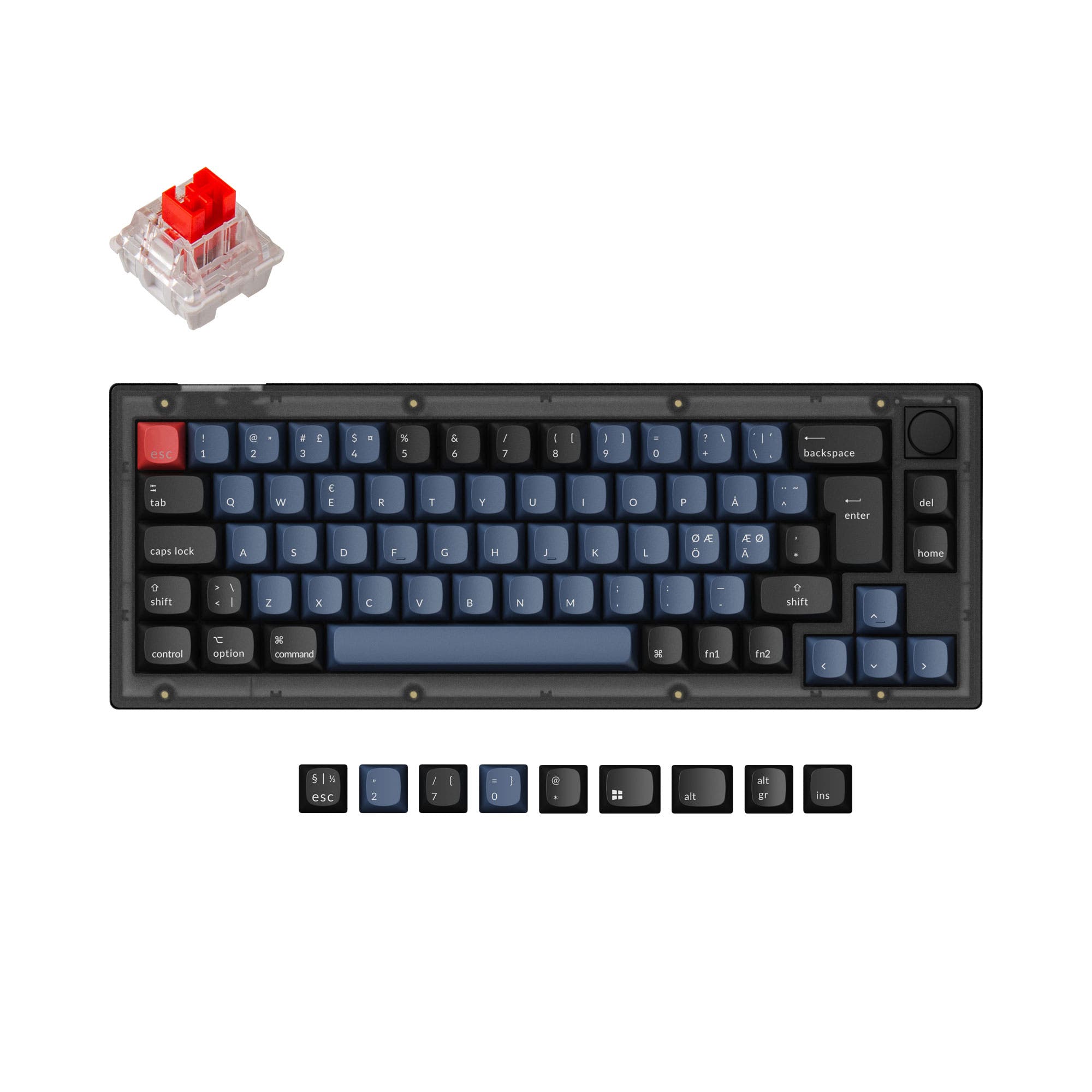
Keychron V1 Max QMK Wireless Custom Mechanical Keyboard ISO Layout Collection
Keychron V1 Max
75%,
Hotswap,
Wireless,
Wired,
RGB,
Knob,
VIA,
QMK,
Gasket Mount

95
$79
Keychron Q10 (Alice Layout) QMK Custom Mechanical Keyboard
Keychron Q10
75%,
Hotswap,
Wired,
RGB,
Knob,
VIA,
QMK,
Alu case,
Gasket Mount

70
$40
ATTACK SHARK X68 HE Wired Gaming Keyboard Rapid Trigger Magnetic Switch
ATTACK SHARK X68 HE
65%,
Hotswap,
Wired,
RGB,
HE,
Rapid trigger,
Alu case

95
$86
Keychron Q1 QMK Custom Mechanical Keyboard - Version 1 - Image: 5
Keychron Q1
75%,
Hotswap,
Wired,
RGB,
Knob,
VIA,
QMK,
Alu case,
Gasket Mount

97
$44
Keychron V1 QMK Custom Mechanical Keyboard
Keychron V1
75%,
Hotswap,
Wired,
RGB/ White LEDs,
Knob,
VIA,
QMK,
Tray Mount

93
$85
Keychron Q1 QMK Custom Mechanical Keyboard ISO Layout Collection - Version 1
Keychron Q1 V1
75%,
Hotswap,
Wired,
RGB,
Knob,
VIA,
QMK,
Alu case,
Gasket Mount

91
$39
Keychron V4 QMK Custom Mechanical Keyboard ISO Layout Collection
Keychron V4
60%,
Hotswap,
Wired,
RGB,
Knob,
VIA,
QMK,
Tray Mount

84
$94
Keychron K1 QMK Wireless Mechanical Keyboard (ISO Layout) - Version 6
Keychron K1 V6
80%,
Hotswap,
Wireless,
Wired,
RGB/ White LEDs,
VIA,
QMK,
HE,
Alu case,
Top Mount

91
$44
Keychron V2 QMK Custom Mechanical Keyboard ISO Layout Collection
Keychron V2
65%,
Hotswap,
Wired,
RGB,
Knob,
VIA,
QMK,
Tray Mount