AULA F108 Pro vs Nuphy Halo75 V2Full-Size vs 75% Keyboard Choice
Choose the AULA F108 Pro for a full-size layout with a screen and massive battery, or the Nuphy Halo75 V2 for a compact, premium build with advanced firmware customization.
KeebFinder may earn a commission when you buy through these links, at no extra cost to you.

4.7 (30)4.7 · 30 reviews
from$84at Epomaker
Down 15% this monthDown 15% this month
No reviews
from$126at Nuphy
Which one should you get?
Get the
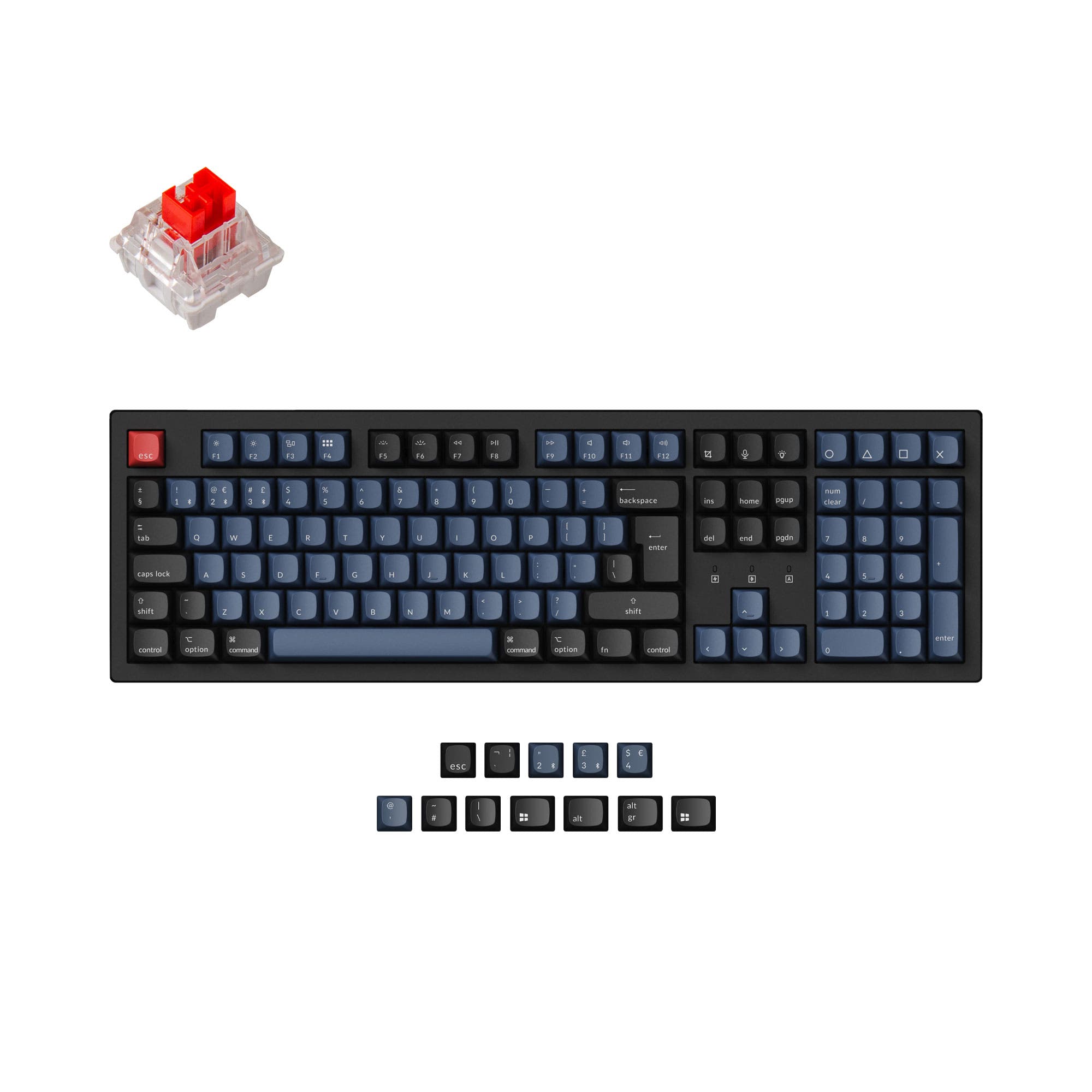
AULA F108 Pro
Full-Size
Build quality in the top 25% of 100% boards under $100.
- Includes a 1.14-inch smart LCD display for custom images and system info.
- Large 8000mAh battery capacity for extended wireless use.
- Full-size 108-key layout with a dedicated number pad.
- South-facing LEDs. Shine-through legends stay dark, and some sculpted keycaps can clip the LED.
Get the
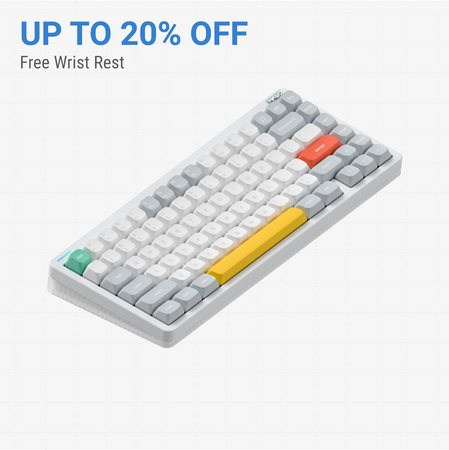
Nuphy Halo75 V2
75% Keyboard Choice
Build quality in the top 15% of 75% boards under $150.
- Premium build with an aluminum top case and POM plate.
- Supports QMK and VIA open-source firmware for deep customization.
- Compact 75% layout saves space while keeping essential keys.
- South-facing LEDs. Shine-through legends stay dark, and some sculpted keycaps can clip the LED.
- No numpad.
Your primary need dictates the choice. If you require a number pad, value a large battery and visual features like a screen and knob, and have the desk space, the AULA F108 Pro delivers significant functionality at a lower cost. If you prefer a space-saving, premium-built keyboard with unparalleled customization via QMK/VIA and a refined typing experience, the Nuphy Halo75 V2 is worth the higher investment.
The differences that matter
Skip the 40-row spec sheet. These are the specs that change how each board feels, sounds, and fits your desk.
AULA F108 Pro
Nuphy Halo75 V2
Layout size
100%
75%
Battery
8,000 mAh
4,000 mAh
A larger battery means fewer cables during the day
Case material
ABS, Plastic
ABS, Aluminum
Switch options
Linear, Silent
Mechanical
Knob
Yes
No
- AULA F108 Pro
- Nuphy Halo75 V2
- Performance
- 7779
- Build quality
- 6881
- Productivity
- 7388
- Customizability
- 7289
- Portability
- 5981
- Connection: Bluetooth, 2.4 GHz, Wired
- Hot-swappable
- Max polling rate: 1,000 Hz
- Mount style: Gasket Mount
- Sound dampening
- Keycaps: PBT
What will you mostly use it for?
The AULA F108 Pro wins for office work and content creation due to its number pad, control knob, and large battery. The Nuphy Halo75 V2 is the better choice for programming, travel, and modding thanks to its compact size, QMK/VIA support, and premium materials. For gaming, the choice depends on whether you prefer a full-size layout or a more compact form factor, as both offer high-performance wireless.
It's a tie
- Both offer a 1000Hz polling rate for responsive input.
- Both support tri-mode connectivity (2.4GHz, Bluetooth, wired).
- The AULA F108 Pro has a full-size layout for dedicated macro keys, while the Nuphy Halo75 V2 has a more compact footprint for more mouse space.
AULA F108 Pro vs Nuphy Halo75 V2 specs
Every tracked spec, side by side. Rows marked with a dot differ between the boards.
14 of 26 specs differ
AULA F108 Pro
Nuphy Halo75 V2
Switch options
Hot-swappable
Mount style
Sound dampening
Layout size
Layout standard
Ergonomics
Knob
Display
Media keys
Connection
Max polling rate
Battery
USB-C
Case material
Plate material
Keycaps
Weight
Dimensions
Typing angle
Backlight
QMK
VIA
N-key rollover
Mac & Windows
Released
Compare prices
Live prices from the stores we track, cheapest in-stock offer first.
Prices in USD are converted to your currency and can change at any time. KeebFinder may earn a commission when you buy through these links, at no extra cost to you.
Lowest price across stores, Amazon excluded.



AULA F108 Pro vs Nuphy Halo75 V2: your questions
The AULA F108 Pro has a larger 8000mAh battery, which is double the 4000mAh capacity of the Nuphy Halo75 V2. According to the vendor description, the AULA's large battery can provide up to 400 hours of use with lighting off, suggesting significantly longer wireless runtime between charges.
Yes, the Nuphy Halo75 V2 supports QMK and VIA firmware. This open-source software allows for extensive key remapping, macro creation, and lighting customization directly through a browser-based interface, as stated on the Nuphy product page.
Yes. The AULA F108 Pro features a multi-function control knob. The manufacturer states this knob can be used to adjust volume, switch connection modes, and control lighting settings.
The AULA F108 Pro is a full-size 100% keyboard with 108 keys, including a full number pad. The Nuphy Halo75 V2 is a 75% layout with 83 keys, omitting the number pad and navigation cluster to save space while keeping arrow and function keys.
Yes, both the AULA F108 Pro and the Nuphy Halo75 V2 have hot-swappable sockets. This allows you to change the mechanical switches without soldering, offering flexibility to customize the typing feel.
The Nuphy Halo75 V2 is better for small desks due to its compact 75% layout. It is 125mm shorter in length than the full-size AULA F108 Pro, freeing up considerable space for your mouse and other peripherals.
The Nuphy Halo75 V2 features a premium construction with an aluminum top case and an ABS bottom case. It also uses a POM plate, which contributes to its sound and typing feel.
Yes. The specifications for the AULA F108 Pro list support for Windows, Mac, iOS, and Android systems, confirming compatibility with macOS.
Yes. The Nuphy Halo75 V2 is available with Silent Red Clear-Top switches from Cherry, which are designed for quiet operation, as well as linear and tactile options from their own Herb series.
The AULA F108 Pro includes a 1.14-inch smart LCD display. According to the vendor, this screen can show custom images, GIFs, time, calendar, and battery status.
The Nuphy Halo75 V2 product page mentions over 40 backlight modes and advanced Halolight 2.0 with side column lighting. The AULA F108 Pro has south-facing RGB lighting, but the number of specific effects is not detailed in the provided information.
The Nuphy Halo75 V2 does not include a wrist rest in the standard box, but the vendor offers matching Twotone acrylic and wooden wrist rests for separate purchase. The AULA F108 Pro listing does not mention an included wrist rest.
Not sold on either?




Still torn?
Answer a few quick questions and the keyboard finder ranks 2,000+ boards by how you will actually use yours.