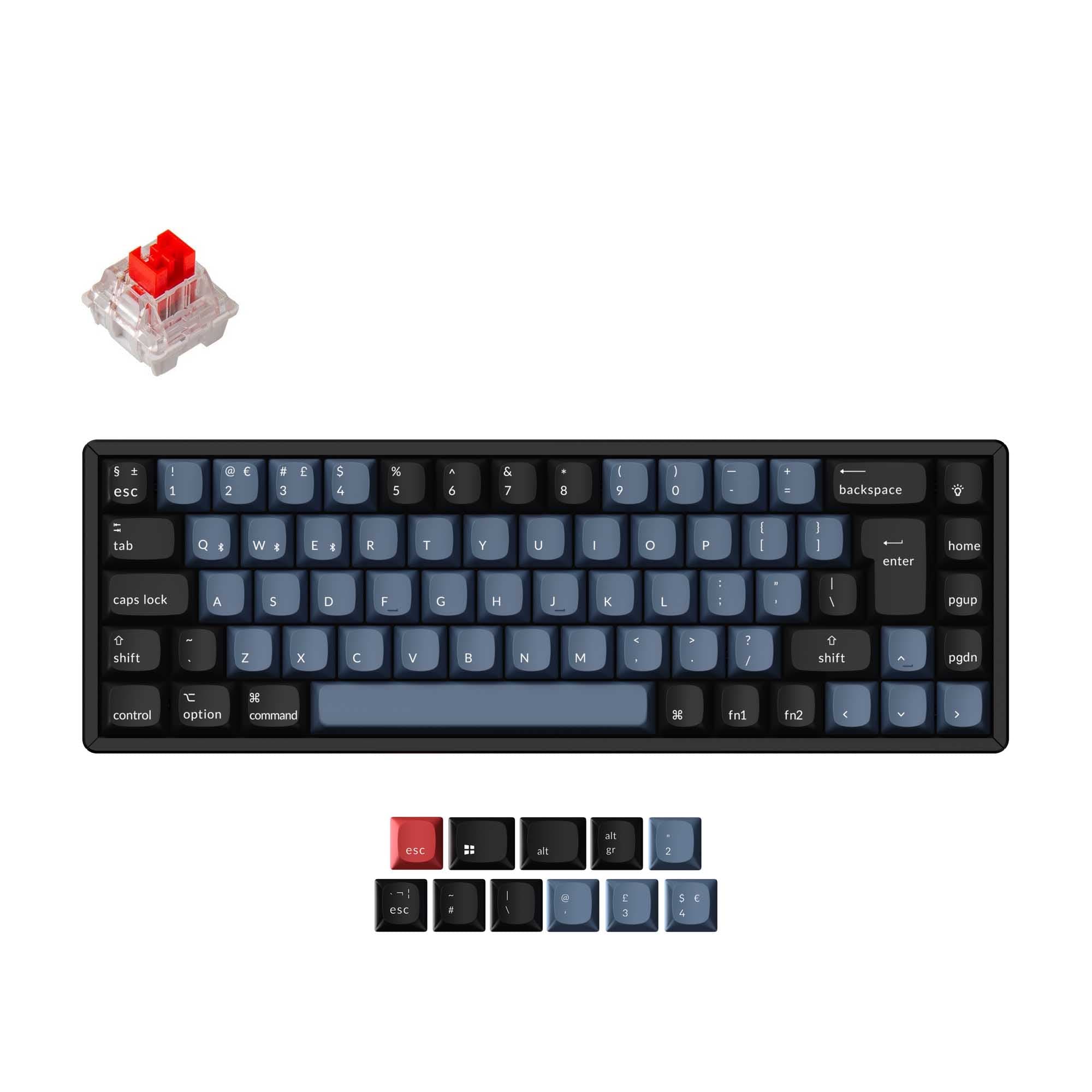
AULA F65 vs F68
Choose the AULA F65 for its 4000mAh battery, 1000Hz polling rate, and polycarbonate plate, or the AULA F68 for its knob support, N-key rollover, and PC keycaps.
Prices checked Nov 20, 2026. KeebFinder may earn a commission when you buy through these links, at no extra cost to you.
Battery

Knob

Which one should you get?
Get the
AULA F65
Battery
Build quality in the bottom 50% of 65% boards under $50.
If you want
- 4000mAh battery and a stated 1000Hz polling rate.
- Polycarbonate plate with flex cuts and a vendor-described five-layer sound-dampening design.
- South-facing RGB lighting and a side RGB bar, according to the vendor.
Rules this board out
- South-facing LEDs. Shine-through legends stay dark, and some sculpted keycaps can clip the LED.
Get the
AULA F68
Knob
Build quality in the top 50% of 65% boards under $150.
If you want
- Knob support and N-key rollover on all keys.
- PC keycaps, listed with a GDR profile by the vendor.
- Vendor-described RGB effects that can respond to game or music audio.
Bottom line
Get the AULA F65 for its larger 4000mAh battery, stated 1000Hz polling rate, and flex-cut polycarbonate plate. Get the AULA F68 for knob support, N-key rollover, PC keycaps, and audio-reactive RGB effects. If shine-through keycap legends matter, factor in the F65's south-facing LED limitation.
The differences that matter
- Battery
4,000 mAh
2,800 mAh
A larger battery means fewer cables during the day - Case material
ABS
Plastic
- Knob
No
Yes
- Weight
800 g
813 g
Heavier boards stay planted and lighter ones travel - Plate material
Polycarbonate
Plastic
KeebFinder scores
How we score- AULA F65
- AULA F68
- Performance
- 5773
- Build quality
- 6463
- Productivity
- 6079
- Customizability
- 5671
- Portability
- 8290
What they share
- Layout size: 65%
- Connection: Bluetooth, 2.4 GHz, Wired
- Hot-swappable
- Mount style: Gasket Mount
- Sound dampening
What will you mostly use it for?
For gaming, pick the AULA F65
- The F65 lists a 1000Hz polling rate and the vendor describes its connections as low-latency.
- The F68 specifies N-key rollover on all keys, a useful feature for handling simultaneous key presses.
AULA F65 vs F68 specs
13 of 21 specs differ
 |  | |
| AULA F65$41 | AULA F68$119 | |
|---|---|---|
| Typing & switches | ||
| Hot-swappable | Yes | Yes |
| Mount style | Gasket Mount | Gasket Mount |
| Sound dampening | Yes | Yes |
| Layout | ||
| Layout size | 65% | 65% |
| Layout standard | ANSI | ANSI |
| Ergonomics | Standard | Standard |
| Knob (differs) | No | Yes |
| Display | None | None |
| Connectivity & battery | ||
| Connection | Bluetooth, 2.4 GHz, Wired | Bluetooth, 2.4 GHz, Wired |
| Max polling rate (differs) | 1,000 Hz | Not specified |
| Battery (differs) | 4,000 mAhBest | 2,800 mAh |
| USB-C (differs) | No | Yes |
| Build & materials | ||
| Case material (differs) | ABS | Plastic |
| Plate material (differs) | Polycarbonate | Plastic |
| Keycaps (differs) | Not specified | PC |
| Weight (differs) | 800 g | 813 g |
| Dimensions (differs) | 44 x 116 x 325 mm | 45 x 129 x 329 mm |
| Backlight (differs) | RGB, south-facing | RGB |
| Firmware & software | ||
| N-key rollover (differs) | No | Yes |
| Mac & Windows (differs) | No | Yes |
| Extras | ||
| Released (differs) | 2026 | 2023 |
Compare prices
Prices in USD are converted to your currency and can change at any time. KeebFinder may earn a commission when you buy through these links, at no extra cost to you.
Lowest price across stores, Amazon excluded.
- Price now
- $41
- Lowest in range
- $41Oct 31
- Highest in range
- $59Aug 29
Price in USD
- Check on Amazon
AmazonGlobal
Check price


- Check on Amazon
AmazonGlobal
Check price