Not sure which keyboard to choose? Try the Keyboard Finder now!

Compare AULA L99 vs Monsgeek M1 V5 Differences Side by Side

This comparison is for buyers deciding between a feature-packed keyboard with a screen and a solid foundation for customization. The AULA L99 offers a unique 3.98-inch IPS touchscreen and a high 8000Hz polling rate. The Monsgeek M1 V5 counters with a CNC aluminum case, VIA software support, and a knob. The decision hinges on whether you prioritize a multimedia hub or a durable, enthusiast-grade platform.

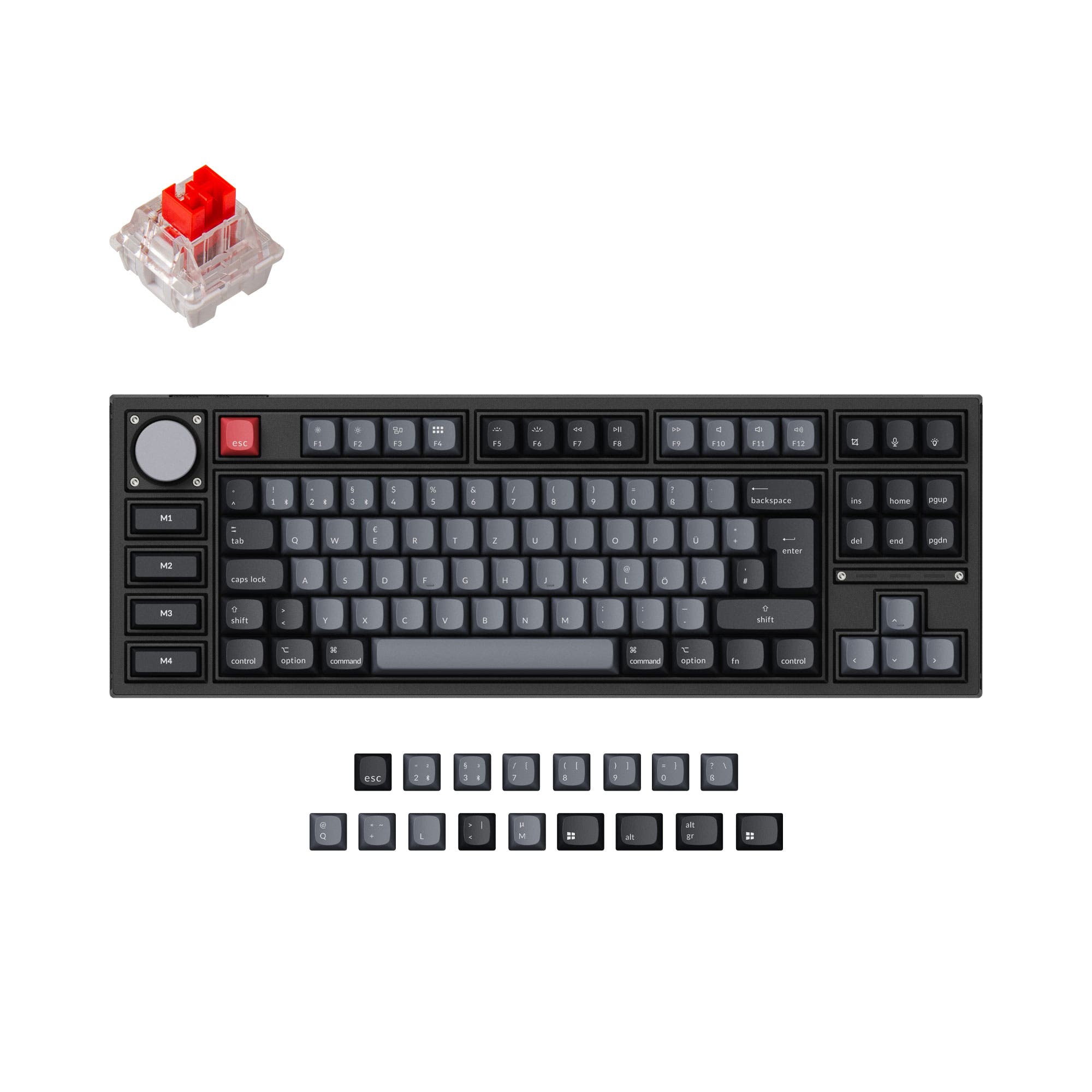
66
AULA L99 Tri-mode Mechanical Keyboard with 3.98" Smart Touchscreen
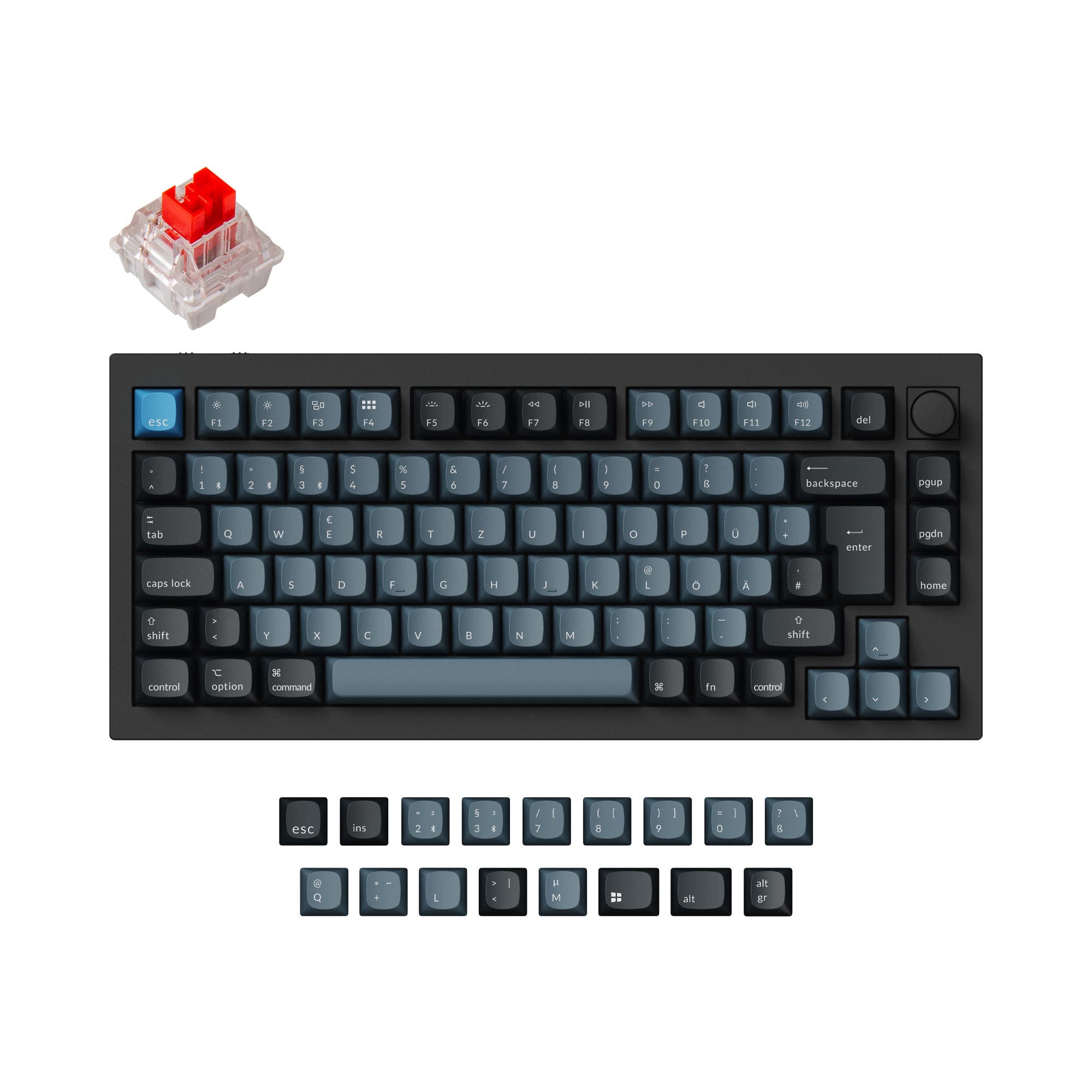
81
Monsgeek M1 V5 VIA DIY Kit (ISO)

Select a keyboard to compare

0.0 (0)
0.0 (0)
  • Has Linear switch options
  • Available in a 98% layout
  • Built with the ANSI layout standard
  • Includes a Yes, IPS display
  • Features N-key rollover
  • Supports Bluetooth, 2.4 GHz, Wired, Wireless, connectivity
  • Runs at a 8000 Hz polling rate
  • Weighs about 1500 g
  • Sized at 53 x 420 x 180 mm
  • Offers Yes, Rgb RGB lighting
  • Available in a Unknown layout
  • Built with the ISO, ISO-DE, ANSI, ISO-UK, ISO-Nordic layout standard
  • Comes with a knob
  • Includes a No display
  • Supports VIA configuration
  • Supports Bluetooth, 2.4 GHz, Wired, Wireless connectivity
  • Runs at a 1000 Hz polling rate
  • Weighs about 1875 g
  • Sized at 33 x 333 x 146 mm
  • Made with a Aluminum case
  • Offers Yes, Rgb, South-face, Rgb South-face RGB lighting
Scores
  • Performance: 83.6
  • Build Quality: 52.4
  • Productivity: 76.8
  • Customizability: 68.1
  • Portability: 63.4
Scores
  • Performance: 65.2
  • Build Quality: 79.9
  • Productivity: 85
  • Customizability: 85.7
  • Portability: 66.9
Name
AULA L99
Name
Monsgeek M1 V5
Release year
2025
Release year
2025
Switch Options
Linear
Switch Options
-
Profile
Normal Profile
Profile
Normal Profile
Hot Swappable
 
Hot Swappable
 
Layout Size
98%
Layout Size
Unknown
Layout Standard
ANSI
Layout Standard
ISO, ISO-DE, ANSI, ISO-UK, ISO-Nordic
Layout Ergonomics
Normal
Layout Ergonomics
Normal
Knob Support
 
Knob Support
 
Display Support
 
IPS
Display Support
 
Mac/Win Support
 
Mac/Win Support
 
Multi-Media Keys
 
Multi-Media Keys
 
USB-C
 
USB-C
 
USB passthrough
 
USB passthrough
 
Connection
Bluetooth, 2.4 GHz, Wired, Wireless,
Connection
Bluetooth, 2.4 GHz, Wired, Wireless
Polling Rate
8000 Hz
Polling Rate
1000 Hz
Battery capacity
8000 mAh
Battery capacity
8000 mAh
Hall Effect Support
 
Hall Effect Support
 
QMK Support
 
QMK Support
 
VIA Support
 
VIA Support
 
VIAL Support
 
VIAL Support
 
N-Key Rollover
 
N-Key Rollover
 
Rapid Trigger
 
Rapid Trigger
 
Mount Style
Gasket Mount
Mount Style
Gasket Mount
Screw in Stabilizers
 
Screw in Stabilizers
 
Sound Dampening
 
Sound Dampening
 
Backlight
 
Rgb
Backlight
 
Rgb, South-face
Case Colors
Case Colors
Case Material
-
Case Material
Aluminum
Keycaps Material
PBT
Keycaps Material
PBT
Dimensions
53 x 420 x 180 mm
Dimensions
33 x 333 x 146 mm
Weight
1500g
Weight
1875g
*Something incorrect or missing? Please
let me know
!

Pros and Trade-offs

Your primary need dictates the choice. If you want a unique, all-in-one peripheral with a high refresh rate for gaming and multimedia, the AULA L99 is compelling. If you value a sturdy aluminum foundation, extensive programmability with VIA, and plan to customize your switches and keycaps extensively, the Monsgeek M1 V5 is the superior platform, assuming you can find it in stock.

AULA L99

  • +3.98-inch IPS touchscreen for multimedia and utility functions.
  • +Very high 8000Hz polling rate for competitive gaming.
  • +Compact 84-key layout saves desk space.
  • +Includes N-key rollover for accurate key registration.
  • +Comes pre-built and ready to use.

  • Build materials are not specified as aluminum, suggesting a plastic construction.
  • Driver software is noted by a reviewer as being hard to use.
  • Lacks the explicit VIA software support found on the M1 V5.
  • No mention of a knob for media control.

Monsgeek M1 V5

  • +CNC-milled aluminum case for a premium, durable build.
  • +Full VIA software support for easy key remapping and macros.
  • +Sold as a DIY kit with knob support and PORON plate foam.
  • +Supports a wide range of layout standards (ISO-DE, ISO-UK, etc.).
  • +Features a rapid disassemble mechanism for easy modding.

  • Lower 1000Hz polling rate compared to the AULA L99.
  • Heavier at 1875g, making it less portable.
  • No integrated screen for additional functionality.
  • Currently listed as out of stock at the time of writing.

Which Keyboard Is Better for Your Needs?

The AULA L99 wins for gaming and content creation due to its high polling rate and versatile screen, and is slightly better for travel. The Monsgeek M1 V5 is the clear choice for modding and programming, thanks to its barebones nature and VIA support. For office use, both are equally capable with their wireless options and quiet typing features.

GamingAULA L99
  • Higher 8000Hz polling rate for potentially lower latency.
  • Includes N-key rollover for simultaneous key presses.
  • The integrated screen can display system stats or animations.
OfficeTie
  • Both offer tri-mode connectivity (wired, 2.4GHz, Bluetooth) for flexibility.
  • Both have sound-dampening features for quieter environments.
  • The AULA L99's screen can function as a calculator, while the M1 V5's knob offers quick media control.
ProgrammingMonsgeek M1 V5
  • Full VIA support allows for deep key remapping and macro creation.
  • Supports multiple layout standards (ANSI, ISO-DE, ISO-UK, ISO-Nordic).
  • South-facing RGB LEDs ensure compatibility with more keycap profiles.
TravelAULA L99
  • Slightly lighter weight at 1500g compared to 1875g.
  • Smaller dimensions (420mm length vs 333mm) may fit some bags better.
  • The integrated screen provides functionality without needing external devices.
ModdingMonsgeek M1 V5
  • Sold as a DIY kit/barebones, designed for custom builds.
  • Includes VIA support, knob support, and a rapid disassemble mechanism.
  • Features a CNC aluminum case and comes with PORON plate foam.
Content CreationAULA L99
  • The touchscreen can display media controls, timers, or reference images.
  • High polling rate may benefit fast-paced editing workflows.
  • Vendor description mentions the screen can simulate mouse movement for precise control.

Frequently Asked Questions (FAQ)


Discover similar products

You might also like similar products in that price range:

84
$85
EPOMAKER QK108
Epomaker QK108
100%,
Hotswap,
Wireless,
Screen,
RGB,
Knob,
VIA,
Gasket Mount

99
$129
Keychron K2 HE Wireless Magnetic Switch Custom Keyboard
Keychron K2 HE
75%,
Hotswap,
Wireless,
Wired,
RGB/ White LEDs,
Knob,
VIA,
QMK,
HE,
Rapid trigger,
Alu case,
Tray Mount

86
$80
YUNZII IF99 QMK/VIA Full Size LCD Mechanical Keyboard
Yunzii IF99
95%,
Hotswap,
Wireless,
Screen,
RGB,
VIA,
QMK,
Gasket Mount

100
$160
Keychron Q1 HE QMK Wireless Custom Keyboard ISO Layout Collection
Keychron Q1 HE
75%,
Hotswap,
Wireless,
Wired,
RGB/ White LEDs,
Knob,
VIA,
QMK,
HE,
Rapid trigger,
Alu case,
Gasket Mount

82
$84
ARTEMIS K719 PRO Graffiti Keyboard
Redragon Artemis K719 Pro
90%,
Hotswap,
Wireless,
Screen,
RGB,
Knob,
Gasket Mount

-28% off
94
$221$159
Keychron Q6 Pro QMK/VIA Wireless Custom Mechanical Keyboard ISO Layout Collection
Keychron Q6 Pro
100%,
Hotswap,
Wireless,
Wired,
RGB,
Knob,
VIA,
QMK,
Alu case,
Gasket Mount

76
$89
EPOMAKER TH108 PRO
Epomaker TH108 Pro
100%,
Hotswap,
Wireless,
Screen,
RGB,
Knob,
Gasket Mount

96
$149
Keychron Q3 Pro QMK/VIA Wireless Custom Mechanical Keyboard ISO Layout Collection
Keychron Q3 Pro
80%,
Hotswap,
Wireless,
Wired,
RGB,
Knob,
VIA,
QMK,
Alu case,
Gasket Mount

76
$90
EPOMAKER TH108 V2 PRO
Epomaker TH108 V2 PRO
100%,
Hotswap,
Wireless,
Screen,
RGB,
Knob,
Gasket Mount

93
$149
Keychron Q2 Pro QMK/VIA Wireless Custom Mechanical Keyboard (US Layout)
Keychron Q2 Pro
65%,
Hotswap,
Wireless,
Wired,
RGB,
Knob,
VIA,
QMK,
Alu case,
Gasket Mount