Not sure which keyboard to choose? Try the Keyboard Finder now!

Compare AULA WIN60 vs Monsgeek FUN60 Pro HE Differences Side by Side

This comparison is for buyers deciding between two affordable 60% keyboards with Hall effect magnetic switches. The choice is difficult because both offer high 8000 Hz polling rates for gaming but diverge sharply in connectivity and intended use. The AULA is a wired-only board packed with gaming-specific software features, while the Monsgeek adds tri-mode wireless flexibility. Your decision hinges on whether you prioritize a tangle-free desk or advanced gaming customization.

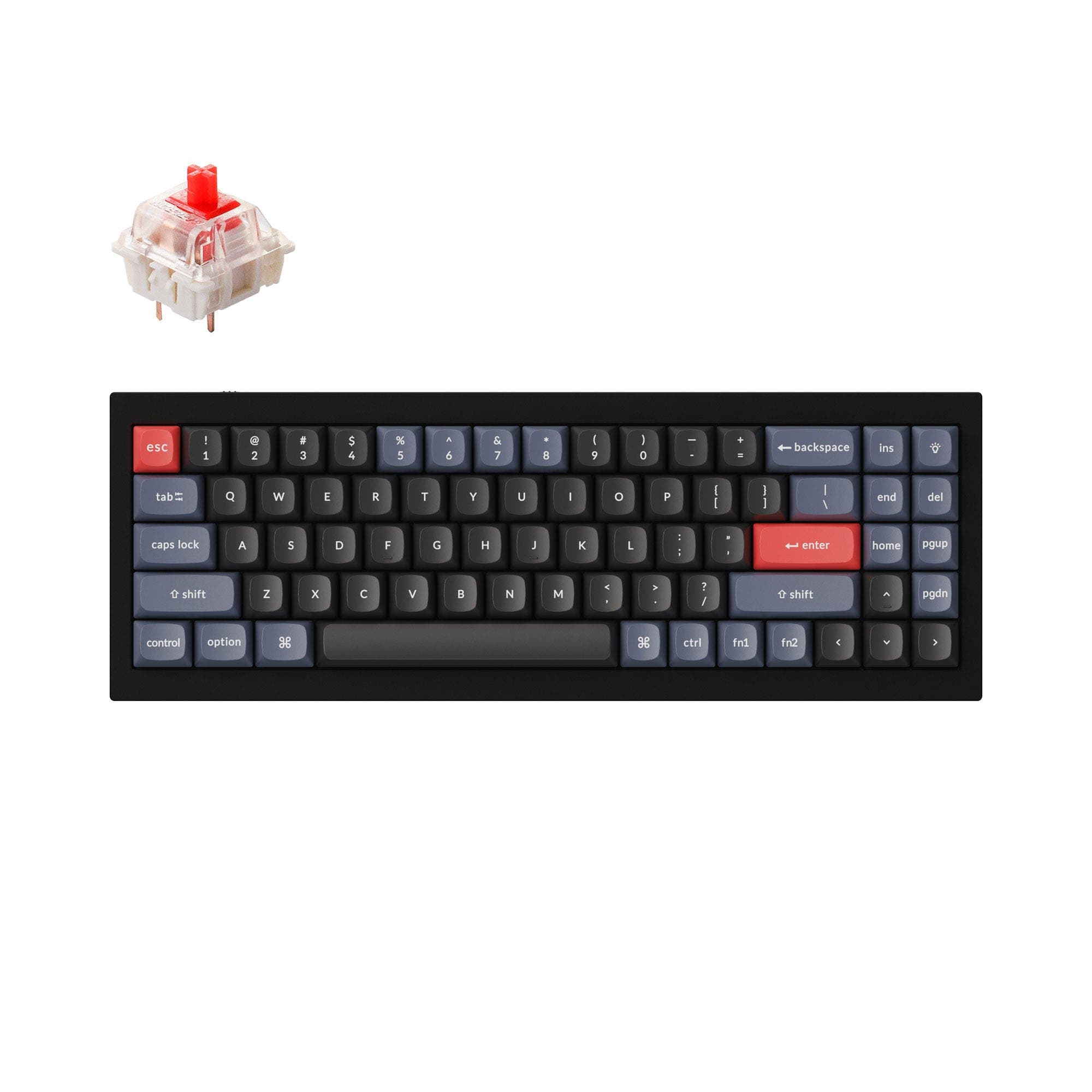
AULA WIN60 Magnetic Switch Wired Gaming Keyboard
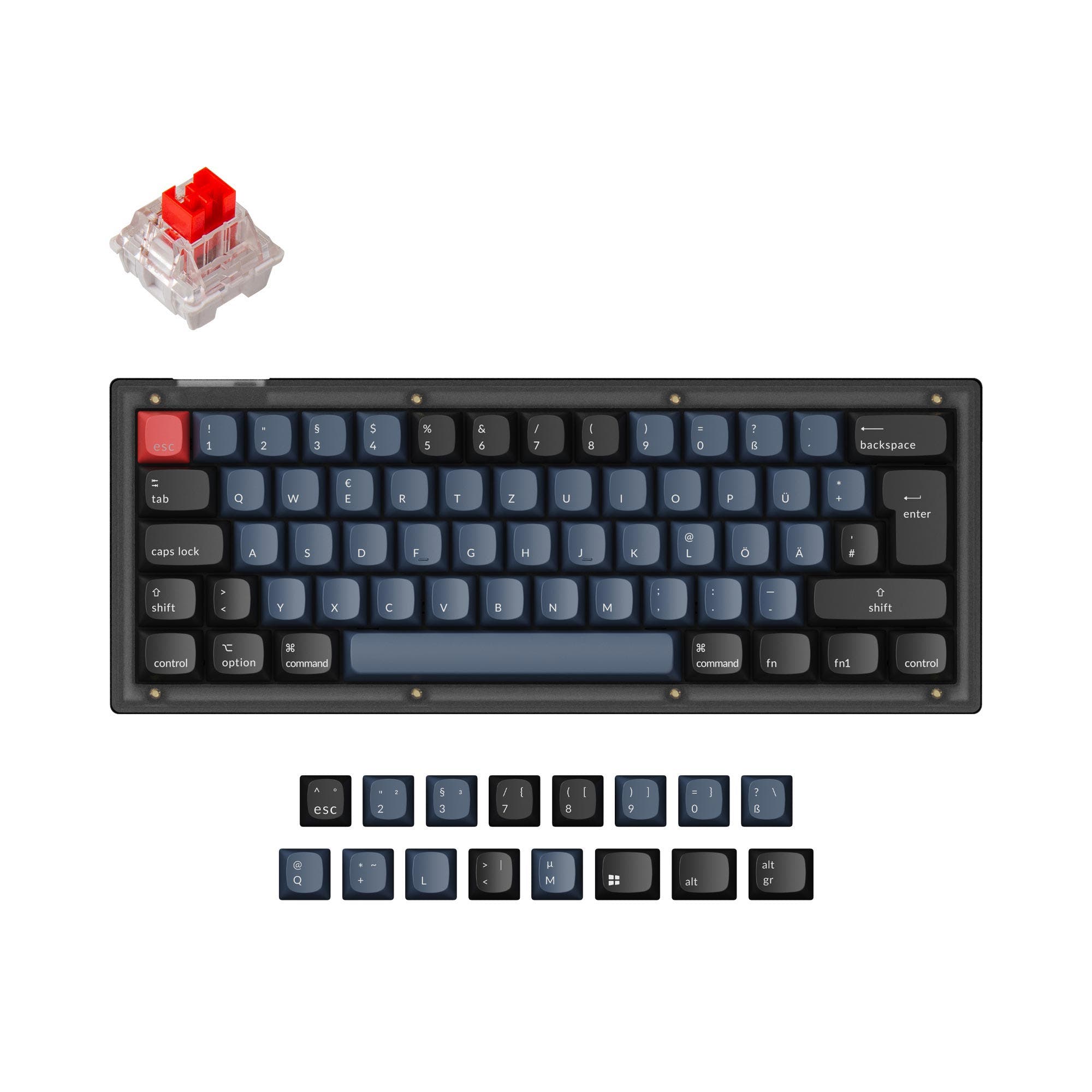
Monsgeek FUN60 Pro HE (ISO)

Select a keyboard to compare

0.0 (0)
0.0 (0)
  • Released in 2024
  • Has Linear, Magnetic switch options
  • Built with the ANSI layout standard
  • Compatible with both Mac and Windows
  • Has built-in sound dampening
  • Supports Wired, Wired only connectivity
  • Weighs about 630 g
  • Sized at 37 x 109 x 302 mm
  • Made with a Plastic case
  • Released in 2025
  • Has Magnetic switch options
  • Built with the ISO layout standard
  • Uses a Tray Mount mounting style
  • Supports Bluetooth, 2.4 GHz, Wired, Wireless connectivity
  • Made with a ABS case
  • Features PBT keycaps
Scores
  • Performance: 84.5
  • Build Quality: 46.5
  • Productivity: 72.1
  • Customizability: 52.8
  • Portability: 71.2
Scores
  • Performance: 84.7
  • Build Quality: 50.5
  • Productivity: 44.8
  • Customizability: 46
  • Portability: 78.3
Name
AULA WIN60
Name
Monsgeek FUN60 Pro HE
Release year
2024
Release year
2025
Switch Options
Linear, Magnetic
Switch Options
Magnetic
Profile
Normal Profile
Profile
Normal Profile
Hot Swappable
 
Hot Swappable
 
Layout Size
60%
Layout Size
60%
Layout Standard
ANSI
Layout Standard
ISO
Layout Ergonomics
Normal
Layout Ergonomics
Normal
Knob Support
 
Knob Support
 
Display Support
 
Display Support
 
Mac/Win Support
 
Mac/Win Support
 
Multi-Media Keys
 
Multi-Media Keys
 
USB-C
 
USB-C
 
USB passthrough
 
USB passthrough
 
Connection
Wired, Wired only
Connection
Bluetooth, 2.4 GHz, Wired, Wireless
Polling Rate
8000 Hz
Polling Rate
8000 Hz
Battery capacity
-
Battery capacity
-
Hall Effect Support
 
Hall Effect Support
 
QMK Support
 
QMK Support
 
VIA Support
 
VIA Support
 
VIAL Support
 
VIAL Support
 
N-Key Rollover
 
N-Key Rollover
 
Rapid Trigger
 
Rapid Trigger
 
Mount Style
-
Mount Style
Tray Mount
Screw in Stabilizers
 
Screw in Stabilizers
 
Sound Dampening
 
Sound Dampening
 
Backlight
 
Rgb
Backlight
 
Rgb
Case Colors
Case Colors
Case Material
Plastic
Case Material
ABS
Keycaps Material
-
Keycaps Material
PBT
Dimensions
37 x 109 x 302 mm
Dimensions
-
Weight
630g
Weight
-
*Something incorrect or missing? Please
let me know
!

Pros and Trade-offs

Select the AULA WIN60 if you want a wired, gaming-centric keyboard with deep software customization for titles that benefit from rapid trigger and other advanced features. Opt for the Monsgeek FUN60 Pro HE if your priority is wireless freedom to use the keyboard with multiple devices in a clean, cable-free setup, and you prefer an ISO layout. Both deliver the core benefits of Hall effect switches and high polling rates.

AULA WIN60

  • +Includes advanced gaming features like RT adjustment, DKS, and SOCD cleaning.
  • +Comes with PO sandwich cotton and bottom cotton pre-installed for sound dampening.
  • +Offers multiple magnetic switch variants (Yongchun, Graywood, XingYi) with different actuation specs.
  • +Boasts a 0% dead zone for key adjustments according to the manufacturer.
  • +Available at a generally lower price point.

  • Wired-only connectivity limits desk setup flexibility.
  • Uses an ANSI layout, which may not be preferred in all regions.
  • Case material is listed as plastic, which may feel less premium.

Monsgeek FUN60 Pro HE

  • +Features tri-mode wireless connectivity (Bluetooth, 2.4 GHz, and Wired).
  • +Comes with PBT double-shot shine-through keycaps for better durability.
  • +Uses an ISO layout, catering to a specific user base.
  • +Listing mentions pre-lubed and demagnetized stabilizers.
  • +Described as 'compact & light' for portability.

  • Lacks the specific gaming software features (e.g., Beast Mode) mentioned for the AULA.
  • The vendor listing indicates it may be out of stock.
  • Does not mention included sound-dampening foam in its specifications.

Which Keyboard Is Better for Your Needs?

The Monsgeek FUN60 Pro HE wins for mobile and multi-device scenarios like travel and office use due to its wireless tri-mode connectivity. The AULA WIN60 is the stronger pick for dedicated gaming setups and modding, thanks to its extensive gaming software features and pre-installed sound-dampening materials. For programming, the choice is even, hinging on personal preference for layout (ANSI vs ISO) and the value placed on wireless freedom versus the AULA's gaming extras.

GamingAULA WIN60
  • The vendor page highlights advanced gaming features like RT, RS, DKS, and SOCD cleaning.
  • It boasts a 0% dead zone adjustment according to its product description.
  • It includes PO sandwich cotton and bottom cotton for sound dampening as standard.
OfficeMonsgeek FUN60 Pro HE
  • The Monsgeek offers tri-mode connectivity (Bluetooth, 2.4 GHz, Wired) for easy switching between devices.
  • Its ISO layout may be preferred in certain European office environments.
  • It includes PBT double-shot shine-through keycaps, which are more durable against shine.
ProgrammingTie
  • Both use a compact 60% layout, requiring layers or a separate numpad for efficient programming.
  • Both feature Hall effect switches with adjustable actuation for personalized typing feel.
  • Both offer full key remapping via software, according to their respective listings.
TravelMonsgeek FUN60 Pro HE
  • The Monsgeek's wireless connectivity eliminates the need for a cable when on the go.
  • Its listing describes it as 'compact & light'.
  • Bluetooth support allows for easy pairing with laptops or tablets.
ModdingAULA WIN60
  • The AULA WIN60 listing mentions multiple switch options (XingYi, Graywood, Yongchun) with different specs.
  • It comes with a steel or aluminum plate and includes sound-dampening foam layers pre-installed.
  • The vendor page lists different versions (PRO, Standard, Max) with varying features for customization.
Content CreationMonsgeek FUN60 Pro HE
  • Wireless connectivity reduces desk clutter for a cleaner workspace setup.
  • The ability to quickly switch between a PC and a tablet via Bluetooth or 2.4 GHz is useful for multi-device workflows.
  • PBT keycaps offer a textured feel that some typists prefer for long writing sessions.

Frequently Asked Questions (FAQ)


Discover similar products

You might also like similar products in that price range:

70
$40
ATTACK SHARK X68 HE Wired Gaming Keyboard Rapid Trigger Magnetic Switch
ATTACK SHARK X68 HE
65%,
Hotswap,
Wired,
RGB,
HE,
Rapid trigger,
Alu case

60
$85
Neo65 Sonic HE+ - 65% Aluminium Hall Effect Keyboard
Qwertykeys Neo65 Sonic HE
65%,
Wired,
RGB,
HE,
Rapid trigger,
Alu case,
Gasket Mount

91
$39
Keychron V4 QMK Custom Mechanical Keyboard ISO Layout Collection
Keychron V4
60%,
Hotswap,
Wired,
RGB,
Knob,
VIA,
QMK,
Tray Mount

-10% off
76
$86$77
Gamakay TK75HE V2 Hall Effect keyboard 8K Polling Rate 0.005mm RT Accuracy
Gamakay TK75HE V2
75%,
Hotswap,
Wireless,
Screen,
RGB,
Knob,
HE,
Rapid trigger,
Top Mount

69
$39
VTER Fighting68 Wired Magnetic Switch Gaming Keyboard
VTER Fighting68
65%,
Hotswap,
Wired,
RGB,
HE,
Alu case

93
$62
Keychron K6 Pro QMK/VIA Wireless Mechanical Keyboard ISO Layout Collection
Keychron K6 Pro
65%,
Hotswap,
Wireless,
Wired,
RGB/ White LEDs,
VIA,
QMK,
Alu case,
Tray Mount

79
$36
SKYLOONG GK75 Rainbow Mechanical Knob Keyboard
Skyloong GK75
75%,
Hotswap,
Wireless,
Wired,
RGB/ White LEDs,
Knob,
Alu case,
Gasket Mount

93
$59
Keychron Q8 (Alice Layout) QMK Custom Mechanical Keyboard
Keychron Q8
65%,
Hotswap,
Wired,
RGB,
Knob,
VIA,
QMK,
Alu case,
Gasket Mount