Not sure which keyboard to choose? Try the Keyboard Finder now!

Compare Redragon AZURE K652 vs HORUS K622 Differences Side by Side

This comparison is for buyers deciding between two similarly priced Redragon low-profile keyboards. The choice is difficult because both offer compact layouts and RGB backlighting, but they diverge sharply on connectivity and layout philosophy. The AZURE K652 is a 75% wireless board, while the HORUS K622 is an 80% TKL wired model with extra macro keys. Your decision hinges on whether you prioritize cable-free use or a more traditional layout with added functionality.

64
AZURE K652 Wireless Mechanical Keyboard for Mac
73
HORUS K622 Wired TKL Low Profile Keyboard

Select a keyboard to compare

0.0 (0)
0.0 (0)
  • Released in 2023
  • Available in a 75% layout
  • Compatible with both Mac and Windows
  • Supports Bluetooth, 2.4 GHz, Wired, Wireless connectivity
  • Weighs about 494 g
  • Made with a Aluminum, Plastic case
  • Released in 2021
  • Supports hot-swappable switches
  • Available in a 80% layout
  • Comes with a knob
  • Supports Wired, Wired only connectivity
  • Weighs about 500 g
  • Made with a Aluminum case
Scores
  • Performance: 75.1
  • Build Quality: 61.6
  • Productivity: 69.1
  • Customizability: 54.2
  • Portability: 78.7
Scores
  • Performance: 80.7
  • Build Quality: 70.5
  • Productivity: 68.9
  • Customizability: 69.2
  • Portability: 56.5
Name
Redragon AZURE K652
Name
Redragon HORUS K622
Release year
2023
Release year
2021
Switch Options
Clicky, Tactile, Linear
Switch Options
Clicky, Tactile, Linear
Profile
Low Profile
Profile
Low Profile
Hot Swappable
 
Hot Swappable
 
Layout Size
75%
Layout Size
80%
Layout Standard
ANSI
Layout Standard
ANSI
Layout Ergonomics
Normal
Layout Ergonomics
Normal
Knob Support
 
Knob Support
 
Display Support
 
Display Support
 
Mac/Win Support
 
Mac/Win Support
 
Multi-Media Keys
 
Multi-Media Keys
 
USB-C
 
USB-C
 
USB passthrough
 
USB passthrough
 
Connection
Bluetooth, 2.4 GHz, Wired, Wireless
Connection
Wired, Wired only
Polling Rate
-
Polling Rate
-
Battery capacity
-
Battery capacity
-
Hall Effect Support
 
Hall Effect Support
 
QMK Support
 
QMK Support
 
VIA Support
 
VIA Support
 
VIAL Support
 
VIAL Support
 
N-Key Rollover
 
N-Key Rollover
 
Rapid Trigger
 
Rapid Trigger
 
Mount Style
Bottom Mount
Mount Style
Bottom Mount
Screw in Stabilizers
 
Screw in Stabilizers
 
Sound Dampening
 
Sound Dampening
 
Backlight
 
Rgb
Backlight
 
Rgb
Case Colors
Case Colors
Case Material
Aluminum, Plastic
Case Material
Aluminum
Keycaps Material
-
Keycaps Material
-
Dimensions
-
Dimensions
-
Weight
494g
Weight
500g
*Something incorrect or missing? Please
let me know
!

Pros and Trade-offs

Your primary need dictates the choice. If you must have wireless connectivity for a clean desk or device switching, the Redragon AZURE K652 is the necessary pick. If you prioritize a stable wired connection for gaming or work, and want features like macro keys and hot-swap capability, the Redragon HORUS K622 is the more functional board. Both are competent low-profile options at a similar price point.

Redragon AZURE K652

  • +Tri-mode wireless connectivity (Bluetooth, 2.4GHz, and wired).
  • +More compact 75% layout for greater desk space.
  • +Includes an extra full set of keycaps for customization.
  • +Battery level indicator via key combination.
  • +Lightweight design at 494 grams.

  • Lacks hot-swap capability for switches.
  • No dedicated macro keys or media knob.
  • Wireless operation requires battery management.

Redragon HORUS K622

  • +Hot-swappable switch sockets for easy customization.
  • +Includes four dedicated macro keys and a multi-function scroll knob.
  • +Wired connection for consistent, lag-free performance.
  • +Fully aluminum case construction.
  • +Traditional TKL layout with a dedicated function row.

  • Wired-only, offering no wireless flexibility.
  • Larger and slightly heavier footprint than the 75% AZURE.
  • Does not include extra keycaps in the package.

Which Keyboard Is Better for Your Needs?

The AZURE K652 is the clear choice for mobile professionals and office users who value wireless connectivity and a minimalist desk. The HORUS K622 is better suited for gamers and power users who prefer a stable wired connection, dedicated macro keys, and hot-swap modding potential. For programming, the choice is a toss-up based on layout preference, as both share low-profile ergonomics.

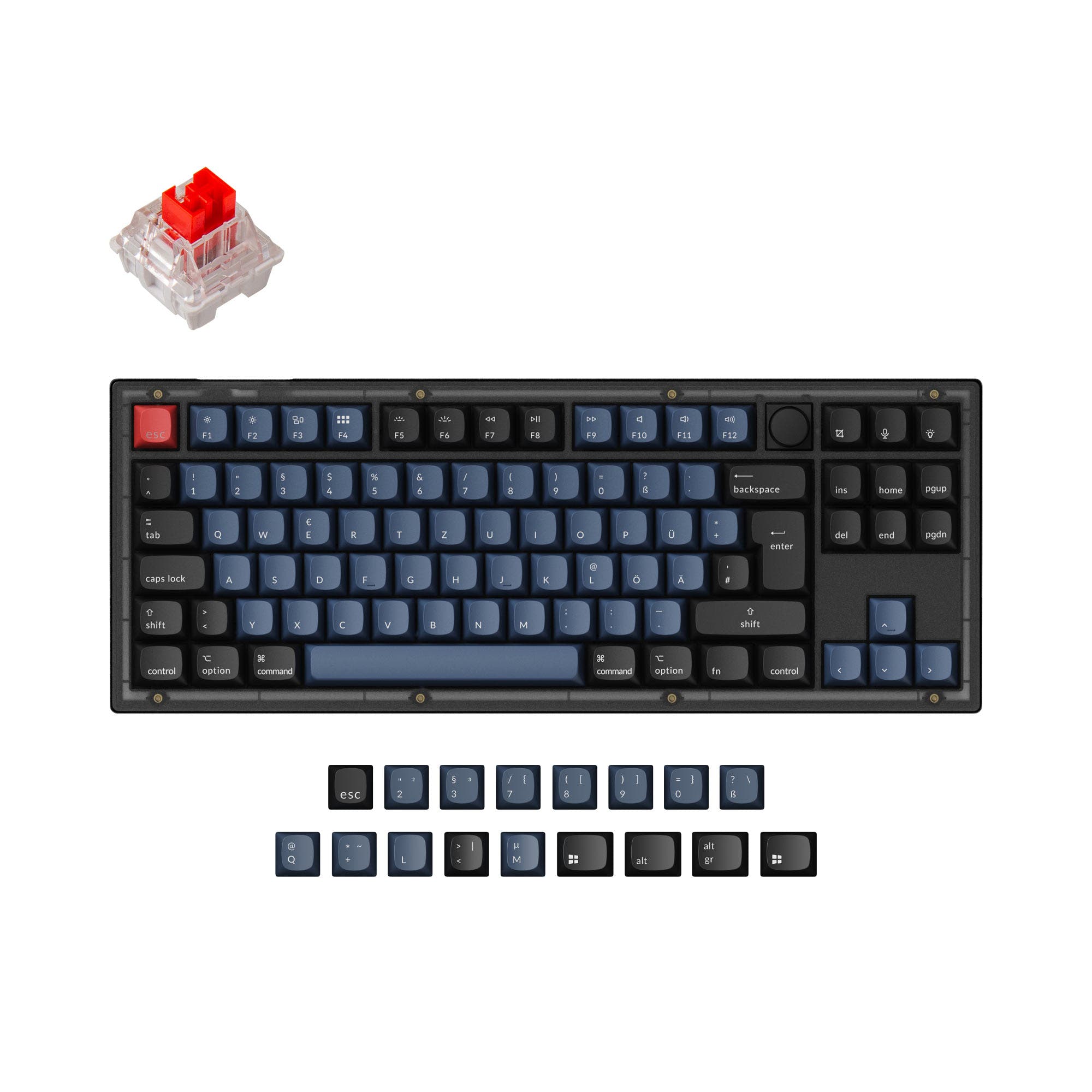
GamingRedragon HORUS K622
  • The HORUS K622 is a wired-only connection, which the manufacturer states blocks signal interference and removes concerns of cordless delay.
  • It includes four dedicated macro keys for on-the-fly commands, which can be useful for gaming.
  • Its 80% TKL layout provides more space for mouse movement compared to a full-size board.
OfficeRedragon AZURE K652
  • The AZURE K652 offers tri-mode connectivity (Bluetooth, 2.4GHz, wired), allowing easy switching between devices.
  • Its 75% layout is more compact for a cleaner desk, and it includes a full set of extra keycaps for customization.
  • The vendor description highlights 100% support for both Windows and Mac systems.
ProgrammingTie
  • Both keyboards are low-profile, which may reduce wrist strain during long typing sessions.
  • Both offer N-key rollover for accurate key presses.
  • The AZURE K652 has a slightly more compact 75% layout, while the HORUS K622 has a dedicated function row in its TKL design.
TravelRedragon AZURE K652
  • The AZURE K652 is wireless and lighter at 494g, making it more portable.
  • Its 75% layout (12.5 x 5.0 inches) is more compact than the HORUS K622's 80% layout (14.0 x 5.8 inches).
  • Bluetooth connectivity allows it to be used without a dongle or cable on the go.
ModdingRedragon HORUS K622
  • The HORUS K622 is listed as hot-swappable in its metadata, allowing for easy switch changes.
  • Its product listing mentions knob support, indicating potential for hardware customization.
  • The AZURE K652's metadata does not list hot-swap capability.
Content CreationRedragon HORUS K622
  • The HORUS K622 features a multi-function scroll wheel for media and backlight control, useful for video editing.
  • Its four macro keys can be programmed for software shortcuts.
  • The wired connection ensures a stable signal during intensive work sessions.

Frequently Asked Questions (FAQ)


Discover similar products

You might also like similar products in that price range:

71
$49
MK LowKey70 Black Aluminum 75% Hotswap Bluetooth RGB Low Profile Mac Mechanical Keyboard
MK LowKey70
75%,
Hotswap,
Wireless,
Wired,
RGB,
Alu case,
Plate Mount

97
$44
Keychron V1 QMK Custom Mechanical Keyboard
Keychron V1
75%,
Hotswap,
Wired,
RGB/ White LEDs,
Knob,
VIA,
QMK,
Tray Mount

96
$54
Keychron V3 QMK Custom Mechanical Keyboard ISO Layout Collection
Keychron V3
80%,
Hotswap,
Wired,
RGB/ White LEDs,
Knob,
VIA,
QMK,
Tray Mount

72
$54
OTIIM K729
Redragon OTIIM K729
80%,
Hotswap,
Wired,
RGB,
Knob,
Gasket Mount

-32% off
83
$65$44
EPOMAKER x AULA F75
AULA F75
75%,
Hotswap,
Wireless,
Wired,
RGB,
Knob,
Gasket Mount

98
$44
Keychron V6 QMK Custom Mechanical Keyboard ISO Layout Collection
Keychron V6
100%,
Hotswap,
Wired,
RGB/ White LEDs,
Knob,
VIA,
QMK,
Tray Mount

74
$49
Qwertykeys Neo60 Core Keyboard
Qwertykeys Neo60 Core
60%,
Hotswap,
Wireless,
Wired,
VIA,
Alu case,
PCB Mount

96
$49
Keychron V5 QMK Custom Mechanical Keyboard
Keychron V5
96%,
Hotswap,
Wired,
RGB/ White LEDs,
Knob,
VIA,
QMK,
Tray Mount