Not sure which keyboard to choose? Try the Keyboard Finder now!

Compare Corsair K70 Core vs K70 Pro Differences Side by Side

This comparison is for buyers deciding between a feature-rich full-size board and a speed-focused tenkeyless model. The decision is hard because both are Corsair K70 series keyboards with premium builds, but they target different priorities. The K70 Core offers a 100% layout, dual-layered sound dampening, and a multifunction knob for a comfortable all-around experience. The K70 Pro provides up to 8000 Hz polling and a choice of linear, clicky, or tactile switches for competitive gaming performance.

CORSAIR K70 CORE RGB Wired Mechanical Keyboard
61
CORSAIR K70 RGB TKL OPX Switch Optical-Mechanical Gaming Keyboard

Select a keyboard to compare

0.0 (0)
0.0 (0)
  • Released in 2023
  • Has Linear switch options
  • Available in a 100% layout
  • Has built-in sound dampening
  • Weighs about 920 g
  • Sized at 40 x 135 x 448 mm
  • Made with a ABS, Aluminum case
  • Features ABS keycaps
  • Released in 2022
  • Has Linear, Clicky, Tactile switch options
  • Available in a 80% layout
  • Compatible with both Mac and Windows
  • Connects via USB-C
  • Features N-key rollover
  • Enables rapid trigger functionality
  • Runs at a 8000 Hz polling rate
  • Weighs about 880 g
  • Sized at 40 x 360 x 164 mm
  • Made with a Aluminum, PBT case
  • Features PBT keycaps
Scores
  • Performance: 53.2
  • Build Quality: 43.6
  • Productivity: 58.8
  • Customizability: 52.9
  • Portability: 58
Scores
  • Performance: 90.9
  • Build Quality: 42.4
  • Productivity: 73.5
  • Customizability: 58.7
  • Portability: 55.7
Name
Corsair K70 Core
Name
Corsair K70 Pro
Release year
2023
Release year
2022
Switch Options
Linear
Switch Options
Linear, Clicky, Tactile
Profile
Normal Profile
Profile
Normal Profile
Hot Swappable
 
Hot Swappable
 
Layout Size
100%
Layout Size
80%, 100%
Layout Standard
ANSI
Layout Standard
ANSI
Layout Ergonomics
Normal
Layout Ergonomics
Normal
Knob Support
 
Knob Support
 
Display Support
 
Display Support
 
Mac/Win Support
 
Mac/Win Support
 
Multi-Media Keys
 
Multi-Media Keys
 
USB-C
 
USB-C
 
USB passthrough
 
USB passthrough
 
Connection
Wired, Wired only
Connection
Wired, Wired only
Polling Rate
-
Polling Rate
8000 Hz
Battery capacity
-
Battery capacity
-
Hall Effect Support
 
Hall Effect Support
 
QMK Support
 
QMK Support
 
VIA Support
 
VIA Support
 
VIAL Support
 
VIAL Support
 
N-Key Rollover
 
N-Key Rollover
 
Rapid Trigger
 
Rapid Trigger
 
Mount Style
-
Mount Style
-
Screw in Stabilizers
 
Screw in Stabilizers
 
Sound Dampening
 
Sound Dampening
 
Backlight
 
Rgb
Backlight
 
Rgb
Case Colors
Case Colors
Case Material
ABS, Aluminum
Case Material
Aluminum, PBT
Keycaps Material
ABS
Keycaps Material
PBT
Dimensions
40 x 135 x 448 mm
Dimensions
40 x 360 x 164 mm
Weight
920g
Weight
880g
*Something incorrect or missing? Please
let me know
!

Pros and Trade-offs

Pick the Corsair K70 Core if you need a full numpad and prefer a quieter typing experience for office or content creation. Choose the Corsair K70 Pro if competitive gaming speed and a compact layout are your main priorities. Both are excellent pre-built boards, but their core strengths serve very different users.

Corsair K70 Core

  • +Full 100% layout with a dedicated numpad for productivity.
  • +Dual-layered noise-absorbing foam for quieter typing feedback.
  • +Pre-lubricated Corsair Linear Red switches offer smooth keystrokes out of the box.
  • +ABS keycaps with dual-tone injection-molding for legend durability.

  • Wired-only connectivity limits desk setup flexibility.
  • Linear switch only, no option for tactile or clicky feedback.
  • Heavier than the Pro at 920g, less portable.

Corsair K70 Pro

  • +Up to 8000 Hz polling rate for extremely low input latency.
  • +Available in linear, clicky, or tactile switch types for personal preference.
  • +PBT keycaps are more resistant to wear and shine.
  • +Includes a dedicated tournament switch to disable macros and lock RGB.

  • TKL layout lacks a dedicated numpad for data entry.
  • No integrated sound dampening, keystrokes may be louder.
  • ABS case material may feel less premium than the Core's aluminum top plate.

Which Keyboard Is Better for Your Needs?

The Corsair K70 Pro takes the win for gaming and travel, thanks to its 8000 Hz polling rate and compact TKL form factor. The K70 Core is the better choice for office work and content creation, where the full numpad and quieter sound dampening add daily value. For programming, both keyboards offer strong macro support and solid build quality, making it a tie. The K70 Pro also edges ahead for modding as it comes with PBT keycaps and more switch options.

GamingCorsair K70 Pro
  • Up to 8000 Hz polling rate for ultra-fast input response.
  • Available with linear, clicky, or tactile switch options.
  • Features a dedicated tournament switch for distraction-free play.
OfficeCorsair K70 Core
  • Full 100% layout with a dedicated numpad for data entry.
  • Dual-layered noise-absorbing design for quieter typing.
ProgrammingTie
  • Both support iCUE software for key remapping and macro programming.
  • Both have anodized aluminum top plates for a sturdy typing base.
  • Onboard storage allows saving profiles on either keyboard.
TravelCorsair K70 Pro
  • Compact TKL 87-key design is easier to pack.
  • Lighter weight at 880g vs 920g.
ModdingCorsair K70 Pro
  • PBT keycaps are more durable and resistant to shine than ABS.
  • Choice of switch types allows selecting a desired feel without swapping.
Content CreationCorsair K70 Core
  • Full-size layout includes numpad for efficient timeline scrubbing.
  • Multimedia knob and dedicated media keys for quick control.
  • Dual-layered sound dampening reduces mic pickup from clatter.

Frequently Asked Questions (FAQ)


Discover similar products

You might also like similar products in that price range:
97
$99
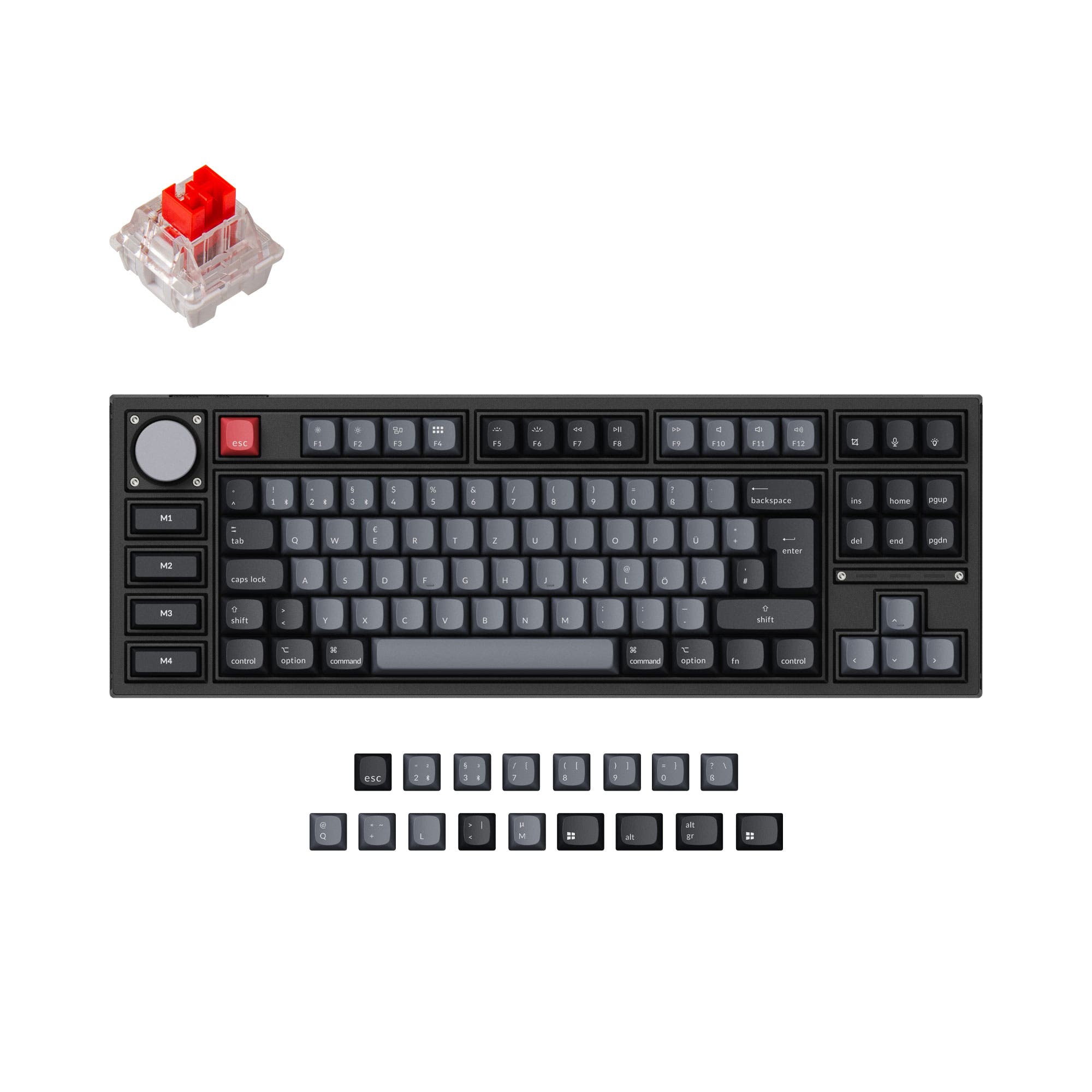
Keychron V5 Max QMK Wireless Custom Mechanical Keyboard ISO Layout Collection
Keychron V5 Max
96%,
Hotswap,
Wireless,
Wired,
RGB,
Knob,
VIA,
QMK,
Gasket Mount

96
$54
Keychron V3 QMK Custom Mechanical Keyboard ISO Layout Collection
Keychron V3
80%,
Hotswap,
Wired,
RGB/ White LEDs,
Knob,
VIA,
QMK,
Tray Mount

95
$100
Keychron Q6 QMK Custom Mechanical Keyboard
Keychron Q6
100%,
Hotswap,
Wired,
RGB,
Knob,
VIA,
QMK,
Alu case,
Gasket Mount

75
$66
YUNZII B75 Pro Wireless Mechanical Keyboard - ISO Layout
Yunzii B75 Pro
75%,
Hotswap,
Wireless,
Wired,
RGB,
Knob,
Gasket Mount

95
$90
Keychron Q5 QMK Custom Mechanical Keyboard
Keychron Q5
96%,
Hotswap,
Wired,
RGB,
Knob,
VIA,
QMK,
Alu case,
Gasket Mount

62
$75
CORSAIR K65 Plus Wireless Mechanical Keyboard
Corsair K65 Plus
65%,
Hotswap,
Wireless,
Wired,
RGB,
Knob,
Top Mount

96
$89
Keychron V6 Max QMK Wireless Custom Mechanical Keyboard ISO Layout Collection
Keychron V6 Max
100%,
Hotswap,
Wireless,
Wired,
RGB,
Knob,
VIA,
QMK,
Gasket Mount

97
$59
Keychron Q3 QMK Custom Mechanical Keyboard
Keychron Q3
80%,
Hotswap,
Wired,
RGB,
Knob,
VIA,
QMK,
Alu case,
Gasket Mount

88
$85
Keychron K17 Max QMK Wireless Custom Mechanical Keyboard ISO Layout Collection
Keychron K17 Max
96%,
Hotswap,
Wireless,
Wired,
RGB/ White LEDs,
Knob,
VIA,
QMK,
Alu case,
PCB Mount

88
$55
R87 PRO TKL Wireless Gaming Keyboard  (QMK/VIA)
Royal Kludge R87 PRO
80%,
Hotswap,
Wireless,
Wired,
RGB,
Knob,
VIA,
QMK,
Gasket Mount