Ducky One 2 Phantom vs OriginTKL vs Full-Size Layout Choice
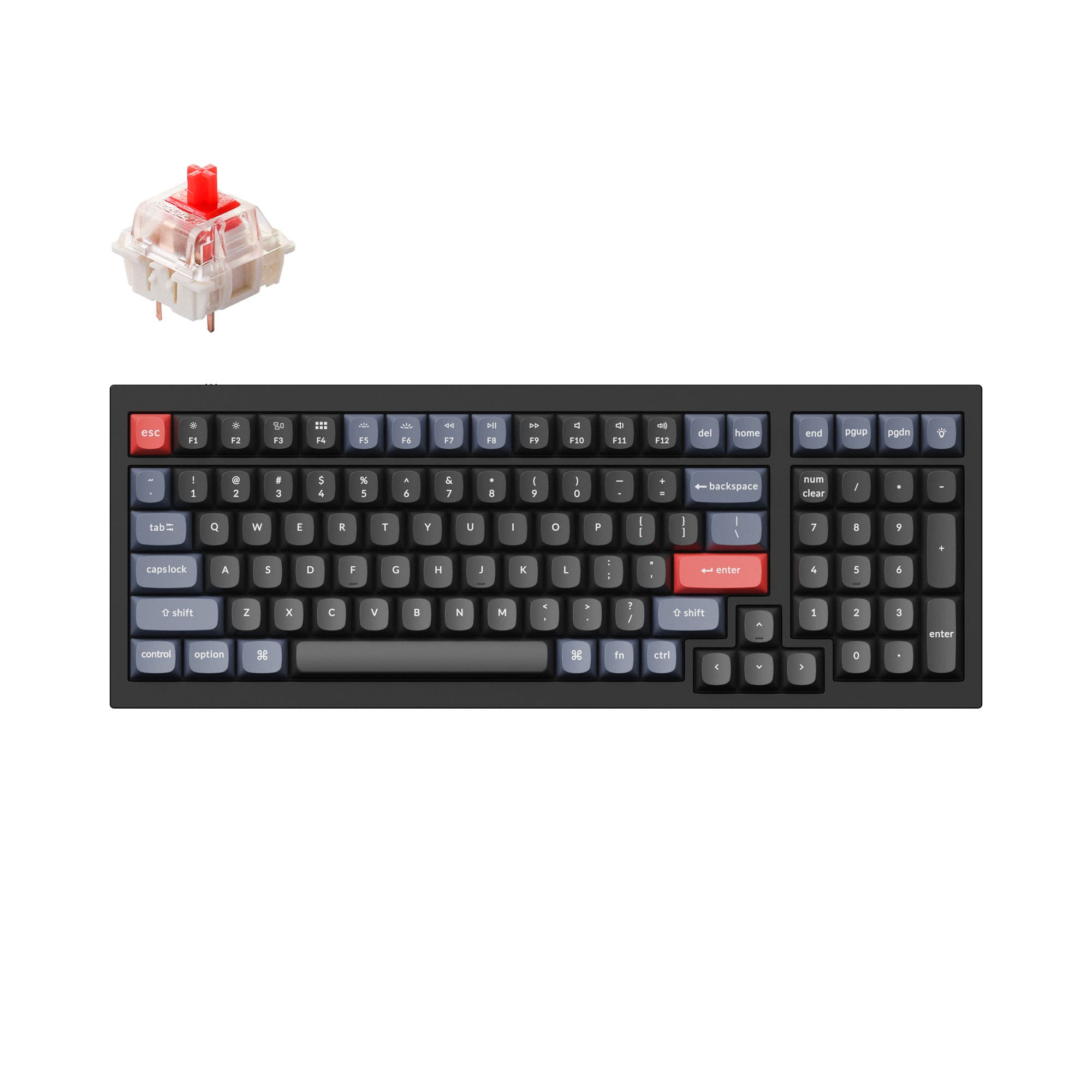
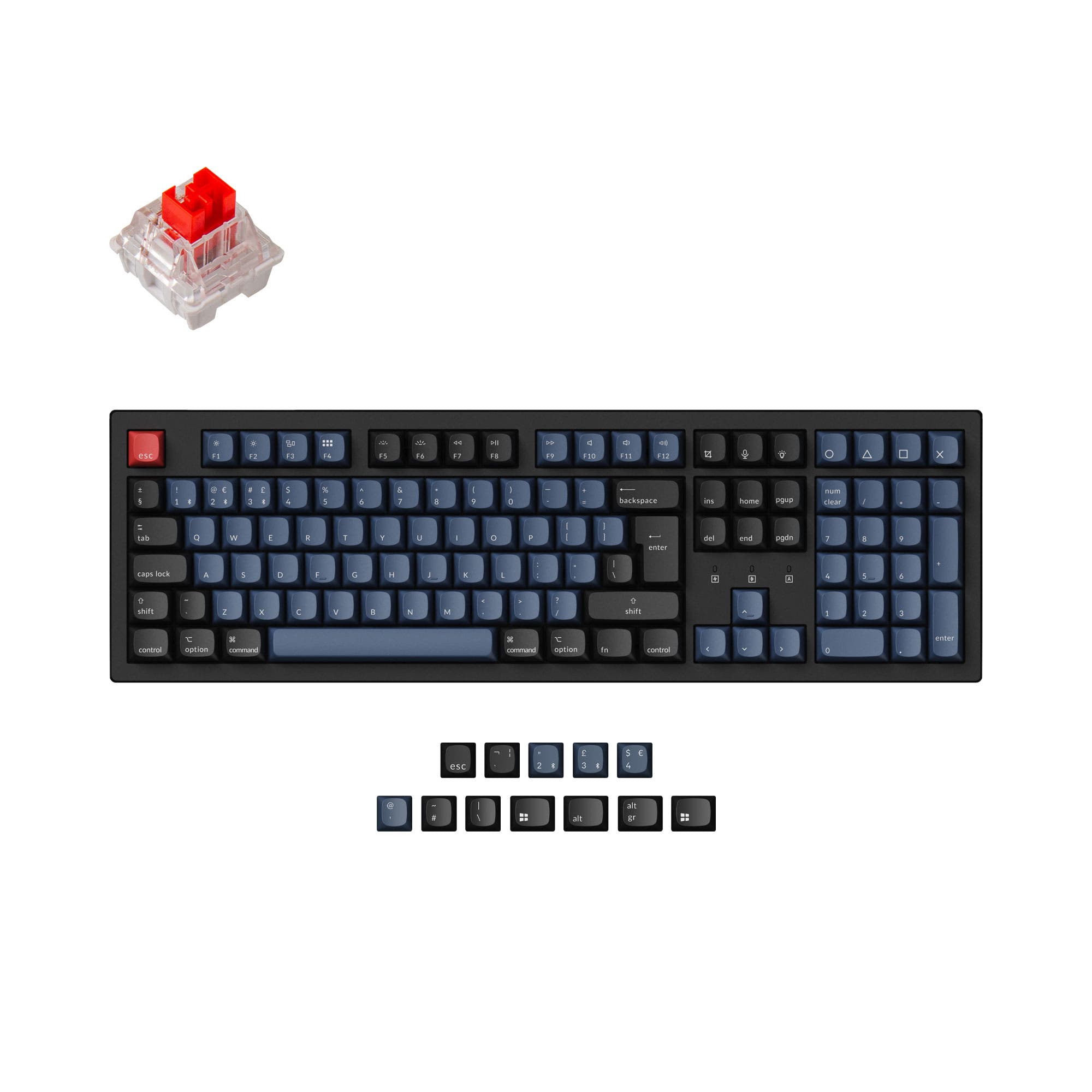
Choose the Ducky One 2 Phantom for a compact tenkeyless layout, or the Ducky Origin for a full-size keyboard with a number pad.


Which one should you get?
Get the
Ducky One 2 Phantom
TKL
- Tenkeyless layout saves desk space and allows for more mouse movement.
- Includes a specified 1000 Hz polling rate.
- Features north-facing RGB lighting.
- Lacks a dedicated number pad, which can be a drawback for data entry.
- North-facing switches may cause interference with some Cherry profile keycaps.
- No mention of hot-swap sockets for easy switch changes.
Get the
Ducky Origin
Full-Size Layout Choice
- Full-size layout includes a number pad for data entry and shortcuts.
- South-facing switches prevent interference with many aftermarket keycap sets.
- Vendor description notes an exceptionally slim and narrow bezel design.
- Larger footprint requires more desk space.
- Polling rate is not explicitly stated in the provided specifications.
- No mention of hot-swap sockets on the main alpha keys.
Your decision should be guided by your need for a number pad. If you require one for work, data entry, or specific creative software, the Ducky Origin is the logical choice, especially with its south-facing switches for modders. If you prioritize a cleaner desk setup, more mouse space for gaming, or easier portability, the Ducky One 2 Phantom's TKL layout is the better fit. Both are solid, pre-built options from Ducky with quality PBT keycaps.
The differences that matter
Skip the 40-row spec sheet. These are the specs that change how each board feels, sounds, and fits your desk.
Ducky One 2 Phantom
Ducky Origin
Backlight
Yes, north-facing
Yes, south-facing
N-key rollover
Yes
No
Released
2023
2024
- Ducky One 2 Phantom
- Ducky Origin
- Performance
- 6251
- Build quality
- 4444
- Productivity
- 5958
- Customizability
- 4848
- Portability
- 4343
- Layout size: 100%
- Connection: Wired
- Case material: Plastic
- Switch options: Clicky, Linear, Silent, Tactile
- Mount style: Plate Mount
- Keycaps: PBT
What will you mostly use it for?
The Ducky Origin is the clear choice for office work and content creation where a number pad is essential. The Ducky One 2 Phantom wins for gaming and travel due to its compact TKL form. For programming and general typing, the decision is a tie, boiling down to layout preference, as both share high-quality PBT keycaps and switch options.
Pick the Ducky One 2 Phantom
- The One 2 Phantom's TKL layout provides more mouse space.
- It has a specified 1000 Hz polling rate for potentially lower latency.
- North-facing RGB lighting is listed for the Phantom.
Ducky One 2 Phantom vs Origin specs
Every tracked spec, side by side. Rows marked with a dot differ between the boards.
3 of 17 specs differ
Ducky One 2 Phantom
Ducky Origin
Switch options
Mount style
Layout size
Layout standard
Ergonomics
Display
Media keys
Connection
Max polling rate
USB-C
Case material
Plate material
Keycaps
Backlight
N-key rollover
Mac & Windows
Released
Compare prices
Live prices from the stores we track, cheapest in-stock offer first.
Lowest price across stores, Amazon excluded.


Prices in USD are converted to your currency and can change at any time. KeebFinder may earn a commission when you buy through these links, at no extra cost to you.
Ducky One 2 Phantom vs Origin: your questions
The main difference is the layout size. The Ducky One 2 Phantom is a tenkeyless (TKL) keyboard with 87 keys, while the Ducky Origin is a full-size keyboard with 108 keys, including a number pad. The Origin also has south-facing RGB LEDs, while the Phantom has north-facing LEDs.
The Ducky One 2 Phantom is generally better for gaming due to its more compact TKL layout, which frees up desk space for mouse movement. The Phantom also has a specified 1000 Hz polling rate, which the Origin's listing does not mention.
No, according to their vendor descriptions, both keyboards are listed as not having hot-swap capability. They are pre-built keyboards with soldered switches.
The Ducky One 2 Phantom is more portable. Its tenkeyless design is significantly smaller and lighter than the full-size Ducky Origin, making it easier to transport and fit on smaller desks or in a bag.
Yes, both keyboards use standard Cherry MX stems and come with OEM profile keycaps, making them compatible with a vast majority of aftermarket keycap sets. The Origin's south-facing switches offer better compatibility with low-profile keycap sets.
The Ducky Origin is typically better for office work. Its full-size layout includes a number pad, which is essential for efficient data entry, accounting, and spreadsheet work. Customer reviews also specifically praise the Origin for office use.
Neither the product metadata nor the vendor descriptions mention an included wrist rest for the Ducky One 2 Phantom or the Ducky Origin. You would need to purchase one separately if desired.
Both the Ducky One 2 Phantom and the Ducky Origin use a detachable USB-C to USB-A cable for connectivity, as confirmed in their vendor descriptions.
Yes, both keyboards are listed as compatible with Windows, Mac, and Linux operating systems in their provided specifications and vendor details.
It refers to the orientation of the LED on the switch. The Ducky Origin has south-facing switches (LED on the bottom), which prevents interference with sculpted keycap profiles like Cherry. The Ducky One 2 Phantom has north-facing switches (LED on the top), which can sometimes cause such interference but may offer brighter shine-through lighting.
The Ducky One 2 Phantom features north-facing RGB LEDs, which are typically positioned to shine more directly through the top of the keycap legends. The Ducky Origin's south-facing LEDs may provide more under-glow lighting effects.
The Ducky Origin has several features appealing to modders. It uses south-facing switches to avoid keycap interference and its vendor description mentions a flex cut PCB, which can alter the typing feel. It also includes a bonus enter keycap for customization.
Not sold on either?



Still torn?
Answer a few quick questions and the keyboard finder ranks 2,000+ boards by how you will actually use yours.