Ducky Origin vs Origin Vintage
Choose based on your preferred aesthetic color scheme and whether you need south-facing switches for specific keycaps.


Which one should you get?
Get the
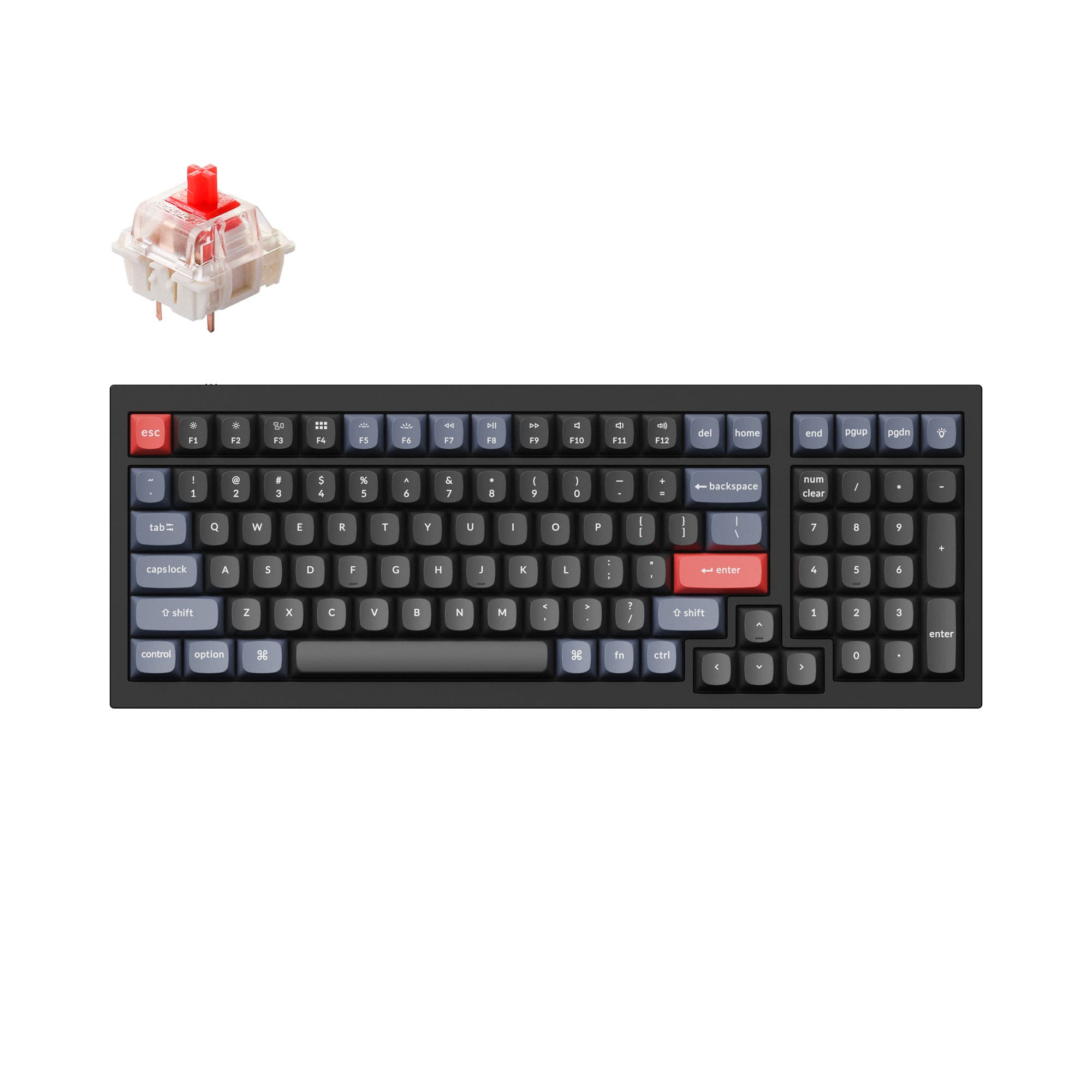
Ducky Origin
- Includes a bonus enter key in a random color.
- Classic black colorway with white legends.
- Comes with a detachable braided USB-C cable.
- Vendor listing shows conflicting switch direction info (listed as both north and south-facing).
- Not fully hotswappable, only stabilizer keys have Kailh sockets.
- No support for QMK or VIA firmware customization.
Get the
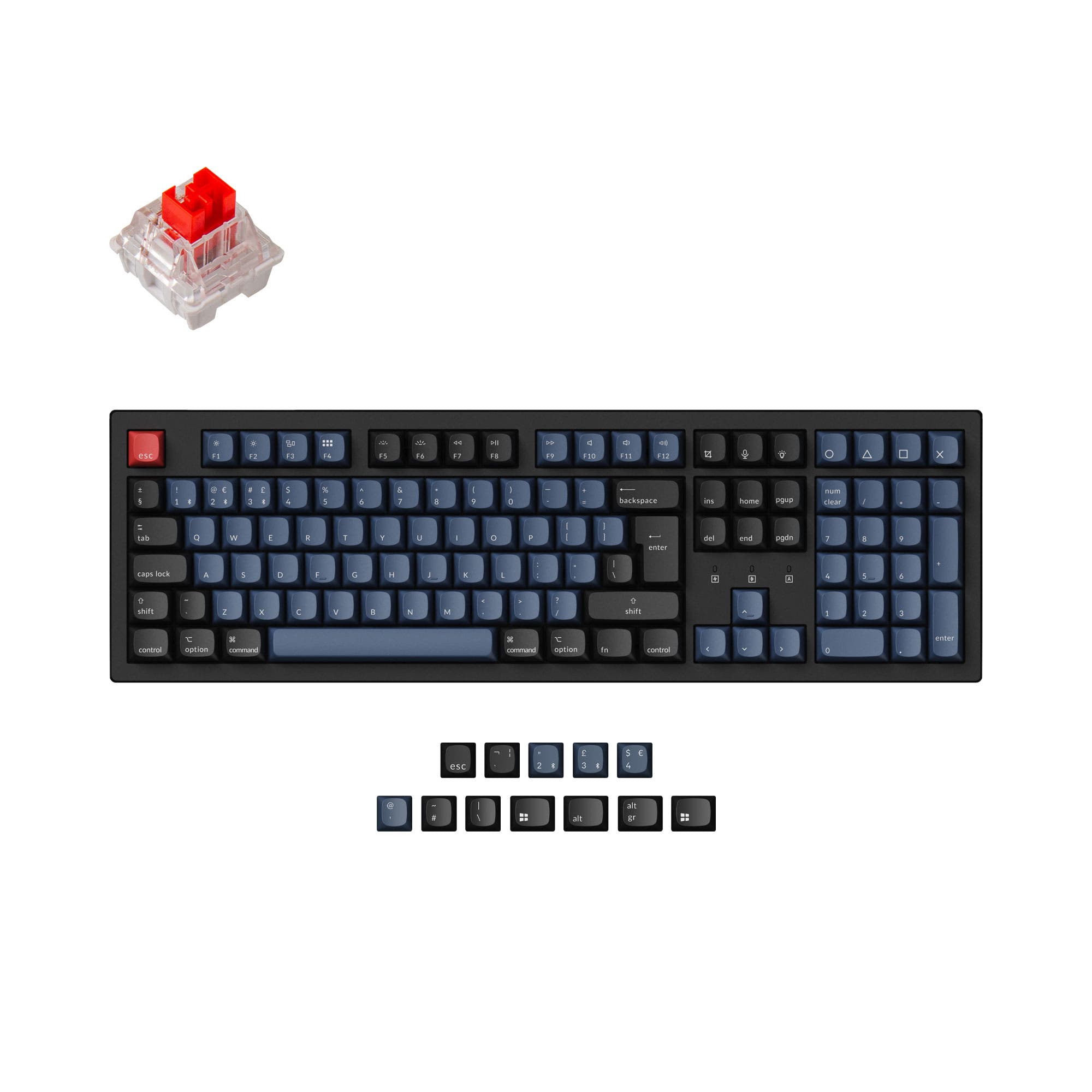
Ducky Origin Vintage
- Vintage grey and beige color scheme.
- Confirmed south-facing switches for better keycap compatibility.
- Comes with a detachable braided USB-C cable.
- Not fully hotswappable, only stabilizer keys have Kailh sockets.
- No support for QMK or VIA firmware customization.
- Slightly higher typical price point than the standard Origin.
Your choice between the Ducky Origin and Origin Vintage should be guided by aesthetics and a specific modding detail. If you prefer a classic black look, the standard Origin is suitable. If you prefer a vintage grey color scheme or plan to use Cherry-profile keycaps, the Origin Vintage with its confirmed south-facing switches is the better pick, assuming its typical price is acceptable.
The differences that matter
Skip the 40-row spec sheet. These are the specs that change how each board feels, sounds, and fits your desk.
- Ducky Origin
- Ducky Origin Vintage
- Performance
- 5151
- Build quality
- 4444
- Productivity
- 5858
- Customizability
- 4848
- Portability
- 4343
- Layout size: 100%
- Connection: Wired
- Case material: Plastic
- Switch options: Clicky, Linear, Silent, Tactile
- Mount style: Plate Mount
- Keycaps: PBT
What will you mostly use it for?
The Ducky Origin and Origin Vintage are functionally identical for most users, resulting in ties across gaming, office, programming, travel, and content creation. The only distinction arises in modding, where the Origin Vintage's confirmed south-facing switch orientation provides a slight advantage for users planning to install certain aftermarket keycap sets that require this orientation to avoid interference.
It's a tie
- Both offer the same full-size layout with dedicated media keys.
- Identical wired USB-C connectivity and switch options, including linear Cherry MX Red and Silver.
- Both include a detachable braided USB-C cable.
Ducky Origin vs Origin Vintage specs
Every tracked spec, side by side. Rows marked with a dot differ between the boards.
0 of 15 specs differ
Ducky Origin
Ducky Origin Vintage
Switch options
Mount style
Layout size
Layout standard
Ergonomics
Display
Media keys
Connection
USB-C
Case material
Plate material
Keycaps
Backlight
Mac & Windows
Released
Compare prices
Live prices from the stores we track, cheapest in-stock offer first.
Lowest price across stores, Amazon excluded.


Prices in USD are converted to your currency and can change at any time. KeebFinder may earn a commission when you buy through these links, at no extra cost to you.
Ducky Origin vs Origin Vintage: your questions
The primary differences are cosmetic and one technical specification. The Origin Vintage has a grey and beige color scheme, while the standard Origin is black. According to vendor listings, the Origin Vintage also features south-facing switches, whereas the Origin's listing contains conflicting information on switch orientation.
No. Both keyboards feature Kailh yellow hotswap sockets only on the stabilizer keys, which include ESC, Back Space, Enter, Shift keys, Space Bar, and the numpad 0, +, and Enter. The majority of the switches are not hot-swappable.
The vendor descriptions do not mention a keycap puller being included with either the Ducky Origin or Origin Vintage. The listed accessories are a detachable braided USB-C cable, a bonus enter key, and a silicone dust cover.
Both the Ducky Origin and Origin Vintage come with OEM profile keycaps. The keycaps are made from double-shot PBT plastic, which is known for its durability and resistance to shine.
Yes. The vendor specifications list both the Ducky Origin and Origin Vintage as compatible with Windows, Mac, and Linux operating systems.
Both models are available with a range of Cherry MX switches. The listed options include Blue (clicky), Brown (tactile), Red (linear), Black (linear), Silver (linear), and Silent Red (linear silent).
Switch orientation can affect keycap compatibility. South-facing switches, like those listed for the Origin Vintage, avoid interference with the north-facing LEDs and the inner walls of certain keycap profiles, particularly Cherry profile. This can be important for keyboard modifiers who use aftermarket keycap sets.
Both keyboards feature RGB lighting with south-facing LEDs, as per the metadata. However, the vendor listings state they are not compatible with QMK or VIA firmware, which are common platforms for deep customization. Lighting control would be limited to any onboard functions or proprietary software not detailed in the provided information.
Yes. The vendor descriptions for both the Ducky Origin and Origin Vintage specify they include a detachable braided USB-C cable. The keyboard side connection is USB-C, and the device side is USB-A.
Based on the vendor description, the package includes the keyboard with double-shot PBT keycaps, a detachable braided USB-C cable, a bonus enter key in a random color, and a Ducky silicone dust cover. A user manual is also referenced.
Both keyboards are listed as having a flex cut PCB. This is a design where cuts are made in the printed circuit board to allow for more flex or a softer typing feel. It is a feature often appreciated in custom keyboard builds for its impact on acoustics and feel.
Yes, according to user reviews for both models. A reviewer for the standard Origin mentioned lowering the intensity of the bright lock LEDs using a function key combination (Fn + down arrow). A reviewer for the Origin Vintage also confirmed adjusting LED brightness with Fn+Alt+ arrow up/down.
Not sold on either?



Still torn?
Answer a few quick questions and the keyboard finder ranks 2,000+ boards by how you will actually use yours.