AULA F75 vs Gamakay TK75HE V2Sound vs Speed Comparison
Choose the AULA F75 for a premium typing feel and sound, or the Gamakay TK75HE V2 for cutting-edge gaming performance with Hall effect switches.


Which one should you get?
Get the
AULA F75
Sound
- Five-layer internal sound dampening with Poron foam, IXPE switch pad, PET pad, and silicone.
- Gasket mount structure for a flexible typing feel.
- Includes Bluetooth connectivity alongside 2.4GHz and wired options.
- Heavier at 1023g and taller at 43mm, making it less portable.
- Lower 1000Hz polling rate compared to the competition for gaming.
- Uses standard silent linear switches instead of more advanced Hall effect technology.
Get the
Gamakay TK75HE V2
Speed Comparison
- 8000Hz polling rate and Hall effect magnetic switches for ultra-low latency gaming.
- Adjustable actuation point for switches, from 0.005mm to 3.7mm.
- Lighter weight (840g) and slimmer profile (20mm height) for better portability.
- Top mount design may offer a less flexible typing feel compared to gasket mount.
- ABS case material, which may feel less premium than aluminum/plastic combinations.
- No explicit mention of Bluetooth connectivity in the provided specifications, only 'Wireless' and 'Wired'.
Your primary use case dictates the winner. For a deeply satisfying, quiet typing experience with excellent build details for the price, the AULA F75 is the recommended choice. If your priority is maximizing gaming performance with the latest Hall effect technology and a high refresh rate, the Gamakay TK75HE V2 is the keyboard to buy. Both represent strong values in the 75% wireless category.
The differences that matter
Skip the 40-row spec sheet. These are the specs that change how each board feels, sounds, and fits your desk.
AULA F75
Gamakay TK75HE V2
Hall effect (magnetic)
No
Yes
Rapid trigger
No
Yes
Connection
Bluetooth, 2.4 GHz, Wired
Wired, Wireless
Max polling rate
1,000 Hz
8,000 Hz
Case material
Plastic
ABS
- AULA F75
- Gamakay TK75HE V2
- Performance
- 6499
- Build quality
- 6663
- Productivity
- 9283
- Customizability
- 8273
- Portability
- 8279
- Layout size: 75%
- Hot-swappable
- Battery: 4,000 mAh
- Knob
- Sound dampening
What will you mostly use it for?
The Gamakay TK75HE V2 is the clear choice for competitive gaming due to its high polling rate and customizable Hall effect switches. For office work, programming, and content creation, the AULA F75's superior sound dampening and typing comfort give it an edge. Travelers will appreciate the TK75HE V2's lighter weight, while keyboard modders may prefer the F75's detailed internal foam layers and gasket construction.
Pick the Gamakay TK75HE V2
- The TK75HE V2 has an 8000Hz polling rate for minimal input latency.
- It features Hall effect magnetic switches with adjustable actuation points from 0.005mm to 3.7mm.
- It includes dedicated gaming features like Rapid Trigger, Snap Tap, and DKS, as listed by the manufacturer.
What owners say
Ratings and quotes collected from verified store reviews, including the critical ones.
AULA F75
509 owner reviews
“Works exactly as intended and still works as new. The 2.4 GHz Receiver doesn't communicate correctly and isn't reliable but on BT and Cable it works perfectly”
“I made an order for EPOMAKER x AULA 75 with express shipping on 27/1/24. Emailed the team TWICE. Now its 19/3/24, and i still dont have the item. Very poor service”
Gamakay TK75HE V2
No owner reviews collected yet.
AULA F75 vs Gamakay TK75HE V2 specs
Every tracked spec, side by side. Rows marked with a dot differ between the boards.
16 of 26 specs differ
AULA F75
Gamakay TK75HE V2
Switch options
Hall effect (magnetic)
Rapid trigger
Hot-swappable
Mount style
Sound dampening
Screw-in stabilizers
Layout size
Layout standard
Ergonomics
Knob
Display
Media keys
Connection
Max polling rate
Battery
USB-C
Case material
Plate material
Keycaps
Weight
Dimensions
Backlight
N-key rollover
Mac & Windows
Released
Compare prices
Live prices from the stores we track, cheapest in-stock offer first.





AULA F75 vs Gamakay TK75HE V2: your questions
The AULA F75 is better for a quiet office. Its vendor description highlights a five-layer sound dampening design, including two layers of Poron foam, an IXPE switch pad, a PET pad, and a bottom silicone pad, specifically engineered to reduce typing noise and resonance.
The connectivity specifications for the Gamakay TK75HE V2 list 'Wired' and 'Wireless'. The vendor description mentions 'Tri-mode Wireless Bluetooth Wired', indicating Bluetooth is supported. It's advisable to confirm this detail with the retailer before purchasing.
Yes, both keyboards are hot-swappable. The AULA F75 listing confirms hot-swappable sockets. The Gamakay TK75HE V2 vendor page states it is a 'Hot-swappable Tri-mode Hall effect keyboard' and is compatible with most magnetic switches on the market.
The AULA F75 uses a gasket mount, where the plate is suspended on rubber gaskets for a softer, more flexible typing feel. The Gamakay TK75HE V2 uses a top mount, where the plate is fixed to the top of the case, which typically results in a firmer, more direct feedback.
Both keyboards are listed with identical 4000mAh rechargeable batteries. Actual battery life will depend on usage patterns, RGB lighting settings, and the wireless mode used (Bluetooth vs. 2.4GHz).
Both keyboards use PBT keycaps, which are durable and resistant to shine. The AULA F75 specifically uses Cherry-profile double-shot PBT keycaps. The Gamakay TK75HE V2 uses PBT Cherry-profile translucent keycaps designed for RGB shine-through.
Hall effect switches use magnets and sensors instead of physical metal contacts to register keystrokes. The Gamakay TK75HE V2 utilizes this technology, allowing for adjustable actuation points, theoretically infinite lifespan, and features like Rapid Trigger for gaming.
Yes, the AULA F75 specifications list Mac/Win support. The vendor-provided software downloads are noted to support Windows systems.
The AULA F75 offers more inherent customization for sound due to its detailed internal construction. The vendor description lists a five-layer design with specific foam types (Poron, IXPE, PET) and a silicone pad, providing a strong foundation for acoustic tuning.
An 8000Hz polling rate, like on the Gamakay TK75HE V2, reduces input latency compared to a standard 1000Hz keyboard. The difference may be most perceptible in fast-paced competitive gaming, but for general use and casual gaming, the impact might be minimal.
Yes, both offer software for customization. The AULA F75 has downloadable software for Windows. The Gamakay TK75HE V2 can be customized via Gamakay software or a web driver, as mentioned on its product page.
Not sold on either?

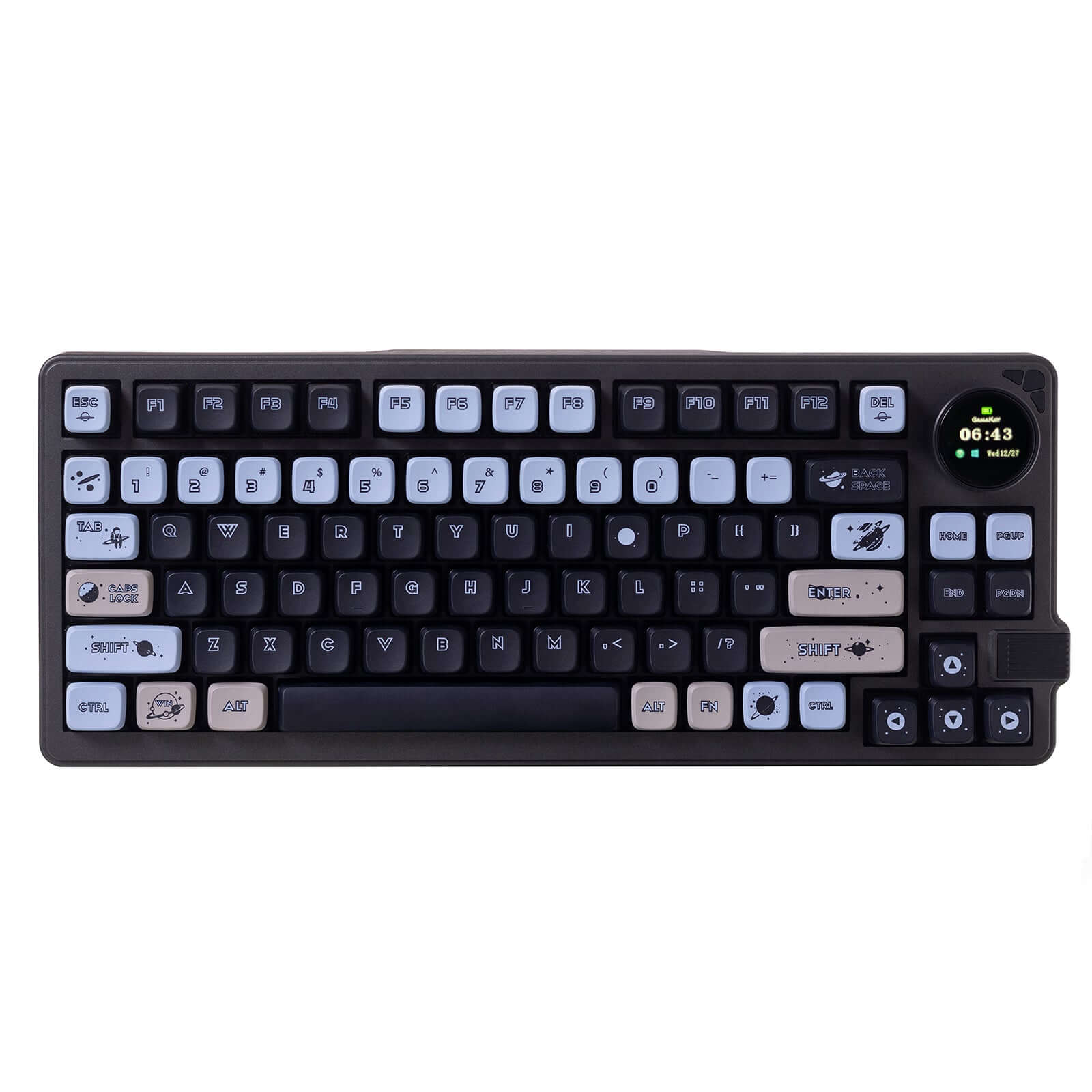


![[In Stock] Xinmeng M75/M75Pro 75% Pre-Built Mechanical Keyboard](https://cdn.shopify.com/s/files/1/0549/0262/0278/files/O1CN01QqPe0g1sgA8RTJI6B___2215624025795.png?v=1741766474&width=3840&quality=75)

Still torn?
Answer a few quick questions and the keyboard finder ranks 2,000+ boards by how you will actually use yours.