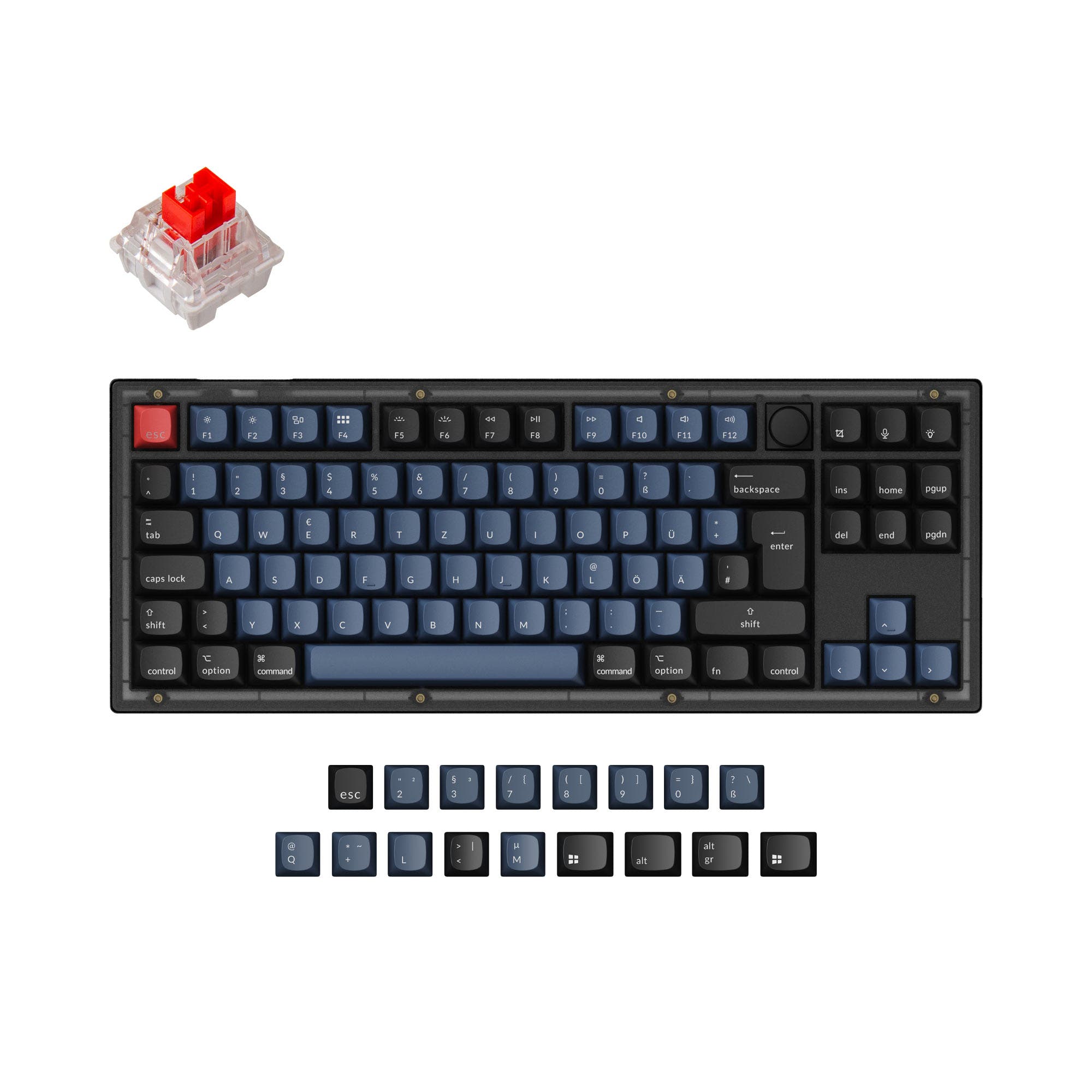
Nuxroskb F8X vs KBDFans Tofu
PCB or Hall Effect
Choose the Nuxroskb F8X for its exposed metal weight, flexible mounting and broad PCB options, or the KBDFans Tofu for Hall Effect switches, RGB and wireless connectivity.
Prices checked Nov 19, 2026. KeebFinder may earn a commission when you buy through these links, at no extra cost to you.
QMK

Hall effect

Which one should you get?
Get the
Nuxroskb F8X
QMK
Build quality in the top 5% of 80% boards at any price.
If you want
- Exposed stainless steel or brass weight, with a choice of two materials.
- Half-Sandwich/Half-Gasket mounting paired with isolated Top Mount.
- Vendor-listed compatibility with several TKL PCBs, including MK80MX, Hiney TKL and Venom80 TKL.
Get the
KBDFans Tofu
Hall effect
Build quality in the top 10% of 80% boards under $100.
If you want
- Hall Effect support with magnetic switches.
- RGB lighting and a listed 1000mAh battery.
- Integrated wrist rest and listed Mac/Win support.
Rules this board out
- Magnetic switches only. Standard MX switches will not fit.
Bottom line
Get the Nuxroskb F8X for its exposed steel or brass weight, alternate mounting system and named multi-PCB compatibility. Choose the KBDFans Tofu for Hall Effect support, RGB, wireless connection options and an integrated wrist rest, provided you are comfortable using magnetic switches.
The differences that matter
- Hall effect (magnetic)
No
Yes
Adjustable actuation helps in games and not in normal typing - Ergonomics
Split Backspace
Standard
- Display
LED
Yes
A case display rather than a typing feature - Weight
3,800 g
5,000 g
Heavier boards stay planted and lighter ones travel - QMK
Yes
No
The deep option when you want to remap every key
KeebFinder scores
How we score- Nuxroskb F8X
- KBDFans Tofu
- Performance
- 6886
- Build quality
- 8986
- Productivity
- 8486
- Customizability
- 9392
- Portability
- 5573
What they share
- Layout size: 80%
- Hot-swappable
- Max polling rate: 1,000 Hz
- Case material: Aluminum
- Mount style: Top Mount
- VIA
What will you mostly use it for?
For gaming, pick the KBDFans Tofu
- Hall Effect is listed as a Tofu feature, giving it a gaming-oriented switch option not listed for the F8X.
- The Tofu lists RGB lighting, while the F8X is specified without RGB.
Nuxroskb F8X vs KBDFans Tofu specs
15 of 24 specs differ
 |  | |
| Nuxroskb F8X$437 | KBDFans Tofu$10 | |
|---|---|---|
| Typing & switches | ||
| Hall effect (magnetic) (differs) | No | Yes |
| Hot-swappable | Yes | Yes |
| Mount style | Top Mount | Top Mount |
| Sound dampening | Yes | Yes |
| Layout | ||
| Layout size | 80% | 80% |
| Layout standard (differs) | Not specified | ANSI |
| Ergonomics (differs) | Split Backspace | Standard |
| Display (differs) | LED | Yes |
| Connectivity & battery | ||
| Connection (differs) | Not specified | Bluetooth, 2.4 GHz, Wired |
| Max polling rate | 1,000 Hz | 1,000 Hz |
| Battery (differs) | Not specified | 1,000 mAh |
| Build & materials | ||
| Case material | Aluminum | Aluminum |
| Plate material (differs) | Not specified | Aluminum, Brass, CarbonFiber, FR4, Polycarbonate, Steel |
| Keycaps (differs) | Not specified | PBT |
| Weight (differs) | 3,800 g | 5,000 g |
| Dimensions (differs) | 18 x 358 x 141 mm | 45 x 360 x 140 mm |
| Typing angle | 9° | 9° |
| Backlight (differs) | None | RGB |
| Firmware & software | ||
| QMK (differs) | Yes | No |
| VIA | Yes | Yes |
| VIAL | Yes | Yes |
| N-key rollover (differs) | No | Yes |
| Mac & Windows (differs) | No | Yes |
| Extras | ||
| Released (differs) | 2026 | 2025 |
Compare prices
Prices in USD are converted to your currency and can change at any time. KeebFinder may earn a commission when you buy through these links, at no extra cost to you.
Lowest price across stores, Amazon excluded.
- Price now
- $64
- Lowest in range
- $64Aug 20
- Highest in range
- $64Aug 20
Price in USD
- Check on Amazon
AmazonGlobal
Check price - Extra 5% off


- Check on Amazon
AmazonGlobal
Check price - Extra 5% off
- Extra 5% off