62
Overall/ Value
61.8Build Quality
56.9Customizability
52.8Performance
55.1Productivity
69.5Portability
75.4$59

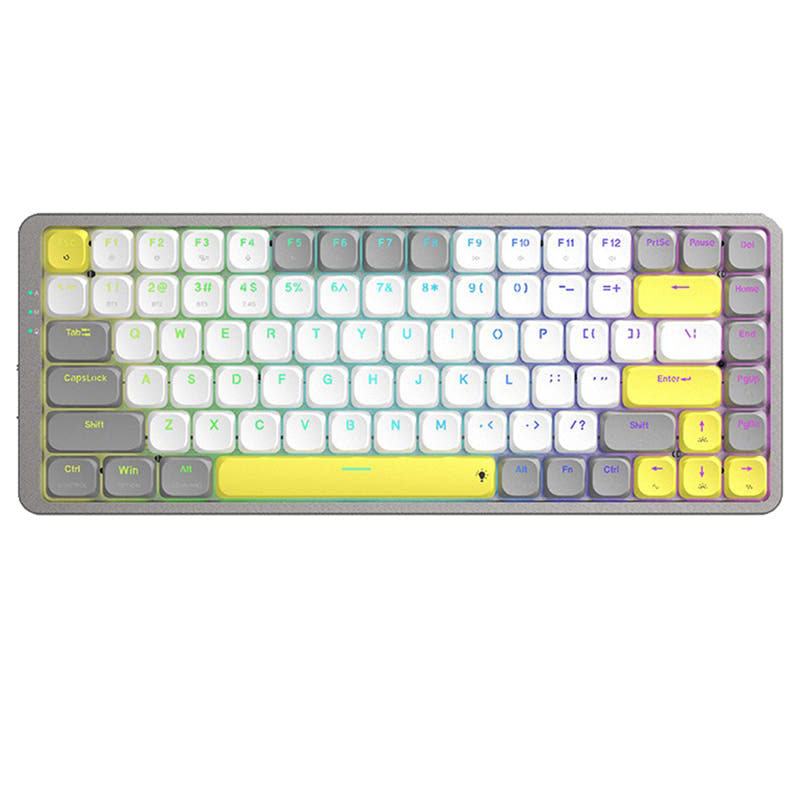
Ajazz AK832 Pro
75%,
Wireless,
Screen,
RGB/ White LEDs,
Rapid trigger,
Alu case,
Gasket Mount
This comparison is for buyers deciding between a slim low-profile keyboard and a feature-packed traditional 75% layout. The decision is difficult because both keyboards share the same brand, QMK/VIA support, and Bluetooth 5.1 connectivity, but their ergonomics and physical designs are very different. The K1 Pro is an ultra-slim 80% board with a 3 degree typing angle and a lightweight 580g aluminum and plastic frame. The K2 Pro is a heavier 1070g 75% board with a steel plate, sound dampening foam, a 5 degree typing angle, and a 4000mAh battery that more than doubles the K1 Pro's capacity.
86 Overall/ Value 85.8Build Quality 80.2Customizability 89.3Performance 81.1Productivity 80.0Portability 72.9 | 94 Overall/ Value 93.9Build Quality 89.5Customizability 97.4Performance 81.4Productivity 94.8Portability 79.7 | Select a keyboard to compare |
5.0 stars (10 reviews) | 4.9 stars (16 reviews) | |
|
| |
Scores
| Scores
| |
Name Keychron K1 Pro | Name Keychron K2 Pro | |
Release year 2023 | Release year 2022 | |
Switch Options Linear, Tactile, Clicky | Switch Options Linear, Tactile, Clicky | |
Profile Low Profile | Profile Normal Profile | |
Hot Swappable | Hot Swappable | |
Layout Size 80% | Layout Size 75% | |
Layout Standard ISO, ISO-DE, ISO-Nordic, ISO-UK, JIS, ISO-FR, ISO-ES, ISO-SW, ANSI | Layout Standard ISO, JIS, ANSI, ISO-DE, ISO-ES, ISO-FR, ISO-SW, ISO-UK | |
Layout Ergonomics Normal | Layout Ergonomics Normal | |
Knob Support | Knob Support | |
Display Support | Display Support | |
Mac/Win Support | Mac/Win Support | |
Multi-Media Keys | Multi-Media Keys | |
USB-C | USB-C | |
USB passthrough | USB passthrough | |
Connection Bluetooth, Wired, Wireless | Connection Bluetooth, Wired, Wireless | |
Polling Rate 1000 Hz | Polling Rate 1000 Hz | |
Battery capacity 2000 mAh | Battery capacity 4000 mAh | |
Hall Effect Support | Hall Effect Support | |
QMK Support | QMK Support | |
VIA Support | VIA Support | |
VIAL Support | VIAL Support | |
N-Key Rollover | N-Key Rollover | |
Rapid Trigger | Rapid Trigger | |
Mount Style Tray Mount | Mount Style Tray Mount | |
Screw in Stabilizers | Screw in Stabilizers | |
Sound Dampening | Sound Dampening | |
Backlight Rgb, North-face, White | Backlight Rgb, South-face, White, White South-face | |
Case Colors | Case Colors | |
Case Material Aluminum, Plastic, ABS | Case Material Aluminum, Plastic, ABS | |
Keycaps Material ABS, PBT | Keycaps Material ABS, PBT | |
Dimensions 8 x 346 x 119 mm | Dimensions 25 x 317 x 122 mm | |
Weight 580g | Weight 1070g |
Both keyboards are excellent, but your choice comes down to form factor and primary use case. Pick the Keychron K1 Pro if you need a light, ultra-slim keyboard for travel or desks with limited space. Choose the Keychron K2 Pro if you want a heavier, more full-featured typing experience with better battery life, sound dampening, and a greater variety of switch options for modding.
The K1 Pro wins for on-the-go use. Its light weight and low profile make it the clear choice for travel and portable setups. The K2 Pro dominates in stationary tasks. It offers a superior typing experience for office, programming, and modding thanks to sound dampening, pre-lubed switches, and a more stable plate. For gaming, the K1 Pro is easier to move, while content creation is a tie. Your choice hinges on whether you value portability or build density and battery life.
You might also like similar products in that price range: