Keychron Q1 vs Q1 ProWired vs Wireless Custom Keyboard Choice
Choose the Q1 Pro for wireless flexibility and a premium out-of-box typing experience, or the Q1 for a lower-cost entry into a highly customizable wired platform.

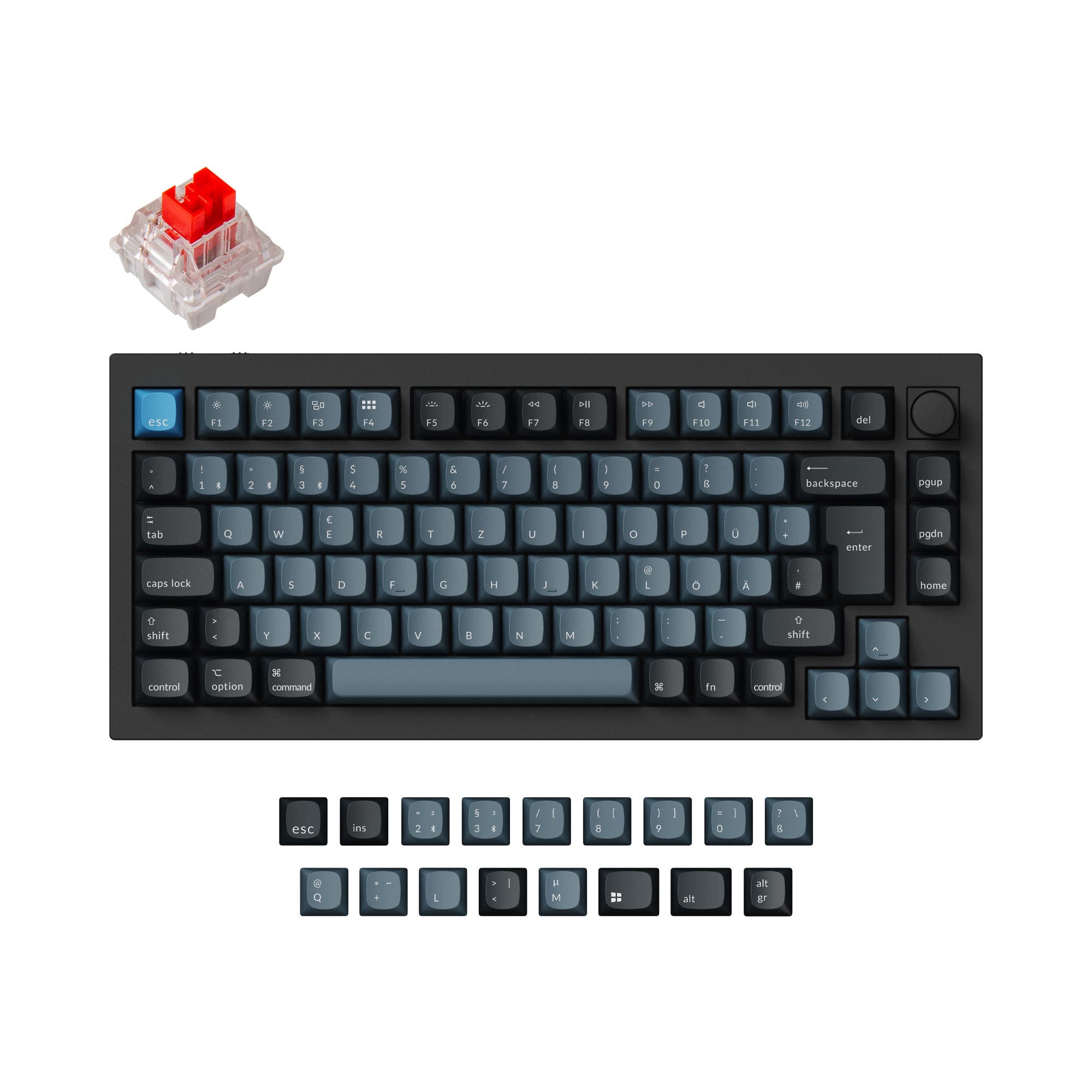
Which one should you get?
Get the
Keychron Q1
Wired
- Generally available at a lower price point than the Q1 Pro.
- Offers a choice of steel, aluminum, or polycarbonate plate materials.
- Available in a wider array of ISO layouts including JIS, according to its specifications.
- Wired-only connectivity, lacking Bluetooth or 2.4 GHz options.
- Fully assembled version includes ABS keycaps, which may show shine over time compared to PBT.
- Uses an older ATMEGA32U4 MCU in some editions, as noted in its description, versus the Q1 Pro's ARM chip.
Get the
Keychron Q1 Pro
Wireless Custom Keyboard Choice
- Tri-mode connectivity with Bluetooth 5.1, 2.4 GHz wireless, and wired USB-C.
- Includes a 4000mAh rechargeable battery for extended wireless use.
- Comes with KSA profile double-shot PBT keycaps that are oil-resistant.
- Commands a higher price than the standard Q1.
- Stock keycaps are not shine-through, which may dampen RGB lighting effects.
- Wireless polling rate is 90 Hz, lower than its 1000 Hz wired mode.
Your budget and need for wireless freedom dictate this choice. If you require seamless switching between multiple computers or a clean, cable-free desk, the Q1 Pro's premium is justified. If your setup is stationary, you prioritize a lower entry cost for future modifications, or you need a specific JIS layout, the wired Keychron Q1 remains an exceptionally capable and customizable foundation.
The differences that matter
Skip the 40-row spec sheet. These are the specs that change how each board feels, sounds, and fits your desk.
Keychron Q1
Keychron Q1 Pro
Connection
Wired
Bluetooth, Wired, 2.4 GHz
Layout standard
ANSI, ISO, ISO-DE, ISO-ES, ISO-FR, ISO-SW, ISO-UK, JIS
ANSI, ISO, ISO-DE, ISO-ES, ISO-FR, ISO-SW, ISO-UK
Plate material
Aluminum, Polycarbonate, Steel
Polycarbonate
N-key rollover
No
Yes
Released
2022
2023
- Keychron Q1
- Keychron Q1 Pro
- Performance
- 7282
- Build quality
- 8989
- Productivity
- 9798
- Customizability
- 9898
- Portability
- 6582
- Layout size: 75%
- Hot-swappable
- Max polling rate: 1,000 Hz
- Case material: Aluminum
- Switch options: Clicky, Linear, Tactile
- Mount style: Gasket Mount, Plate Mount
What will you mostly use it for?
The Q1 Pro is the clear choice for mobile and multi-device workflows, winning in Office, Travel, and Content Creation due to its wireless versatility. It also takes a slight edge for Gaming with its dual-mode polling. The standard Q1 appeals most to Modding enthusiasts, offering a more affordable foundation and broader plate material choices. For dedicated Programming use, both keyboards are equally capable due to their shared programmability and layout.
Pick the Keychron Q1 Pro
- The Q1 Pro offers a 1000 Hz polling rate in wired mode with the option for wireless use.
- Its vendor description states the wireless polling rate is 90 Hz, providing a low-latency cable-free option.
- Both keyboards have N-key rollover, but the Q1 Pro specifies it for both wireless and wired modes.
What owners say
Ratings and quotes collected from verified store reviews, including the critical ones.
Keychron Q1
10 owner reviews
“Very pretty and good quality, only con is it's kind of pingy but it's easy to mod and fix with some tape, force break mod.”
Keychron Q1 Pro
15 owner reviews
“The Q1 Pro is the second keyboard I bought from Keychron. The basic materials are very good and she looks amazing. The only thing that is not perfect is the sound. I think she will be perfect with a simple adaption of foam and lubed switches. But the Q1 is…”
Keychron Q1 vs Q1 Pro specs
Every tracked spec, side by side. Rows marked with a dot differ between the boards.
6 of 27 specs differ
Keychron Q1
Keychron Q1 Pro
Switch options
Hot-swappable
Mount style
Sound dampening
Screw-in stabilizers
Layout size
Layout standard
Ergonomics
Knob
Display
Media keys
Connection
Max polling rate
Battery
USB-C
Case material
Plate material
Keycaps
Weight
Dimensions
Typing angle
Backlight
QMK
VIA
N-key rollover
Mac & Windows
Released
Compare prices
Live prices from the stores we track, cheapest in-stock offer first.
Lowest price across stores, Amazon excluded.



Prices in USD are converted to your currency and can change at any time. KeebFinder may earn a commission when you buy through these links, at no extra cost to you.
Keychron Q1 vs Q1 Pro: your questions
The core difference is connectivity. The Q1 Pro adds Bluetooth 5.1 and 2.4 GHz wireless modes alongside wired USB-C, while the standard Q1 is wired-only. The Q1 Pro also features a different internal chip (ARM Cortex-M4), PBT keycaps, and a built-in 4000mAh battery.
Yes, both keyboards feature hot-swappable PCBs that support both 3-pin and 5-pin MX-style mechanical switches. This allows you to change switches without any soldering required.
Yes. The Q1 Pro manufacturer states it includes a system toggle and extra keycaps for both macOS and Windows. It can also save two separate keymaps internally, one for each operating system.
The fully assembled Keychron Q1 Pro comes with KSA profile double-shot PBT keycaps. The manufacturer describes these as oil-resistant and durable, but they are not shine-through for backlighting.
The fully assembled Keychron Q1 comes with OSA profile ABS backlight shine-through keycaps. These are designed to allow the south-facing RGB LEDs to illuminate the legends.
Yes. According to its specifications, the Q1 Pro has a 1000 Hz polling rate in wired mode and a 90 Hz polling rate when using its wireless Bluetooth or 2.4 GHz connections.
Yes, both the Keychron Q1 and Q1 Pro have full support for the open-source QMK firmware and the VIA/Keychron Launcher web app for remapping keys and creating macros without flashing firmware.
The Q1 Pro has design advantages for stock sound, featuring a polycarbonate plate and KSA PBT keycaps in its fully assembled version. The Q1's vendor description also highlights its double-gasket design and pre-lubed switches for a premium typing experience.
The manufacturer lists a 4000mAh battery with an estimated runtime of up to 300 hours with the RGB backlighting turned off, and up to 100 hours at the lowest RGB brightness setting. Actual battery life will vary with use.
For the standard Q1, the vendor description notes that changing the knob requires an additional PCB sold separately. The product description for the Q1 Pro does not specify knob replaceability, so it may be integrated or require similar considerations.
The standard Keychron Q1 lists support for JIS, ISO, and ANSI layouts, including many European ISO variants. The Q1 Pro listing includes ISO and ANSI layouts, but does not mention JIS support.
Not sold on either?


Still torn?
Answer a few quick questions and the keyboard finder ranks 2,000+ boards by how you will actually use yours.