$165

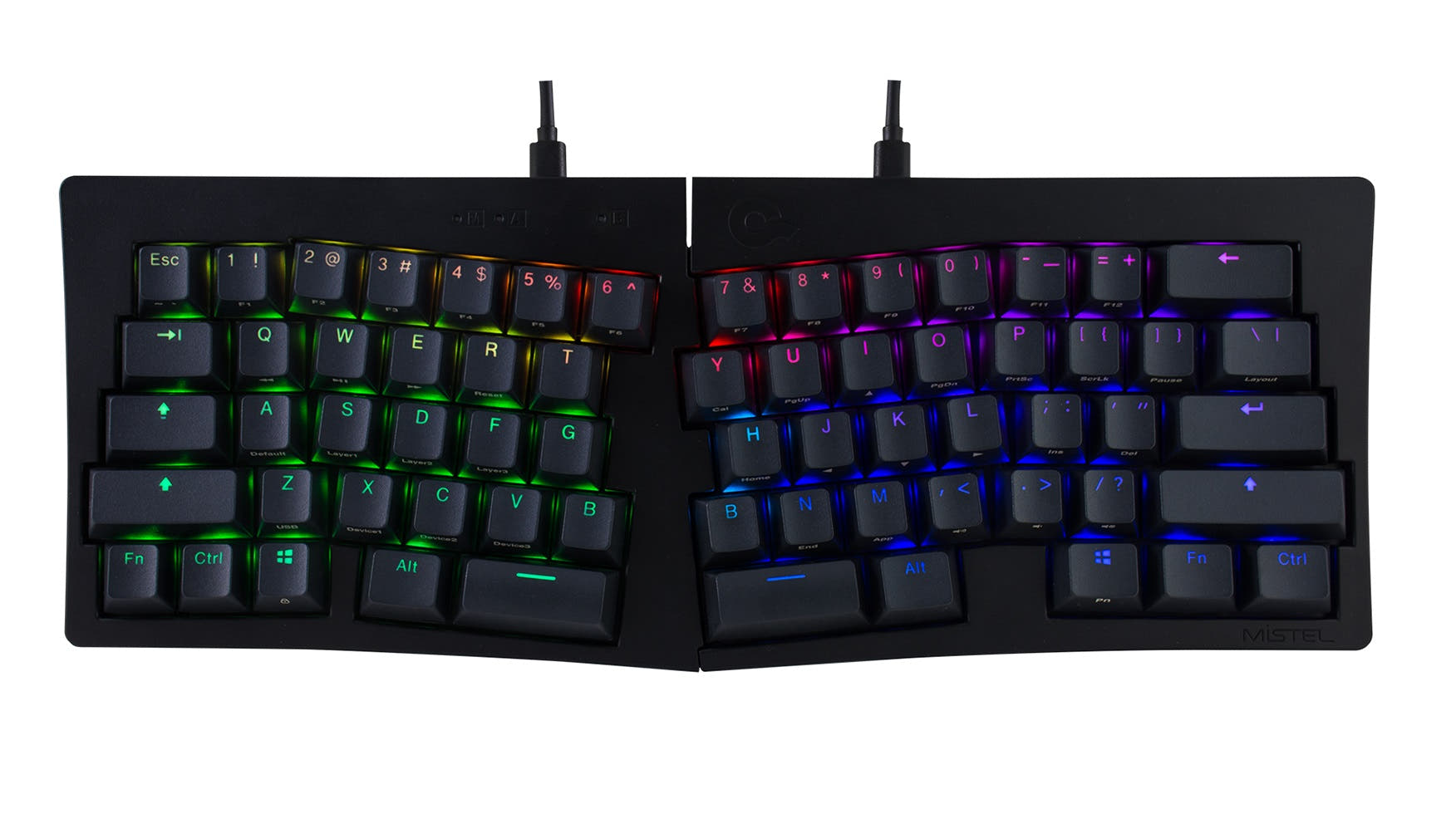
Mechboards The Corne
Wireless,
Screen,
RGB
This comparison is for users who prioritize ergonomics but are torn between two very different approaches: a wireless split layout versus a southpaw Alice design. The decision is hard because both keyboards feature premium aluminum builds, hot-swappable PCBs, and gasket mounts, yet they cater to distinct typing workflows. The Q11 Ultra focuses on minimizing shoulder strain with its detachable halves and a market-leading 8K polling rate, while the Q14 Max targets data entry professionals with a left-side numpad and deep QMK/VIA customization. Your final choice hinges on whether you need a radical ergonomic split or a specialized productivity layout.
80 Overall/ Value 80.4Build Quality 73.7Customizability 76.2Performance 86.5Productivity 89.5Portability 89.7 | 95 Overall/ Value 94.9Build Quality 86.9Customizability 95.7Performance 81.1Productivity 100.0Portability 56.5 | Select a keyboard to compare |
3.4 stars (17 reviews) | 4.6 stars (21 reviews) | |
|
| |
Scores
| Scores
| |
Name Keychron Q11 Ultra | Name Keychron Q14 Max | |
Release year 2026 | Release year 2024 | |
Switch Options Tactile, Linear, Clicky | Switch Options Linear, Tactile, Clicky | |
Profile Normal Profile | Profile Normal Profile | |
Hot Swappable | Hot Swappable | |
Layout Size Other | Layout Size 96% | |
Layout Standard ISO, ISO-DE, ISO-ES, ISO-FR, ISO-UK, ISO-CH, JIS, ANSI | Layout Standard ANSI | |
Layout Ergonomics Normal | Layout Ergonomics Southpaw | |
Knob Support | Knob Support | |
Display Support | Display Support | |
Mac/Win Support | Mac/Win Support | |
Multi-Media Keys | Multi-Media Keys | |
USB-C | USB-C | |
USB passthrough | USB passthrough | |
Connection Wired, Wired only, Bluetooth, 2.4 GHz, Wireless | Connection Bluetooth, 2.4 GHz, Wired, Wireless | |
Polling Rate 8000 Hz | Polling Rate 1000 Hz | |
Battery capacity 4000 mAh | Battery capacity 4000 mAh | |
Hall Effect Support | Hall Effect Support | |
QMK Support | QMK Support | |
VIA Support | VIA Support | |
VIAL Support | VIAL Support | |
N-Key Rollover | N-Key Rollover | |
Rapid Trigger | Rapid Trigger | |
Mount Style Gasket Mount | Mount Style Gasket Mount | |
Screw in Stabilizers | Screw in Stabilizers | |
Sound Dampening | Sound Dampening | |
Backlight Rgb, White, South-face, White South-face | Backlight Rgb, South-face | |
Case Colors | Case Colors | |
Case Material Aluminum | Case Material Aluminum | |
Keycaps Material PBT | Keycaps Material PBT | |
Dimensions 32 x 345 x 134 mm | Dimensions 20 x 157 x 445 mm | |
Weight 1724g | Weight 2450g |
For those who need the freedom of a split layout and the lowest possible latency, the Keychron Q11 Ultra is the definitive choice. If a left-handed numpad, an Alice layout for wrist comfort, and deep software customization are your priorities, the Keychron Q14 Max is the more practical tool. Let your primary workflow decide: split ergonomics and speed versus a specialized productivity layout and modding flexibility.
The Q11 Ultra wins for gaming and content creation, driven by its 8K polling rate and dedicated macro keys. The Q14 Max takes the lead for office work, programming, and modding due to its southpaw numpad, Alice ergonomic layout, and extensive QMK/VIA software support. For travel, the lighter split design of the Q11 Ultra makes it the clear choice. Both keyboards tie on build quality with aluminum cases and gasket mounts, but their specialized layouts strongly favor specific use cases over general-purpose appeal.
You might also like similar products in that price range: