Keychron Q7 vs Q970% vs 40% Layout Comparison
Choose the Q7 for a more familiar compact layout with dedicated arrow keys and a knob, or the Q9 for an ultra-mini 40% experience with a split spacebar option.
KeebFinder may earn a commission when you buy through these links, at no extra cost to you.
4.0 (3)4.0 · 3 reviews
from$59at Keychron

4.7 (6)4.7 · 6 reviews
from$59at Keychron
Which one should you get?
Get the
Keychron Q7
70%
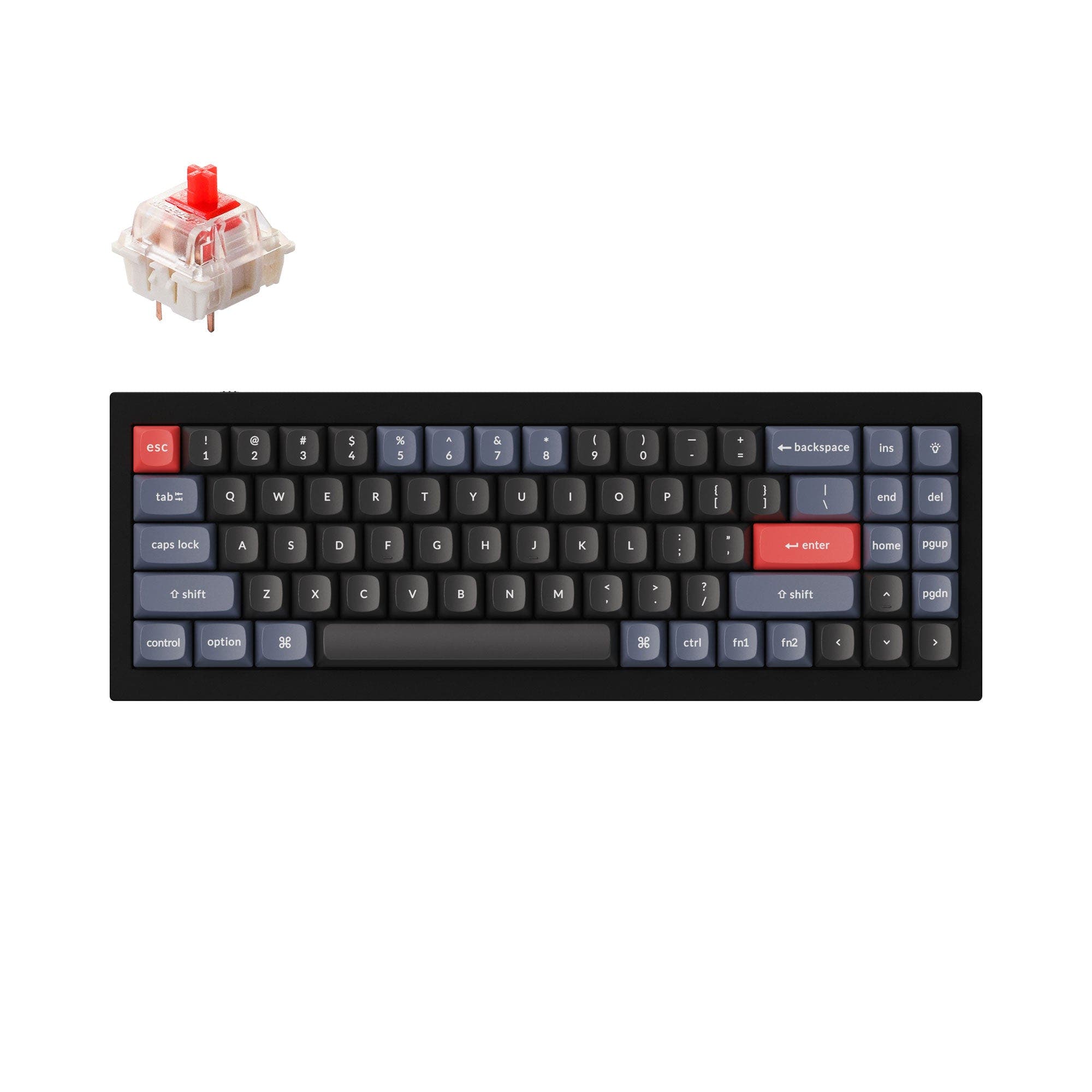
- 70% layout with dedicated arrow keys and a number row for familiar navigation.
- Full CNC machined aluminum case and steel plate with double gasket design for a solid feel.
- Hot-swappable sockets support 3-pin and 5-pin MX switches.
- South-facing LEDs. Shine-through legends stay dark, and some sculpted keycaps can clip the LED.
Get the
Keychron Q9
40% Layout Comparison
Build quality in the top 5% of 40% boards under $150.
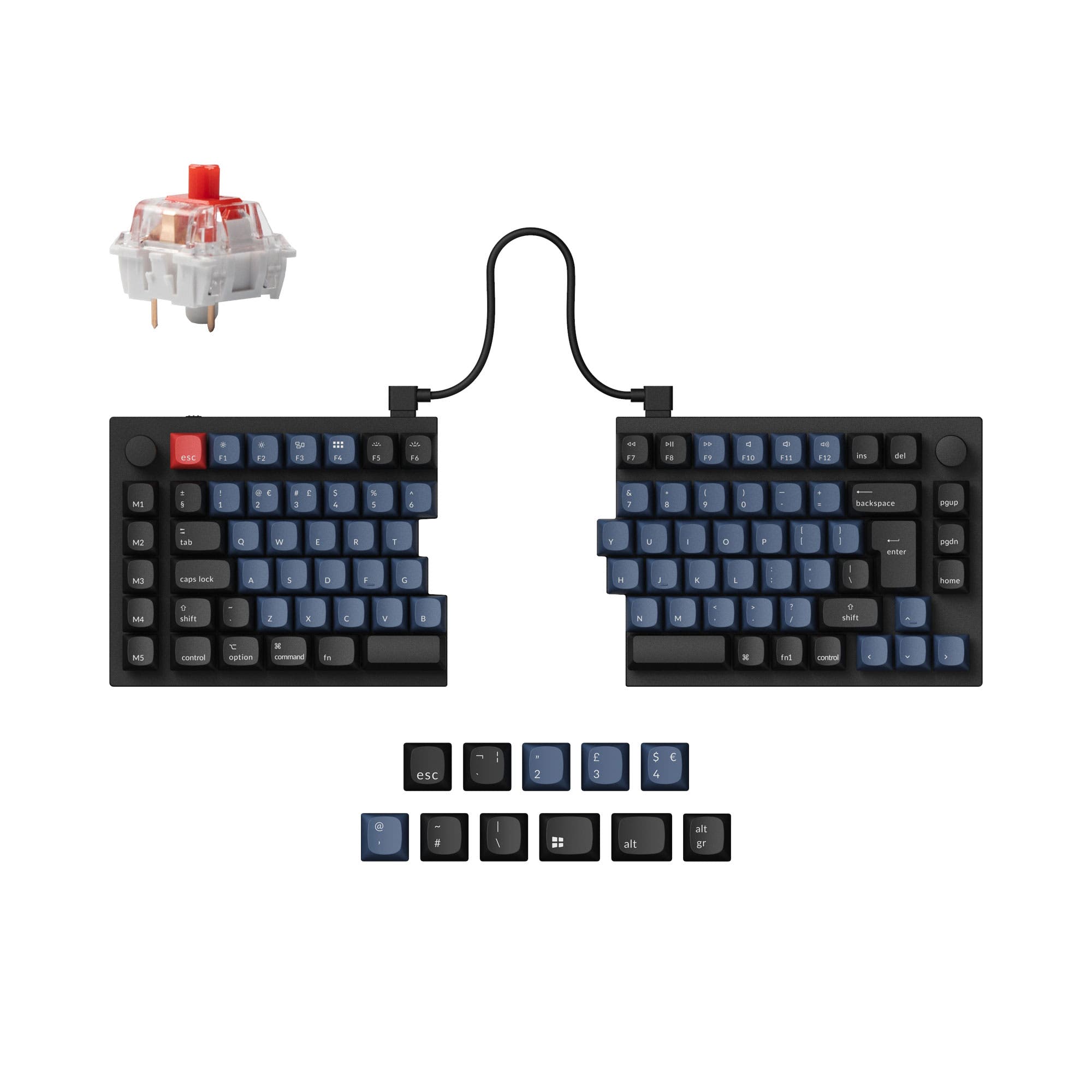
- 40% ultra-mini layout saves significant desk space.
- Lighter at 1050g for easier transport.
- Plus version offers a split spacebar and programmable knob for customization.
- South-facing LEDs. Shine-through legends stay dark, and some sculpted keycaps can clip the LED.
- Missing ISO-DE, ISO-UK, ISO-Nordic. The other board is sold in those layouts.
- Compact layout only. No function row, dedicated arrow keys, or numpad.
If you want a compact keyboard that still feels familiar, the Q7's 70% layout with arrow keys and a number row is the safer pick. If you prioritize desk space and are willing to adapt to layers, the Q9 offers a unique 40% experience with a split spacebar option on Plus versions. Both share excellent build quality and customization, so your choice should hinge on how much layout adjustment you are comfortable with.
The differences that matter
Skip the 40-row spec sheet. These are the specs that change how each board feels, sounds, and fits your desk.
Keychron Q7
Keychron Q9
Layout size
70%
40%
Ergonomics
Standard
Split Spacebar
Mount style
Gasket Mount, Plate Mount
Gasket Mount, PCB Mount, Plate Mount
Weight
1,820 g
1,050 g
Heavier boards stay planted and lighter ones travel
Layout standard
ANSI, ISO, ISO-DE, ISO-ES, ISO-FR, ISO-Nordic, ISO-SW, ISO-UK, JIS
ANSI, ISO
ISO and JIS exist so regional layouts fit
- Keychron Q7
- Keychron Q9
- Performance
- 6765
- Build quality
- 9091
- Productivity
- 9594
- Customizability
- 9696
- Portability
- 6370
- Connection: Wired
- Hot-swappable
- Max polling rate: 1,000 Hz
- Case material: Aluminum
- Switch options: Clicky, Linear, Tactile
- Knob
What will you mostly use it for?
The Q7 is the more familiar choice for gaming, office, and programming because its 70% layout includes dedicated arrow keys and a number row. The Q9 wins for travel and content creation due to its lighter weight, smaller footprint, and optional programmable knob. Modding is a tie, as both offer hot-swappable sockets, QMK/VIA, and screw-in stabilizers. Neither board is wireless, so users prioritizing cable-free setups will need to look elsewhere.
Pick the Keychron Q7
- The Q7 has a 70% layout with dedicated arrow keys, which can be useful for games that rely on arrow keys or separate navigation.
- Both keyboards have a 1000 Hz polling rate, but the Q7's larger layout provides more dedicated keys for game macros without relying on layers.
- The Q7 weighs 1820g, providing a stable base during intense gaming sessions.
What owners say
Ratings and quotes collected from verified store reviews, including the critical ones.
Keychron Q7
3 owner reviews
“The Q7 is unconventional, compact, and surprisingly usable once you give it a little time. It feels solid and intentional, not experimental. A great option if you like smaller layouts but still want something different. The layout is what stands out…”
“Was displeased to find out afterwards inhad purchased that i had to pay an import fee. Wouldn’t have purchased had i known”
Keychron Q9
6 owner reviews
“Love the keyboard and goes well with the switches i got. Size was bigger than expected but weight is truly high quality Could do with a force break mod though as it is a little pingy”
Keychron Q7 vs Q9 specs
Every tracked spec, side by side. Rows marked with a dot differ between the boards.
7 of 24 specs differ
Keychron Q7
Keychron Q9
Switch options
Hot-swappable
Mount style
Sound dampening
Screw-in stabilizers
Layout size
Layout standard
Ergonomics
Knob
Display
Connection
Max polling rate
USB-C
Case material
Plate material
Keycaps
Weight
Dimensions
Typing angle
Backlight
QMK
VIA
Mac & Windows
Released
ISO layouts by store
Which stores sell ISO-DE, UK, and the other regional layouts.
Keychron Q7
Keychron
ISO-DE, ISO-UK, ISO-Nordic, ISO-FR, ISO-ES, ISO-SW
In stockShips to you
Keychron (DE)
ISO-DE, ISO-UK, ISO-Nordic, ISO-FR, ISO-ES, ISO-SW
In stockDoes not ship to you
Keychron Q9
Input Gear
ISO
In stockShips to you
Input Gear
ISO
In stockShips to you
Keychron
ISO
In stockShips to you
Keychron (DE)
ISO
Out of stockDoes not ship to you
Compare prices
Live prices from the stores we track, cheapest in-stock offer first.
Prices in USD are converted to your currency and can change at any time. KeebFinder may earn a commission when you buy through these links, at no extra cost to you.
Lowest price across stores, Amazon excluded.




Keychron Q7 vs Q9: your questions
The primary difference is layout size: the Q7 is a 70% keyboard with a number row and dedicated arrow keys, while the Q9 is a 40% ultra-mini that relies on layers for numbers and navigation. Both are wired, aluminum, gasket-mounted boards with hot-swappable sockets and QMK/VIA support.
No, both the Q7 and Q9 are wired-only keyboards, using a USB-C connection. Neither offers Bluetooth or 2.4 GHz wireless, so they are best suited for stationary setups.
The Q7 is generally more suited for programming because its 70% layout includes dedicated arrow keys and a number row, reducing reliance on layers. However, both support QMK/VIA for custom macros, so experienced users can adapt either board to their workflow.
Yes, the Q9 Plus version features a split spacebar design that provides separate left and right spacebars, which can be remapped to other functions like Backspace or Delete. The standard Q9 does not have a split spacebar.
Yes, both the Q7 and Q9 have hot-swappable PCB sockets that support 3-pin and 5-pin MX mechanical switches. You can change switches without soldering, making it easy to try different switch types.
The Q7 weighs approximately 1820g (fully assembled), while the Q9 weighs about 1050g (fully assembled). The Q9 is noticeably lighter, which can be an advantage if you need to move it occasionally.
Yes, both the Q7 and Q9 support QMK firmware and VIA, allowing for extensive key remapping, macros, and layer customization. Keychron also provides the Launcher web app for easy configuration.
The Q9 is more portable due to its smaller dimensions (94 x 326 mm) and lighter weight (1050g) compared to the Q7 (121 x 341 mm, 1820g). However, both are wired and relatively heavy, so they are not ideal for frequent travel.
The Q7 supports ANSI, ISO, and JIS layouts, including regional variants like ISO-DE and ISO-UK. The Q9 supports ANSI and ISO layouts, with the barebone ISO option available.
The Q9 has a programmable knob on certain versions (such as the Knob and Plus versions), which can be customized via VIA. The standard Q7 does not include a knob, though some Q7 variants may offer it as an option.
Both the Q7 and Q9 have a typing angle of 5 degrees, as listed in their specifications. This is a relatively flat angle that many users find comfortable for extended typing.
Both keyboards use double-shot PBT keycaps in OSA profile (OEM height, SA shape) on fully assembled versions. The Q7 also offers ABS keycaps on some variants, while the Q9 appears to use PBT across its configurations.
Not sold on either?




Still torn?
Answer a few quick questions and the keyboard finder ranks 2,000+ boards by how you will actually use yours.