MCHOSE Ace 60 Pro HE vs Weikav Lucky65 V2Gaming Tech vs Customization
Choose the MCHOSE Ace 60 Pro HE for competitive gaming features, or the Weikav Lucky65 V2 for wireless flexibility and deep customization.
KeebFinder may earn a commission when you buy through these links, at no extra cost to you.


Which one should you get?
Get the
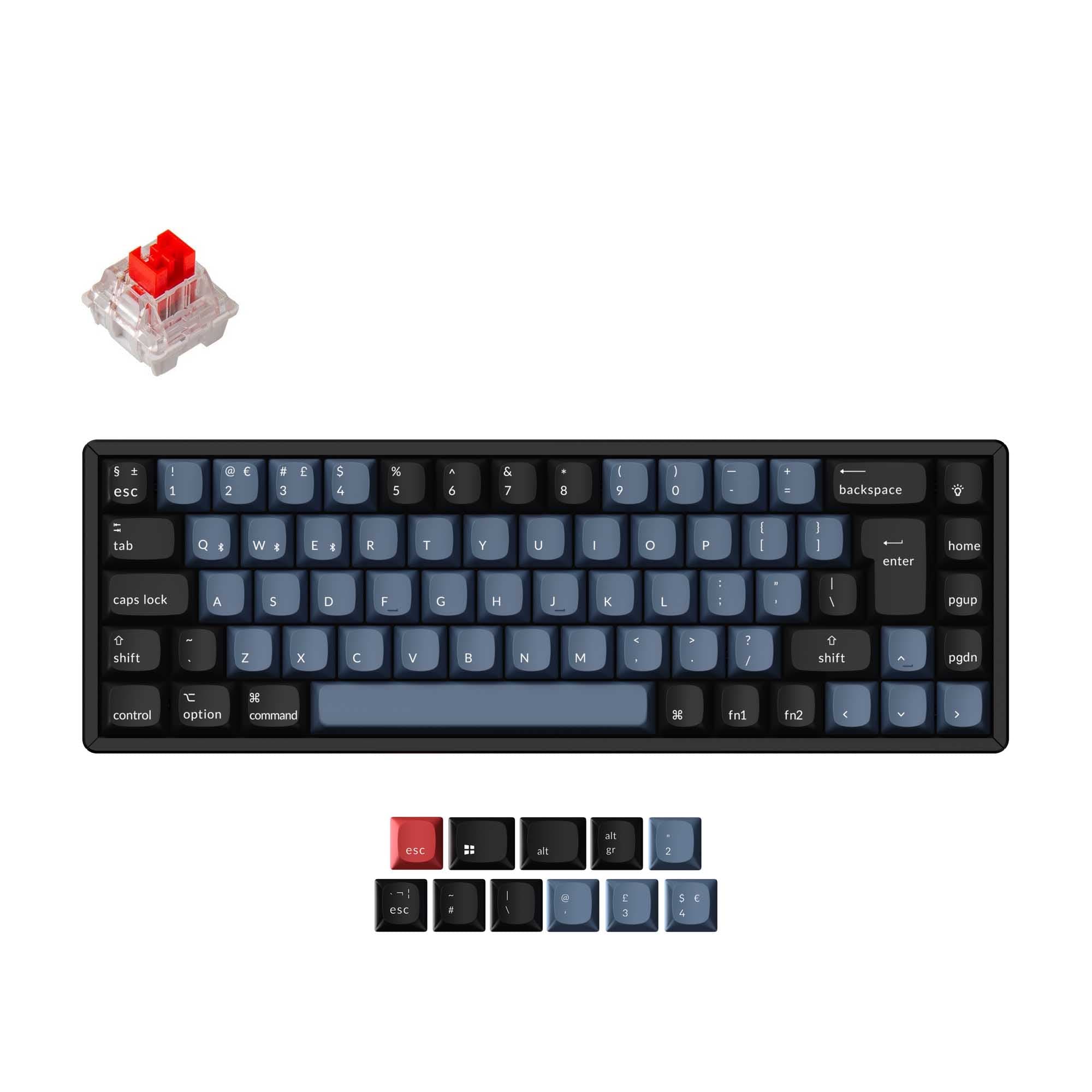
MCHOSE Ace 60 Pro HE
Gaming Tech
Build quality in the bottom 35% of 60% boards under $100.
- Hall Effect magnetic switches with adjustable actuation points (0.1-3.4mm).
- Includes gaming-focused features like Rapid Trigger and Snap Tap.
- Compact 60% aluminum case for a portable, space-saving footprint.
- Magnetic switches only. Standard MX switches will not fit.
- No ISO layout. ISO-DE, UK, and other ISO variants are not offered.
- Compact layout only. No function row, dedicated arrow keys, or numpad.
Get the
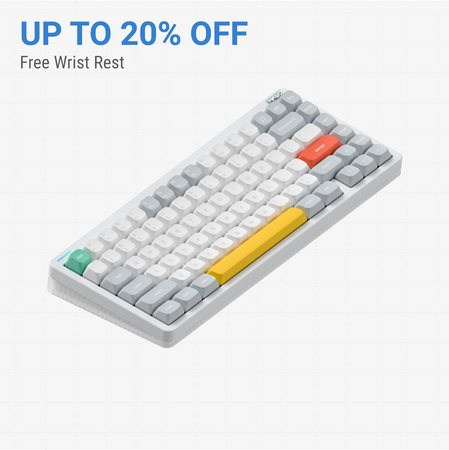
Weikav Lucky65 V2
Customization
Build quality in the top 10% of 65% boards under $100.
- Tri-mode connectivity with Bluetooth, 2.4GHz wireless, and wired USB-C.
- Extensive modding support: hot-swap PCB, five foam layers, multiple plate options.
- Full QMK and VIA firmware compatibility for key remapping and macros.
- South-facing LEDs. Shine-through legends stay dark, and some sculpted keycaps can clip the LED.
- 65% layout. No function row and no numpad.
Your choice hinges on whether advanced gaming technology or all-around versatility matters more. For players who want the edge of Hall Effect switches, Rapid Trigger, and minimal latency, the MCHOSE Ace 60 Pro HE is the clear pick. For everyone else—especially those who value wireless freedom, a practical 65% layout, and the ability to deeply customize sound and feel—the Weikav Lucky65 V2 is the superior and more flexible daily driver.
The differences that matter
Skip the 40-row spec sheet. These are the specs that change how each board feels, sounds, and fits your desk.
MCHOSE Ace 60 Pro HE
Weikav Lucky65 V2
Layout size
60%
65%
Hall effect (magnetic)
Yes
No
Adjustable actuation helps in games and not in normal typing
Rapid trigger
Yes
No
Faster resets help in games and not in normal typing
Hot-swappable
No
Yes
Switch changes without soldering
Ergonomics
Standard
Split Spacebar
- MCHOSE Ace 60 Pro HE
- Weikav Lucky65 V2
- Performance
- 6275
- Build quality
- 5086
- Productivity
- 4074
- Customizability
- 4592
- Portability
- 6084
- Case material: Aluminum
What will you mostly use it for?
The Weikav Lucky65 V2 is the more versatile choice, winning for office use, programming, modding, and content creation due to its wireless features, flexible layout, and deep customization support. The MCHOSE Ace 60 Pro HE takes a clear lead for dedicated gaming and has an edge for travel due to its smaller, simpler form factor. Your primary task dictates the winner.
Pick the MCHOSE Ace 60 Pro HE
- Features Hall Effect magnetic switches with adjustable actuation points.
- Includes Rapid Trigger technology for faster keypress registration.
- Vendor description highlights a 32K scan rate and 0.125ms latency.
MCHOSE Ace 60 Pro HE vs Weikav Lucky65 V2 specs
Every tracked spec, side by side. Rows marked with a dot differ between the boards.
14 of 25 specs differ
MCHOSE Ace 60 Pro HE
Weikav Lucky65 V2
Switch options
Hall effect (magnetic)
Rapid trigger
Hot-swappable
Mount style
Sound dampening
Layout size
Layout standard
Ergonomics
Display
Connection
Max polling rate
Battery
Case material
Plate material
Keycaps
Weight
Dimensions
Typing angle
Backlight
QMK
VIA
N-key rollover
Mac & Windows
Released
ISO layouts by store
Which stores sell ISO-DE, UK, and the other regional layouts.
MCHOSE Ace 60 Pro HE
No ISO layout at the stores we track.
Weikav Lucky65 V2
Listed on the product, not split by store: ISO.
Compare prices
Live prices from the stores we track, cheapest in-stock offer first.
Prices in USD are converted to your currency and can change at any time. KeebFinder may earn a commission when you buy through these links, at no extra cost to you.
Lowest price across stores, Amazon excluded.




MCHOSE Ace 60 Pro HE vs Weikav Lucky65 V2: your questions
The MCHOSE Ace 60 Pro HE is designed for competitive gaming. Its vendor description highlights Hall Effect magnetic switches with adjustable actuation, Rapid Trigger technology, and a claimed 32K scan rate with 0.125ms latency, which are features aimed at minimizing input delay.
Yes. The Weikav Lucky65 V2 supports Bluetooth 5.0, 2.4GHz wireless, and wired connections. The vendor states you can connect to three different devices via Bluetooth and switch between them, and it includes a magnetic storage compartment for the 2.4GHz receiver.
No. Only the Weikav Lucky65 V2 has a hot-swappable PCB, allowing you to change switches without soldering. The MCHOSE Ace 60 Pro HE comes with its magnetic switches pre-installed and does not list hot-swap as a feature.
The Weikav Lucky65 V2 offers far greater software customization. It fully supports QMK and VIA, open-source firmware that lets you remap every key, create layers, and design macros. The MCHOSE uses a proprietary web driver for configuration.
Hall Effect switches, like those in the MCHOSE, use a magnetic sensor to detect keypresses instead of physical metal contacts. This allows for features like adjustable actuation point, rapid trigger, and theoretically greater durability and consistency, as described by the vendor.
It is available in both pre-built and DIY kit/barebones versions, as listed in its extra features. You can purchase it ready to use, or as a kit that requires you to install switches and keycaps yourself for a customized build.
The MCHOSE Ace 60 Pro HE is more portable. Its 60% layout is significantly smaller than a 65% board, and it is wired-only, so you don't need to worry about battery life. The Weikav is heavier at 1.2kg and larger.
Both keyboards use PBT keycaps, which are more durable and resistant to shine than ABS plastic. The Weikav's vendor description for the Sakura Pink model specifies they are dye-sublimated PBT in a Cherry profile.
The MCHOSE vendor description mentions a fully self-developed web driver for configuring hotkeys, lighting, and settings like adjustable key travel and actuation. However, it does not mention support for the open-source QMK or VIA firmware used by the Weikav.
According to the vendor specifications, the Weikav Lucky65 V2 includes five layers of acoustic foam: a Poron foam, IXPE pad, PET noise cancellation pad, EPMD dampening pad, and a PET insulation pad. This is designed to create a more muted, pleasant typing sound.
The Weikav Lucky65 V2 explicitly lists Mac/Win support and its VIA software supports Mac OS, Windows, and Linux. The MCHOSE Ace 60 Pro HE's vendor description does not specify operating system compatibility beyond its web driver.
The Weikav features a 3750mAh battery. The vendor claims it can deliver up to 2-3 weeks of usage without the RGB backlighting enabled, and it supports charging while in wired mode.
Not sold on either?



Still torn?
Answer a few quick questions and the keyboard finder ranks 2,000+ boards by how you will actually use yours.