Not sure which keyboard to choose? Try the Keyboard Finder now!

Compare Monsgeek FUN60 Ultra vs M1 V5 Differences Side by Side

This comparison is for buyers deciding between two distinct Monsgeek offerings. The choice is difficult because one excels in raw speed and portability, while the other offers a superior build and typing experience. The FUN60 Ultra is a compact, high-performance 60% board, whereas the M1 V5 is a feature-packed 75% kit focused on enthusiast-level modding. Your decision hinges on prioritizing ultra-low latency or a premium, customizable typing feel.

MonsGeek FUN60 Ultra
81
Monsgeek M1 V5 VIA DIY Kit (ISO)

Select a keyboard to compare

0.0 (0)
0.0 (0)
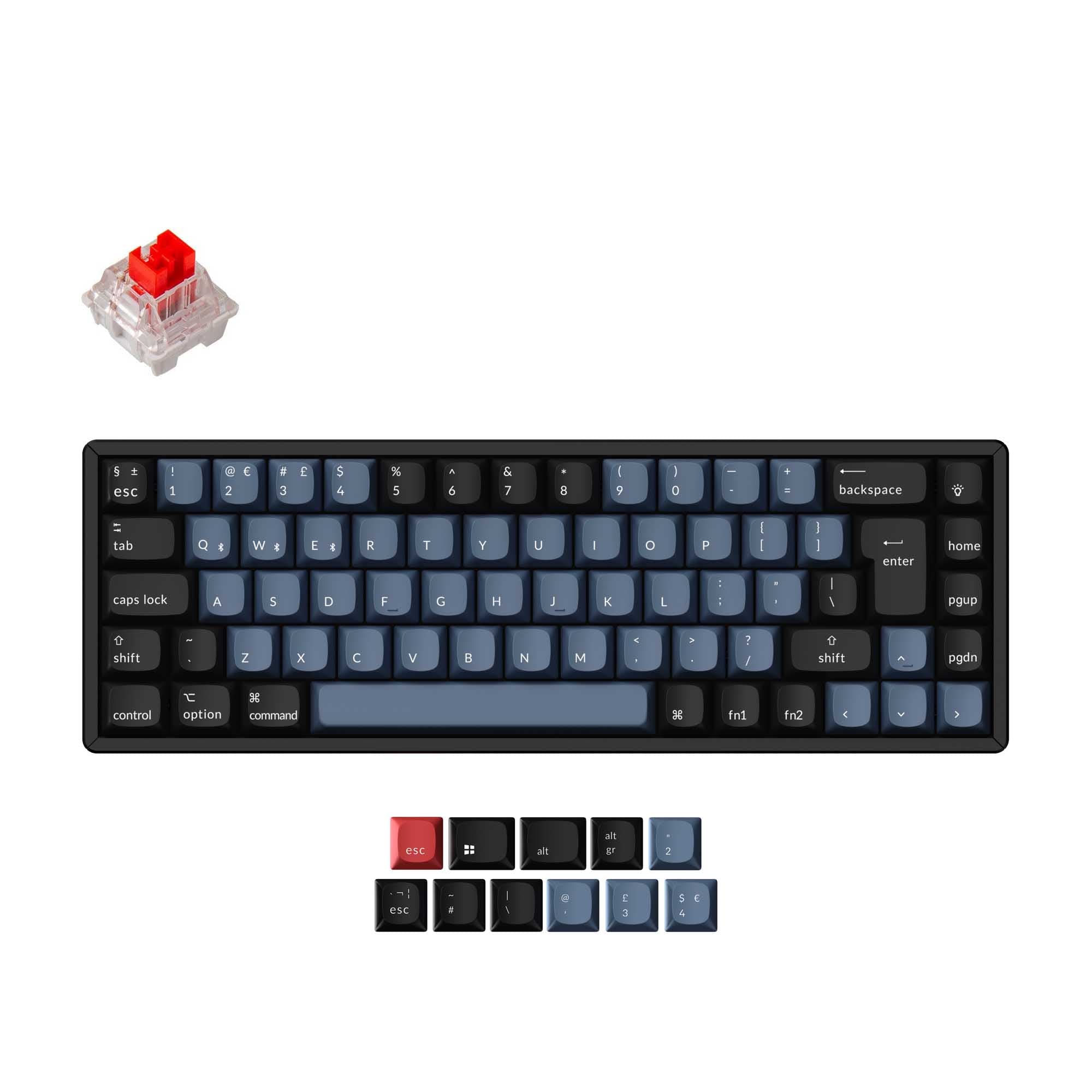
  • Available in a 60% layout
  • Built with the ANSI layout standard
  • Supports 2.4 GHz, Wired, Wireless connectivity
  • Runs at a 32000 Hz polling rate
  • Sized at 29 x 293 x 103 mm
  • Offers No RGB lighting
  • Available in a Unknown layout
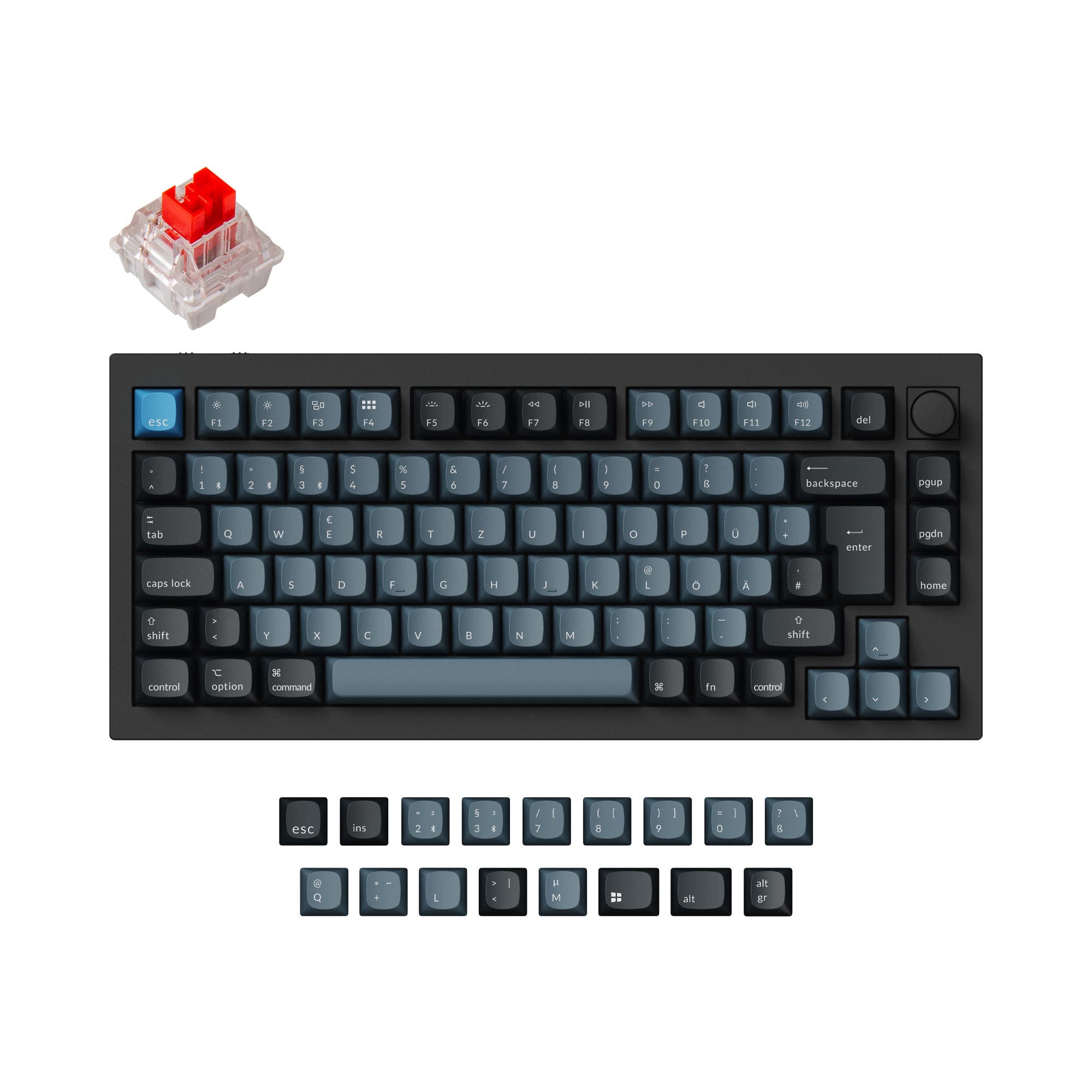
  • Built with the ISO, ISO-DE, ANSI, ISO-UK, ISO-Nordic layout standard
  • Comes with a knob
  • Compatible with both Mac and Windows
  • Connects via USB-C
  • Supports VIA configuration
  • Has built-in sound dampening
  • Uses a Gasket Mount mounting style
  • Supports Bluetooth, 2.4 GHz, Wired, Wireless connectivity
  • Runs at a 1000 Hz polling rate
  • Equipped with a 8000 mAh battery
  • Weighs about 1875 g
  • Sized at 33 x 333 x 146 mm
  • Offers Yes, Rgb, South-face, Rgb South-face RGB lighting
Scores
  • Performance: 72.4
  • Build Quality: 57.5
  • Productivity: 46.1
  • Customizability: 44.8
  • Portability: 77.8
Scores
  • Performance: 65.2
  • Build Quality: 79.9
  • Productivity: 85
  • Customizability: 85.7
  • Portability: 66.8
Name
Monsgeek FUN60 Ultra
Name
Monsgeek M1 V5
Release year
2025
Release year
2025
Switch Options
-
Switch Options
-
Profile
Normal Profile
Profile
Normal Profile
Hot Swappable
 
Hot Swappable
 
Layout Size
60%
Layout Size
Unknown
Layout Standard
ANSI
Layout Standard
ISO, ISO-DE, ANSI, ISO-UK, ISO-Nordic
Layout Ergonomics
Normal
Layout Ergonomics
Normal
Knob Support
 
Knob Support
 
Display Support
 
Display Support
 
Mac/Win Support
 
Mac/Win Support
 
Multi-Media Keys
 
Multi-Media Keys
 
USB-C
 
USB-C
 
USB passthrough
 
USB passthrough
 
Connection
2.4 GHz, Wired, Wireless
Connection
Bluetooth, 2.4 GHz, Wired, Wireless
Polling Rate
32000 Hz
Polling Rate
1000 Hz
Battery capacity
-
Battery capacity
8000 mAh
Hall Effect Support
 
Hall Effect Support
 
QMK Support
 
QMK Support
 
VIA Support
 
VIA Support
 
VIAL Support
 
VIAL Support
 
N-Key Rollover
 
N-Key Rollover
 
Rapid Trigger
 
Rapid Trigger
 
Mount Style
-
Mount Style
Gasket Mount
Screw in Stabilizers
 
Screw in Stabilizers
 
Sound Dampening
 
Sound Dampening
 
Backlight
 
Backlight
 
Rgb, South-face
Case Colors
Case Colors
Case Material
Aluminum
Case Material
Aluminum
Keycaps Material
PBT
Keycaps Material
PBT
Dimensions
29 x 293 x 103 mm
Dimensions
33 x 333 x 146 mm
Weight
-
Weight
1875g
*Something incorrect or missing? Please
let me know
!

Pros and Trade-offs

Select the Monsgeek FUN60 Ultra if your top priorities are maximizing gaming performance with ultra-low latency and maintaining a highly portable setup. Opt for the Monsgeek M1 V5 if you value a premium, customizable typing experience, need extensive programmability and connectivity options, and prefer a more substantial 75% layout. The trade-off is fundamentally between cutting-edge speed and enthusiast-grade features.

Monsgeek FUN60 Ultra

  • +Extremely high 32000 Hz polling rate for minimal input latency.
  • +Compact 60% aluminum case saves significant desk space.
  • +Offers selectable 1K/8K/32K sampling rates for performance tuning.
  • +Includes 2.4 GHz wireless connectivity in a portable form factor.

  • Lacks Bluetooth connectivity, limiting wireless multi-device use.
  • No RGB lighting, offering only basic lighting modes according to the vendor.
  • Smaller 60% layout requires layers or a separate numpad for number entry.

Monsgeek M1 V5

  • +Premium gasket mount construction with polycarbonate plate and PORON foam.
  • +Full VIA support for easy key remapping and macro programming.
  • +Tri-mode connectivity with Bluetooth 5.0, 2.4 GHz, and wired USB-C.
  • +Large 8000mAh battery for extended wireless use.
  • +Includes an integrated knob and supports multiple ISO layouts.

  • Lower 1000 Hz polling rate, which may be a consideration for competitive gaming.
  • Much larger and heavier (1875g) footprint, reducing portability.
  • Higher price point compared to the FUN60 Ultra.

Which Keyboard Is Better for Your Needs?

The Monsgeek M1 V5 is the more versatile board, winning in office, programming, modding, and content creation due to its larger layout, extensive connectivity, and deep customization tools. The FUN60 Ultra takes the lead specifically for gaming, thanks to its extreme polling rate, and for travel due to its compact 60% size. Your primary task dictates the clear winner.

GamingMonsgeek FUN60 Ultra
  • Higher 32000 Hz polling rate versus 1000 Hz on the M1 V5.
  • Selectable sampling rates of 1K/8K/32K for tuning latency.
  • Smaller 60% form factor frees up desk space for mouse movement.
OfficeMonsgeek M1 V5
  • Includes Bluetooth 5.0 connectivity for easy multi-device switching.
  • Larger 75% layout with dedicated function and navigation keys.
  • Longer battery life from its 8000mAh battery for wireless use.
ProgrammingMonsgeek M1 V5
  • 75% layout retains arrow keys and function row for coding efficiency.
  • VIA support allows for full key remapping and macro programming.
  • Support for multiple ISO layouts, including ISO-DE and ISO-UK.
TravelMonsgeek FUN60 Ultra
  • Significantly smaller dimensions (293 x 103 mm vs 333 x 146 mm).
  • Lighter weight implied by its much smaller size and lack of a large battery.
  • Includes 2.4 GHz wireless for a reliable connection on the go.
ModdingMonsgeek M1 V5
  • Gasket mount structure for a flexible, cushioned typing feel.
  • Includes sound dampening with a PORON plate foam.
  • VIA support for deep firmware customization and remapping.
  • Available as a DIY kit/barebones option for building from scratch.
Content CreationMonsgeek M1 V5
  • Integrated knob (encoder) for precise media or brush control.
  • South-facing RGB backlighting for aesthetic customization.
  • VIA software enables complex macros for editing workflows.

Frequently Asked Questions (FAQ)


Discover similar products

You might also like similar products in that price range:

99
$129
Keychron K2 HE Wireless Magnetic Switch Custom Keyboard
Keychron K2 HE
75%,
Hotswap,
Wireless,
Wired,
RGB/ White LEDs,
Knob,
VIA,
QMK,
HE,
Rapid trigger,
Alu case,
Tray Mount

93
$62
Keychron K6 Pro QMK/VIA Wireless Mechanical Keyboard ISO Layout Collection
Keychron K6 Pro
65%,
Hotswap,
Wireless,
Wired,
RGB/ White LEDs,
VIA,
QMK,
Alu case,
Tray Mount

-28% off
94
$221$159
Keychron Q6 Pro QMK/VIA Wireless Custom Mechanical Keyboard ISO Layout Collection
Keychron Q6 Pro
100%,
Hotswap,
Wireless,
Wired,
RGB,
Knob,
VIA,
QMK,
Alu case,
Gasket Mount

84
$83
Keychron K7 Pro QMK/VIA Wireless Custom Mechanical Keyboard ISO Layout Collection
Keychron K7 Pro
65%,
Hotswap,
Wireless,
Wired,
RGB/ White LEDs,
VIA,
QMK,
Alu case,
Tray Mount

100
$160
Keychron Q1 HE QMK Wireless Custom Keyboard ISO Layout Collection
Keychron Q1 HE
75%,
Hotswap,
Wireless,
Wired,
RGB/ White LEDs,
Knob,
VIA,
QMK,
HE,
Rapid trigger,
Alu case,
Gasket Mount

81
$79
[In Stock] Lucky65 V2 65% Mechanical Keyboard
Weikav Lucky65 V2
65%,
Hotswap,
Wireless,
Wired,
RGB,
VIA,
QMK,
Alu case,
Gasket Mount

96
$149
Keychron Q3 Pro QMK/VIA Wireless Custom Mechanical Keyboard ISO Layout Collection
Keychron Q3 Pro
80%,
Hotswap,
Wireless,
Wired,
RGB,
Knob,
VIA,
QMK,
Alu case,
Gasket Mount

-10% off
79
$69$62
Epomaker Hack 59
Epomaker Hack 59
60%,
Hotswap,
Wireless,
Wired,
RGB,
VIA,
QMK,
Gasket Mount

93
$149
Keychron Q2 Pro QMK/VIA Wireless Custom Mechanical Keyboard (US Layout)
Keychron Q2 Pro
65%,
Hotswap,
Wireless,
Wired,
RGB,
Knob,
VIA,
QMK,
Alu case,
Gasket Mount