Not sure which keyboard to choose? Try the Keyboard Finder now!

Compare Monsgeek M1 vs M1 V5 Differences Side by Side

This comparison is for mechanical keyboard enthusiasts deciding between two popular aluminum barebone kits from the same brand. The choice is challenging because both share a gasket-mounted aluminum construction and 75% layout, but diverge fundamentally on connectivity and included components. The M1 is a classic wired-only kit, while the M1 V5 adds tri-mode wireless and a larger battery, often at a higher price point.

95
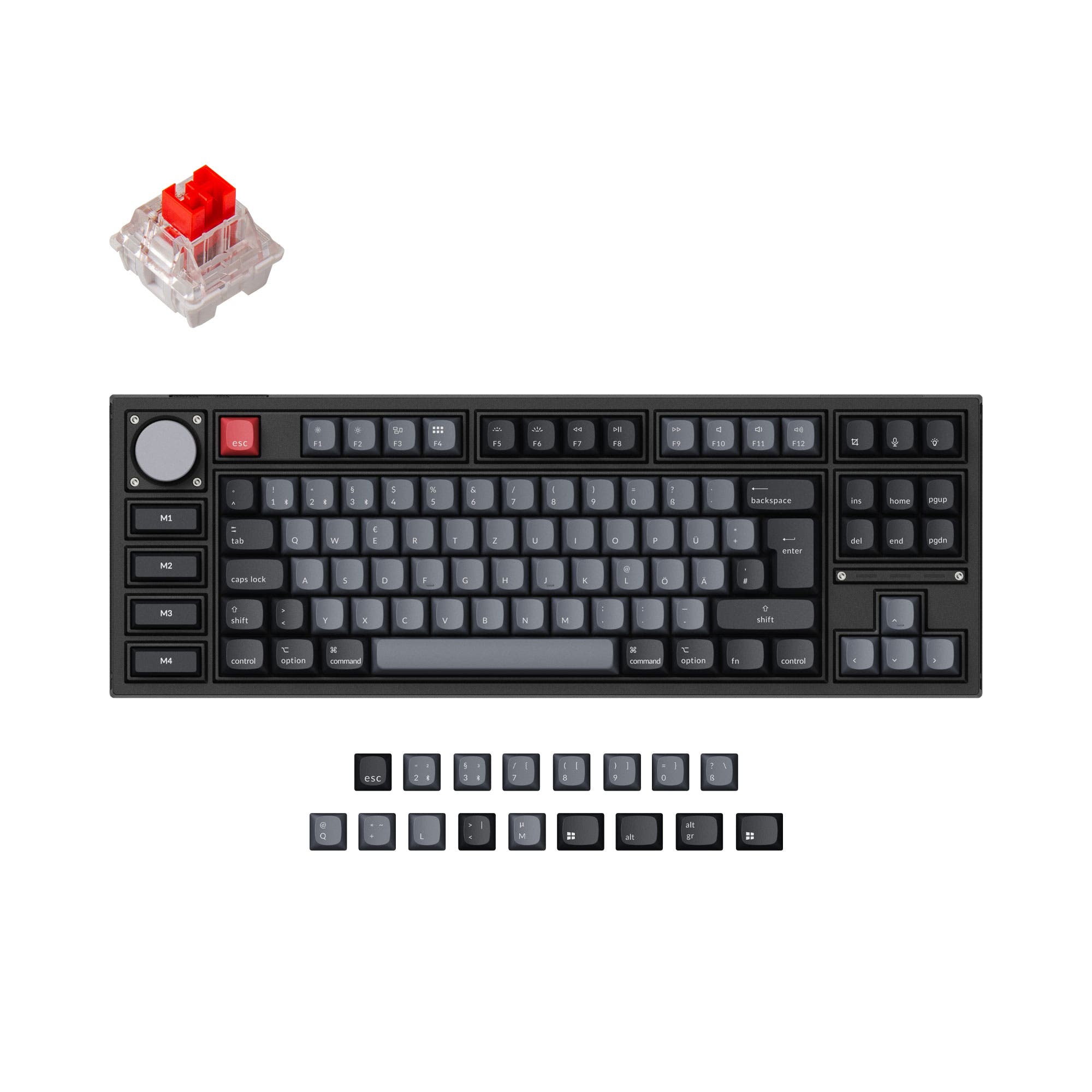
MonsGeek M1 Gasket DIY Kit
81
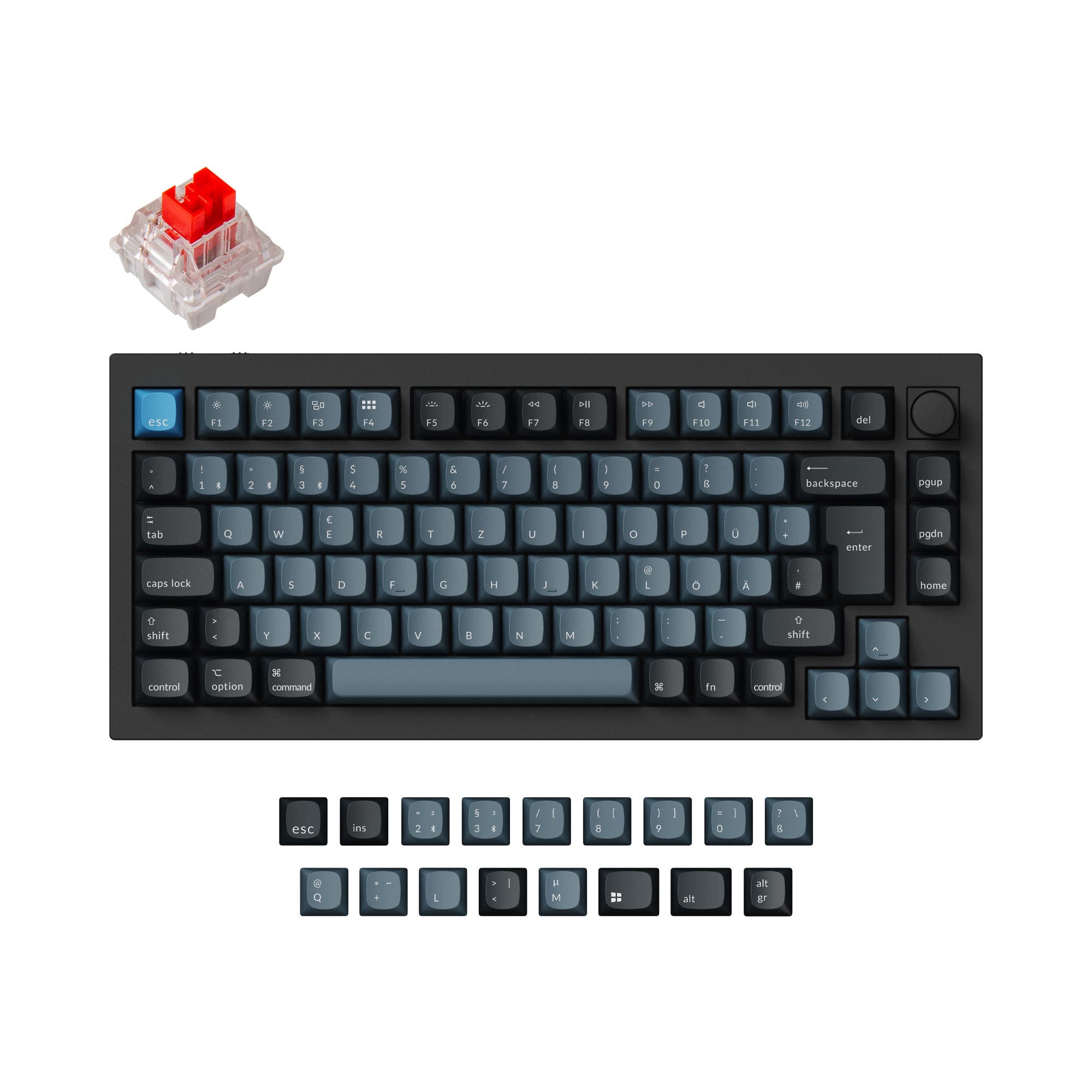
Monsgeek M1 V5 VIA DIY Kit (ISO)

Select a keyboard to compare

0.0 (0)
0.0 (0)
  • Released in 2022
  • Has Linear, Clicky switch options
  • Available in a 75% layout
  • Built with the ANSI layout standard
  • Provides dedicated media keys
  • Supports QMK firmware
  • Features N-key rollover
  • Includes screw-in stabilizers
  • Supports Wired connectivity
  • Weighs about 1900 g
  • Sized at 33 x 147 mm
  • Made with a Aluminum, Copper case
  • Features ABS, PC keycaps
  • Released in 2025
  • Available in a Unknown layout
  • Built with the ISO, ISO-DE, ANSI, ISO-UK, ISO-Nordic layout standard
  • Supports Bluetooth, 2.4 GHz, Wired, Wireless connectivity
  • Runs at a 1000 Hz polling rate
  • Equipped with a 8000 mAh battery
  • Weighs about 1875 g
  • Sized at 33 x 333 x 146 mm
  • Made with a Aluminum case
  • Features PBT keycaps
Scores
  • Performance: 70.4
  • Build Quality: 87.9
  • Productivity: 98
  • Customizability: 100
  • Portability: 64.9
Scores
  • Performance: 65.2
  • Build Quality: 79.9
  • Productivity: 85
  • Customizability: 85.7
  • Portability: 66.8
Name
Monsgeek M1
Name
Monsgeek M1 V5
Release year
2022
Release year
2025
Switch Options
Linear, Clicky
Switch Options
-
Profile
Normal Profile
Profile
Normal Profile
Hot Swappable
 
Hot Swappable
 
Layout Size
75%
Layout Size
Unknown
Layout Standard
ANSI
Layout Standard
ISO, ISO-DE, ANSI, ISO-UK, ISO-Nordic
Layout Ergonomics
Normal
Layout Ergonomics
Normal
Knob Support
 
Knob Support
 
Display Support
 
Display Support
 
Mac/Win Support
 
Mac/Win Support
 
Multi-Media Keys
 
Multi-Media Keys
 
USB-C
 
USB-C
 
USB passthrough
 
USB passthrough
 
Connection
Wired
Connection
Bluetooth, 2.4 GHz, Wired, Wireless
Polling Rate
-
Polling Rate
1000 Hz
Battery capacity
-
Battery capacity
8000 mAh
Hall Effect Support
 
Hall Effect Support
 
QMK Support
 
QMK Support
 
VIA Support
 
VIA Support
 
VIAL Support
 
VIAL Support
 
N-Key Rollover
 
N-Key Rollover
 
Rapid Trigger
 
Rapid Trigger
 
Mount Style
Gasket Mount
Mount Style
Gasket Mount
Screw in Stabilizers
 
Screw in Stabilizers
 
Sound Dampening
 
Sound Dampening
 
Backlight
 
Rgb, South-face
Backlight
 
Rgb, South-face
Case Colors
Case Colors
Case Material
Aluminum, Copper
Case Material
Aluminum
Keycaps Material
ABS, PC
Keycaps Material
PBT
Dimensions
33 x 147 mm
Dimensions
33 x 333 x 146 mm
Weight
1900g
Weight
1875g
*Something incorrect or missing? Please
let me know
!

Pros and Trade-offs

Your primary need dictates the choice. If you value a pure, cost-effective DIY project with maximum modding potential and will use it at a single desk, the Monsgeek M1 is a compelling wired foundation. If your workflow involves multiple devices, a clean desk, or portable use, the Monsgeek M1 V5's tri-mode wireless and large battery justify its typically higher cost, despite some trade-offs in included modding materials.

Monsgeek M1

  • +Includes a wide array of modding accessories like Teflon pads, tape, and multiple Poron foam layers according to the vendor page.
  • +Offers a copper case material option in addition to aluminum for different aesthetics and acoustics.
  • +Supports both QMK and VIA firmware for extensive programmability.
  • +Vendor description notes it includes a coiled USB-C cable and screw-in stabilizers.

  • Wired-only connectivity limits placement and device switching.
  • Lacks a built-in battery, making it unsuitable for portable cordless use.
  • Some vendor listings caution that certain versions do not support QMK/VIA, requiring buyer verification.

Monsgeek M1 V5

  • +Features tri-mode connectivity with wired USB-C, Bluetooth 5.0, and 2.4 GHz wireless.
  • +Includes a large 8000mAh battery for extended wireless use, as per the manufacturer.
  • +Supports multiple ISO layout options (ISO-DE, ISO-UK, ISO-Nordic) in addition to ANSI.
  • +Description highlights a tool-less 'Rapid Disassemble' ball-catch mechanism for easy opening.

  • Lacks the extensive bundle of modding foams and pads mentioned for the original M1.
  • Does not list QMK support, relying solely on VIA for programmability.
  • Wireless functionality adds complexity and potential points of failure compared to a simple wired board.

Which Keyboard Is Better for Your Needs?

The M1 V5 is the clear choice for mobile and multi-device workflows, winning in Office, Travel, and Content Creation due to its wireless features and battery. The original M1 remains superior for dedicated Gaming setups and serious Modding, thanks to its wired reliability and extensive included modification accessories. For stationary tasks like Programming where wireless is less critical, both keyboards are equally capable.

GamingMonsgeek M1
  • The M1's wired-only connection ensures consistent, lag-free input without potential wireless interference.
  • Its listed polling rate of 1000 Hz is matched by the V5, but the wired connection is more reliable for competitive gaming.
  • The M1's copper case material option may offer a different acoustic profile preferred by some gamers.
OfficeMonsgeek M1 V5
  • The M1 V5's tri-mode wireless connectivity (Bluetooth 5.0 and 2.4 GHz) allows for easy switching between multiple devices and a cleaner desk.
  • Its large 8000mAh battery, as stated by the manufacturer, supports extended cordless use.
  • The inclusion of multiple ISO layout options (ISO-DE, ISO-UK, ISO-Nordic) caters to a wider international office audience.
ProgrammingTie
  • Both keyboards offer a 75% layout, preserving arrow and navigation keys in a compact form factor.
  • Both support VIA for deep key remapping and macro programming, a key feature for developers.
  • Both are hot-swappable, allowing programmers to choose their preferred switch type for long typing sessions.
TravelMonsgeek M1 V5
  • The M1 V5's wireless functionality eliminates the need to carry and connect a cable on the go.
  • Its battery allows for use without being tethered to a power source.
  • The tool-less 'Rapid Disassemble' ball-catch mechanism, mentioned in its description, could simplify maintenance while traveling.
ModdingMonsgeek M1
  • The original M1's vendor description details a comprehensive suite of included modding materials like Teflon pads for force break, tape, and multiple Poron foam layers.
  • It offers a copper case material option in addition to aluminum, providing more base material choices for modders.
  • Its listing includes QMK support, offering deeper firmware customization than the V5's confirmed VIA support.
Content CreationMonsgeek M1 V5
  • Wireless connectivity provides more flexibility for arranging peripherals on a content creation desk.
  • The ability to quickly switch between a computer and a tablet via Bluetooth can streamline workflows involving multiple devices.
  • The integrated knob on both models offers direct media control, but wireless use enhances cable management for clean filming setups.

Frequently Asked Questions (FAQ)


Discover similar products

You might also like similar products in that price range:

98
$94
Keychron V1 Max QMK Wireless Custom Mechanical Keyboard ISO Layout Collection
Keychron V1 Max
75%,
Hotswap,
Wireless,
Wired,
RGB,
Knob,
VIA,
QMK,
Gasket Mount

99
$129
Keychron K2 HE Wireless Magnetic Switch Custom Keyboard
Keychron K2 HE
75%,
Hotswap,
Wireless,
Wired,
RGB/ White LEDs,
Knob,
VIA,
QMK,
HE,
Rapid trigger,
Alu case,
Tray Mount

94
$94
Keychron V3 Max QMK Wireless Custom Mechanical Keyboard ISO Layout Collection
Keychron V3 Max
80%,
Hotswap,
Wireless,
Wired,
RGB,
Knob,
VIA,
QMK,
Gasket Mount

-28% off
94
$221$159
Keychron Q6 Pro QMK/VIA Wireless Custom Mechanical Keyboard ISO Layout Collection
Keychron Q6 Pro
100%,
Hotswap,
Wireless,
Wired,
RGB,
Knob,
VIA,
QMK,
Alu case,
Gasket Mount

93
$105
MonsGeek M1W Aluminum Wireless Gasket DIY Kit
Monsgeek M1W
75%,
Hotswap,
Wireless,
Wired,
RGB,
Knob,
VIA,
QMK,
Alu case,
Gasket Mount

100
$160
Keychron Q1 HE QMK Wireless Custom Keyboard ISO Layout Collection
Keychron Q1 HE
75%,
Hotswap,
Wireless,
Wired,
RGB/ White LEDs,
Knob,
VIA,
QMK,
HE,
Rapid trigger,
Alu case,
Gasket Mount

100
$104
Lemokey P1 QMK/VIA Custom Gaming Keyboard
Keychron Lemokey P1
75%,
Hotswap,
Wireless,
Wired,
RGB,
Knob,
VIA,
QMK,
Alu case,
Gasket Mount

96
$149
Keychron Q3 Pro QMK/VIA Wireless Custom Mechanical Keyboard ISO Layout Collection
Keychron Q3 Pro
80%,
Hotswap,
Wireless,
Wired,
RGB,
Knob,
VIA,
QMK,
Alu case,
Gasket Mount

94
$100
Keychron Q8 Pro (Alice Layout) QMK/VIA Wireless Custom Mechanical Keyboard
Keychron Q8 Pro
65%,
Hotswap,
Wireless,
Wired,
RGB,
Knob,
VIA,
QMK,
Alu case,
Gasket Mount

93
$149
Keychron Q2 Pro QMK/VIA Wireless Custom Mechanical Keyboard (US Layout)
Keychron Q2 Pro
65%,
Hotswap,
Wireless,
Wired,
RGB,
Knob,
VIA,
QMK,
Alu case,
Gasket Mount