Varmilo Muse65 HE Aurora vs WOBKEY Crush 80 Reboot ProHE or Wireless?
Get the Varmilo Muse65 HE Aurora for Hall Effect switches, Rapid Trigger, and 8000 Hz polling, or the WOBKEY Crush 80 Reboot Pro for wireless use, hot-swap switches, and VIA support.
KeebFinder may earn a commission when you buy through these links, at no extra cost to you.


Which one should you get?
Get the
Varmilo Muse65 HE Aurora
Hall effect
Build quality in the bottom 40% of 65% boards under $150.
- Hall Effect magnetic switches with Rapid Trigger and Dynamic Key Stroke support.
- 8000 Hz polling rate and adjustable actuation points.
- Magnetic switches only. Standard MX switches will not fit.
- North-facing LEDs. Cherry-profile keycaps can hit the switch housing.
- 65% layout. No function row and no numpad.
Get the
WOBKEY Crush 80 Reboot Pro
Hot-swappable
Build quality in the top 20% of 80% boards under $200.
- Bluetooth and 2.4 GHz wireless connectivity with a 7500mAh battery.
- Hot-swappable PCB with VIA support.
- Includes a custom carrying case and an additional FR4 plate.
- North-facing LEDs. Cherry-profile keycaps can hit the switch housing.
- South-facing LEDs. Shine-through legends stay dark, and some sculpted keycaps can clip the LED.
- No numpad.
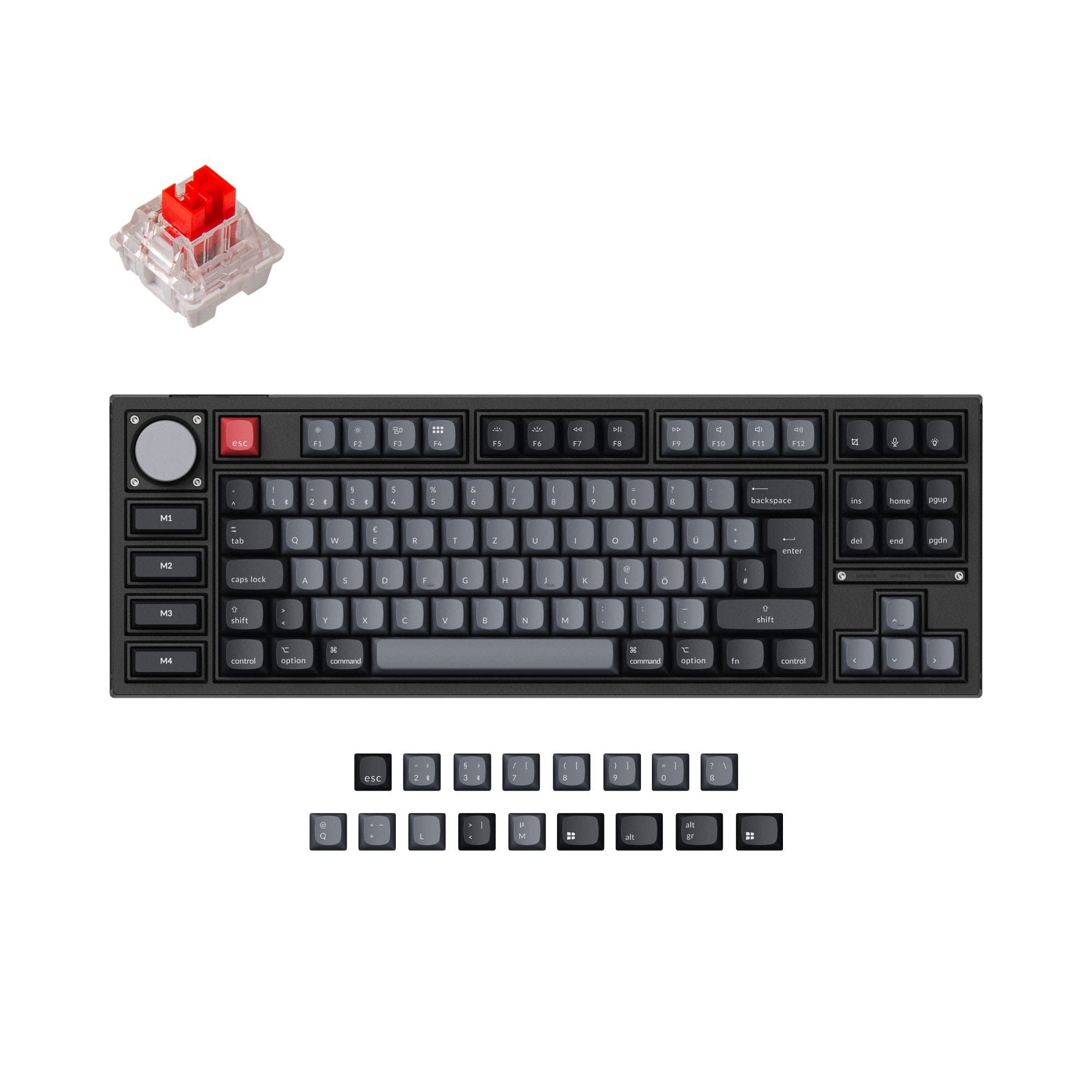
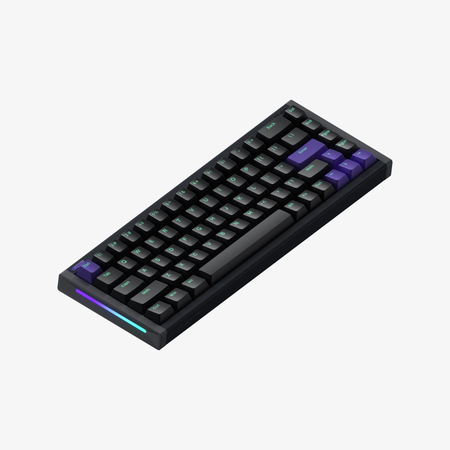
Choose the Varmilo Muse65 HE Aurora for Hall Effect switches, Rapid Trigger, adjustable actuation, and its listed 8000 Hz polling rate. Choose the WOBKEY Crush 80 Reboot Pro for wireless connectivity, a hot-swappable VIA-compatible PCB, and a function row. The Muse65 is limited to magnetic switches, while the Crush 80's layout does not include a numpad.
The differences that matter
Skip the 40-row spec sheet. These are the specs that change how each board feels, sounds, and fits your desk.
Varmilo Muse65 HE Aurora
WOBKEY Crush 80 Reboot Pro
Layout size
65%
80%
Hall effect (magnetic)
Yes
No
Adjustable actuation helps in games and not in normal typing
Rapid trigger
Yes
No
Faster resets help in games and not in normal typing
Connection
Wired
Bluetooth, 2.4 GHz, Wired
Wireless for several devices and wired for lower latency
Hot-swappable
No
Yes
Switch changes without soldering
- Varmilo Muse65 HE Aurora
- WOBKEY Crush 80 Reboot Pro
- Performance
- 9178
- Build quality
- 5877
- Productivity
- 5291
- Customizability
- 4779
- Portability
- 6787
- Case material: Aluminum
- Sound dampening
- Keycaps: PBT
What will you mostly use it for?
The Muse65 is the more focused pick for gaming where Hall Effect input features and its stated polling rate matter most. The Crush 80 takes the broader office, programming, travel, and modding roles through its wireless options, larger layout, hot-swap support, and included extras. For content creation, the additional function row and wireless modes make the Crush 80 the more versatile fit. Choose the Muse65 when its compact layout and specialized magnetic switches are the priority.
Pick the Varmilo Muse65 HE Aurora
- Hall Effect magnetic switches support Rapid Trigger and adjustable actuation.
- Its listed 8000 Hz polling rate is higher than the Crush 80's stated polling information, which is not specified here.
Varmilo Muse65 HE Aurora vs WOBKEY Crush 80 Reboot Pro specs
Every tracked spec, side by side. Rows marked with a dot differ between the boards.
11 of 26 specs differ
Varmilo Muse65 HE Aurora
WOBKEY Crush 80 Reboot Pro
Switch options
Hall effect (magnetic)
Rapid trigger
Hot-swappable
Mount style
Sound dampening
Screw-in stabilizers
Layout size
Layout standard
Ergonomics
Display
Connection
Max polling rate
Battery
USB-C
Case material
Plate material
Keycaps
Weight
Dimensions
Typing angle
Backlight
VIA
N-key rollover
Mac & Windows
Released
Compare prices
Live prices from the stores we track, cheapest in-stock offer first.
Prices in USD are converted to your currency and can change at any time. KeebFinder may earn a commission when you buy through these links, at no extra cost to you.
Lowest price across stores, Amazon excluded.


Varmilo Muse65 HE Aurora vs WOBKEY Crush 80 Reboot Pro: your questions
The Muse65 is the more gaming-focused choice because its Hall Effect switches support Rapid Trigger and adjustable actuation. Its listed polling rate is 8000 Hz.
Yes, the Muse65 supports Rapid Trigger and Dynamic Key Stroke functions. Its product description also lists adjustable actuation points for each switch through software.
Yes, it supports Bluetooth and 2.4 GHz wireless connections, as well as wired USB-C. The keyboard has a 7500mAh battery.
The Crush 80 has a hot-swappable PCB, so it supports switch replacement. The Muse65 uses magnetic switches only, and standard MX switches will not fit it.
No, its compatibility information specifies magnetic switches only, and standard MX switches will not fit. The Crush 80 instead has a hot-swappable PCB.
The WOBKEY Crush 80 Reboot Pro has VIA support and a hot-swappable PCB. VIA support is not listed for the Muse65.
The Muse65 is a 65% keyboard, while the Crush 80 is an 80% keyboard. The Muse65 has no function row or numpad, and the Crush 80 has no numpad.
The vendor description says a custom carrying case is included with the Crush 80. It also lists an additional FR4 plate, spare screws, case gaskets, silicone bumpers, silicone feet, and an IXPE pad.
Both products have compatibility guidance warning that north-facing LEDs can cause Cherry-profile keycaps to hit the switch housing. The Crush 80's listing also warns that some sculpted keycaps can clip its south-facing LED configuration.
The Crush 80 has Bluetooth and 2.4 GHz wireless modes, a 7500mAh battery, and a vendor-listed custom carrying case. The Muse65 is wired-only.
Neither layout includes a numpad. The Muse65 is 65%, and the Crush 80 is 80%.
Not sold on either?



Still torn?
Answer a few quick questions and the keyboard finder ranks 2,000+ boards by how you will actually use yours.