Not sure which keyboard to choose? Try the Keyboard Finder now!

Compare Akko 5075B Plus vs Monsgeek M1 V5 Differences Side by Side

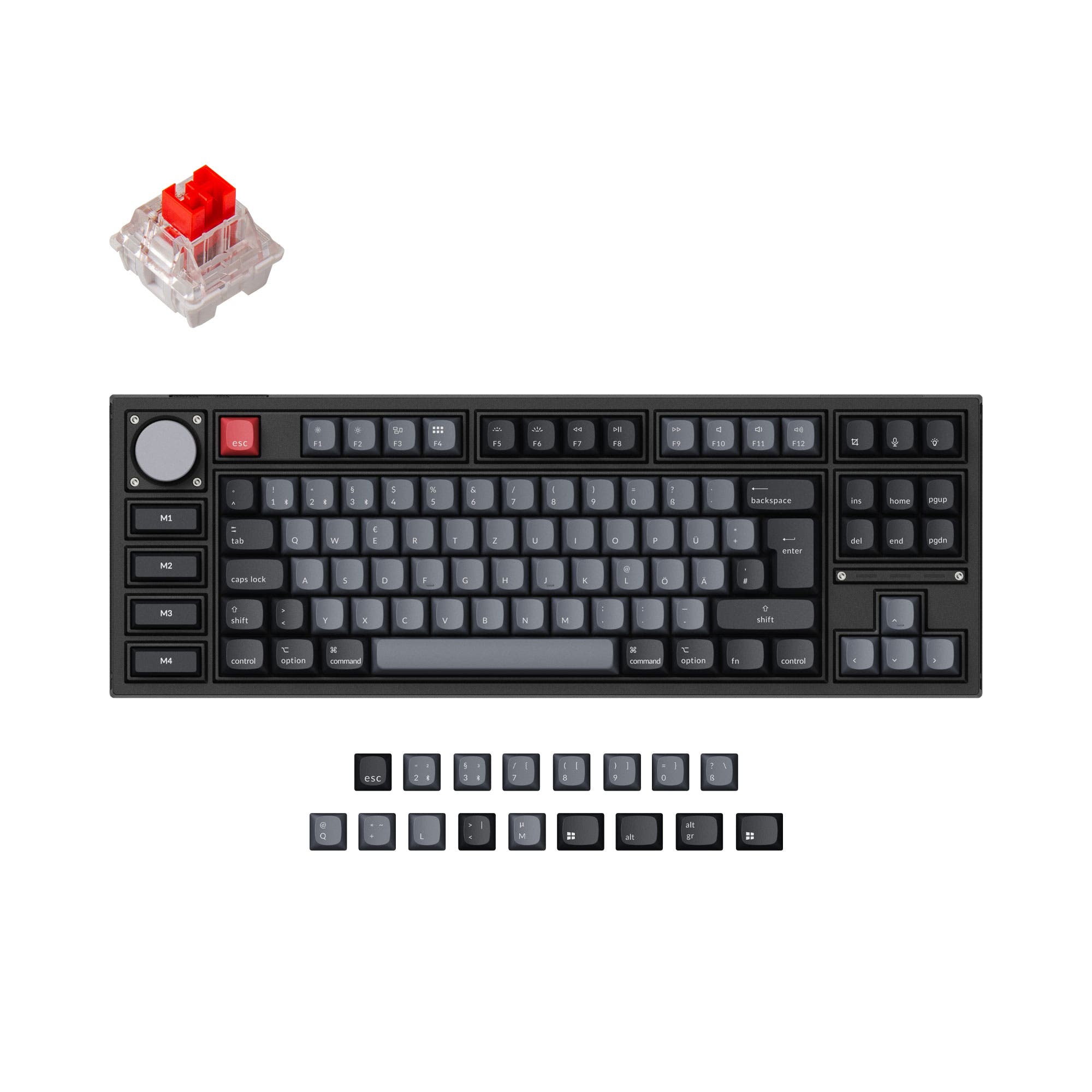
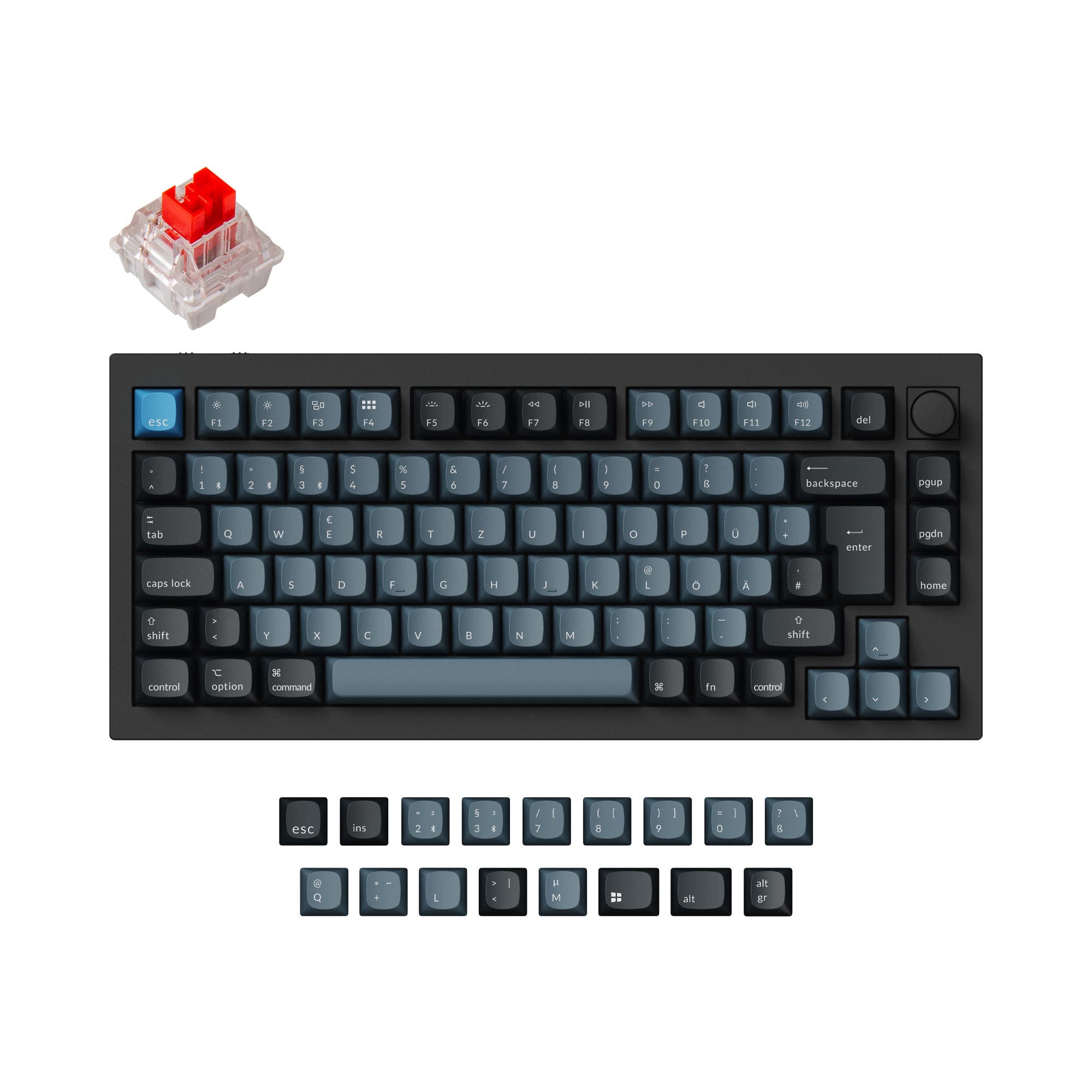
This comparison is for buyers deciding between a complete, budget-friendly wireless keyboard and a higher-end DIY kit. The Akko 5075B Plus offers a full package with switches and keycaps, while the Monsgeek M1 V5 is a barebones kit focused on premium materials and enthusiast-grade customization. The choice hinges on your willingness to build and your budget for materials versus convenience.

86
Akko 5075B Plus 75% Hotswap Wireless RGB Keyboard
81
Monsgeek M1 V5 VIA DIY Kit (ISO)

Select a keyboard to compare

0.0 (0)
0.0 (0)
  • Released in 2023
  • Has Clicky, Linear switch options
  • Available in a 75% layout
  • Built with the ANSI, ISO-DE, ISO-UK, ISO-Nordic, ISO, ISO-NO layout standard
  • Features N-key rollover
  • Includes screw-in stabilizers
  • Equipped with a 4500 mAh battery
  • Weighs about 1500 g
  • Sized at 42 x 146 x 335 mm
  • Made with a ABS, Plastic, Silicone case
  • Released in 2025
  • Available in a Unknown layout
  • Built with the ISO, ISO-DE, ANSI, ISO-UK, ISO-Nordic layout standard
  • Equipped with a 8000 mAh battery
  • Weighs about 1875 g
  • Sized at 33 x 333 x 146 mm
  • Made with a Aluminum case
Scores
  • Performance: 81
  • Build Quality: 78.1
  • Productivity: 94.4
  • Customizability: 82.3
  • Portability: 79.5
Scores
  • Performance: 65.2
  • Build Quality: 79.9
  • Productivity: 85
  • Customizability: 85.7
  • Portability: 66.9
Name
Akko 5075B Plus
Name
Monsgeek M1 V5
Release year
2023
Release year
2025
Switch Options
Clicky, Linear
Switch Options
-
Profile
Normal Profile
Profile
Normal Profile
Hot Swappable
 
Hot Swappable
 
Layout Size
75%
Layout Size
Unknown
Layout Standard
ANSI, ISO-DE, ISO-UK, ISO-Nordic, ISO, ISO-NO
Layout Standard
ISO, ISO-DE, ANSI, ISO-UK, ISO-Nordic
Layout Ergonomics
Normal
Layout Ergonomics
Normal
Knob Support
 
Knob Support
 
Display Support
 
Display Support
 
Mac/Win Support
 
Mac/Win Support
 
Multi-Media Keys
 
Multi-Media Keys
 
USB-C
 
USB-C
 
USB passthrough
 
USB passthrough
 
Connection
Bluetooth, 2.4 GHz, Wired, Wireless
Connection
Bluetooth, 2.4 GHz, Wired, Wireless
Polling Rate
1000 Hz
Polling Rate
1000 Hz
Battery capacity
4500 mAh
Battery capacity
8000 mAh
Hall Effect Support
 
Hall Effect Support
 
QMK Support
 
QMK Support
 
VIA Support
 
VIA Support
 
VIAL Support
 
VIAL Support
 
N-Key Rollover
 
N-Key Rollover
 
Rapid Trigger
 
Rapid Trigger
 
Mount Style
Gasket Mount
Mount Style
Gasket Mount
Screw in Stabilizers
 
Screw in Stabilizers
 
Sound Dampening
 
Sound Dampening
 
Backlight
 
Rgb, South-face
Backlight
 
Rgb, South-face
Case Colors
Case Colors
Case Material
ABS, Plastic, Silicone
Case Material
Aluminum
Keycaps Material
PBT
Keycaps Material
PBT
Dimensions
42 x 146 x 335 mm
Dimensions
33 x 333 x 146 mm
Weight
1500g
Weight
1875g
*Something incorrect or missing? Please
let me know
!

Pros and Trade-offs

Your primary need dictates the choice. If you want a complete, wireless keyboard that works great out of the box without a large investment, the Akko 5075B Plus is the sensible pick. If you are a keyboard enthusiast who values a premium aluminum build, plans to customize extensively, and doesn't mind the extra cost and assembly of a DIY kit, the Monsgeek M1 V5 is the superior foundation.

Akko 5075B Plus

  • +Comes prebuilt with switches, ASA profile PBT keycaps, and novelty keycaps.
  • +Includes multiple sound-dampening foams (IXPE switch pad, silicone plate foam, case foams).
  • +Offers triple-mode connectivity (Bluetooth, 2.4 GHz, wired USB-C).
  • +Supports a wide range of layout standards including ANSI and multiple ISO variants.
  • +Generally more affordable based on listed price ranges.

  • Plastic case construction, compared to the aluminum alternative.
  • Smaller 4500mAh battery (vendor description notes 3000mAh).
  • Less of a blank canvas for enthusiasts who want to choose every component.

Monsgeek M1 V5

  • +Premium CNC-milled aluminum case construction.
  • +Larger 8000mAh battery capacity for extended wireless use.
  • +Designed as a DIY kit with a tool-less disassembly mechanism for easy modding.
  • +Includes a PORON plate foam for sound dampening.

  • Sold as a barebones kit, requiring separate purchase of switches and keycaps.
  • Heavier and thicker, making it less portable.
  • Higher price point based on listed ranges.

Which Keyboard Is Better for Your Needs?

The Akko 5075B Plus is the clear choice for office use, travel, and gaming where a ready-to-go, cost-effective solution is preferred. The Monsgeek M1 V5 dominates for modding enthusiasts seeking a premium aluminum foundation. For programming and content creation, both are capable, leaving the decision to budget and desire for a DIY project versus an out-of-box experience.

GamingAkko 5075B Plus
  • Both have a 1000 Hz polling rate for responsive input.
  • The Akko is a lighter, pre-configured option ready for immediate use.
  • Its listed price range is generally more affordable.
OfficeAkko 5075B Plus
  • Triple-mode connectivity (Bluetooth, 2.4 GHz, wired) matches the Monsgeek.
  • Comes prebuilt with switches and keycaps, requiring no assembly.
  • The vendor description notes it includes additional themed novelty keycaps.
ProgrammingTie
  • Both support VIA for key remapping and macros.
  • Both are 75% layouts, offering arrow keys and some function keys.
  • The Akko is prebuilt for convenience, while the Monsgeek offers a blank canvas for personalized switch choices.
TravelAkko 5075B Plus
  • Lighter weight at 1500g compared to the Monsgeek's 1875g.
  • Smaller dimensions (335mm length vs. 333mm, but significantly thinner at 42mm vs. 33mm).
  • Comes as a complete unit, reducing the risk of losing separate components.
ModdingMonsgeek M1 V5
  • Sold as a DIY/barebones kit, designed for custom builds from the ground up.
  • Features an aluminum case, which is a premium material for sound and feel.
  • Includes a tool-less 'Rapid Disassemble' ball-catch mechanism for easy opening.
Content CreationTie
  • Both include a knob for media or parameter control.
  • Both support VIA for creating custom shortcuts and layers.
  • The Akko is ready to use, while the Monsgeek allows for a tailored typing feel.

Frequently Asked Questions (FAQ)


Discover similar products

You might also like similar products in that price range:

93
$59
Keychron Q8 (Alice Layout) QMK Custom Mechanical Keyboard
Keychron Q8
65%,
Hotswap,
Wired,
RGB,
Knob,
VIA,
QMK,
Alu case,
Gasket Mount

99
$129
Keychron K2 HE Wireless Magnetic Switch Custom Keyboard
Keychron K2 HE
75%,
Hotswap,
Wireless,
Wired,
RGB/ White LEDs,
Knob,
VIA,
QMK,
HE,
Rapid trigger,
Alu case,
Tray Mount

92
$59
Keychron Q7 QMK Custom Mechanical Keyboard
Keychron Q7
70%,
Hotswap,
Wired,
RGB,
Knob,
VIA,
QMK,
Alu case,
Gasket Mount

100
$160
Keychron Q1 HE QMK Wireless Custom Keyboard ISO Layout Collection
Keychron Q1 HE
75%,
Hotswap,
Wireless,
Wired,
RGB/ White LEDs,
Knob,
VIA,
QMK,
HE,
Rapid trigger,
Alu case,
Gasket Mount

94
$59
Keychron K8 Pro QMK/VIA Wireless Mechanical Keyboard
Keychron K8 Pro
80%,
Hotswap,
Wireless,
Wired,
RGB/ White LEDs,
VIA,
QMK,
Alu case,
Tray Mount

-28% off
94
$221$159
Keychron Q6 Pro QMK/VIA Wireless Custom Mechanical Keyboard ISO Layout Collection
Keychron Q6 Pro
100%,
Hotswap,
Wireless,
Wired,
RGB,
Knob,
VIA,
QMK,
Alu case,
Gasket Mount

93
$59
Keychron Q2 QMK Custom Mechanical Keyboard
Keychron Q2
65%,
Hotswap,
Wired,
RGB,
Knob,
VIA,
QMK,
Alu case,
Gasket Mount

96
$149
Keychron Q3 Pro QMK/VIA Wireless Custom Mechanical Keyboard ISO Layout Collection
Keychron Q3 Pro
80%,
Hotswap,
Wireless,
Wired,
RGB,
Knob,
VIA,
QMK,
Alu case,
Gasket Mount

87
$83
Keychron K3 Pro QMK/VIA Wireless Mechanical Keyboard ISO Layout Collection
Keychron K3 Pro
75%,
Hotswap,
Wireless,
Wired,
RGB/ White LEDs,
VIA,
QMK,
Alu case,
Tray Mount

93
$149
Keychron Q2 Pro QMK/VIA Wireless Custom Mechanical Keyboard (US Layout)
Keychron Q2 Pro
65%,
Hotswap,
Wireless,
Wired,
RGB,
Knob,
VIA,
QMK,
Alu case,
Gasket Mount