Not sure which keyboard to choose? Try the Keyboard Finder now!

Compare Redragon AZURE K652 vs Horus K621 Differences Side by Side

This comparison is for buyers deciding between two of Redragon's low-profile, tri-mode wireless keyboards. The choice hinges on layout preference and specific feature trade-offs. The AZURE K652 offers a more compact 75% form factor, while the Horus K621 is a traditional TKL with extra programmable keys. Both share core features like low-profile switches and multiple connectivity options, making the decision about size and specific utility.

64
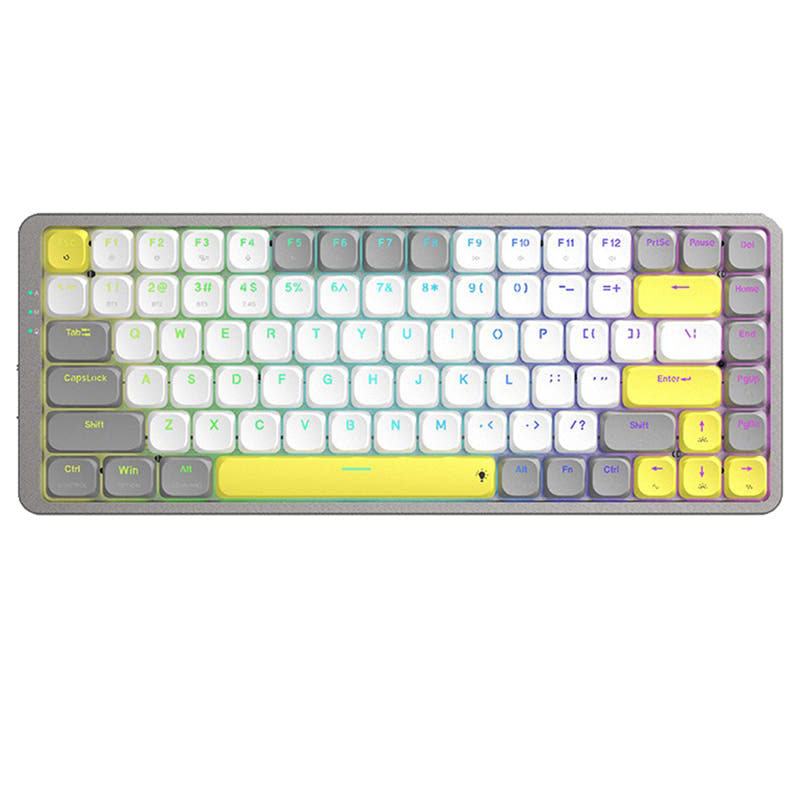
AZURE K652 Wireless Mechanical Keyboard for Mac
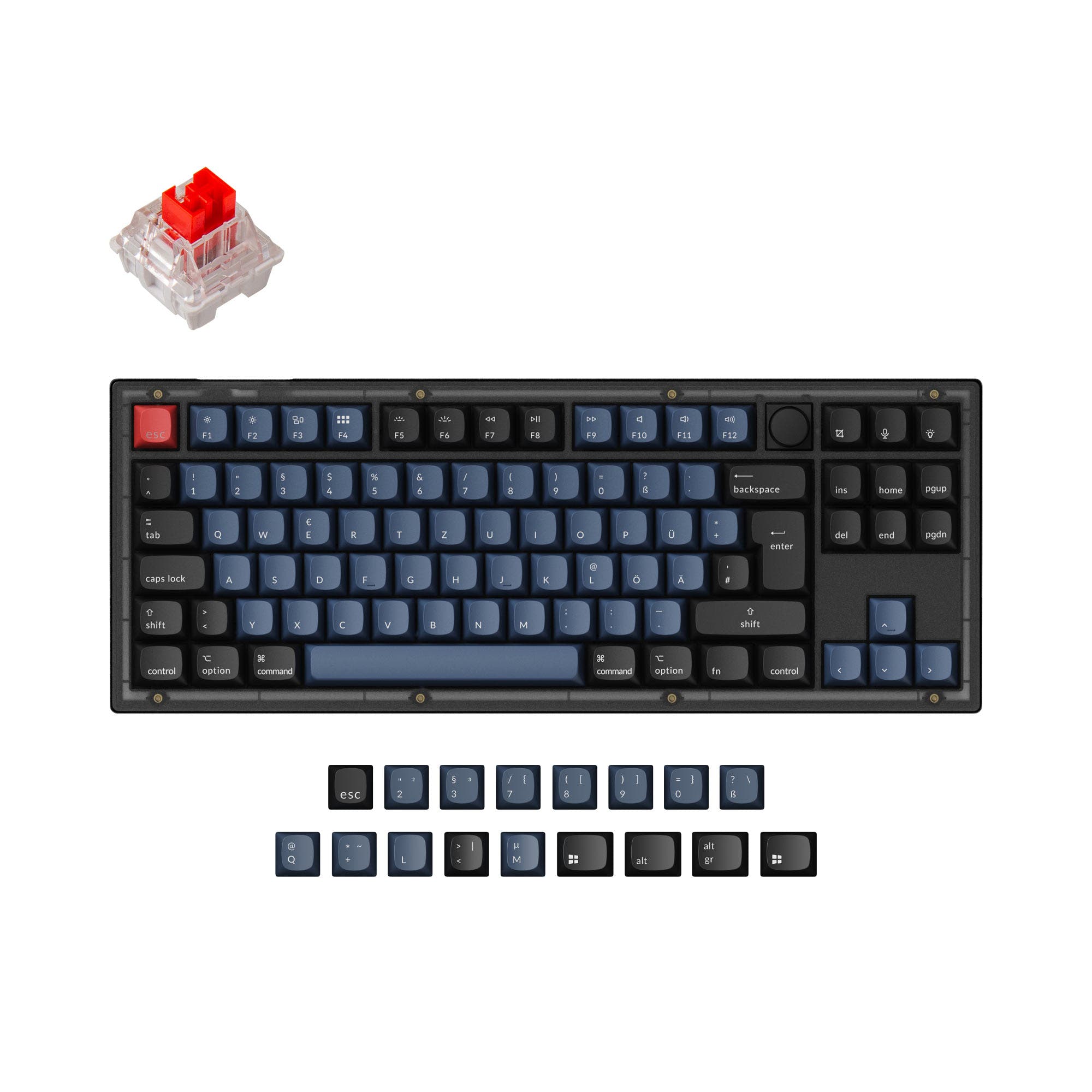
Horus TKL K621

Select a keyboard to compare

0.0 (0)
0.0 (0)
  • Released in 2023
  • Available in a 75% layout
  • Compatible with both Mac and Windows
  • Connects via USB-C
  • Weighs about 494 g
  • Made with a Aluminum, Plastic case
  • Released in 2021
  • Available in a 80% layout
  • Equipped with a 1900 mAh battery
  • Weighs about 600 g
  • Made with a Plastic case
Scores
  • Performance: 75.1
  • Build Quality: 61.6
  • Productivity: 69.1
  • Customizability: 54.2
  • Portability: 78.7
Scores
  • Performance: 72.7
  • Build Quality: 45.4
  • Productivity: 47
  • Customizability: 46
  • Portability: 60.5
Name
Redragon AZURE K652
Name
Redragon Horus K621
Release year
2023
Release year
2021
Switch Options
Clicky, Tactile, Linear
Switch Options
Clicky, Tactile, Linear
Profile
Low Profile
Profile
Low Profile
Hot Swappable
 
Hot Swappable
 
Layout Size
75%
Layout Size
80%
Layout Standard
ANSI
Layout Standard
ANSI
Layout Ergonomics
Normal
Layout Ergonomics
Normal
Knob Support
 
Knob Support
 
Display Support
 
Display Support
 
Mac/Win Support
 
Mac/Win Support
 
Multi-Media Keys
 
Multi-Media Keys
 
USB-C
 
USB-C
 
USB passthrough
 
USB passthrough
 
Connection
Bluetooth, 2.4 GHz, Wired, Wireless
Connection
Bluetooth, 2.4 GHz, Wired, Wireless
Polling Rate
-
Polling Rate
-
Battery capacity
-
Battery capacity
1900 mAh
Hall Effect Support
 
Hall Effect Support
 
QMK Support
 
QMK Support
 
VIA Support
 
VIA Support
 
VIAL Support
 
VIAL Support
 
N-Key Rollover
 
N-Key Rollover
 
Rapid Trigger
 
Rapid Trigger
 
Mount Style
Bottom Mount
Mount Style
Bottom Mount
Screw in Stabilizers
 
Screw in Stabilizers
 
Sound Dampening
 
Sound Dampening
 
Backlight
 
Rgb
Backlight
 
Rgb
Case Colors
Case Colors
Case Material
Aluminum, Plastic
Case Material
Plastic
Keycaps Material
-
Keycaps Material
-
Dimensions
-
Dimensions
-
Weight
494g
Weight
600g
*Something incorrect or missing? Please
let me know
!

Pros and Trade-offs

Select the Redragon AZURE K652 if your priority is a more portable, space-saving keyboard with a lighter build and included customization keycaps. Opt for the Redragon Horus K621 if you need dedicated macro keys for gaming or creative workflows and prefer the standard key arrangement of a TKL layout. Both provide the core benefits of low-profile switches and versatile tri-mode connectivity.

Redragon AZURE K652

  • +More compact and portable 75% layout (84 keys).
  • +Lighter weight at 494 grams.
  • +Aluminum top plate construction for potential added rigidity.
  • +Includes an extra full set of keycaps for customization.
  • +Explicit vendor-stated 100% compatibility with both Windows and Mac systems.

  • Lacks dedicated macro keys present on the Horus K621.
  • Smaller layout means some keys are accessed via function layers.
  • Battery capacity is not specified in the provided metadata or description.

Redragon Horus K621

  • +Includes 4 dedicated macro keys for easy shortcut programming.
  • +Features a dedicated media control function area.
  • +Larger 1900mAh battery is explicitly listed.
  • +Traditional TKL (87-key) layout retains arrow and navigation cluster.

  • Heavier at 600 grams and larger in physical dimensions.
  • Case material is listed as plastic only, without an aluminum plate.
  • The package does not include extra keycaps.

Which Keyboard Is Better for Your Needs?

The AZURE K652 wins in scenarios prioritizing portability, desk space savings, and a lighter build, making it strong for office use and travel. The Horus K621 takes the lead for content creation due to its dedicated macro keys and media controls. For programming and gaming, the choice is more nuanced, tied closely to personal preference for a 75% versus TKL layout. Both share the same low-profile switch options and tri-mode connectivity.

GamingRedragon AZURE K652
  • The AZURE K652 is lighter at 494g, potentially allowing for easier repositioning.
  • Its 75% layout provides more mouse space than a full TKL.
  • The product listing mentions an aluminum top plate, which may offer a more solid typing base.
OfficeRedragon AZURE K652
  • The AZURE K652 is more compact and lighter, making it easier to transport or fit on a cluttered desk.
  • It includes an extra full set of keycaps for customization, as noted in its package contents.
  • Its vendor description explicitly highlights 100% support for both Windows and Mac systems.
ProgrammingTie
  • Both keyboards offer function keys, which are essential for many IDEs.
  • Both have N-key rollover for accurate multi-key presses.
  • The AZURE's 75% layout saves space, while the Horus's TKL layout provides dedicated arrow and navigation keys.
TravelRedragon AZURE K652
  • The AZURE K652 is significantly lighter at 494g compared to the Horus K621's 600g.
  • Its 75% layout is more compact than the 80% TKL layout of the Horus.
  • The AZURE's dimensions (12.5 x 5.0 inch) are smaller than the Horus's (14.0 x 5.8 in).
ModdingRedragon AZURE K652
  • The AZURE K652 includes an extra full set of keycaps in the box, providing immediate customization.
  • Its case material includes an aluminum top plate, which may offer a different acoustic profile than all-plastic builds.
  • Both keyboards are listed as pre-built with no mention of hot-swap sockets, limiting modding to keycaps and potentially lubrication.
Content CreationRedragon Horus K621
  • The Horus K621 features 4 dedicated macro keys for assigning shortcuts in editing software.
  • Its vendor description mentions a dedicated function area for media control, useful for scrubbing timelines.
  • The TKL layout provides dedicated arrow keys for precise frame-by-frame navigation.

Frequently Asked Questions (FAQ)


Discover similar products

You might also like similar products in that price range:

71
$49
MK LowKey70 Black Aluminum 75% Hotswap Bluetooth RGB Low Profile Mac Mechanical Keyboard
MK LowKey70
75%,
Hotswap,
Wireless,
Wired,
RGB,
Alu case,
Plate Mount

87
$67
Keychron K13 Pro QMK/VIA Wireless Custom Mechanical Keyboard ISO Layout Collection
Keychron K13 Pro
80%,
Hotswap,
Wireless,
Wired,
RGB/ White LEDs,
VIA,
QMK,
Alu case,
Tray Mount

97
$44
Keychron V1 QMK Custom Mechanical Keyboard
Keychron V1
75%,
Hotswap,
Wired,
RGB/ White LEDs,
Knob,
VIA,
QMK,
Tray Mount

86
$67
Keychron K1 Pro QMK/VIA Wireless Custom Mechanical Keyboard ISO Layout Collection
Keychron K1 Pro
80%,
Hotswap,
Wireless,
Wired,
RGB/ White LEDs,
VIA,
QMK,
Alu case,
Tray Mount

96
$54
Keychron V3 QMK Custom Mechanical Keyboard ISO Layout Collection
Keychron V3
80%,
Hotswap,
Wired,
RGB/ White LEDs,
Knob,
VIA,
QMK,
Tray Mount

72
$54
OTIIM K729
Redragon OTIIM K729
80%,
Hotswap,
Wired,
RGB,
Knob,
Gasket Mount

88
$69
Keychron K5 Pro QMK/VIA Wireless Custom Mechanical Keyboard ISO Layout Collection
Keychron K5 Pro
100%,
Hotswap,
Wireless,
Wired,
RGB/ White LEDs,
VIA,
QMK,
Alu case,
Tray Mount

82
$59
Keychron J1 QMK Wireless Mechanical Keyboard
Keychron J1
75%,
Hotswap,
Wireless,
Wired,
RGB/ White LEDs,
VIA,
QMK