AULA F75 vs Leobog Hi75C ProWireless Flexibility vs Wired Build
Choose the AULA F75 for wireless versatility or the Leobog Hi75C Pro for a dedicated wired setup with a full aluminum case.


Which one should you get?
Get the
AULA F75
Wireless Flexibility
- Offers tri-mode connectivity (Bluetooth, 2.4GHz, wired).
- Includes a rapid trigger feature for enhanced gaming responsiveness.
- Features a five-layer sound-dampening design with Poron foam and silicone.
- Case material is a mix of plastic and aluminum, not full aluminum.
- Software support is listed as only for Windows systems.
- LED direction varies (north or south-facing) depending on keycap version.
Get the
Leobog Hi75C Pro
Wired Build
- Constructed with a full aluminum alloy case for a premium feel.
- Available as a DIY kit/barebones for those who want to build from scratch.
- Uses Poron gaskets in its gasket mount structure for sound absorption.
- Wired-only connectivity, lacking Bluetooth or 2.4GHz wireless options.
- Heavier at 1230g, making it less portable.
- The vendor description mentions a tri-mode 'Pro' version, but the core metadata specifies it as wired-only, indicating potential confusion or model mismatch.
Your need for wireless connectivity is the deciding factor. The AULA F75 is the clear choice for a flexible, multi-device setup where you value a clean desk and the option to move the keyboard freely. If you exclusively use a wired connection at a single workstation and place a higher premium on an all-metal chassis, the Leobog Hi75C Pro offers that solid foundation, especially for modders.
The differences that matter
Skip the 40-row spec sheet. These are the specs that change how each board feels, sounds, and fits your desk.
AULA F75
Leobog Hi75C Pro
Case material
Plastic
Aluminum
Switch options
Linear, Silent
Linear
Weight
1,023 g
1,230 g
Screw-in stabilizers
Yes
No
Media keys
Yes
No
- AULA F75
- Leobog Hi75C Pro
- Performance
- 6478
- Build quality
- 6676
- Productivity
- 9282
- Customizability
- 8277
- Portability
- 8279
- Layout size: 75%
- Connection: Bluetooth, 2.4 GHz, Wired
- Hot-swappable
- Battery: 4,000 mAh
- Mount style: Gasket Mount
- Knob
What will you mostly use it for?
The AULA F75 wins in scenarios demanding mobility and wireless freedom, such as office use, travel, and gaming where its rapid trigger and polling rate are assets. The Leobog Hi75C Pro is the pick for modders and users who prioritize a stationary, all-metal build and don't require wireless features. For programming, the keyboards are evenly matched on core layout and customization features.
Pick the AULA F75
- The AULA F75 offers a 1000 Hz polling rate for wired and 2.4 GHz wireless modes.
- It includes a rapid trigger feature for gaming, as listed in its specifications.
- Tri-mode connectivity allows for low-latency wireless gaming or a stable wired connection.
What owners say
Ratings and quotes collected from verified store reviews, including the critical ones.
AULA F75
509 owner reviews
“Works exactly as intended and still works as new. The 2.4 GHz Receiver doesn't communicate correctly and isn't reliable but on BT and Cable it works perfectly”
“I made an order for EPOMAKER x AULA 75 with express shipping on 27/1/24. Emailed the team TWICE. Now its 19/3/24, and i still dont have the item. Very poor service”
Leobog Hi75C Pro
No owner reviews collected yet.
AULA F75 vs Leobog Hi75C Pro specs
Every tracked spec, side by side. Rows marked with a dot differ between the boards.
6 of 23 specs differ
AULA F75
Leobog Hi75C Pro
Switch options
Hot-swappable
Mount style
Sound dampening
Screw-in stabilizers
Layout size
Layout standard
Ergonomics
Knob
Display
Media keys
Connection
Max polling rate
Battery
USB-C
Case material
Keycaps
Weight
Dimensions
Backlight
N-key rollover
Mac & Windows
Released
Compare prices
Live prices from the stores we track, cheapest in-stock offer first.





AULA F75 vs Leobog Hi75C Pro: your questions
According to the core product specifications, the Leobog Hi75C Pro is listed as wired only. The vendor description mentions a 'tri-mode' Pro version, which may refer to a different variant, so buyers should verify the specific model's connectivity before purchasing.
Yes, the AULA F75 uses a USB Type-C port for its wired connection. The product listing includes a Type-C cable in the box, confirming it is removable for transport or replacement.
The AULA F75 has a specific silent switch type listed in its metadata, making it a suitable choice for quiet environments. Both keyboards feature internal sound-dampening materials like foam and silicone pads to reduce typing noise.
Yes, both the AULA F75 and Leobog Hi75C Pro feature hot-swappable sockets. This allows you to easily replace the mechanical switches without soldering, using a switch puller tool.
Both product listings include Mac support in their extra features. The AULA F75 vendor page notes its software is for Windows only, but the basic keyboard functionality is compatible with Mac.
The AULA F75 is equipped with a 4000mAh rechargeable lithium battery. The manufacturer states this allows for extended usage times, but actual battery life will depend on usage patterns and RGB lighting settings.
Both keyboards support south-facing RGB LEDs. The AULA F75 vendor page notes that south-facing LEDs are used on its side-printed keycap version, while other versions use north-facing.
The AULA F75 uses Cherry-profile double-shot PBT keycaps, as per its vendor description. The keycap material for the Leobog Hi75C Pro is not explicitly stated in the provided information.
Both keyboards use a gasket mount style. This involves mounting the PCB and plate on soft gaskets within the case, which can provide a more flexible typing feel and help dampen sound. The Leobog uses Poron gaskets, and the AULA F75 uses a multi-layer foam design.
The AULA F75 lists features beneficial for gaming, including a 1000 Hz polling rate, N-key rollover, and a specific rapid trigger function. Its low-latency wireless and wired modes provide flexibility for different gaming setups.
According to the vendor page, the AULA F75 box includes the keyboard, a 2.4G dongle, a Type-C cable, a 2-in-1 keycap/switch puller, and a user manual.
Not sold on either?


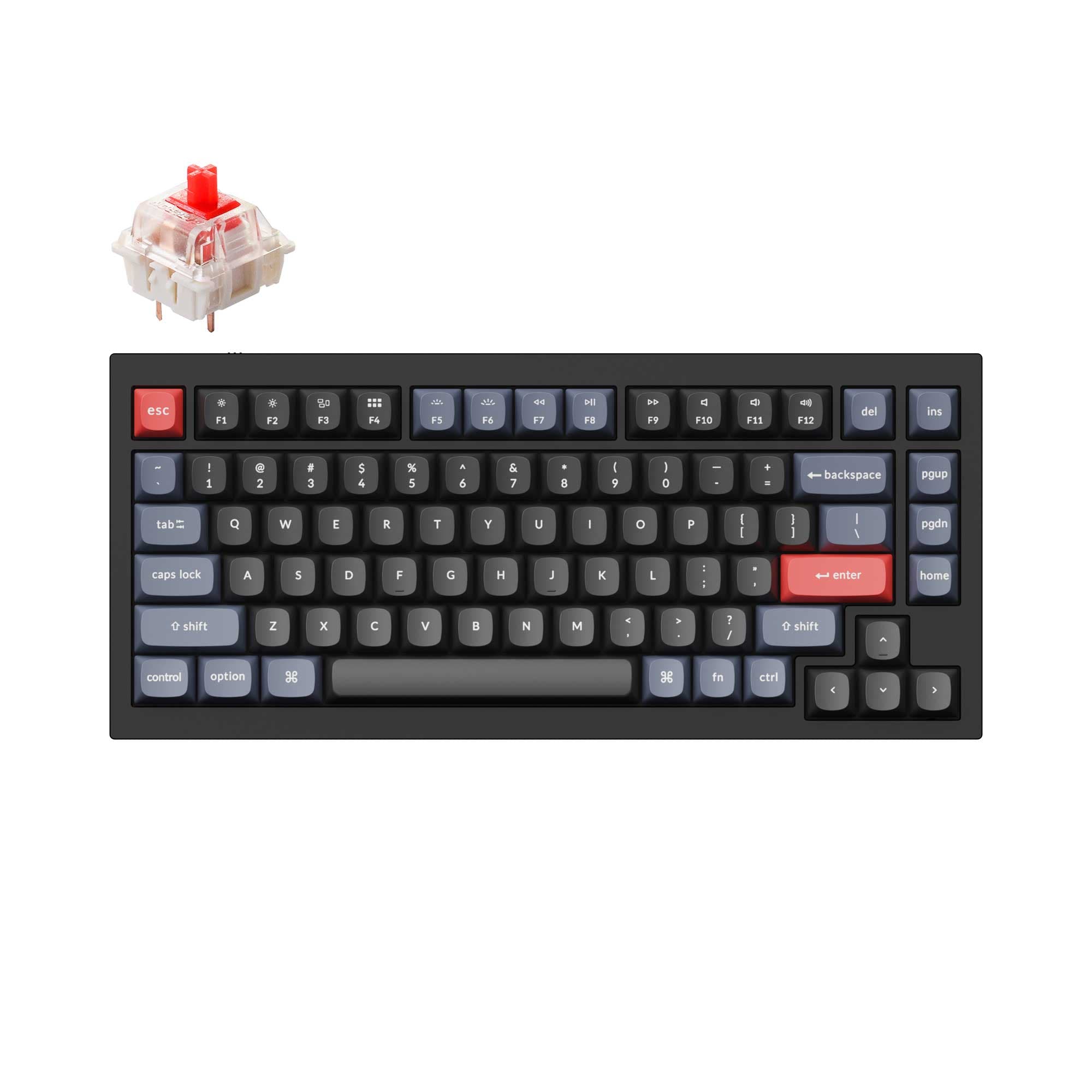
![[In Stock] Xinmeng M75/M75Pro 75% Pre-Built Mechanical Keyboard](https://cdn.shopify.com/s/files/1/0549/0262/0278/files/O1CN01QqPe0g1sgA8RTJI6B___2215624025795.png?v=1741766474&width=3840&quality=75)

Still torn?
Answer a few quick questions and the keyboard finder ranks 2,000+ boards by how you will actually use yours.