AULA F75 vs Keychron V3Wireless Flexibility vs Firmware Customization
Choose the AULA F75 for wireless freedom and a gasket-mounted sound, or the Keychron V3 for deep firmware customization and a wider switch selection.
KeebFinder may earn a commission when you buy through these links, at no extra cost to you.

4.5 (510)4.5 · 510 reviews
from$42at Epomaker
90-day lowLowest price in 90 days
4.9 (17)4.9 · 17 reviews
from$54at Keychron
Which one should you get?
Get the
AULA F75
Wireless Flexibility
Build quality in the top 30% of 75% boards under $50.
- Versatile three-way connectivity with Bluetooth, 2.4GHz wireless, and wired USB.
- Gasket mount design with a five-layer sound-dampening internal structure.
- Includes a 4000mAh rechargeable battery for extended wireless use.
- North-facing LEDs. Cherry-profile keycaps can hit the switch housing.
- South-facing LEDs. Shine-through legends stay dark, and some sculpted keycaps can clip the LED.
- No ISO layout. ISO-DE, UK, and other ISO variants are not offered.
- No numpad.
Get the
Keychron V3
Firmware Customization
Build quality in the top 5% of 80% boards under $100.
- Full support for QMK and VIA open-source firmware for advanced programming.
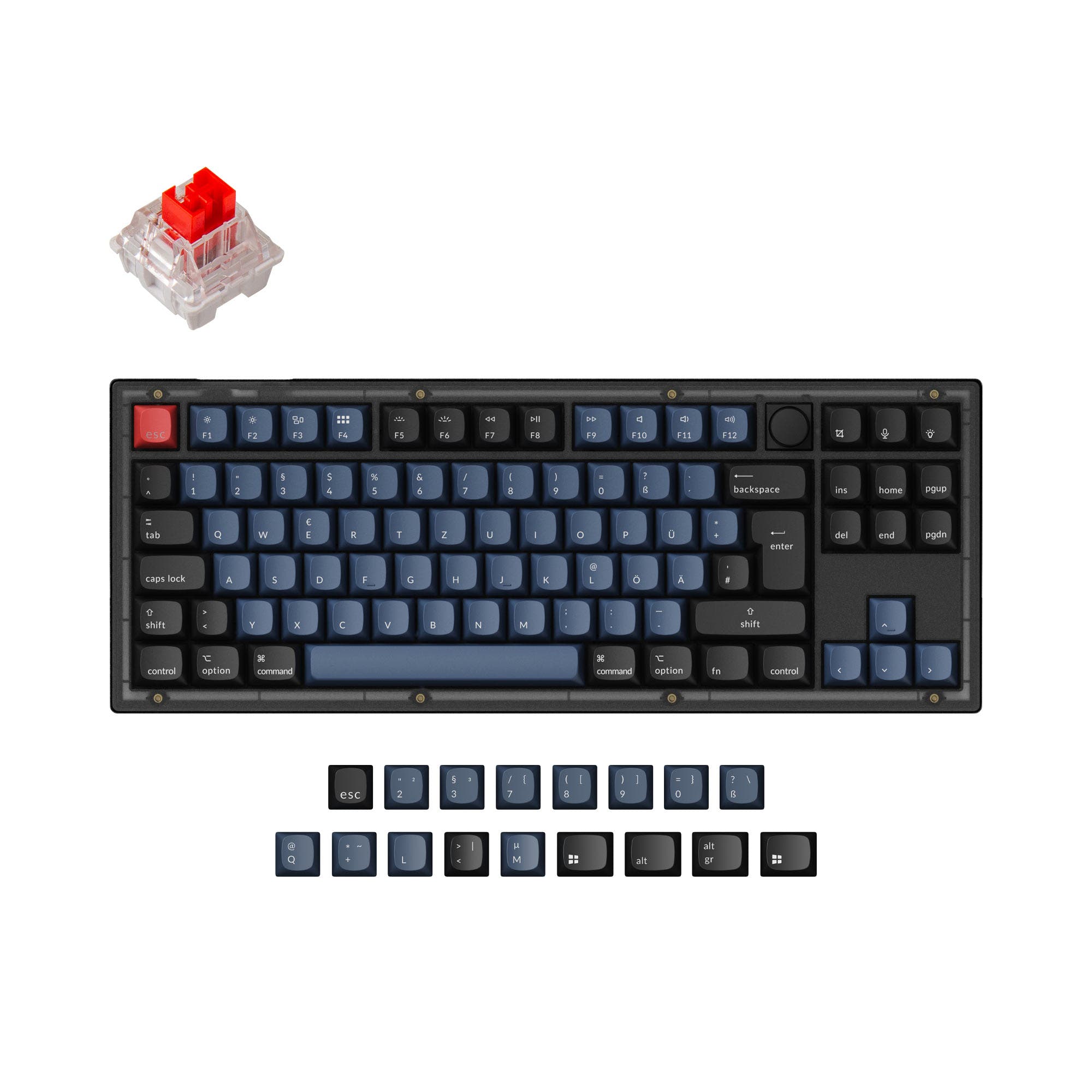
- Extensive layout compatibility including ANSI, ISO, JIS, and multiple European ISO standards.
- Available in linear, tactile, and clicky switch types.
- South-facing LEDs. Shine-through legends stay dark, and some sculpted keycaps can clip the LED.
- No numpad.
Select the AULA F75 if your primary need is wireless flexibility, a quieter typing experience, or a more compact desk footprint. Opt for the Keychron V3 if your workflow demands extensive key remapping via QMK/VIA, you need specific international layouts, or you prefer the option of a barebones kit. Both represent strong value in their price tier, making the core decision one of connectivity versus customization.
The differences that matter
Skip the 40-row spec sheet. These are the specs that change how each board feels, sounds, and fits your desk.
AULA F75
Keychron V3
Layout size
75%
80%
Connection
Bluetooth, 2.4 GHz, Wired
Wired
Wireless for several devices and wired for lower latency
Max polling rate
1,000 Hz
8,000 Hz
Higher polling helps competitive FPS and does nothing for typing
Case material
Plastic
ABS, Plastic
Switch options
Linear, Silent
Clicky, Linear, Tactile
- AULA F75
- Keychron V3
- Performance
- 8191
- Build quality
- 7688
- Productivity
- 9398
- Customizability
- 8298
- Portability
- 8358
- Hot-swappable
- Knob
- Sound dampening
- Keycaps: ABS, PBT
What will you mostly use it for?
The AULA F75 wins for mobile and office-centric uses due to its wireless connectivity, compact form, and silent switch options. The Keychron V3 is the clear choice for programmers and modders who need extensive layout support and deep firmware programmability. For gaming and general content creation, the choice depends on prioritizing wireless functionality (F75) or a slightly larger layout with robust software (V3).
Pick the AULA F75
- Offers 2.4 GHz wireless and Bluetooth connectivity for a clutter-free desk.
- Includes a Rapid Trigger feature for faster actuation.
- Has a slightly lower weight, which may be preferable for some desk setups.
What owners say
Ratings and quotes collected from verified store reviews, including the critical ones.
AULA F75
510 owner reviews
“Works exactly as intended and still works as new. The 2.4 GHz Receiver doesn't communicate correctly and isn't reliable but on BT and Cable it works perfectly”
“I made an order for EPOMAKER x AULA 75 with express shipping on 27/1/24. Emailed the team TWICE. Now its 19/3/24, and i still dont have the item. Very poor service”
Keychron V3
17 owner reviews
“Mainly bought this keyboard for the russian layout, despite this I prefer it over my steelseries apex pro, its nice feel and sounds nice”
AULA F75 vs Keychron V3 specs
Every tracked spec, side by side. Rows marked with a dot differ between the boards.
12 of 27 specs differ
AULA F75
Keychron V3
Switch options
Hot-swappable
Mount style
Sound dampening
Screw-in stabilizers
Layout size
Layout standard
Ergonomics
Knob
Display
Media keys
Connection
Max polling rate
Battery
USB-C
Case material
Plate material
Keycaps
Weight
Dimensions
Typing angle
Backlight
QMK
VIA
N-key rollover
Mac & Windows
Released
ISO layouts by store
Which stores sell ISO-DE, UK, and the other regional layouts.
AULA F75
No ISO layout at the stores we track.
Keychron V3
Keychron
ISO-DE, ISO-UK, ISO-FR, ISO-ES, ISO-SW
In stockShips to you
Keychron (DE)
ISO-DE, ISO-ES
In stockDoes not ship to you
Keychron (DE)
ISO-DE, ISO-UK, ISO-FR, ISO-ES, ISO-SW
Out of stockDoes not ship to you
Compare prices
Live prices from the stores we track, cheapest in-stock offer first.
Prices in USD are converted to your currency and can change at any time. KeebFinder may earn a commission when you buy through these links, at no extra cost to you.
Lowest price across stores, Amazon excluded.







AULA F75 vs Keychron V3: your questions
Only the AULA F75 offers wireless connectivity. According to its product listing, it supports Bluetooth, 2.4GHz wireless, and wired USB. The Keychron V3 is a wired-only keyboard.
Yes, the Keychron V3 fully supports QMK and VIA firmware. This allows for extensive key remapping, macro creation, and layer programming directly through the Keychron Launcher web app or QMK configurator.
The AULA F75 has software, but the vendor description notes it only supports the Windows operating system. This software is used for lighting and key customization.
The AULA F75 is a strong contender for quiet offices. It is specifically offered with silent linear switches and features a five-layer sound-dampening design with Poron foam and silicone pads to reduce typing noise.
Yes, both keyboards are hot-swappable. The AULA F75 and Keychron V3 have sockets that allow you to change switches without soldering. The V3's PCB supports both 3-pin and 5-pin MX-style switches.
The AULA F75 uses a gasket mount, which typically provides a softer, more cushioned typing feel. The Keychron V3 uses a tray mount design, which is a more traditional and rigid mounting style.
The Keychron V3 has far more extensive layout support. Its specifications list compatibility with ANSI, ISO, JIS, ISO-DE, ISO-UK, ISO-FR, ISO-ES, and ISO-SW layouts. The AULA F75 is listed with an ANSI layout.
Both keyboards offer models with a multimedia control knob. The vendor descriptions for both the AULA F75 and Keychron V3 list knob support as a feature.
The AULA F75 comes with Cherry-profile double-shot PBT keycaps. The Keychron V3 (fully assembled) comes with OSA-profile double-shot PBT keycaps, which are described as having OEM height with an SA-like shape.
Yes, the Keychron V3 manufacturer states it is built with Mac users in mind. It includes a system toggle and an additional set of keycaps for both macOS and Windows systems.
The AULA F75 is equipped with a 4000mAh rechargeable lithium battery for use in its wireless modes. The vendor description mentions this allows for extended usage times during long work or gaming sessions.
The AULA F75 is more compact and portable. It has a 75% layout with dimensions of 323mm x 143mm and weighs 1023g. The Keychron V3 is an 80% (TKL) layout measuring 367mm x 141mm and weighs 1120g.
Not sold on either?


Still torn?
Answer a few quick questions and the keyboard finder ranks 2,000+ boards by how you will actually use yours.