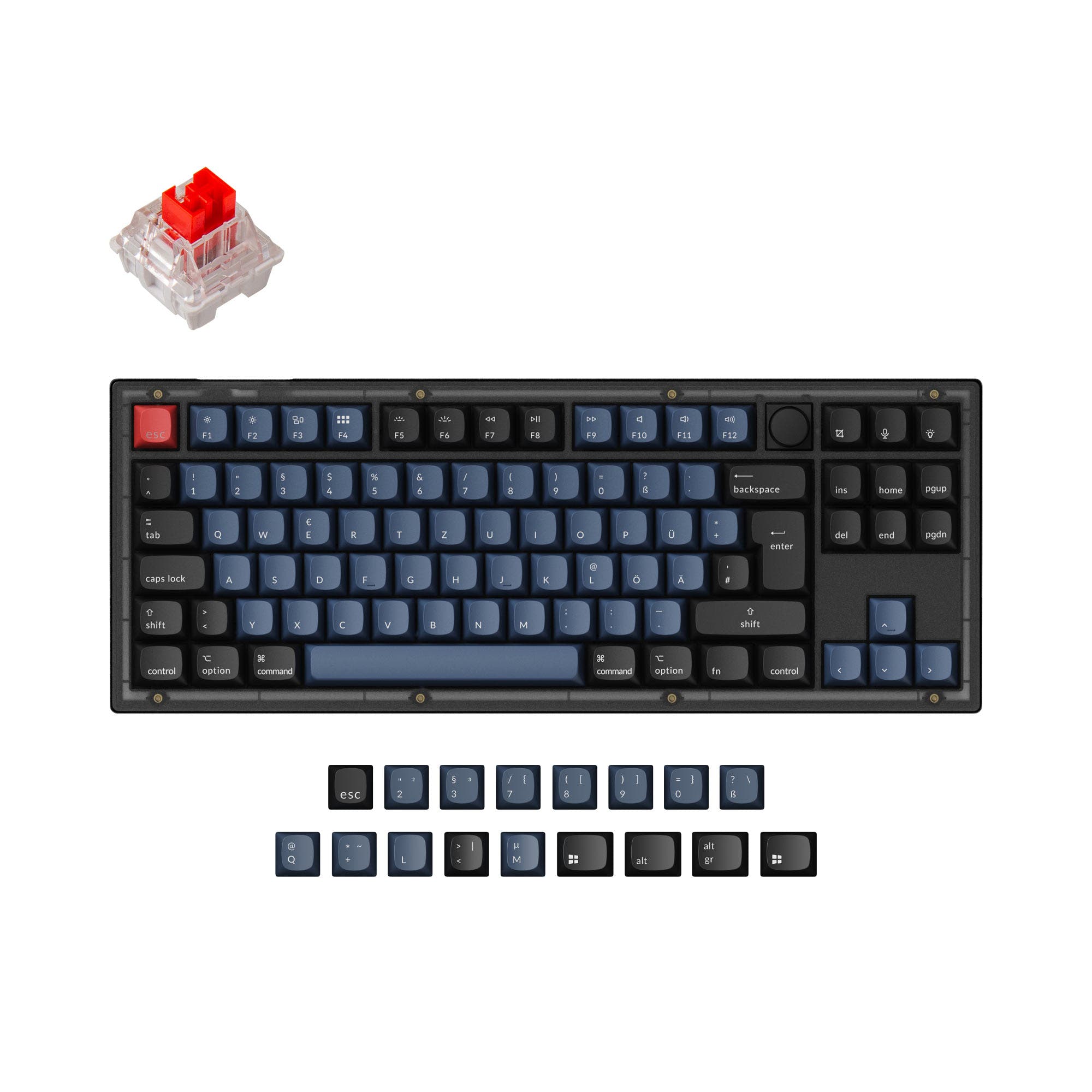
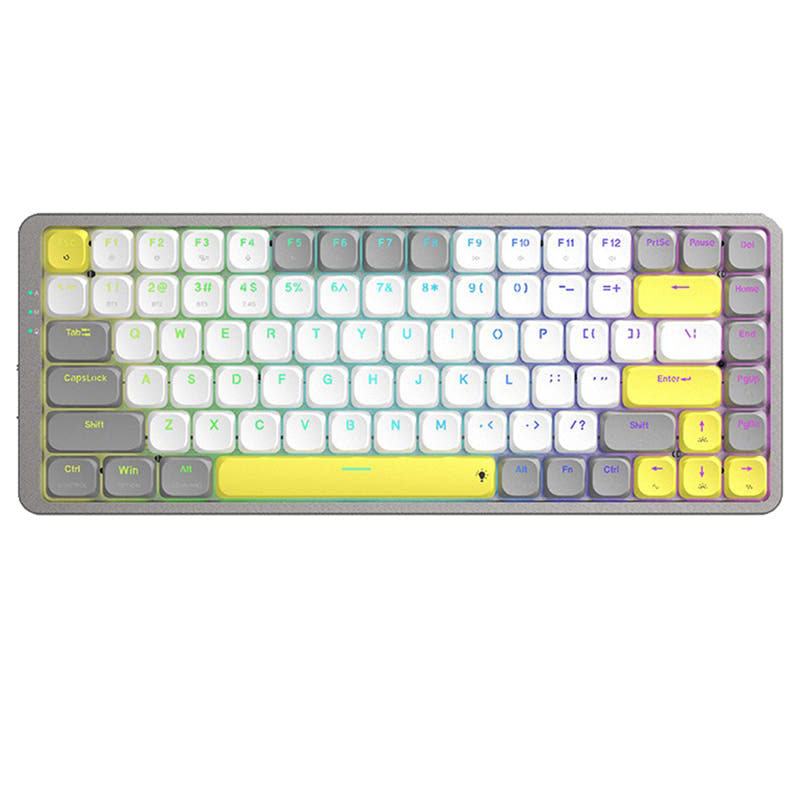
Not sure which keyboard to choose? Try the Keyboard Finder now!

Compare Redragon HORUS K622 vs Horus K621 Differences Side by Side

This comparison is for buyers deciding between two similar low-profile TKL keyboards from Redragon's Horus line. The choice hinges on a core trade-off: the K622 offers a more premium aluminum build and hot-swappable switches for a lower price, but is wired-only. The K621 provides tri-mode wireless connectivity with Bluetooth and 2.4GHz, but uses a plastic case and lacks hot-swap capability. This makes the decision difficult for users who value both build quality and wireless convenience.

73
HORUS K622 Wired TKL Low Profile Keyboard
Horus TKL K621

Select a keyboard to compare

0.0 (0)
0.0 (0)
  • Supports hot-swappable switches
  • Comes with a knob
  • Connects via USB-C
  • Supports Wired, Wired only connectivity
  • Weighs about 500 g
  • Made with a Aluminum case
  • Supports Bluetooth, 2.4 GHz, Wired, Wireless connectivity
  • Equipped with a 1900 mAh battery
  • Weighs about 600 g
  • Made with a Plastic case
Scores
  • Performance: 80.7
  • Build Quality: 70.5
  • Productivity: 68.9
  • Customizability: 69.2
  • Portability: 56.5
Scores
  • Performance: 72.7
  • Build Quality: 45.4
  • Productivity: 47
  • Customizability: 46
  • Portability: 60.5
Name
Redragon HORUS K622
Name
Redragon Horus K621
Release year
2021
Release year
2021
Switch Options
Clicky, Tactile, Linear
Switch Options
Clicky, Tactile, Linear
Profile
Low Profile
Profile
Low Profile
Hot Swappable
 
Hot Swappable
 
Layout Size
80%
Layout Size
80%
Layout Standard
ANSI
Layout Standard
ANSI
Layout Ergonomics
Normal
Layout Ergonomics
Normal
Knob Support
 
Knob Support
 
Display Support
 
Display Support
 
Mac/Win Support
 
Mac/Win Support
 
Multi-Media Keys
 
Multi-Media Keys
 
USB-C
 
USB-C
 
USB passthrough
 
USB passthrough
 
Connection
Wired, Wired only
Connection
Bluetooth, 2.4 GHz, Wired, Wireless
Polling Rate
-
Polling Rate
-
Battery capacity
-
Battery capacity
1900 mAh
Hall Effect Support
 
Hall Effect Support
 
QMK Support
 
QMK Support
 
VIA Support
 
VIA Support
 
VIAL Support
 
VIAL Support
 
N-Key Rollover
 
N-Key Rollover
 
Rapid Trigger
 
Rapid Trigger
 
Mount Style
Bottom Mount
Mount Style
Bottom Mount
Screw in Stabilizers
 
Screw in Stabilizers
 
Sound Dampening
 
Sound Dampening
 
Backlight
 
Rgb
Backlight
 
Rgb
Case Colors
Case Colors
Case Material
Aluminum
Case Material
Plastic
Keycaps Material
-
Keycaps Material
-
Dimensions
-
Dimensions
-
Weight
500g
Weight
600g
*Something incorrect or missing? Please
let me know
!

Pros and Trade-offs

Your primary need dictates the choice. If you require a single, stationary setup and value a solid typing foundation with future customization, the Redragon K622 is the more compelling option. If your workflow involves multiple computers or you prioritize a cable-free desk, the Redragon K621's wireless flexibility is worth the trade-offs in build materials and fixed switches.

Redragon HORUS K622

  • +Aluminum top case for a sturdier, more premium feel.
  • +Hot-swappable switch sockets for easy customization.
  • +Includes a multi-function scroll knob for media and lighting control.
  • +Lower price point for a feature set that includes hot-swap and aluminum.
  • +Wired connection guarantees consistent signal with no battery management.

  • Wired-only connectivity limits placement and device switching.
  • Vendor specifications list it as not hot-swappable, conflicting with metadata, suggesting potential buyer confusion.
  • Lacks a battery, so it cannot be used wirelessly.

Redragon Horus K621

  • +Tri-mode connectivity: Bluetooth, 2.4GHz wireless, and wired.
  • +Can store connections for up to five devices (3 Bluetooth, 1 2.4GHz, 1 wired).
  • +Built-in 1900mAh rechargeable battery for cordless use.
  • +Includes a low battery indicator to prevent unexpected disconnection.

  • Plastic case construction, which may feel less substantial than aluminum.
  • Lacks hot-swappable switch sockets, limiting easy switch changes.
  • Slightly heavier (600g) than the aluminum K622 (500g).
  • Higher price point without the aluminum build or hot-swap feature.

Which Keyboard Is Better for Your Needs?

The K621 is the clear choice for mobile and multi-device workflows in office and travel scenarios due to its wireless versatility. The K622 dominates for stationary, performance-focused use cases like gaming, programming, and modding, thanks to its wired reliability, aluminum construction, and hot-swap capability. For content creation, the shared macro key functionality makes either a viable option, leaving the decision to the wired vs. wireless preference.

GamingRedragon HORUS K622
  • Wired-only connection eliminates potential wireless latency concerns.
  • Aluminum case provides a more solid, stable base during intense use.
  • Hot-swappable switch sockets allow for easy switch replacement to optimize feel.
OfficeRedragon Horus K621
  • Tri-mode wireless connectivity (Bluetooth/2.4GHz/wired) allows easy switching between multiple devices like a laptop, desktop, or tablet.
  • Built-in 1900mAh battery enables cord-free use.
  • Low-profile design and quiet linear red switch option, according to the vendor's switch chart, are suitable for shared workspaces.
ProgrammingRedragon HORUS K622
  • Hot-swappable sockets allow programmers to customize switch types for long typing sessions.
  • Aluminum build may offer a more substantial, less hollow typing feel.
  • Dedicated media controls and scroll knob, mentioned in the K622 vendor description, provide convenient audio and playback adjustments.
TravelRedragon Horus K621
  • Wireless operation removes the need to manage a cable when moving or using with portable devices.
  • Bluetooth connectivity allows pairing with laptops, tablets, or phones without a dongle.
  • Both share the same compact TKL (80%) low-profile form factor.
ModdingRedragon HORUS K622
  • Hot-swappable switch sockets are a key feature for easy switch experimentation.
  • Aluminum case is a more premium starting material for modifications.
  • Knob support is listed as an extra feature, potentially allowing for custom encoder installation.
Content CreationTie
  • Both keyboards feature four dedicated macro keys for assigning shortcuts in editing software.
  • Both support RGB backlighting and have a low-profile TKL layout for desk space.
  • The K621 offers wireless flexibility for a cleaner setup, while the K622's aluminum build may feel more premium for stationary use.

Frequently Asked Questions (FAQ)


Discover similar products

You might also like similar products in that price range:

97
$44
Keychron V1 QMK Custom Mechanical Keyboard
Keychron V1
75%,
Hotswap,
Wired,
RGB/ White LEDs,
Knob,
VIA,
QMK,
Tray Mount

87
$67
Keychron K13 Pro QMK/VIA Wireless Custom Mechanical Keyboard ISO Layout Collection
Keychron K13 Pro
80%,
Hotswap,
Wireless,
Wired,
RGB/ White LEDs,
VIA,
QMK,
Alu case,
Tray Mount

96
$54
Keychron V3 QMK Custom Mechanical Keyboard ISO Layout Collection
Keychron V3
80%,
Hotswap,
Wired,
RGB/ White LEDs,
Knob,
VIA,
QMK,
Tray Mount

86
$67
Keychron K1 Pro QMK/VIA Wireless Custom Mechanical Keyboard ISO Layout Collection
Keychron K1 Pro
80%,
Hotswap,
Wireless,
Wired,
RGB/ White LEDs,
VIA,
QMK,
Alu case,
Tray Mount

72
$54
OTIIM K729
Redragon OTIIM K729
80%,
Hotswap,
Wired,
RGB,
Knob,
Gasket Mount

71
$49
MK LowKey70 Black Aluminum 75% Hotswap Bluetooth RGB Low Profile Mac Mechanical Keyboard
MK LowKey70
75%,
Hotswap,
Wireless,
Wired,
RGB,
Alu case,
Plate Mount

88
$69
Keychron K5 Pro QMK/VIA Wireless Custom Mechanical Keyboard ISO Layout Collection
Keychron K5 Pro
100%,
Hotswap,
Wireless,
Wired,
RGB/ White LEDs,
VIA,
QMK,
Alu case,
Tray Mount

-32% off
83
$65$44
EPOMAKER x AULA F75
AULA F75
75%,
Hotswap,
Wireless,
Wired,
RGB,
Knob,
Gasket Mount

82
$59
Keychron J1 QMK Wireless Mechanical Keyboard
Keychron J1
75%,
Hotswap,
Wireless,
Wired,
RGB/ White LEDs,
VIA,
QMK