Keychron Q1 V2 vs Q1 V1Double-Gasket Design vs Wider Layout Support
Choose the Q1 V2 for its improved sound and keycap compatibility, or the Q1 V1 for its broader international layout support.
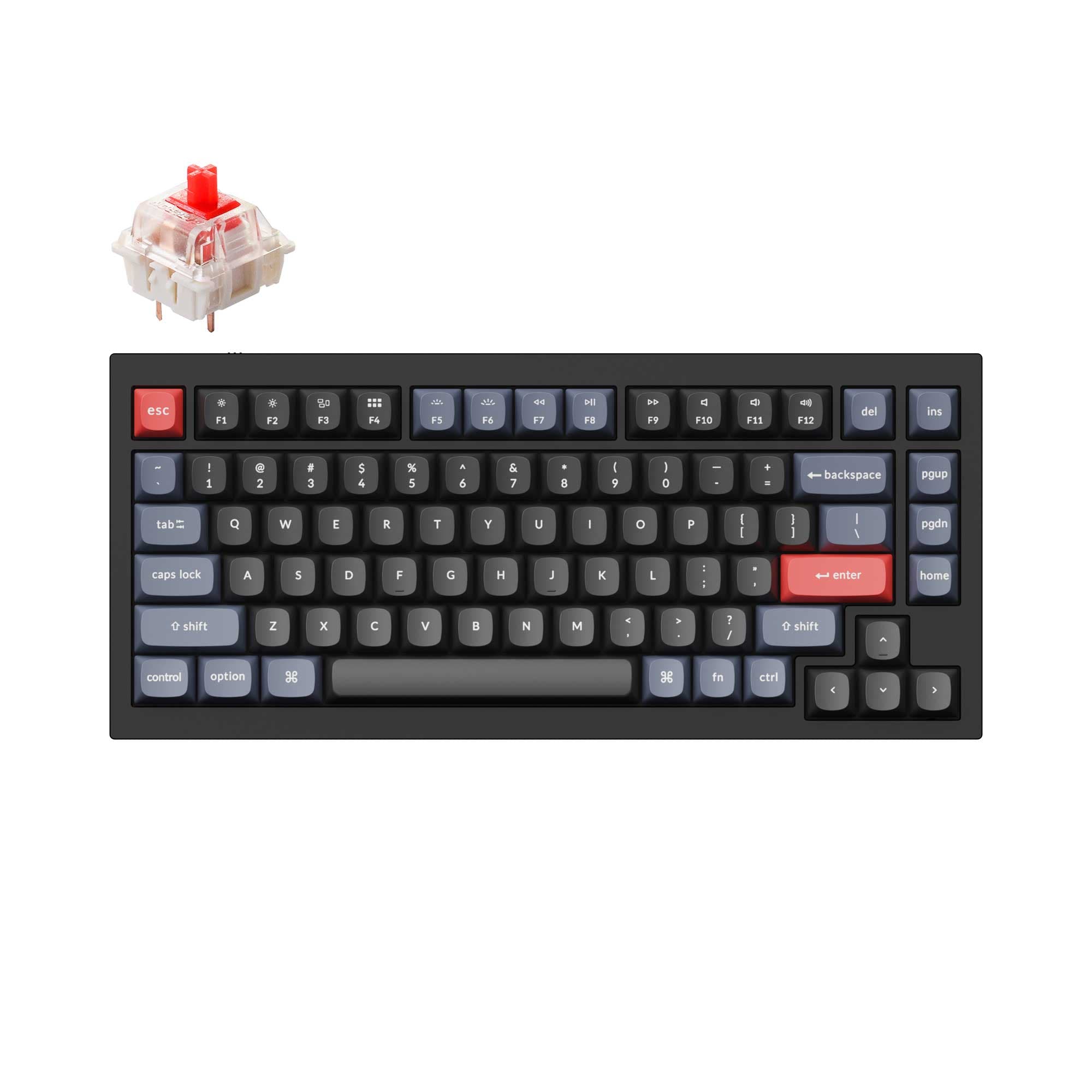

Which one should you get?
Get the
Keychron Q1 V2
Double-Gasket Design
- Double-gasket design with added silicone pads for reduced metal resonance.
- Steel plate is standard, which may appeal to users seeking a firmer or different sound signature.
- Manufacturer claims improved third-party keycap compatibility with a sharper top case.
- Heavier at 1825g, which may be less desirable for frequent movement.
- The vendor description notes knob color may slightly differ from the case on some colors.
- Primarily focused on ANSI layout, with ISO offered as a separate collection.
Get the
Keychron Q1 V1
Wider Layout Support
- Lighter weight of 1700g may be preferable for some users.
- Offers ISO, JIS, and ANSI layout support in its base specifications.
- Includes an aluminum plate by default, which can offer a more flexible typing feel.
- Keychron's product page notes some customers reported compatibility issues with MT3 and XDA profile keycaps.
- Available in fewer color options based on the vendor selection.
- Lacks the V2's double-gasket structure with silicone pads.
Your choice depends on your specific priorities. Opt for the Keychron Q1 V2 if you value the latest acoustic refinements like the double-gasket design and want assured compatibility with a wide range of aftermarket keycaps. Choose the Keychron Q1 V1 if you need ISO or JIS layout support, prefer a slightly lighter keyboard, or want the specific typing feel of an aluminum plate.
The differences that matter
Skip the 40-row spec sheet. These are the specs that change how each board feels, sounds, and fits your desk.
Keychron Q1 V2
Keychron Q1 V1
Weight
1,825 g
1,700 g
Layout standard
ANSI
ANSI, ISO, JIS
Plate material
Steel
Aluminum, Steel
Released
2022
2023
Dimensions
23 x 145 x 328 mm
22 x 145 x 328 mm
- Keychron Q1 V2
- Keychron Q1 V1
- Performance
- 7272
- Build quality
- 8990
- Productivity
- 9898
- Customizability
- 9898
- Portability
- 6263
- Layout size: 75%
- Connection: Wired
- Hot-swappable
- Max polling rate: 1,000 Hz
- Case material: Aluminum
- Switch options: Clicky, Linear, Tactile
What will you mostly use it for?
The keyboards tie in most categories due to their shared core DNA. The Q1 V1 has a slight edge for travel due to its lower weight. The Q1 V2 is the clear choice for modders, specifically for its double-gasket design and improved keycap compatibility claims from Keychron. For gaming, office work, programming, and content creation, the feature sets are effectively identical.
It's a tie
- Both keyboards have a 1000 Hz polling rate for responsive input.
- Both offer hot-swappable sockets for trying different switch types.
- The identical 75% layout saves desk space for mouse movement.
What owners say
Ratings and quotes collected from verified store reviews, including the critical ones.
Keychron Q1 V2
318 owner reviews
“Exactly what I wanted. Swapped out the switches for some Gateron Zero degree fully silent switches. Mechanical but almost completely silent, works a dream!”
Keychron Q1 V1
734 owner reviews
“Although it is very pingy out of the box, with a few quick customisations it will sound amazing. Shipping isn’t that quick tho, with slow and outdated updates.”
Keychron Q1 V2 vs Q1 V1 specs
Every tracked spec, side by side. Rows marked with a dot differ between the boards.
5 of 25 specs differ
Keychron Q1 V2
Keychron Q1 V1
Switch options
Hot-swappable
Mount style
Sound dampening
Screw-in stabilizers
Layout size
Layout standard
Ergonomics
Knob
Display
Media keys
Connection
Max polling rate
USB-C
Case material
Plate material
Keycaps
Weight
Dimensions
Typing angle
Backlight
QMK
VIA
Mac & Windows
Released
Compare prices
Live prices from the stores we track, cheapest in-stock offer first.
Lowest price across stores, Amazon excluded.



Prices in USD are converted to your currency and can change at any time. KeebFinder may earn a commission when you buy through these links, at no extra cost to you.
Keychron Q1 V2 vs Q1 V1: your questions
The Keychron Q1 V2 introduces a double-gasket design with silicone pads between the case halves to reduce resonance. The V1 uses a standard gasket mount. The V2 also has a steel plate by default, while the V1 uses aluminum.
Yes, both the Q1 V2 and Q1 V1 feature hot-swappable PCBs that support 3-pin and 5-pin MX-style switches. This allows you to change switches without soldering.
The Q1 V2 is designed with sound in mind, featuring a double-gasket structure and silicone pads specifically to reduce metal noise. The V1's retail version includes two foam layers, but lacks the V2's dedicated silicone damping pads.
Yes, both keyboards feature south-facing RGB LEDs, which prevent interference with Cherry-profile keycaps. Keychron specifically notes the V2 has a sharper top case for better compatibility with third-party keycaps like MT3 and SA.
Yes, both keyboards are compatible with Mac and Windows systems. They include keycap sets for both operating systems and allow you to save separate layouts for each via QMK/VIA.
Yes, both the Q1 V2 and Q1 V1 are available in configurations with a programmable rotary encoder knob. The knob can be customized for volume, zoom, scrolling, and other functions.
The Q1 V1 lists support for ISO, JIS, and ANSI layouts in its specifications. The Q1 V2 listing primarily shows ANSI, with ISO offered as a separate collection.
Both use screw-in PCB stabilizers for easy modding and replacement. The V1 description specifies Gateron screw-in stabilizers, while the V2 description mentions support for third-party stabilizers like Cherry or Durock.
The Q1 V2 can come with Gateron G Pro, Gateron Phantom, or Keychron K Pro switches. The Q1 V1 comes with Keychron K Pro or Gateron Phantom switches. Some switches are described as factory pre-lubed.
Absolutely. Both keyboards support open-source QMK firmware and the VIA graphical configurator for remapping every key, creating macros, and programming the knob without flashing firmware.
The Keychron Q1 V2 is heavier, weighing 1825 grams for the fully assembled version. The Q1 V1 weighs 1700 grams, making it 125 grams lighter.
No, both the Keychron Q1 V2 and Q1 V1 are wired-only keyboards, connecting via a USB Type-C cable. For wireless versions, you would need to look at the Q1 Pro or Q1 Max models.
Not sold on either?


Still torn?
Answer a few quick questions and the keyboard finder ranks 2,000+ boards by how you will actually use yours.