Keychron Q1 V2 vs Q1 V2 SEGasket Mount or Plate Mount
Choose the Q1 V2 if you want a double-gasket design and barebones options for modding, or the Q1 V2 SE if you want a ready-to-type special edition with enhanced sound absorption.
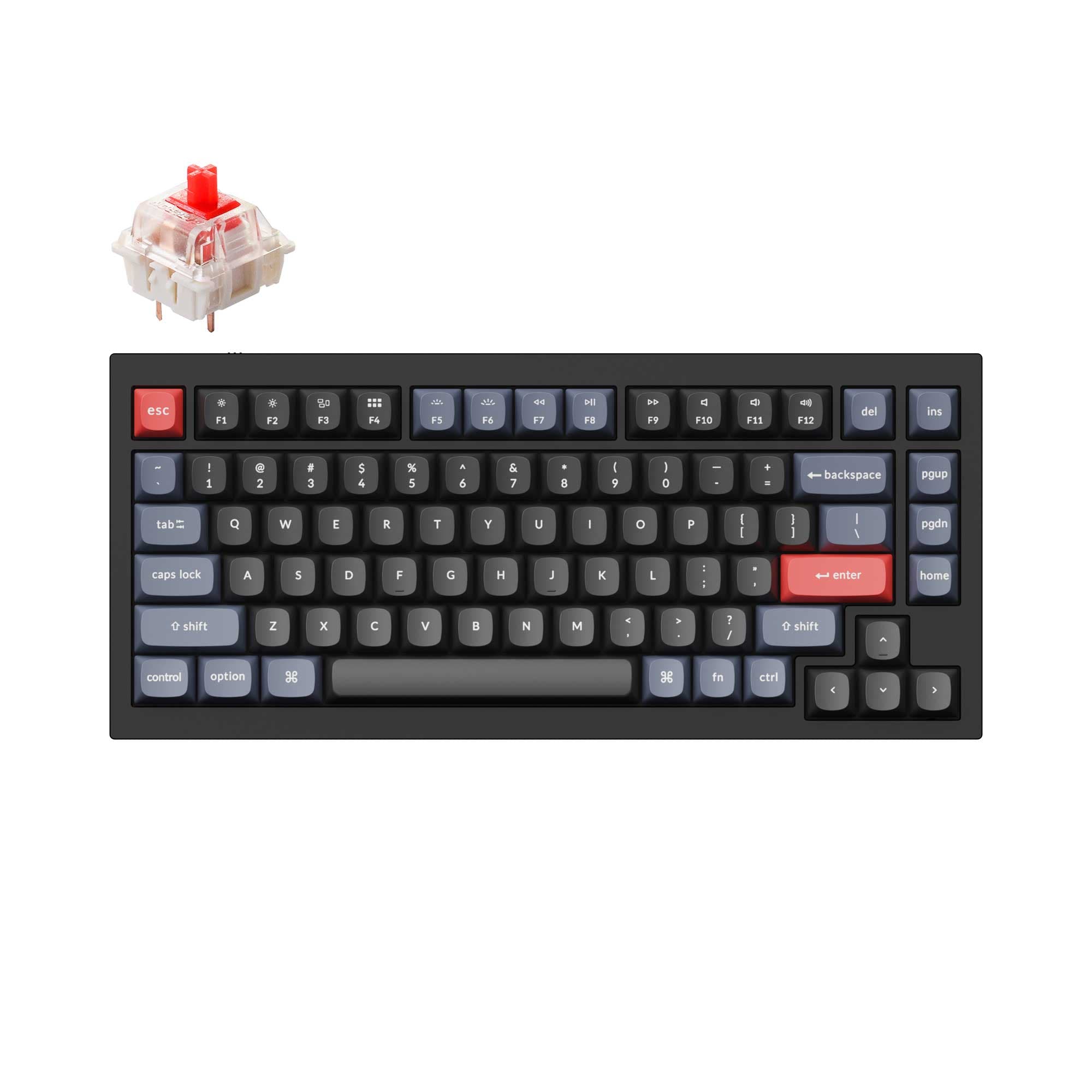

Which one should you get?
Get the
Keychron Q1 V2
- Double-gasket mount design reduces metal resonance and allows for a flexible typing feel.
- Available as a barebones kit for users who want to choose their own switches and keycaps.
- Fully assembled version available with a choice of linear, tactile, or clicky switches (Gateron G Pro, Phantom, Keychron K Pro).
- Steel plate combined with some switches can make switch removal difficult, as noted in reviews.
- Fully assembled versions of some color variants are backordered or sold out.
Get the
Keychron Q1 V2 SE
- Special edition model includes extra sound absorption foam for a quieter typing experience.
- Pre-built and ready to type with no assembly required.
- PCB equipped with MCU ATMEGA32U4 for reliable performance.
- Only available as a pre-built model, with no barebones option for custom builds.
- Only uses a plate mount, not the double-gasket design found in the Q1 V2.
- Limited stock and availability, noted as difficult to find.
If you enjoy building and customizing every component, the Keychron Q1 V2 is the clear choice due to its double-gasket design and barebones option. If you prefer a premium, ready-to-type keyboard with excellent sound dampening and a unique aesthetic, the Q1 V2 SE is the better buy. Both are solid performers, but the correct pick depends on whether you value building or out-of-box experience.
The differences that matter
Skip the 40-row spec sheet. These are the specs that change how each board feels, sounds, and fits your desk.
Keychron Q1 V2
Keychron Q1 V2 SE
Mount style
Gasket Mount, Plate Mount
Plate Mount
Released
2022
2023
- Keychron Q1 V2
- Keychron Q1 V2 SE
- Performance
- 7273
- Build quality
- 8984
- Productivity
- 9898
- Customizability
- 9894
- Portability
- 6268
- Layout size: 75%
- Connection: Wired
- Hot-swappable
- Case material: Aluminum
- Switch options: Clicky, Linear, Tactile
- Knob
What will you mostly use it for?
For gaming, programming, travel, and content creation, these keyboards are essentially tied. The shared 1000 Hz polling rate, QMK/VIA support, and heavy wired design make them equally suited or unsuited for those roles. The Q1 V2 SE gains a slight edge for office use due to its pre-built nature and extra sound dampening. The Q1 V2 wins for modding, driven by its double-gasket mount and barebones kit availability.
It's a tie
- Both keyboards feature a 1000 Hz polling rate, suitable for gaming.
- Both support hot-swappable switches, allowing gamers to install preferred switch types.
- Both have a steel plate, which offers a firm typing feel.
What owners say
Ratings and quotes collected from verified store reviews, including the critical ones.
Keychron Q1 V2
318 owner reviews
“Exactly what I wanted. Swapped out the switches for some Gateron Zero degree fully silent switches. Mechanical but almost completely silent, works a dream!”
Keychron Q1 V2 SE
No owner reviews collected yet.
Keychron Q1 V2 vs Q1 V2 SE specs
Every tracked spec, side by side. Rows marked with a dot differ between the boards.
2 of 25 specs differ
Keychron Q1 V2
Keychron Q1 V2 SE
Switch options
Hot-swappable
Mount style
Sound dampening
Screw-in stabilizers
Layout size
Layout standard
Ergonomics
Knob
Display
Media keys
Connection
Max polling rate
USB-C
Case material
Plate material
Keycaps
Weight
Dimensions
Typing angle
Backlight
QMK
VIA
Mac & Windows
Released
Compare prices
Live prices from the stores we track, cheapest in-stock offer first.
Lowest price across stores, Amazon excluded.



Prices in USD are converted to your currency and can change at any time. KeebFinder may earn a commission when you buy through these links, at no extra cost to you.
Keychron Q1 V2 vs Q1 V2 SE: your questions
The main difference is the mounting system and build approach. The Q1 V2 features a double-gasket mount design and is available as a barebones kit. The Q1 V2 SE is a pre-built special edition with a standard plate mount, extra sound absorption foam, and an updated aluminum case.
The Q1 V2 is better for modding. It has a double-gasket structure that can be modified for different typing feels and is sold as a barebones kit, allowing you to choose your own switches, keycaps, and stabilizers from the start.
Yes, both the Keychron Q1 V2 and Q1 V2 SE support QMK firmware and VIA software for key remapping, macros, and knob customization. This allows for full programming on both Windows and macOS.
Yes, both keyboards have hot-swappable PCBs that support 3-pin and 5-pin MX-style mechanical switches. The Q1 V2 is also available as a barebones kit without switches or keycaps, while the Q1 V2 SE comes with pre-installed switches and keycaps.
The Q1 V2 vendor description mentions it comes with OSA profile double-shot PBT keycaps that offer oil resistance on the fully assembled version. The Q1 V2 SE, described as a special edition, features a unique keycap set, though the specific material is not detailed beyond the vendor highlighting it as a theme.
The Q1 V2 SE is likely quieter for office use. The vendor explicitly lists extra sound absorption foam as a feature of this special edition model. The Q1 V2 also has double-gasket design and sound dampening, but the SE places a specific emphasis on sound absorption.
Yes, both keyboards come with native Mac and Windows support. They include an easy-reach toggle switch to change between operating systems and come with keycaps for both macOS and Windows layouts.
Yes, both keyboards use screw-in PCB stabilizers. The Q1 V2 vendor description highlights that it uses new screw-in PCB stabilizers for improved stability, and the Q1 V2 SE vendor description mentions Gateron screw-in PCB mount stabilizers.
Both the Keychron Q1 V2 and Q1 V2 SE have a weight of 1825 grams for the fully assembled version. The vendor descriptions note they are surprisingly heavy, adding to their sturdy feel on a desk.
Yes, the Q1 V2 vendor description specifically states that the south-facing RGB and the top case design make it compatible with Cherry-profile alternative keycaps. The south-facing RGB lighting prevents interference with Cherry-profile caps.
Not sold on either?


![[In Stock] Infi75 75% Pre-Built Mechanical Keyboard](https://cdn.shopify.com/s/files/1/0549/0262/0278/files/1_30294aaa-d440-4237-a2f4-34fb1228ed95.jpg?v=1697090980&width=3840&quality=75)


Still torn?
Answer a few quick questions and the keyboard finder ranks 2,000+ boards by how you will actually use yours.