Keychron Q1 V2 vs Lemokey L1 HEWired or Wireless?
Choose the Q1 V2 if you want a wired workhorse with classic mechanical switch options, or the L1 HE if you need wireless and magnetic rapid-trigger performance.
KeebFinder may earn a commission when you buy through these links, at no extra cost to you.
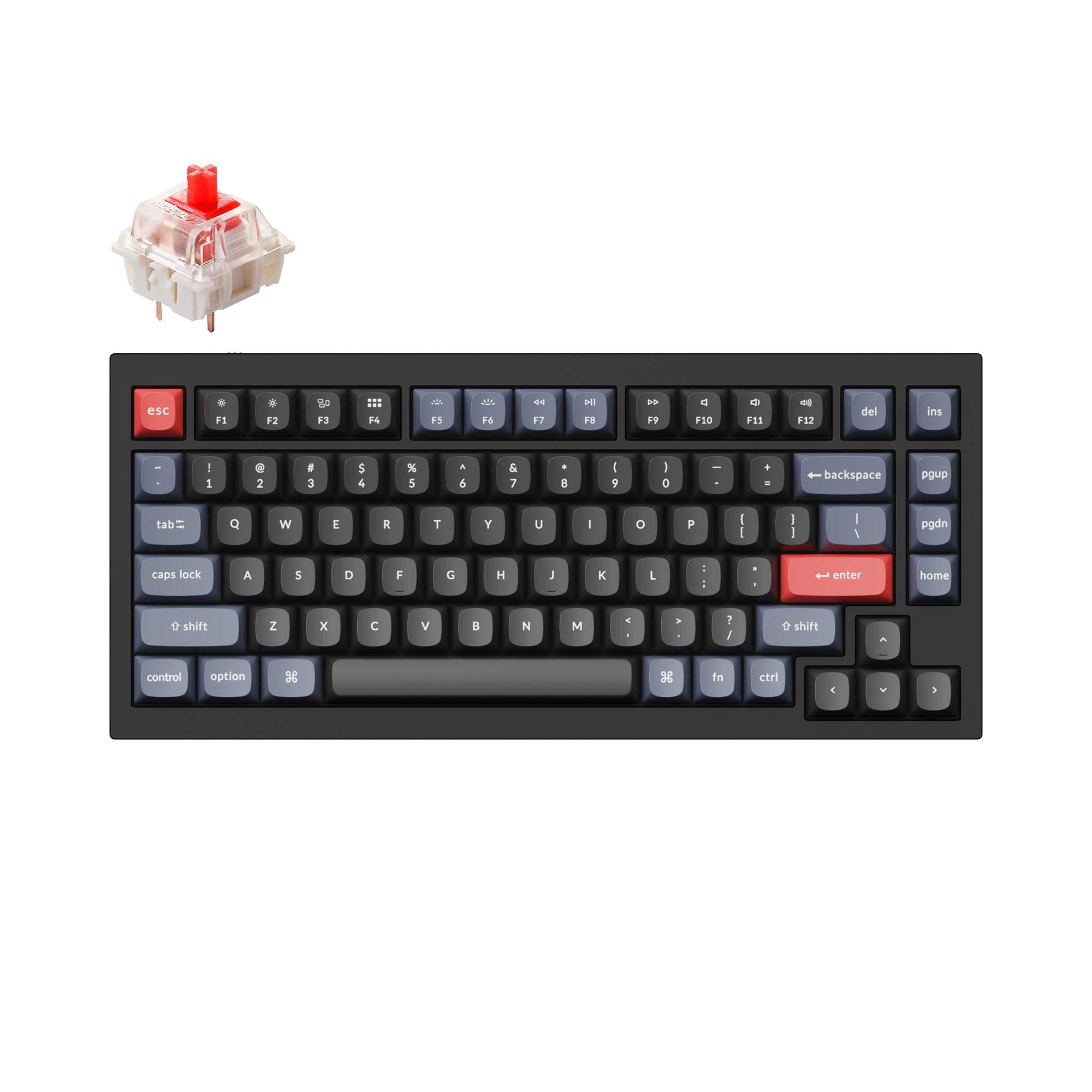
4.9 (318)4.9 · 318 reviews
from$59at Keychron

Which one should you get?
Get the
Keychron Q1 V2
Build quality in the top 5% of 75% boards under $100.
- Steel plate provides a firm typing feel with distinct acoustics
- Screw-in PCB stabilizers offer stable big-key performance
- Available as a barebones DIY kit without switches or keycaps
- South-facing LEDs. Shine-through legends stay dark, and some sculpted keycaps can clip the LED.
Get the
Keychron Lemokey L1 HE
Hall effect
Build quality in the top 10% of 75% boards under $300.
- Magnetic switches with rapid trigger and adjustable actuation from 0.2 to 3.8 mm
- Tri-mode wireless with Bluetooth 5.2 and 2.4 GHz at 1000 Hz polling
- 4000 mAh battery delivers up to 100 hours of life without backlight
- Magnetic switches only. Standard MX switches will not fit.
- North-facing LEDs. Cherry-profile keycaps can hit the switch housing.
The Q1 V2 is the better choice for desktop users who want a wired, classic mechanical switch board with versatile hot-swap compatibility and a steel plate for modding. The L1 HE is ideal for gamers and those who need wireless, particularly if you value rapid trigger, adjustable actuation, and long battery life. Your decision should hinge on whether you prioritize standard MX modding flexibility or magnetic switch gaming performance.
The differences that matter
Skip the 40-row spec sheet. These are the specs that change how each board feels, sounds, and fits your desk.
Keychron Q1 V2
Keychron Lemokey L1 HE
Hall effect (magnetic)
No
Yes
Adjustable actuation helps in games and not in normal typing
Rapid trigger
No
Yes
Faster resets help in games and not in normal typing
Connection
Wired
Bluetooth, Wired, 2.4 GHz
Wireless for several devices and wired for lower latency
Case material
Aluminum
Aluminum, Metal
Switch options
Clicky, Linear, Tactile
Clicky, Linear, Magnetic, Tactile
- Keychron Q1 V2
- Keychron Lemokey L1 HE
- Performance
- 7293
- Build quality
- 8986
- Productivity
- 9897
- Customizability
- 9895
- Portability
- 6283
- Layout size: 75%
- Hot-swappable
- Max polling rate: 1,000 Hz
- Knob
- QMK
- VIA
What will you mostly use it for?
The L1 HE wins for gaming and travel thanks to its magnetic switches, rapid trigger, and wireless options. The Q1 V2 wins for office and modding due to its wired simplicity, steel plate, and compatibility with standard MX switches. Both boards tie for programming and content creation since they share QMK/VIA support, a knob, and a similar layout. The key split is between classic hot-swap modding and modern magnetic gaming performance.
Pick the Keychron Lemokey L1 HE
- Magnetic switches with rapid trigger and adjustable actuation point from 0.2 to 3.8 mm
- 2.4 GHz wireless with 1000 Hz polling rate for low-latency gameplay
- N-Key rollover in both wireless and wired modes
Keychron Q1 V2 vs Lemokey L1 HE specs
Every tracked spec, side by side. Rows marked with a dot differ between the boards.
14 of 29 specs differ
Keychron Q1 V2
Keychron Lemokey L1 HE
Switch options
Hall effect (magnetic)
Rapid trigger
Hot-swappable
Mount style
Sound dampening
Screw-in stabilizers
Layout size
Layout standard
Ergonomics
Knob
Display
Media keys
Connection
Max polling rate
Battery
USB-C
Case material
Plate material
Keycaps
Weight
Dimensions
Typing angle
Backlight
QMK
VIA
N-key rollover
Mac & Windows
Released
Compare prices
Live prices from the stores we track, cheapest in-stock offer first.
Prices in USD are converted to your currency and can change at any time. KeebFinder may earn a commission when you buy through these links, at no extra cost to you.
Lowest price across stores, Amazon excluded.



Keychron Q1 V2 vs Lemokey L1 HE: your questions
Both keyboards feature a gasket mount design for a cushioned typing feel. The Q1 V2 uses a steel plate and double-gasket structure which may feel stiffer and more resonant, while the L1 HE uses an aluminum plate with multiple foam layers including EPDM and PET film for a softer, quieter experience. Preference depends on whether you like a firm or dampened bottom-out.
No, the L1 HE is compatible only with Gateron double-rail magnetic switches sold by Keychron or Lemokey. It does not support standard 3-pin or 5-pin MX switches. The Q1 V2 supports most MX-style switches like Gateron, Cherry, and Kailh.
No, the Q1 V2 is wired only with a USB-C connection. It does not have Bluetooth or 2.4 GHz wireless capability. The L1 HE offers Bluetooth 5.2 and 2.4 GHz wireless in addition to wired mode.
The Lemokey L1 HE is designed for this use case with its magnetic switches featuring rapid trigger and adjustable actuation points from 0.2 to 3.8 mm. The Q1 V2 lacks these features and uses standard mechanical switches with fixed actuation.
Yes, both keyboards support QMK and VIA for full key remapping and macro creation. The L1 HE also has its own Lemokey Launcher web app, while the Q1 V2 uses the Keychron Launcher. Both require a wired connection for configuration.
The Q1 V2 weighs 1825 grams, while the L1 HE is slightly heavier at 1977 grams. Both are substantial all-metal keyboards, but the L1 HE is about 152 grams heavier, likely due to the internal battery and additional foam layers.
Yes, the L1 HE includes a 4000 mAh rechargeable lithium-polymer battery. With backlighting turned off, it can last up to 100 hours. Charging time is around 5 hours. The Q1 V2 has no battery as it is wired only.
The Q1 V2 features screw-in PCB stabilizers which are generally preferred for stability and are compatible with third-party options like Cherry or Durock. The L1 HE uses plate-mounted stabilizers with reinforced sidewalls for improved stability on large keys.
Yes. The Q1 V2 uses double-shot PBT keycaps in an OSA profile, which is taller with a spherical top. The L1 HE uses Cherry profile double-shot PBT keycaps, which are lower and more curved. Both are durable and oil-resistant.
The Q1 V2 offers more flexibility because it supports standard 3-pin and 5-pin MX switches and third-party stabilizers, and it is available as a barebones kit. The L1 HE is limited to proprietary magnetic switches and plate-mounted stabilizers, making it less customizable.
Not sold on either?


Still torn?
Answer a few quick questions and the keyboard finder ranks 2,000+ boards by how you will actually use yours.