Out of stock
Add to comparison
67
Overall/ Value
66.6Build Quality
67.7Customizability
62.5Performance
68.7Productivity
67.6Portability
81.5$52

Find the best compact mechanical keyboards in 60%, 65%, 75%, and 40% layouts. Compare space-saving boards with hot-swap, wireless, and programmable features. Real-time pricing and availability across 40+ vendors to help you pick the right small keyboard.


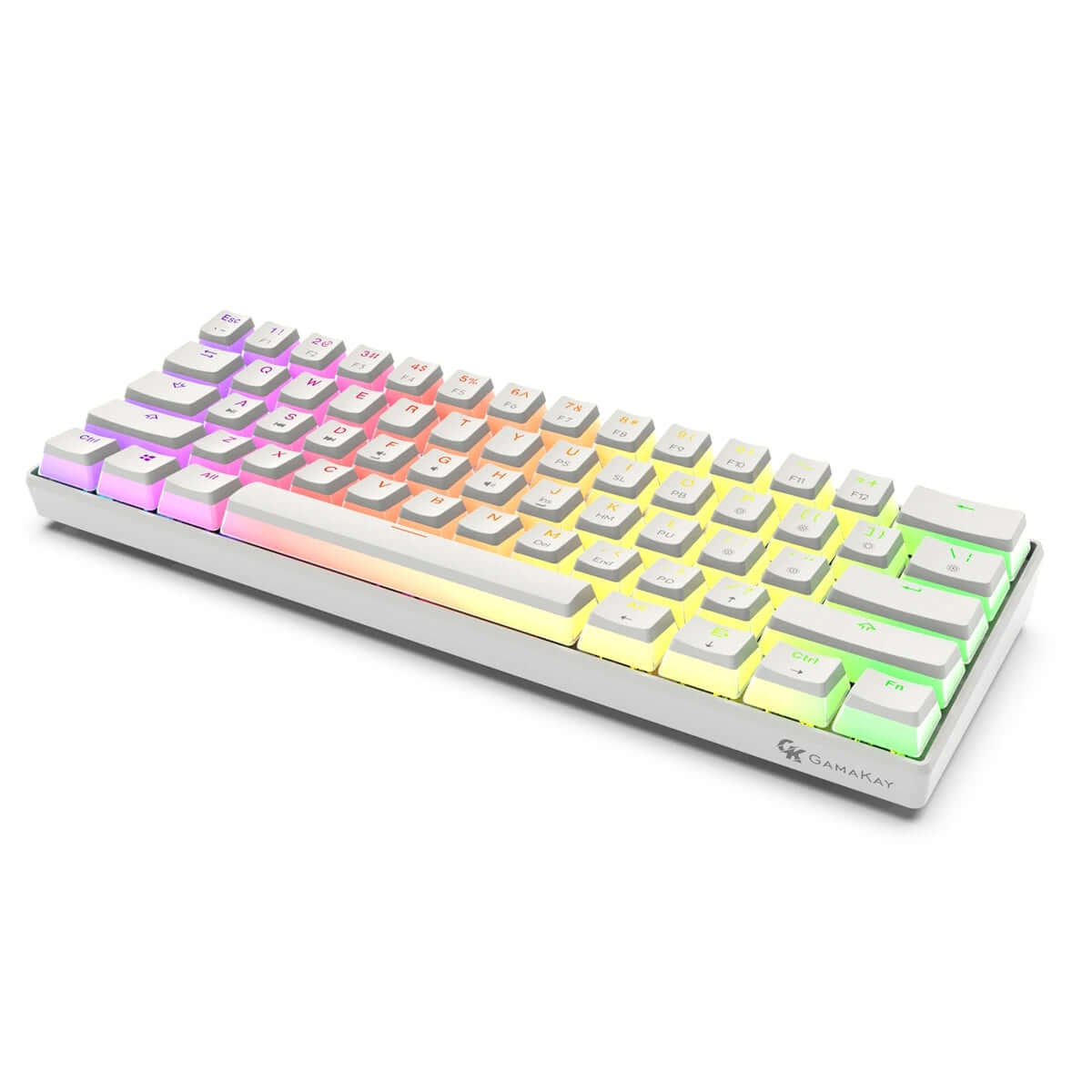

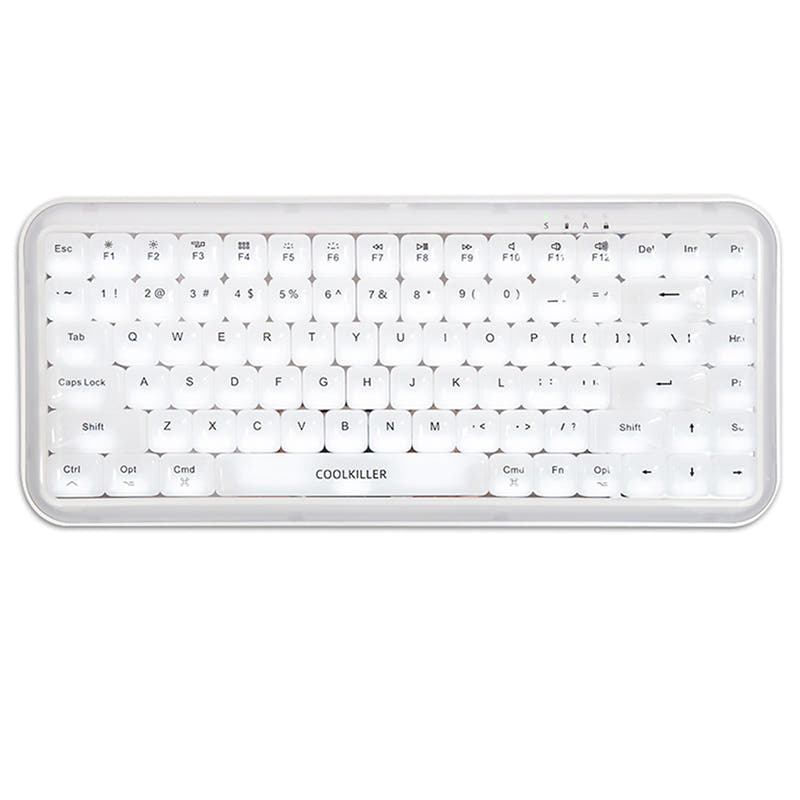


![[Pre Order] TB-65F Custom Mechanical Keyboard Kit](https://cdn.shopify.com/s/files/1/1674/0405/files/2_9617dec6-d5ab-4eba-b35d-8b153f1e4991.jpg?v=1735210657&width=3840&quality=75)


![[Out of Stock] Sisyphus65 Mechanical Keyboard Kit](https://cdn.shopify.com/s/files/1/0549/0262/0278/products/1_f45cea0e-f2b6-4263-8dc0-8edd6090b670.png?v=1687743020&width=3840&quality=75)


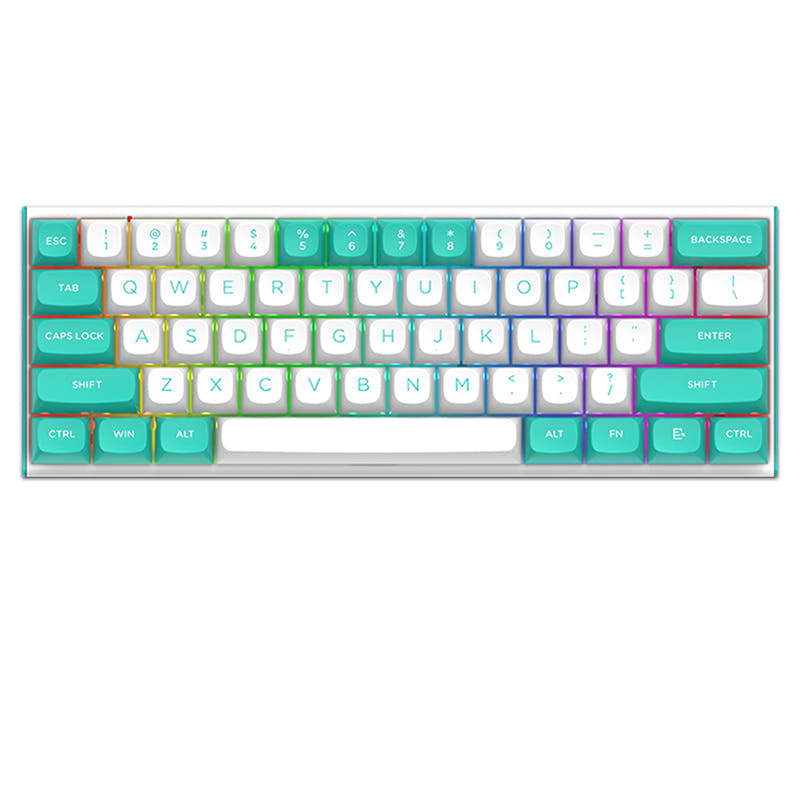


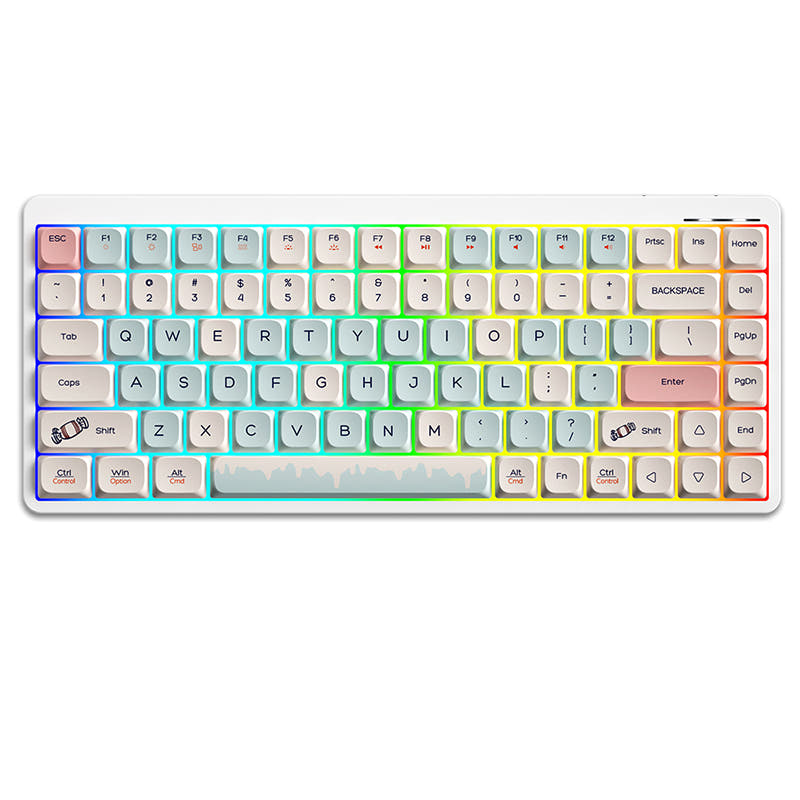


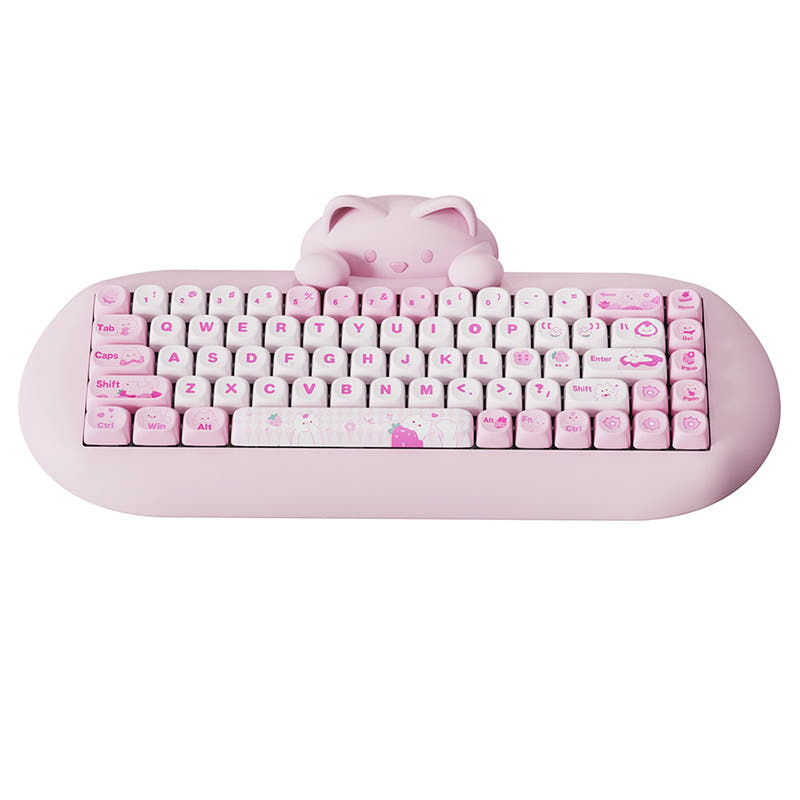
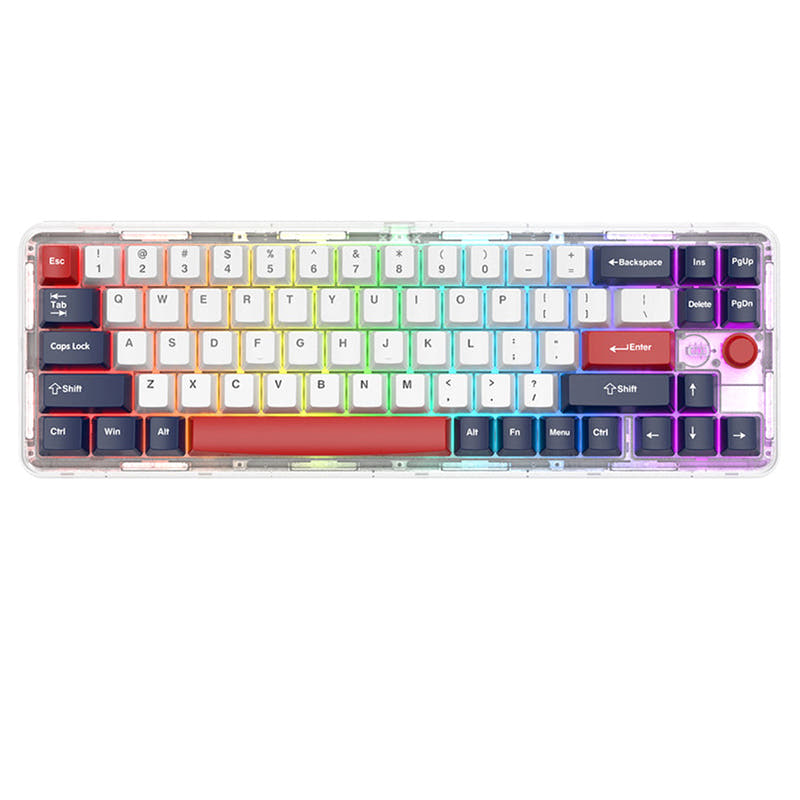


Compact keyboards free up desk space for your mouse and keep your hands closer together for better ergonomics. From the ultra-minimal 40% to the nearly-full-featured 75%, there is a compact size for every workflow. Compare every option below with filters for layout, switches, and price.
A 60% board drops the function row, arrow keys, and nav cluster for maximum space savings. A 65% adds dedicated arrow keys and a slim column of nav keys, hitting the sweet spot for most users. A 75% keeps the function row in a compressed layout, ideal for people who use F-keys frequently. If you primarily game, 60% gives you the most mouse room. If you code or write, 65% or 75% preserves essential navigation.
Gamers favor compact boards because the narrow footprint lets you center your mouse hand closer to your body for a more natural posture. A 60% or 65% paired with a large mouse pad is the standard competitive setup. Look for low-latency wired or 2.4 GHz wireless, rapid trigger support, and linear switches for fast keypresses. Many compact gaming boards also include per-key RGB for aesthetic profiles.
A 60% or 65% board fits easily in a backpack or laptop bag, making it perfect for on-the-go work. Wireless models with Bluetooth multi-device pairing let you switch between your laptop, tablet, and phone. Look for compact boards with long battery life, a carrying case, and durable PBT keycaps that resist wear. Some ultra-portable 40% boards weigh under 300 grams.
Compact keyboards use a function layer activated by holding the Fn key. Numbers become F1-F12, IJKL or WASD map to arrow keys, and other combinations access Home, End, Page Up, and Page Down. Boards with QMK or VIA firmware let you customize every layer and even add tap-hold behaviors so a single key serves dual purposes. Most users adjust within a few days.
40% boards remove the number row entirely, relying on layers for everything beyond letters and basic modifiers. They suit minimalists, travelers, and enthusiasts who enjoy optimizing their keymap. The learning curve is steep, but dedicated users report faster typing once muscle memory kicks in. Popular models like the Planck and Vortex Core offer full QMK programmability to make 40% surprisingly functional.
Hot-swap sockets let you change switches without soldering, and QMK/VIA firmware gives full control over layers, macros, and RGB. These two features are especially valuable on compact boards where every key needs to pull double duty. Most quality compact keyboards in the $60-$200 range now ship with both features, making customization accessible to beginners and veterans alike.