Mechanical Keyboards with Media Keys Compared
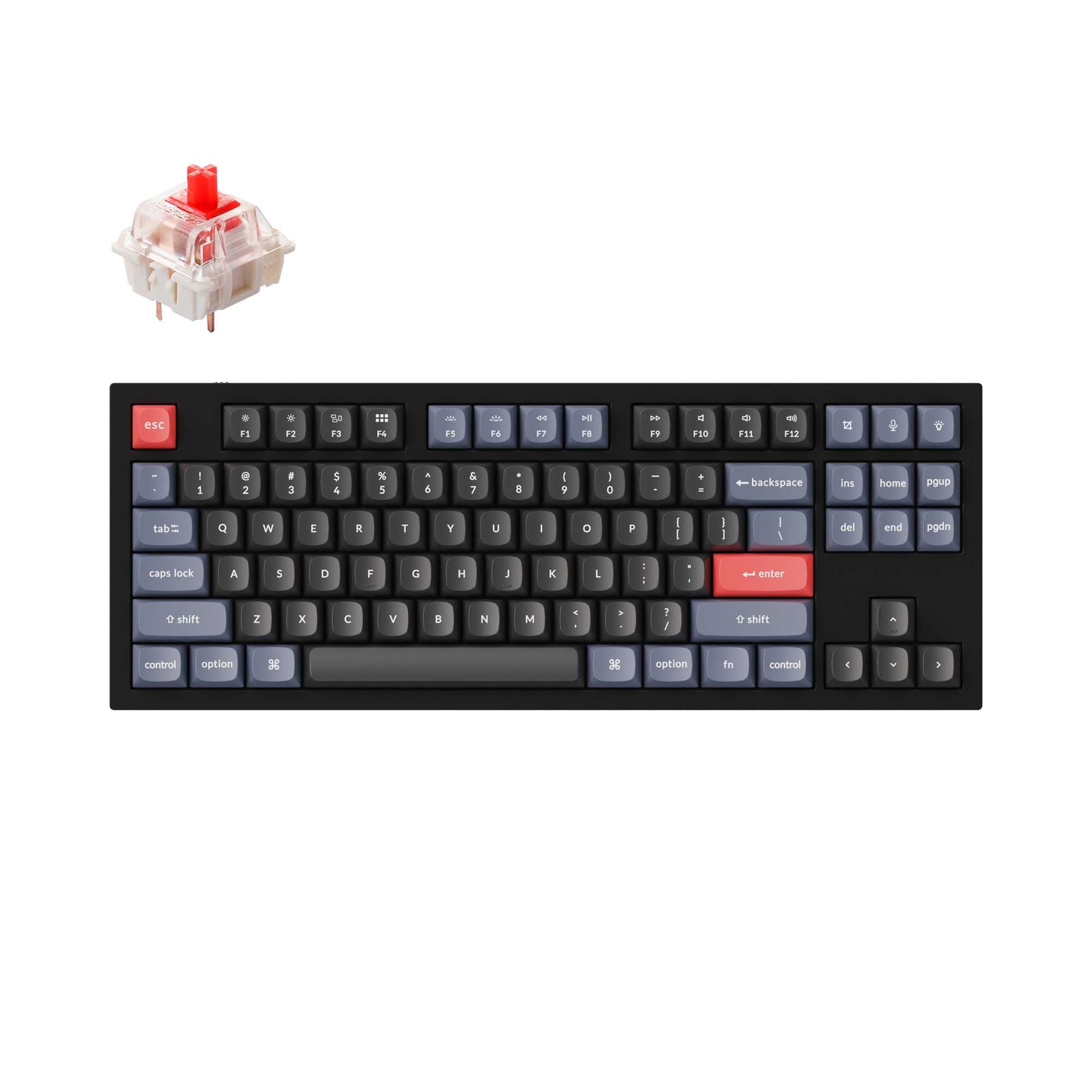
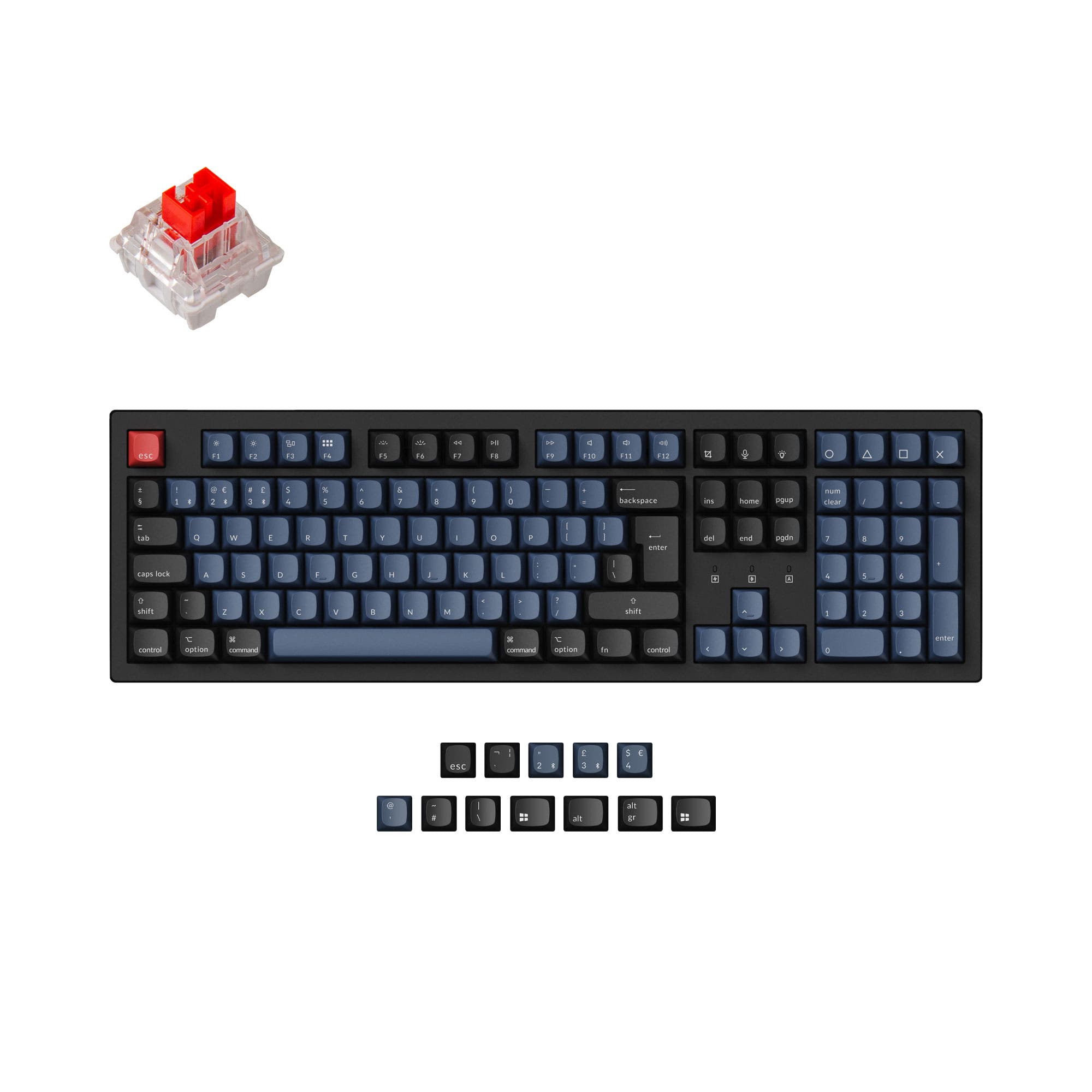
Dedicated media keys give you instant hardware-level control over volume, playback, and mute without fumbling with Fn combos or on-screen sliders. If you listen to music, join video calls, or stream while you work or game, these controls are a daily convenience. Compare every keyboard with media keys below.
Volume knob vs media buttons: which is better?
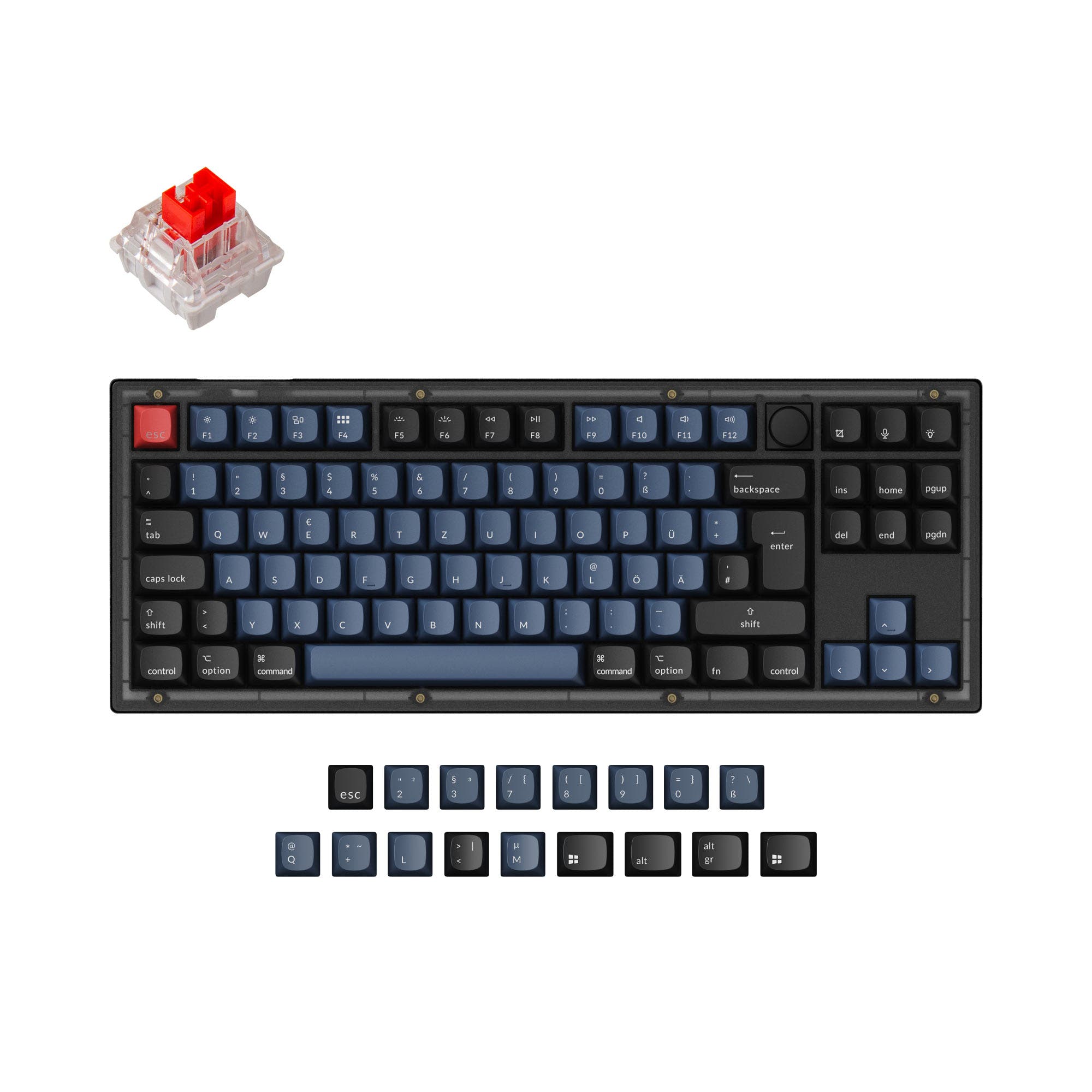
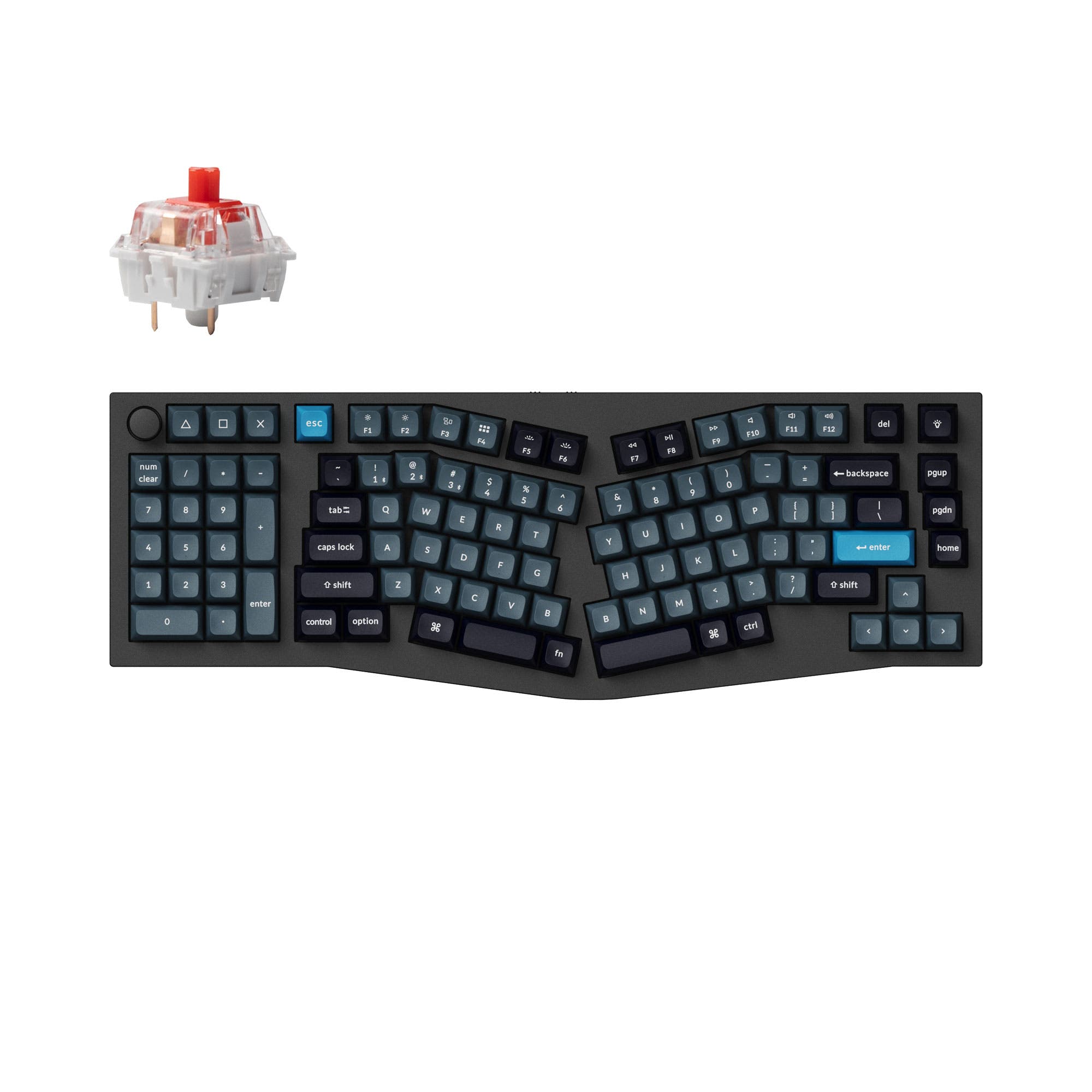
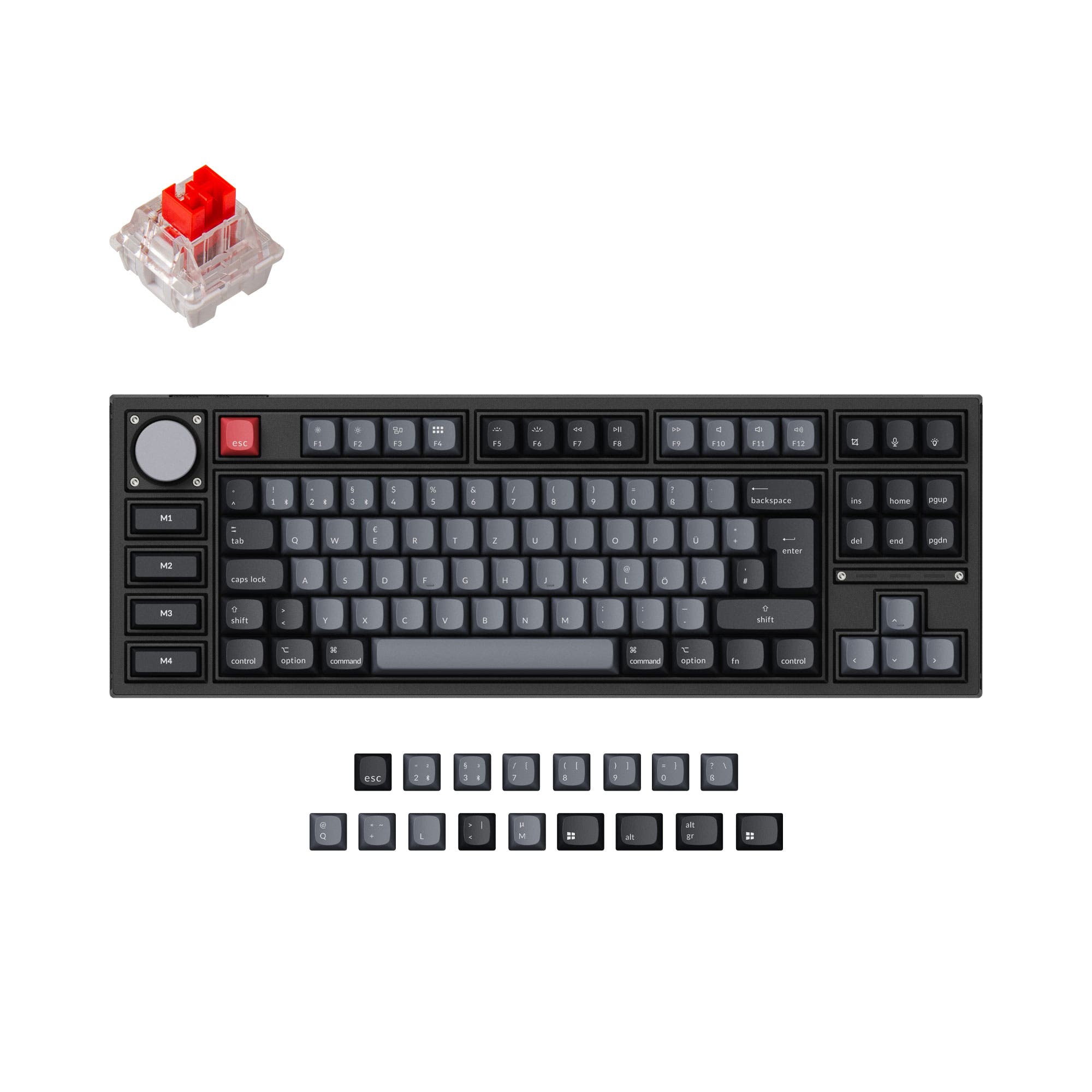
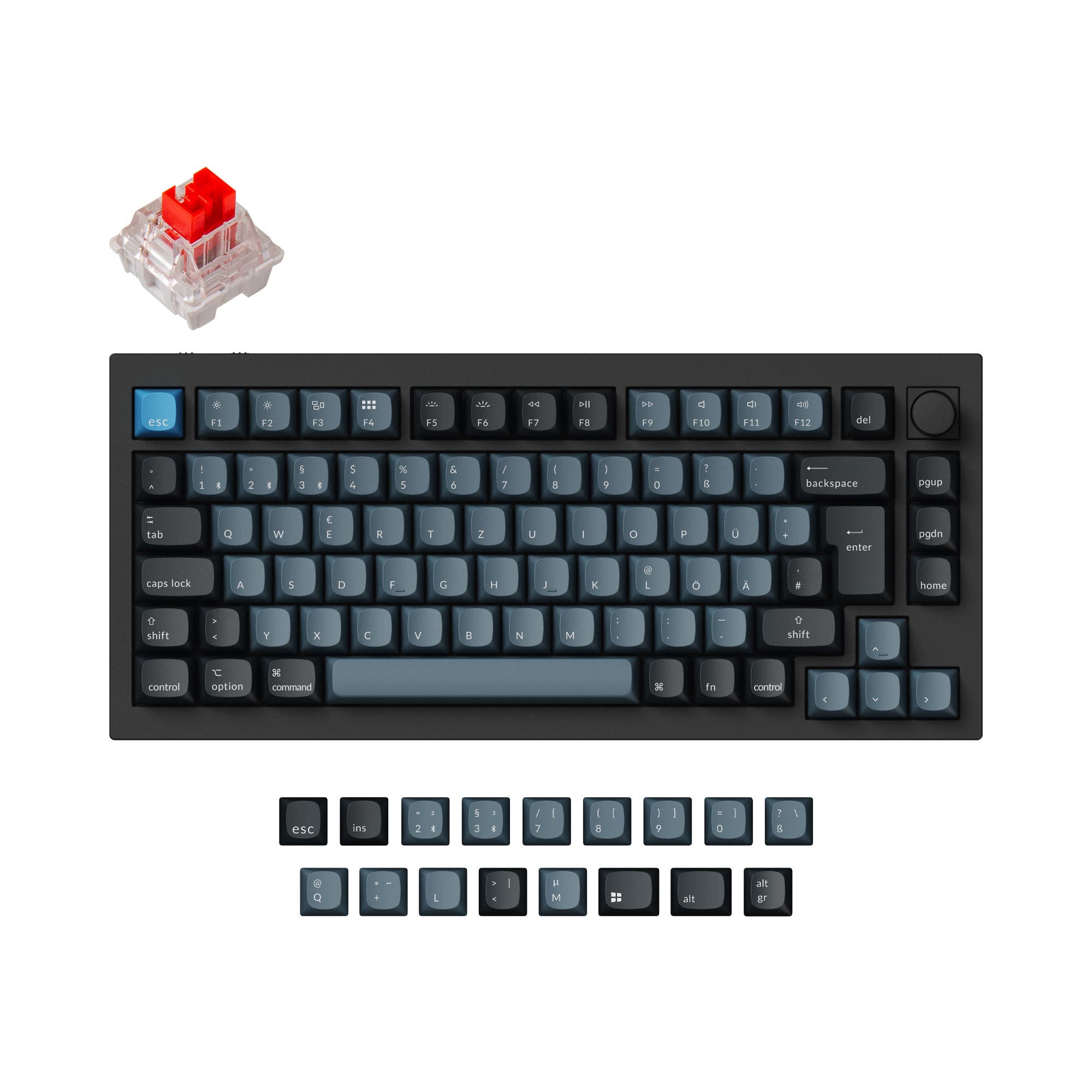
A rotary knob provides smooth, precise volume control with a satisfying tactile feel—one twist adjusts volume instantly. Dedicated media buttons (play, pause, skip, mute) offer quick-hit actions but take up more space. Some keyboards combine both: a knob for volume and buttons for playback. If you adjust volume frequently during calls or music, a knob is the faster and more intuitive option.
Best compact keyboards with media controls
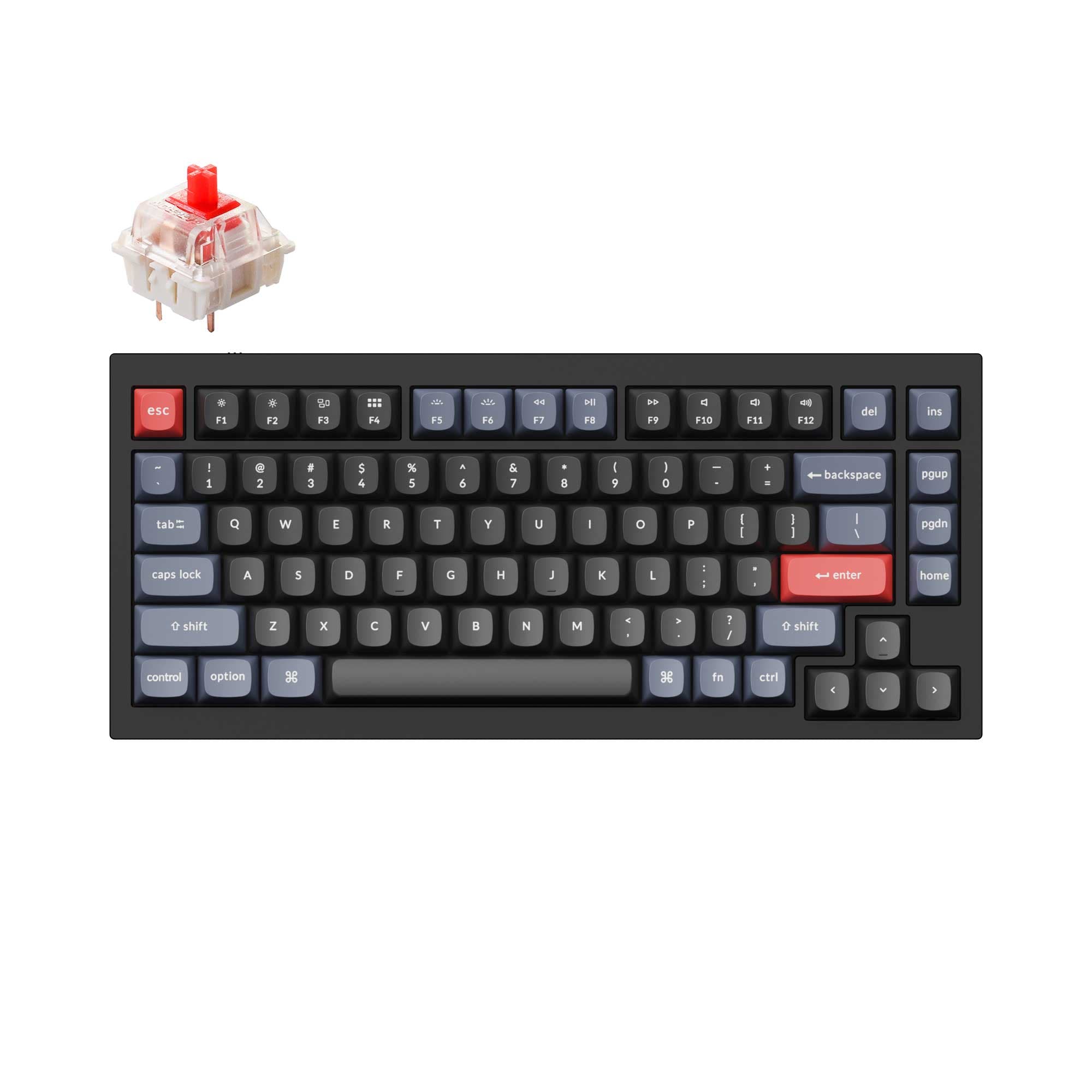
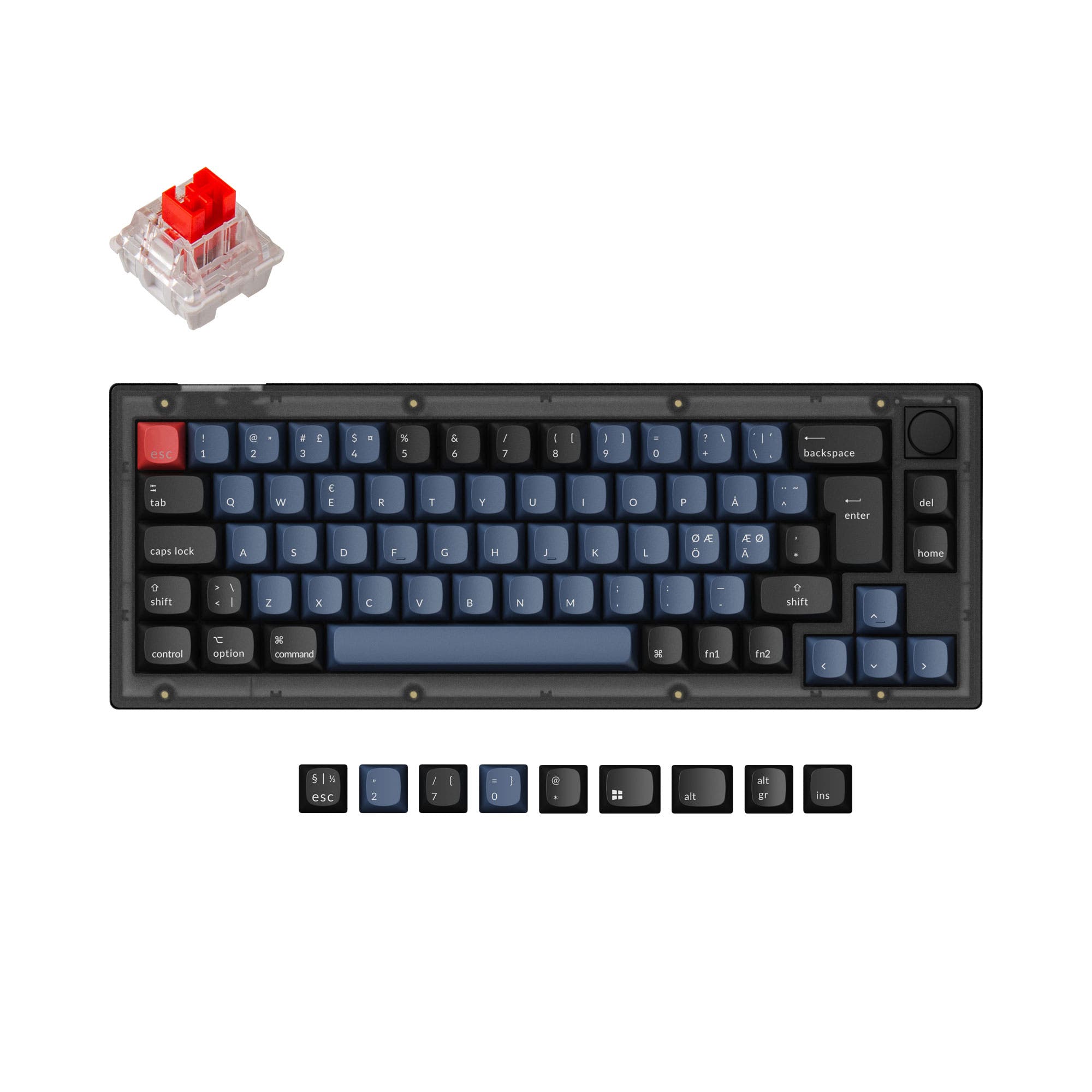
75% boards are the smallest layout that commonly includes a dedicated knob or media key row without sacrificing the function row. Some 65% boards fit a single knob in the top-right corner via a blocker key or extra column. Full-size and TKL boards have the most room for a full set of media buttons. If you want both compactness and media controls, 75% with a knob is the sweet spot.
Programmable media keys with QMK and VIA
On boards with QMK or VIA firmware, you can assign any media function to any key or knob position. This means even a 60% keyboard can have media controls on a function layer. Some boards let you program the knob to control different functions per layer—volume on the base layer, scroll on a second layer, and zoom on a third. VIA makes this configurable in a visual drag-and-drop interface.
Do media keys work across Windows, Mac, and Linux?
Standard USB media key codes are recognized by Windows, macOS, and most Linux desktop environments out of the box. Play, pause, volume up, volume down, mute, and skip all work without drivers. Some keyboards include a Windows/Mac toggle switch that adjusts modifier key positions and ensures media key compatibility. No additional software is needed for basic media controls on any major OS.
Best keyboards with media keys for streaming and video calls
Streamers and remote workers benefit from instant mute, volume adjustment, and playback control during live sessions. A knob lets you ride the volume in real time without switching windows. Some keyboards include a dedicated mic-mute key or support programming one via QMK. Look for boards with per-layer knob assignments so you can switch between media control and OBS scene navigation on the fly.
Wireless keyboards with dedicated media controls
Many wireless mechanical keyboards include media keys that work over Bluetooth and 2.4 GHz just as reliably as wired. The media key signals travel through the same wireless connection as normal keypresses with no added latency. Tri-mode boards let you switch between Bluetooth, dongle, and USB-C while keeping full media key functionality across all connections.
Related Categories


![[In Stock] OE93 Wired/Wireless Retro Style Mechanical Keyboard](https://cdn.shopify.com/s/files/1/0549/0262/0278/files/93_-1_1--001.jpg?v=1748489495&width=3840&quality=75)