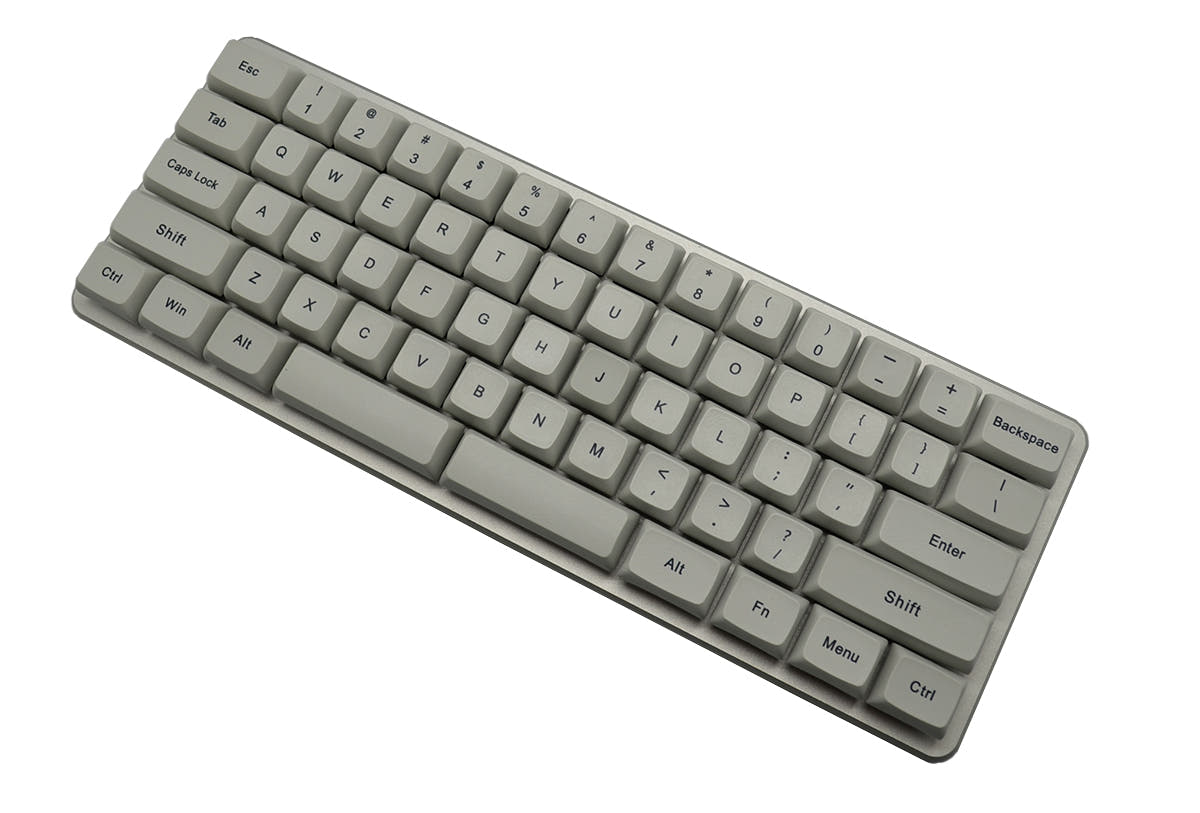
0.01 Z62 vs Keychron K12
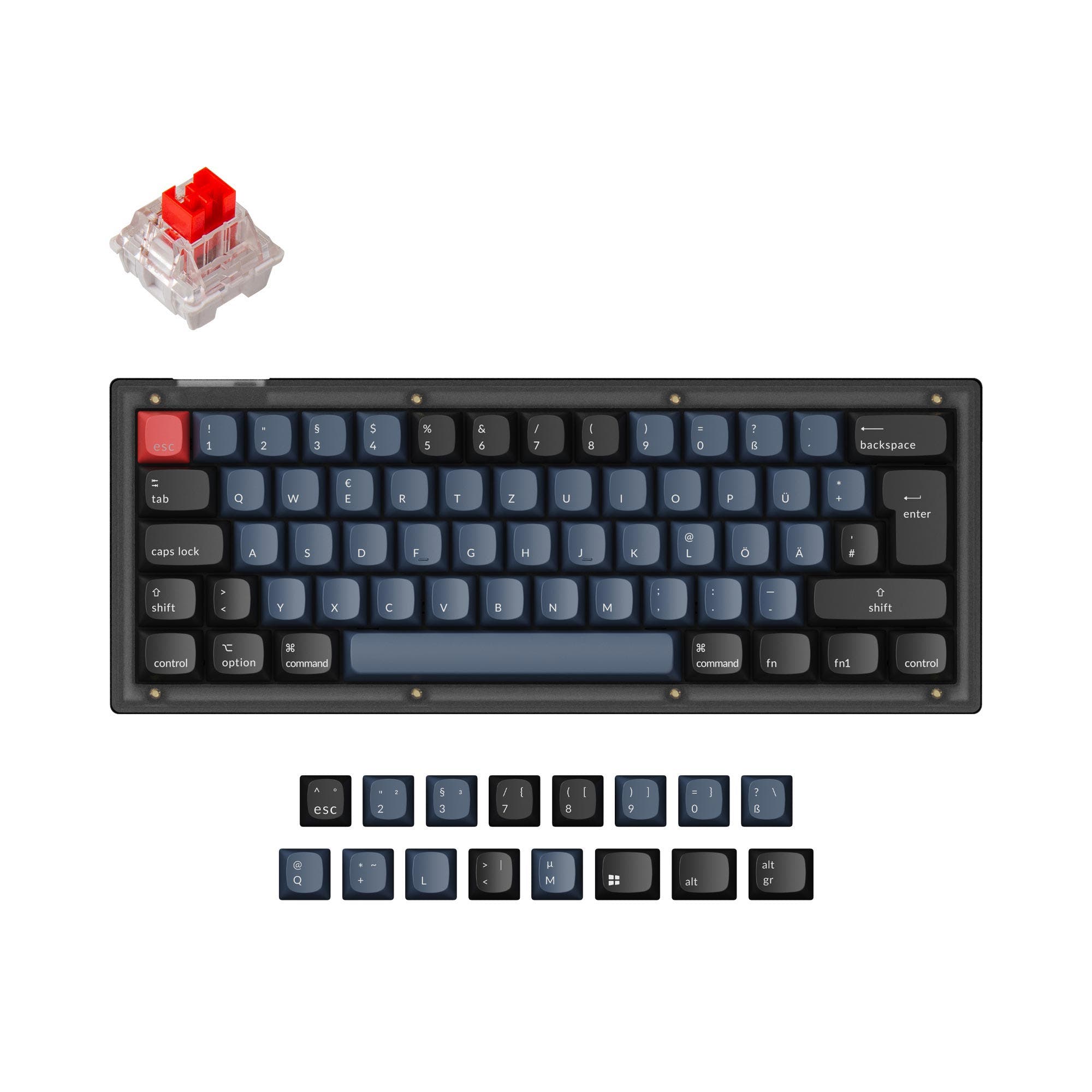
Get the Keychron K12 for hot-swappable.
KeebFinder may earn a commission when you buy through these links, at no extra cost to you.

4.8 (192)4.8 · 192 reviews
from$39at Keychron
Which one should you get?
Get the
0.01 Z62
Build quality in the bottom 45% of 60% boards under $100.
- Switches are soldered. Swapping them means soldering.
Get the
Keychron K12
Hot-swappable
Build quality in the top 25% of 60% boards under $50.
- North-facing LEDs. Cherry-profile keycaps can hit the switch housing.
The differences that matter
Skip the 40-row spec sheet. These are the specs that change how each board feels, sounds, and fits your desk.
0.01 Z62
Keychron K12
Connection
Wired
Bluetooth, Wired
Wireless for several devices and wired for lower latency
Hot-swappable
No
Yes
Switch changes without soldering
Case material
Aluminum, Plastic
ABS, Aluminum, Plastic
Mount style
Plate Mount
Plate Mount, Tray Mount
Plate material
Aluminum
Plastic
- 0.01 Z62
- Keychron K12
- Performance
- 6758
- Build quality
- 5574
- Productivity
- 4368
- Customizability
- 4973
- Portability
- 6090
- Layout size: 60%
- Switch options: Clicky, Linear, Tactile
0.01 Z62 vs Keychron K12 specs
Every tracked spec, side by side. Rows marked with a dot differ between the boards.
11 of 19 specs differ
0.01 Z62
Keychron K12
Switch options
Hot-swappable
Mount style
Layout size
Layout standard
Ergonomics
Display
Media keys
Connection
Max polling rate
Battery
USB-C
Case material
Plate material
Keycaps
Backlight
N-key rollover
Mac & Windows
Released
Compare prices
Live prices from the stores we track, cheapest in-stock offer first.
Prices in USD are converted to your currency and can change at any time. KeebFinder may earn a commission when you buy through these links, at no extra cost to you.
Lowest price across stores, Amazon excluded.



Not sold on either?




Still torn?
Answer a few quick questions and the keyboard finder ranks 2,000+ boards by how you will actually use yours.