Keychron K12 vs V4Wireless Freedom vs Customization Power
Choose the K12 for wireless flexibility or the V4 for deep customization and a premium typing foundation.

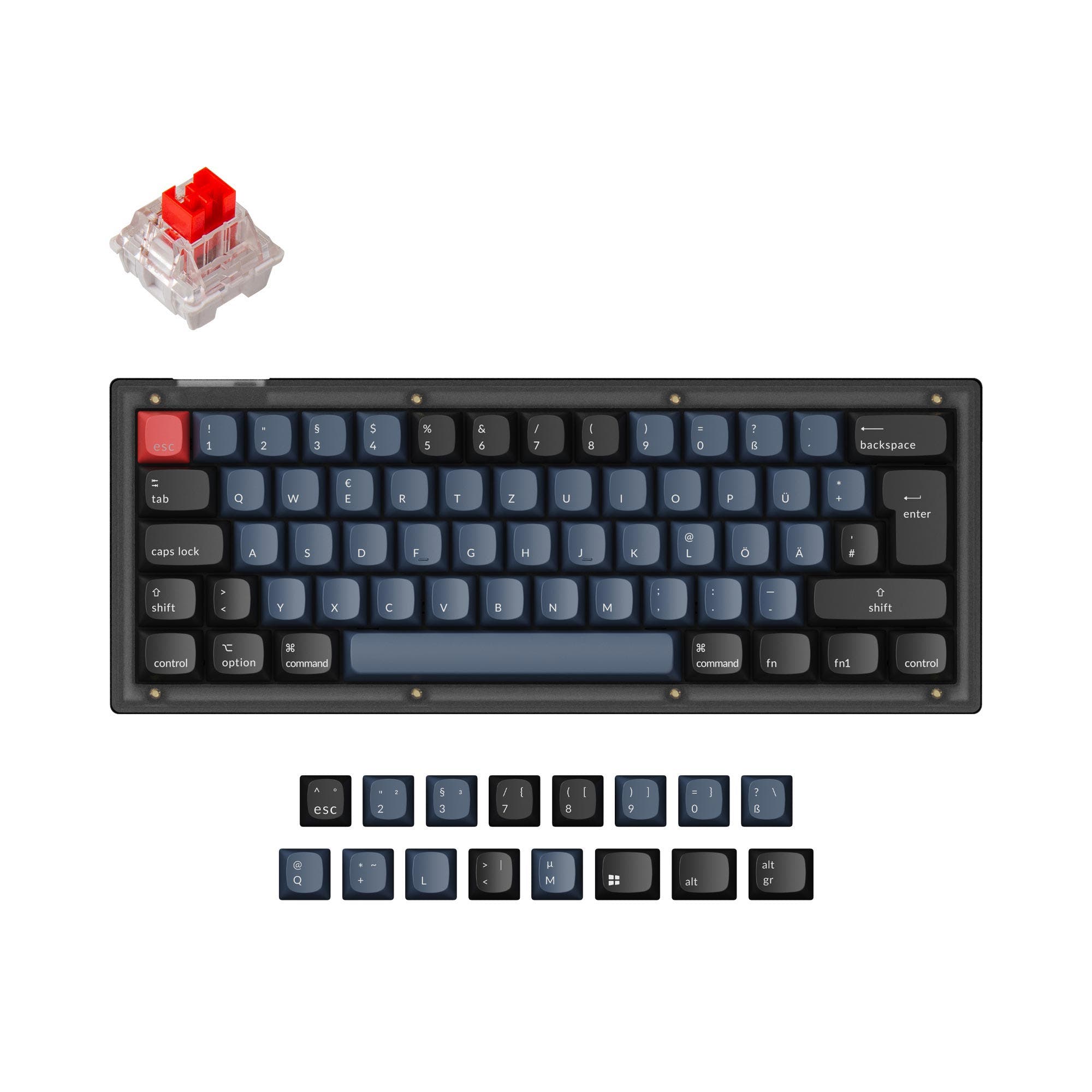
Which one should you get?
Get the
Keychron K12
Wireless Freedom
- Tri-mode connectivity with Bluetooth and wired USB-C support.
- Long-lasting 4000mAh battery for extended wireless use.
- Includes keycaps for both Windows and macOS layouts.
- Uses north-facing RGB LEDs, which can cause interference with some Cherry-profile keycaps.
- Keycaps are made of ABS plastic, which is prone to shining over time.
- Plate material is plastic, which may feel less solid than metal alternatives.
Get the
Keychron V4
Customization Power
- Extensive customization support with QMK and VIA firmware.
- Superior build components including a steel plate, screw-in PCB stabilizers, and sound dampening.
- Comes with durable, double-shot PBT keycaps in the assembled version.
- Wired-only connectivity, with no wireless option.
- Heavier at 730g, which reduces portability.
- The vendor description notes that no discount codes can be applied to this model.
Your primary need dictates the choice. If cutting the cord and moving between devices is essential, the Keychron K12 delivers reliable wireless performance in a compact form. If you plan to stay at one desk and want a keyboard you can modify, tune, and program extensively, the Keychron V4 offers a far more capable and rewarding foundation for a similar price. The V4 is the better long-term investment for enthusiasts, while the K12 maximizes everyday convenience.
The differences that matter
Skip the 40-row spec sheet. These are the specs that change how each board feels, sounds, and fits your desk.
Keychron K12
Keychron V4
Connection
Bluetooth, Wired
Wired
Case material
ABS, Aluminum, Plastic
ABS, Plastic
Knob
No
Yes
QMK
No
Yes
VIA
No
Yes
- Keychron K12
- Keychron V4
- Performance
- 5868
- Build quality
- 7487
- Productivity
- 6995
- Customizability
- 7498
- Portability
- 9076
- Layout size: 60%
- Hot-swappable
- Max polling rate: 1,000 Hz
- Switch options: Clicky, Linear, Tactile
- Mount style: Plate Mount, Tray Mount
What will you mostly use it for?
The K12 is the clear choice for mobile professionals and office users who value wireless connectivity and multi-device pairing. For stationary power users like programmers and modding enthusiasts, the V4 dominates with its superior programmability, build materials, and customization options. Gamers and travelers will find their decision hinges on the trade-off between wireless convenience and the V4's premium wired foundation.
It's a tie
- Both keyboards have a 1000Hz polling rate in wired mode for responsive input.
- The K12 offers wireless Bluetooth for a cleaner desk, while the V4's wired connection guarantees no latency.
- The V4's south-facing RGB LEDs prevent interference with Cherry-profile keycaps, a common choice for gamers.
What owners say
Ratings and quotes collected from verified store reviews, including the critical ones.
Keychron K12
192 owner reviews
“I have recently bought a Keychron K12, and I'm really satisfied with it. You can say that the build quality is high, and I love the sound of the switches.”
“Bought this in December 2023. The good first: - the typing experience is genuinely fantastic. The plastic case creates this resonant, almost bass-cabinet effect that makes every keystroke satisfying. - Gateron G Pro Red switches are solid as always. For pure…”
Keychron V4
14 owner reviews
“Definitely the best 80 dollar keyboard out right now. Very well lubed and stabbed are tooned well. Unfortunately can't get via to work (VIA isn't accepting the json file)”
Keychron K12 vs V4 specs
Every tracked spec, side by side. Rows marked with a dot differ between the boards.
12 of 26 specs differ
Keychron K12
Keychron V4
Switch options
Hot-swappable
Mount style
Sound dampening
Screw-in stabilizers
Layout size
Layout standard
Ergonomics
Knob
Display
Media keys
Connection
Max polling rate
Battery
USB-C
Case material
Plate material
Keycaps
Weight
Dimensions
Typing angle
Backlight
QMK
VIA
Mac & Windows
Released
Compare prices
Live prices from the stores we track, cheapest in-stock offer first.
Lowest price across stores, Amazon excluded.




Prices in USD are converted to your currency and can change at any time. KeebFinder may earn a commission when you buy through these links, at no extra cost to you.
Keychron K12 vs V4: your questions
Both keyboards include keycaps for macOS. The K12 vendor page highlights it as a strong option for Mac enthusiasts. The V4 also includes Mac keycaps and has a system toggle to save separate layouts for macOS and Windows.
Yes, both the Keychron K12 and V4 feature hot-swappable sockets. The K12 supports both 3-pin and 5-pin MX-style mechanical switches, as well as Keychron's proprietary optical switches in certain versions. The V4's PCB also supports both 3-pin and 5-pin MX mechanical switches.
No. The Keychron V4 is a wired-only keyboard, connecting via its included USB Type-C cable. The Keychron K12 is the model that offers Bluetooth wireless connectivity alongside a wired mode.
The K12 uses north-facing LEDs (on the top side of the switch). The V4 uses south-facing LEDs (on the bottom side). South-facing LEDs, like on the V4, prevent interference with the stems of Cherry-profile keycaps, allowing for a wider compatibility with aftermarket sets.
The Keychron V4 comes with double-shot PBT keycaps, which are more durable and resistant to oil and shine. The Keychron K12 comes with ABS keycaps, which can develop a shiny surface with prolonged use. PBT keycaps are generally considered a premium feature.
The vendor description for the K12 does not mention native support for advanced reprogramming software like QMK or VIA. Its programmability appears limited to the onboard multimedia and lighting functions. For deep key remapping, the V4 with QMK/VIA is the supported choice.
According to the vendor, the V4 barebone version includes the ABS plastic case, the PCB with screw-in stabilizers, and the steel plate. It does not include keycaps or switches, allowing you to choose your own.
The manufacturer states the K12 non-backlit version can last up to 570 hours on a single charge, or about 2 months with 8 hours of daily use. The white and RGB backlit versions can last up to 240 hours with the backlight off.
The Keychron K12 is more beginner-friendly for users who want a simple, plug-and-play wireless experience. The V4 is beginner-friendly for those new to keyboard customization, as its hot-swap design and barebones kit make first-time building straightforward, but its wired nature and focus on modding cater to a different kind of beginner.
Only the Keychron V4 is listed with 'Knob Support' in its extra features metadata. The Keychron K12 does not have this feature listed, suggesting it does not support an encoder knob.
The Keychron K12 has a plastic plate. The Keychron V4 features a steel plate, which typically provides a stiffer, more consistent typing feel and influences the acoustic profile of the keyboard.
Not sold on either?





Still torn?
Answer a few quick questions and the keyboard finder ranks 2,000+ boards by how you will actually use yours.