Cidoo QK61 V2 vs Meko BlinkPremium Sound vs Budget Wireless
Choose the Cidoo QK61 V2 for a superior, mod-friendly typing experience, or the Meko Blink for a more affordable entry point with basic wireless hotswap.
KeebFinder may earn a commission when you buy through these links, at no extra cost to you.

from$50at Mechkeys
90-day lowLowest price in 90 days

Which one should you get?
Get the
Cidoo QK61 V2
Premium Sound
Build quality in the top 30% of 60% boards under $100.
- Gasket mount structure with a polycarbonate plate for a flexible, deep-sounding typing experience.
- Extensive sound dampening with five layers including sandwich foam, PET film, and a silicone pad.
- Full VIA and QMK support for advanced key remapping and macro programming.
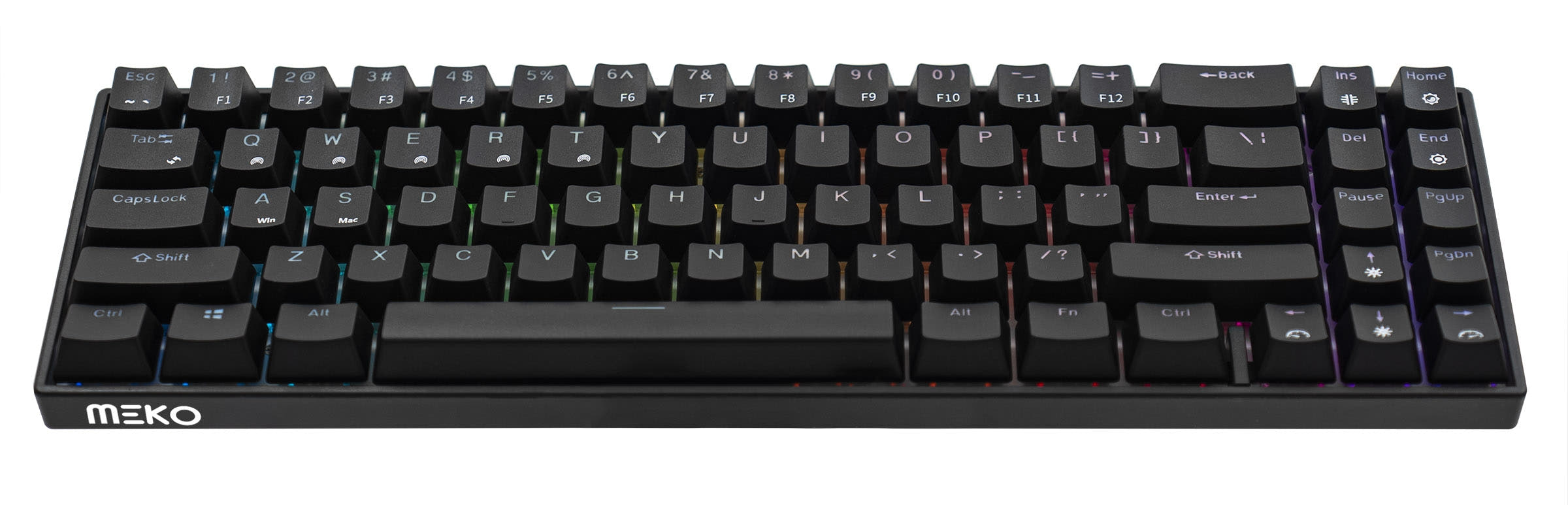
- South-facing LEDs. Shine-through legends stay dark, and some sculpted keycaps can clip the LED.
Get the
Meko Blink
Budget Wireless
Build quality in the bottom 25% of 60% boards under $50.
- Generally available at a lower price point than the Cidoo QK61 V2.
- Offers a wider selection of pre-installed switch types including silent options like Kailh BOX Silent Pink.
- Can store pairings for three different Bluetooth devices.
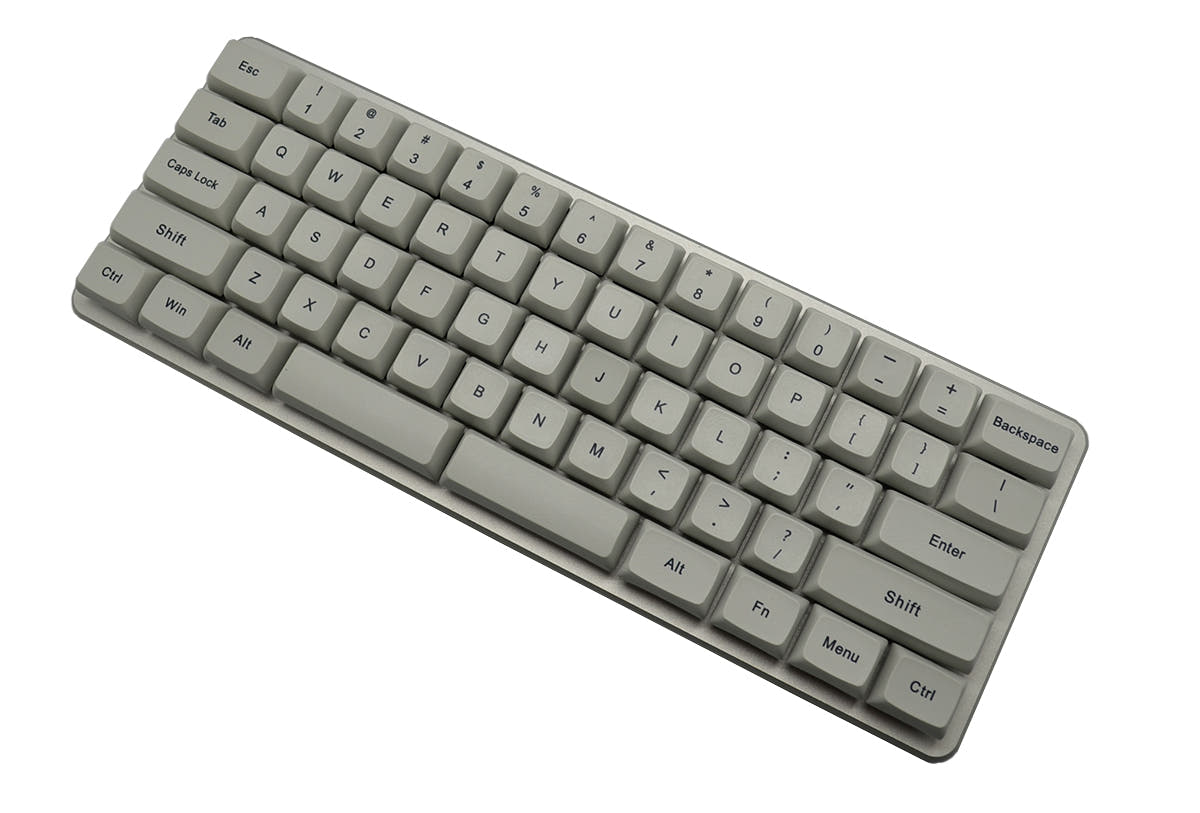
- North-facing LEDs. Cherry-profile keycaps can hit the switch housing.
For most enthusiasts and users who prioritize typing quality, the Cidoo QK61 V2 is the recommended choice. Its gasket-mounted design, comprehensive sound dampening, and VIA programmability deliver a premium experience that justifies its higher cost. Opt for the Meko Blink if your budget is strict, you need silent switch options out of the box, or you want a simple, wireless hot-swap keyboard without the need for advanced tuning or firmware customization.
The differences that matter
Skip the 40-row spec sheet. These are the specs that change how each board feels, sounds, and fits your desk.
Cidoo QK61 V2
Meko Blink
Connection
Bluetooth, 2.4 GHz, Wired
Bluetooth, Wired
Wireless for several devices and wired for lower latency
Switch options
Clicky, Linear
Clicky, Linear, Silent, Tactile
Mount style
Gasket Mount
Plate Mount
QMK
Yes
No
The deep option when you want to remap every key
VIA
Yes
No
GUI remapping without compiling firmware
- Cidoo QK61 V2
- Meko Blink
- Performance
- 4371
- Build quality
- 6955
- Productivity
- 7168
- Customizability
- 8173
- Portability
- 8488
- Layout size: 60%
- Hot-swappable
- Case material: Plastic
What will you mostly use it for?
The Cidoo QK61 V2 is the clear choice for users focused on typing feel, sound, and deep customization, winning in Gaming, Programming, Modding, and Content Creation. Its gasket mount, sound foam, and VIA support are significant advantages. The Meko Blink wins for Travel due to its lower cost and holds a tie for Office use, where its basic wireless functionality and explicit OS compatibility meet core needs. The decision largely comes down to investing in a tuned typing instrument versus acquiring capable wireless functionality at a lower price.
Pick the Cidoo QK61 V2
- Includes a dedicated 2.4 GHz wireless mode for a potentially more stable connection.
- South-facing RGB LEDs avoid interference with Cherry-profile keycaps, a common choice for gamers.
- The gasket mount and foam layers may provide a more consistent, less harsh typing feel during long sessions.
Cidoo QK61 V2 vs Meko Blink specs
Every tracked spec, side by side. Rows marked with a dot differ between the boards.
13 of 21 specs differ
Cidoo QK61 V2
Meko Blink
Switch options
Hot-swappable
Mount style
Sound dampening
Layout size
Layout standard
Ergonomics
Display
Media keys
Connection
Battery
USB-C
Case material
Plate material
Keycaps
Backlight
QMK
VIA
N-key rollover
Mac & Windows
Released
Compare prices
Live prices from the stores we track, cheapest in-stock offer first.
Prices in USD are converted to your currency and can change at any time. KeebFinder may earn a commission when you buy through these links, at no extra cost to you.
Lowest price across stores, Amazon excluded.



Cidoo QK61 V2 vs Meko Blink: your questions
The Cidoo QK61 V2 supports both VIA and QMK, which are open-source programs allowing for deep key remapping, macro creation, and lighting control. The Meko Blink does not support VIA or QMK, so its programmability is limited to any onboard functions it may have.
Yes, but with a caveat. The Cidoo QK61 V2 uses south-facing LEDs, which are fully compatible with Cherry-profile keycaps. The Meko Blink uses north-facing LEDs, which can cause physical interference with the inside of Cherry-profile keycaps, potentially leading to a mushy feel or reduced travel.
Yes. The Cidoo QK61 V2 includes a keycap and switch puller in the box. The Meko Blink also includes a high-quality switch puller, according to its vendor description.
The Meko Blink's listing explicitly states Mac compatibility. The Cidoo QK61 V2 works with Macs, but user reviews note it does not include Command and Option keycaps for macOS, so you may need to source your own. Both offer Bluetooth connectivity for use with Macs.
The Cidoo QK61 V2 uses a gasket mount and polycarbonate plate, which isolates the typing feel from the case and provides a more flexible, poppy sound. The Meko Blink uses a traditional plate mount, which results in a firmer, more direct typing feel that is typically less muted.
The connectivity metadata for the Meko Blink lists only Bluetooth and Wired. The vendor description does not mention a 2.4GHz mode or dongle, so it likely relies solely on Bluetooth for wireless connectivity.
The Cidoo QK61 V2 comes with Cherry-profile, double-shot PBT keycaps for durability and two additional transparent polycarbonate (PC) accent keycaps, as stated in the vendor description.
Yes, both have hot-swappable PCBs. The Meko Blink even offers a Kailh BOX Silent Pink switch option pre-installed. You can install compatible silent switches in the Cidoo QK61 V2 as well, as it supports both 3-pin and 5-pin switches.
The Cidoo QK61 V2 has a specified 3000mAh battery. The Meko Blink is listed as having a rechargeable lithium battery, but its capacity is not stated in the provided information, so a direct comparison cannot be made.
Not necessarily. The Cidoo is engineered for a specific 'thocky-poppy' sound but uses five layers of foam and dampening materials to eliminate unwanted noise. The final sound depends more on the switches installed. The Meko Blink, with its plate mount and lack of mentioned internal foam, may produce more case ping or a sharper sound.
The Cidoo QK61 V2 specifically mentions it has pre-lubed plate-mount stabilizers. The vendor description for the Meko Blink does not state whether its stabilizers are pre-lubed, noting only that they are plate-mount.
Not sold on either?




Still torn?
Answer a few quick questions and the keyboard finder ranks 2,000+ boards by how you will actually use yours.