WhatGeek K87 PRO vs PMO Aurora 80Budget vs Premium Build
Choose the K87 PRO for value and portability, or the Aurora 80 for premium materials and advanced firmware support.


Which one should you get?
Get the
WhatGeek K87 PRO
Budget
- Lower weight (1400g) makes it more portable.
- Includes five layers of silicone pads and noise-reduction cotton for sound dampening.
- Comes with a keycap & switch puller and user manual.
- Lacks the explicit QMK, VIA, and advanced software support of the Aurora 80.
- Does not list a specific polling rate in its provided description.
- Case material is not specified as metal, suggesting a plastic construction.
Get the
WhatGeek PMO Aurora 80
Premium Build
- Features an aluminum alloy case with a PVD brushed stainless steel top plate.
- Offers extensive firmware support including QMK and VIA.
- Includes a five-layer acoustic filling structure and screw-in stabilizers.
- Substantially heavier at 2300g, reducing portability.
- Music rhythm lighting features are exclusive to the manufacturer's client software.
- Commands a higher price point than the K87 PRO.
Your budget and priorities define the choice here. If you want a capable, lightweight wireless keyboard with gasket mount and sound dampening at a lower cost, the K87 PRO is a sensible pick. If you are willing to pay more for a premium aluminum build, QMK/VIA programmability, a confirmed high polling rate, and more elaborate RGB, the PMO Aurora 80 is the clear upgrade.
The differences that matter
Skip the 40-row spec sheet. These are the specs that change how each board feels, sounds, and fits your desk.
WhatGeek K87 PRO
WhatGeek PMO Aurora 80
Weight
1,400 g
2,300 g
QMK
No
Yes
VIA
No
Yes
Plate material
Polycarbonate
FR4, Steel
Screw-in stabilizers
No
Yes
- WhatGeek K87 PRO
- WhatGeek PMO Aurora 80
- Performance
- 7781
- Build quality
- 6286
- Productivity
- 7995
- Customizability
- 6490
- Portability
- 8788
- Layout size: 80%
- Connection: Bluetooth, 2.4 GHz, Wired
- Hot-swappable
- Battery: 8,000 mAh
- Mount style: Gasket Mount
- Sound dampening
What will you mostly use it for?
The PMO Aurora 80 is the stronger choice for users who prioritize performance specs, deep customization via QMK/VIA, and a premium metal build, winning in Gaming, Programming, Modding, and Content Creation. The K87 PRO takes the lead for Travel due to its lower weight. For general Office use, both are equally capable with their shared tri-mode connectivity, sound dampening, and large batteries.
Pick the WhatGeek PMO Aurora 80
- The PMO Aurora 80 lists a 1000 Hz polling rate, which the K87 PRO's description does not mention.
- Its aluminum case and steel/FR4 plate may provide a more stable, consistent typing platform.
- Both offer tri-mode connectivity and N-key rollover for reliable wireless and wired gaming.
WhatGeek K87 PRO vs PMO Aurora 80 specs
Every tracked spec, side by side. Rows marked with a dot differ between the boards.
7 of 23 specs differ
WhatGeek K87 PRO
WhatGeek PMO Aurora 80
Hot-swappable
Mount style
Sound dampening
Screw-in stabilizers
Layout size
Layout standard
Ergonomics
Display
Connection
Max polling rate
Battery
USB-C
Case material
Plate material
Keycaps
Weight
Dimensions
Backlight
QMK
VIA
N-key rollover
Mac & Windows
Released
Compare prices
Live prices from the stores we track, cheapest in-stock offer first.


Prices in USD are converted to your currency and can change at any time. KeebFinder may earn a commission when you buy through these links, at no extra cost to you.
WhatGeek K87 PRO vs PMO Aurora 80: your questions
The PMO Aurora 80 has superior software customization, offering support for both QMK and VIA firmware. This allows for deep, open-source key remapping and macro programming. The K87 PRO's description mentions programmable macros and onboard memory but does not list QMK or VIA support.
Yes, both the WhatGeek K87 PRO and the PMO Aurora 80 are hot-swappable. This means you can change the mechanical switches without needing to solder, making it easy to customize the typing feel.
Both keyboards are equipped with a large 8000mAh battery. The K87 PRO's vendor description claims up to 380 hours of usage with the backlight off. The Aurora 80's description does not provide a specific runtime estimate.
The K87 PRO is more portable due to its significantly lower weight of 1400g compared to the Aurora 80's 2300g. While the Aurora 80 has a slightly smaller width, the K87 PRO's lighter build makes it easier to carry.
Yes, both the K87 PRO and the PMO Aurora 80 list Mac and Windows support in their specifications. They are compatible with both operating systems.
Both keyboards feature RGB backlighting. The Aurora 80 has a more elaborate system with south-facing RGB LEDs, a 270° side halo, and underglow, along with music-reactive features in its client software. The K87 PRO has standard RGB backlighting with multiple preset effects.
The primary build difference is the case material. The PMO Aurora 80 uses an aluminum alloy case, while the K87 PRO's case material is not specified as metal, suggesting a plastic construction. The Aurora 80 also features a PVD brushed stainless steel top plate.
Both keyboards are designed for a quiet experience with sound dampening. The K87 PRO uses five layers of silicone pads and noise-reduction cotton. The Aurora 80 uses a five-layer acoustic filling structure including IXPE foam. Both should significantly reduce typing noise.
Both keyboards offer tri-mode connectivity: wired via USB-C, 2.4 GHz wireless with a dongle, and Bluetooth. This allows you to connect to multiple devices like PCs, laptops, tablets, and smartphones.
The K87 PRO vendor description lists it with Linear 'Flower Field' switches. The PMO Aurora 80 vendor description lists it with Kailh Luna linear switches. Both are linear switch types, but they have different actuation forces and travel distances as per their listed specs.
The K87 PRO includes the keyboard, a 2.4G receiver, a Type-C cable, a keycap & switch puller, and a user manual. The Aurora 80 includes the keyboard, a Type-C cable, a 2.4G receiver, a dust-proof cover, a keycap & switch puller, and a user manual.
The PMO Aurora 80 explicitly lists a 1000 Hz polling rate in its specifications. The polling rate for the WhatGeek K87 PRO is not stated in the provided metadata or vendor description.
Not sold on either?


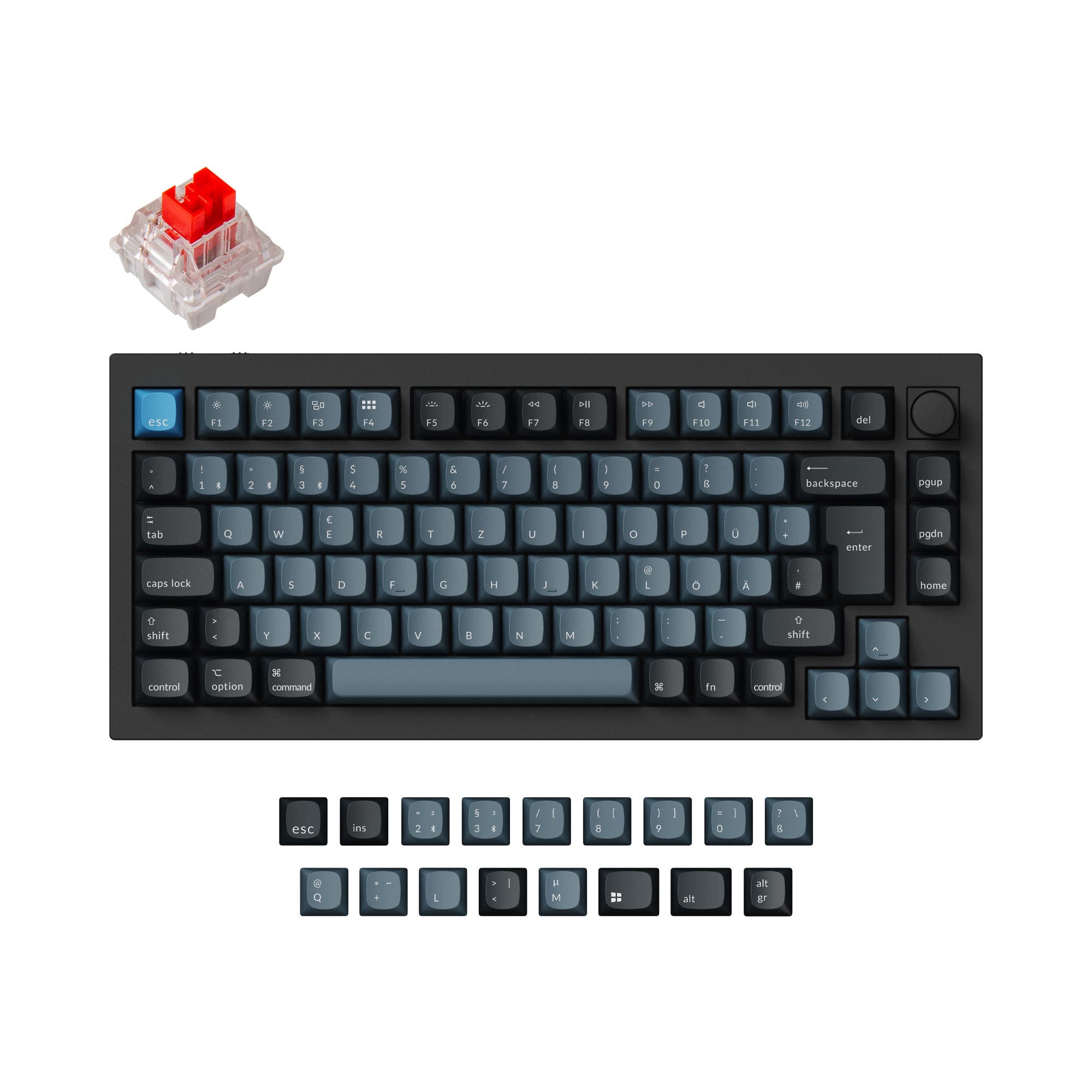
![[In Stock] Smurve80 Mechanical Keyboard](https://cdn.shopify.com/s/files/1/1674/0405/files/14_8fb1b38c-fffa-455d-8c3c-c268040d5fce.png?v=1780976653&width=3840&quality=75)


Still torn?
Answer a few quick questions and the keyboard finder ranks 2,000+ boards by how you will actually use yours.