Best Mechanical Keyboards for Coding & Programming
Developers spend thousands of hours at the keyboard, so the right board can meaningfully improve comfort and speed. Programmable layers, ergonomic layouts, and quality tactile switches make a real difference when you are writing code all day. Compare the best keyboards for coding below.
Best programmable keyboards for developers in 2026
QMK and VIA firmware let you create dedicated symbol layers so brackets, braces, pipes, and arrows are one keypress away instead of a stretch across the board. Look for boards with multiple layer support, tap-hold keys, and combo inputs. Popular developer picks include the Keychron Q series, ZSA Voyager, and custom split boards that put symbols directly under your thumbs.
Split keyboards for long coding sessions
Split keyboards position each half at shoulder width, reducing ulnar deviation and shoulder tension during marathon coding sessions. Models like the ZSA Moonlander, Dygma Raise, and Lily58 let you tent and tilt each half independently. The adjustment period takes one to two weeks, but most developers report significantly less wrist and shoulder fatigue afterward.
Best switch types for programming and typing
Tactile switches are the most popular choice among developers because the bump confirms actuation without bottoming out, reducing finger fatigue over long sessions. Favorites include Gateron Brown, Holy Panda, and Boba U4T. Some coders prefer light linears for rapid keypresses during terminal work. If noise is a concern in shared offices, silent tactile switches like Boba U4 are excellent.
Compact layouts vs full-size for coding
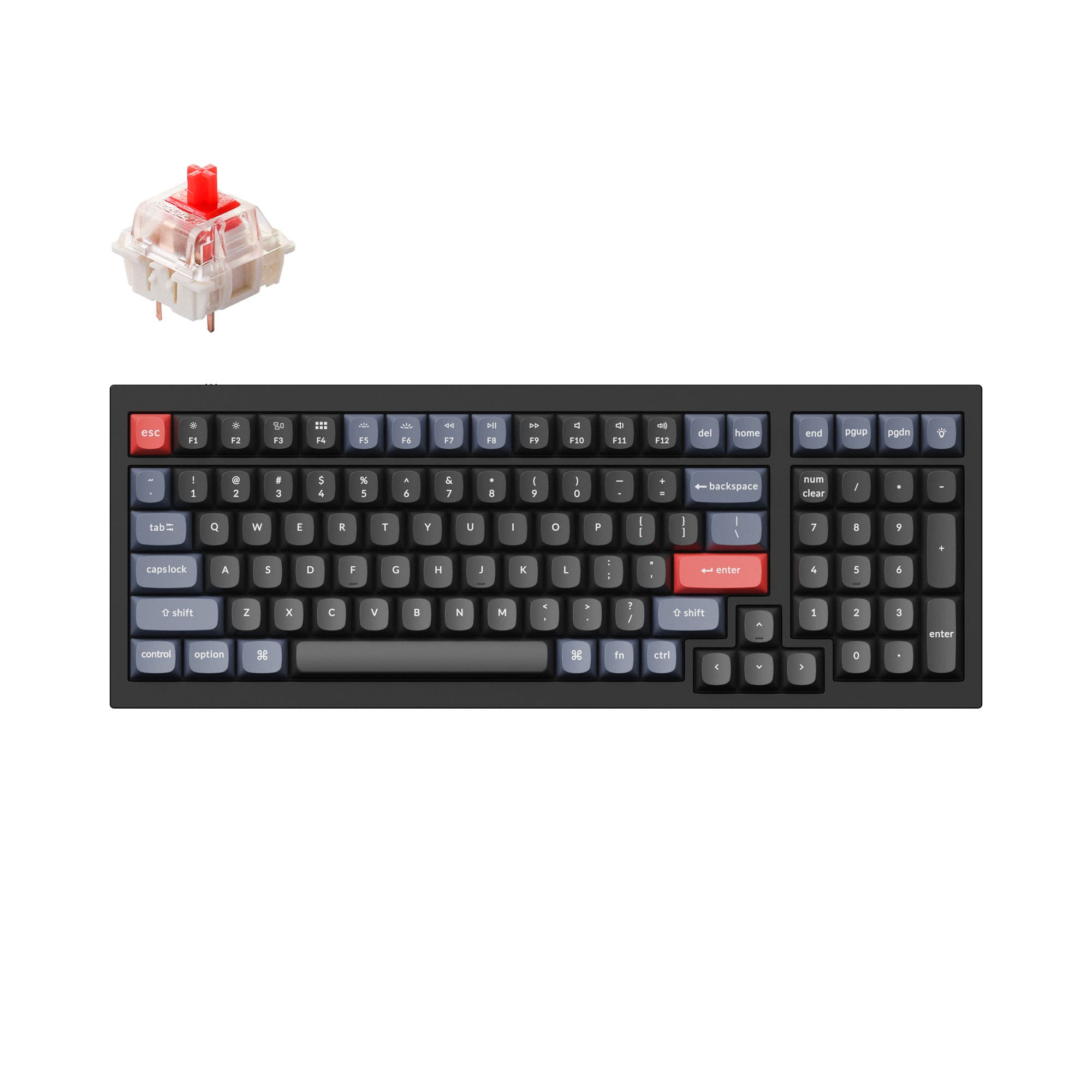
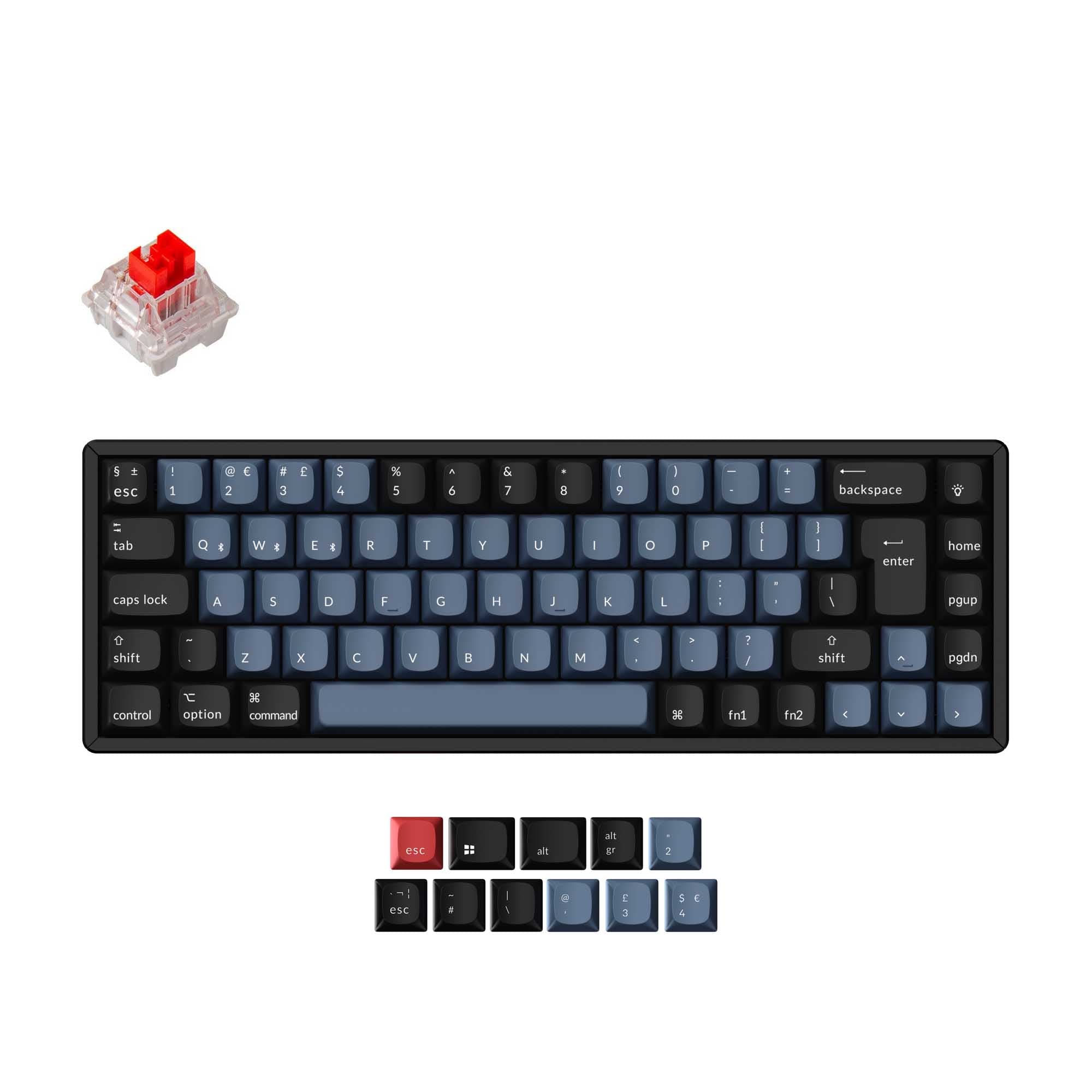
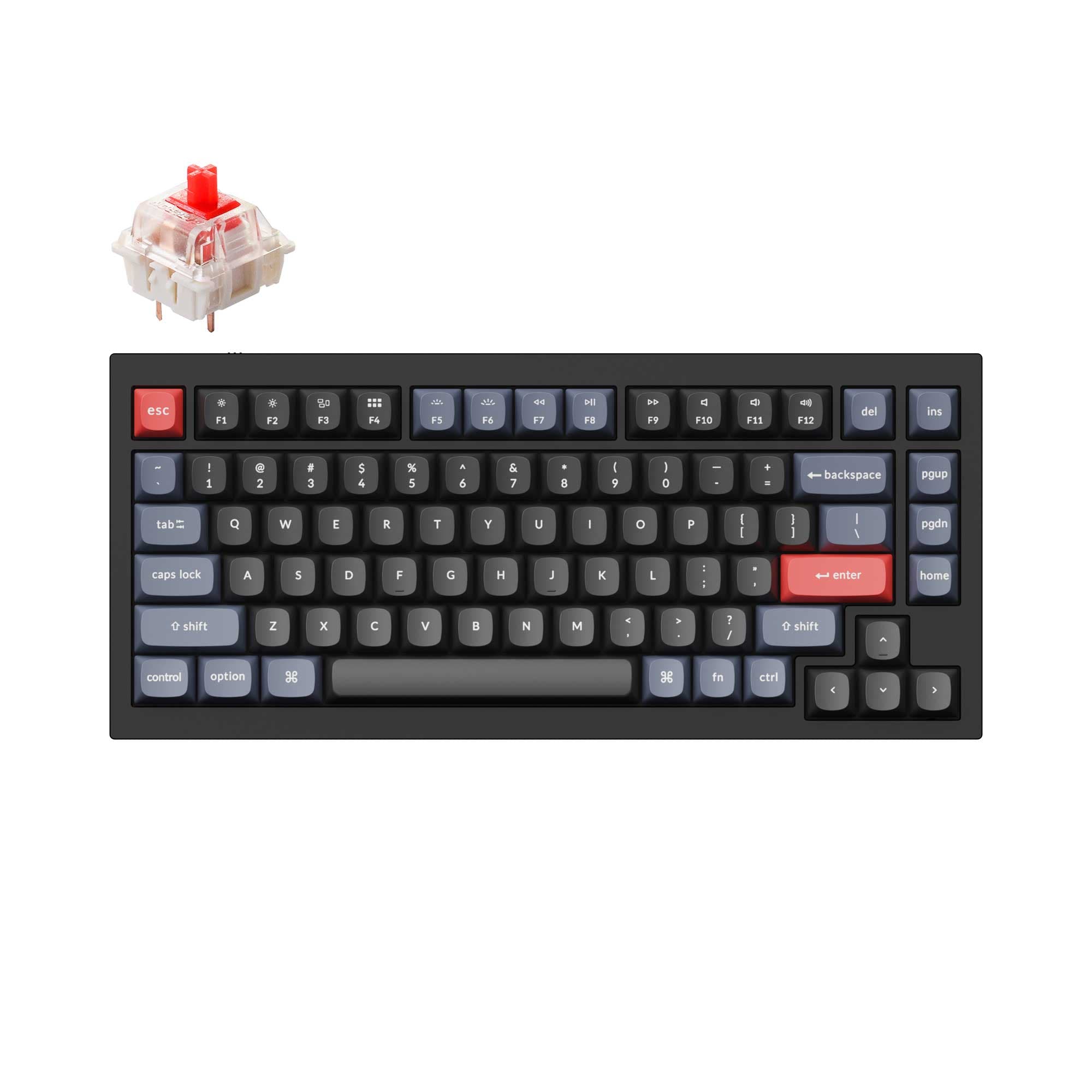
Many developers favor 65% or 75% layouts because they keep the essential keys while saving desk space and reducing hand travel. Arrow keys and a function row are useful for code navigation, making 65% and 75% more practical than 60% for most programming tasks. If you rely on a number pad for data work, a separate numpad or a full-size board may be worth considering.
Custom key layers every developer should set up
A dedicated symbol layer places (), {}, [], <>, and common operators like =>, ->, and :: under your home row fingers. A navigation layer maps arrow keys, Home, End, Page Up, and Page Down to HJKL or WASD. A macro layer can trigger terminal commands, IDE shortcuts, or Git operations with a single keypress. QMK and VIA make all of this configurable through a visual editor.
Ortholinear keyboards for programming
Ortholinear boards arrange keys in a straight grid rather than staggered rows, which some developers find more logical for touch typing. The Planck and Preonic are popular ortholinear choices with full QMK support. The grid layout can feel more consistent for reaching symbol keys, though the adjustment period is steeper than switching to a standard split board.
Complete Your Setup
Related Categories








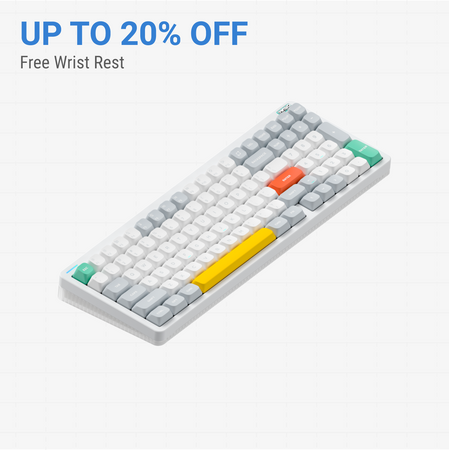


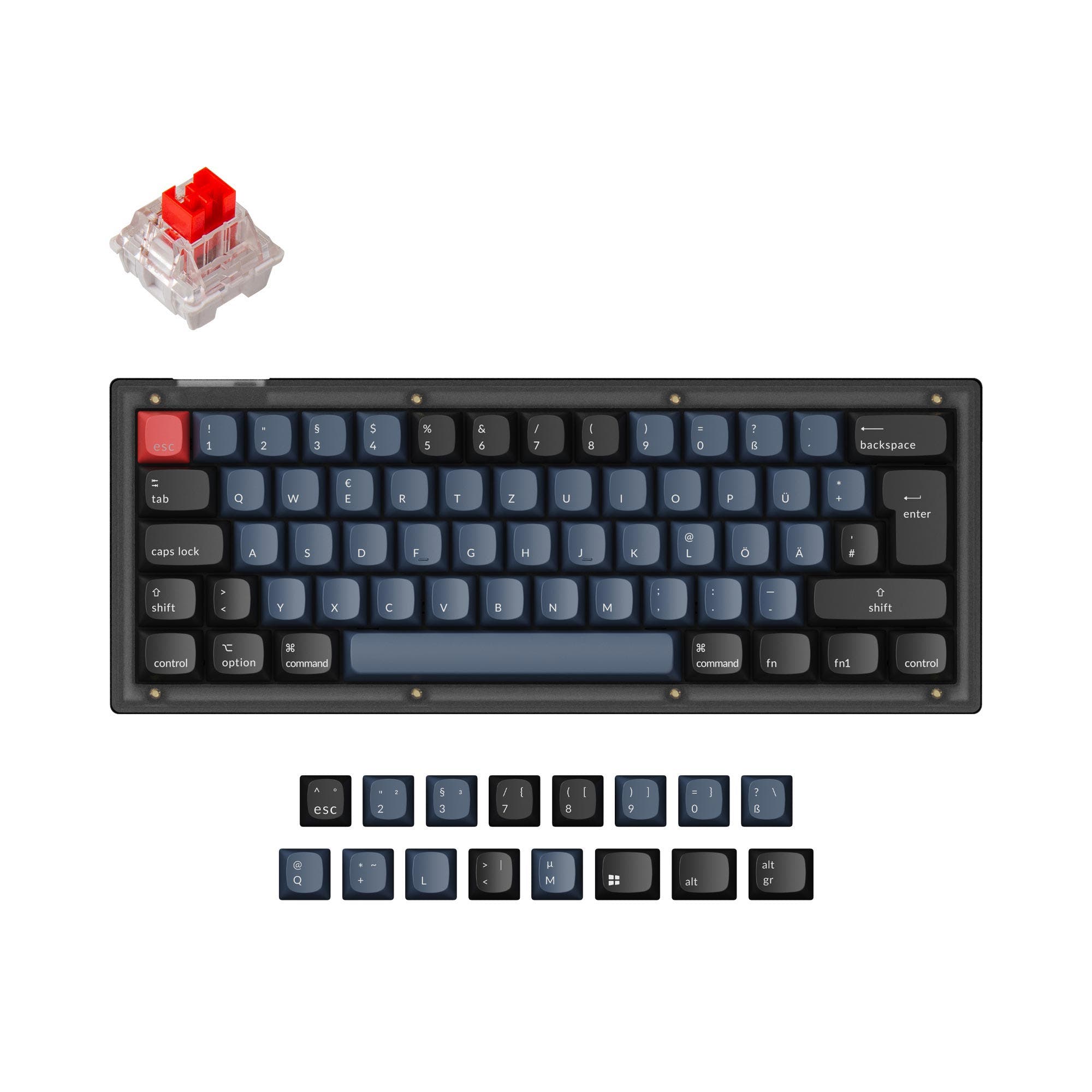

![[In Stock] LeleDesign Matra Alice 90 Retro Mechanical Keyboard Kit](https://cdn.shopify.com/s/files/1/1674/0405/files/DSC08660.jpg?v=1721975716&width=3840&quality=75)


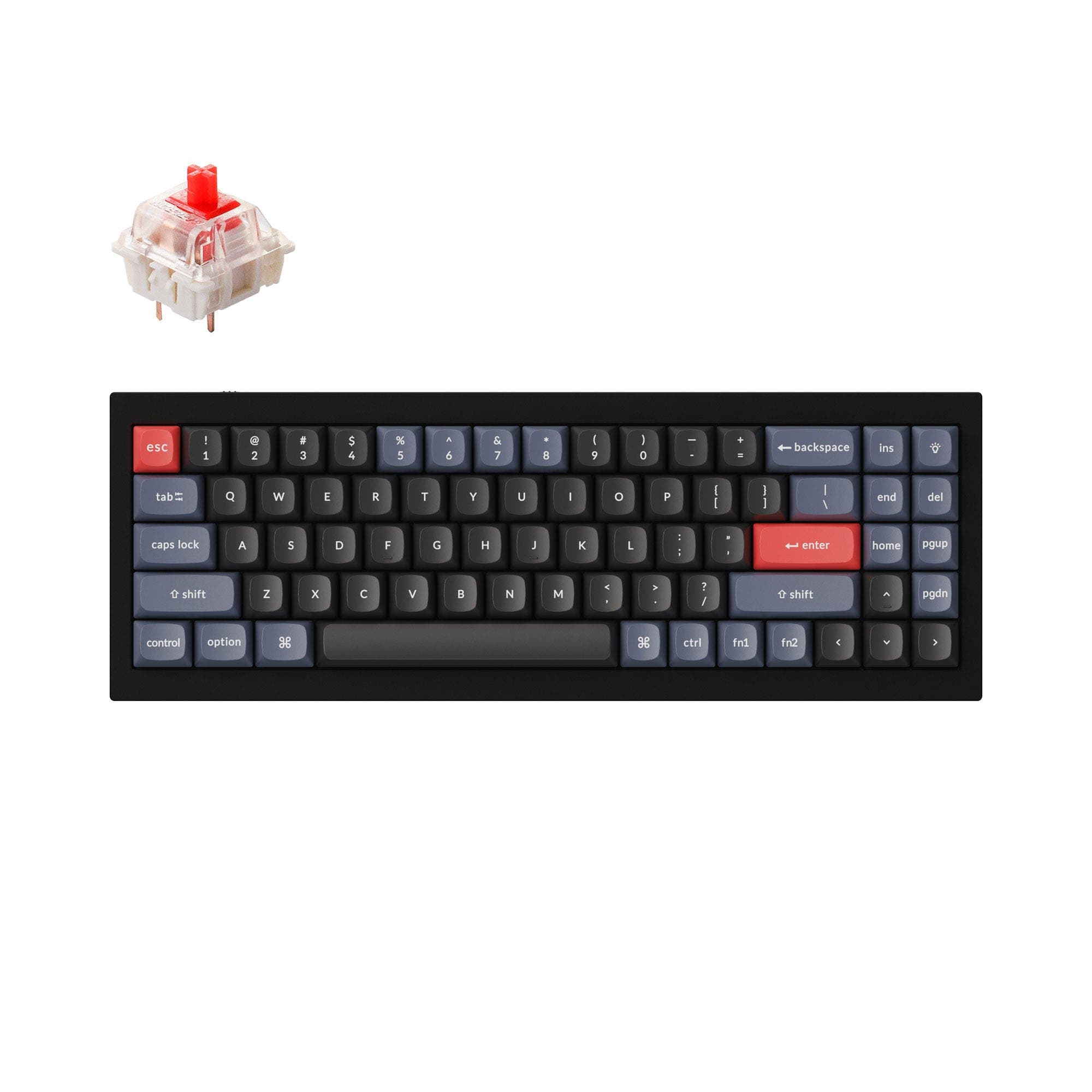
![[In Stock] Ursa Major V2 Wireless Aluminum Ultimate Keyboard](https://cdn.shopify.com/s/files/1/0549/0262/0278/files/6c52287aa620d9b01f572bd83c42e80.png?v=1755679989&width=3840&quality=75)