Add to comparison
87
Overall/ Value
87.0Build Quality
81.9Customizability
90.9Performance
67.4Productivity
97.7Portability
89.9$399
![[In Stock] Ursa Major V2 Wireless Aluminum Ultimate Keyboard](https://cdn.shopify.com/s/files/1/0549/0262/0278/files/6c52287aa620d9b01f572bd83c42e80.png?v=1755679989&width=3840&quality=75)
Browse every wireless split keyboard and bluetooth split keyboard available — including ergonomic cable-free boards with 2.4 GHz and ZMK support. Compare layouts, battery life, and prices across 40+ stores.


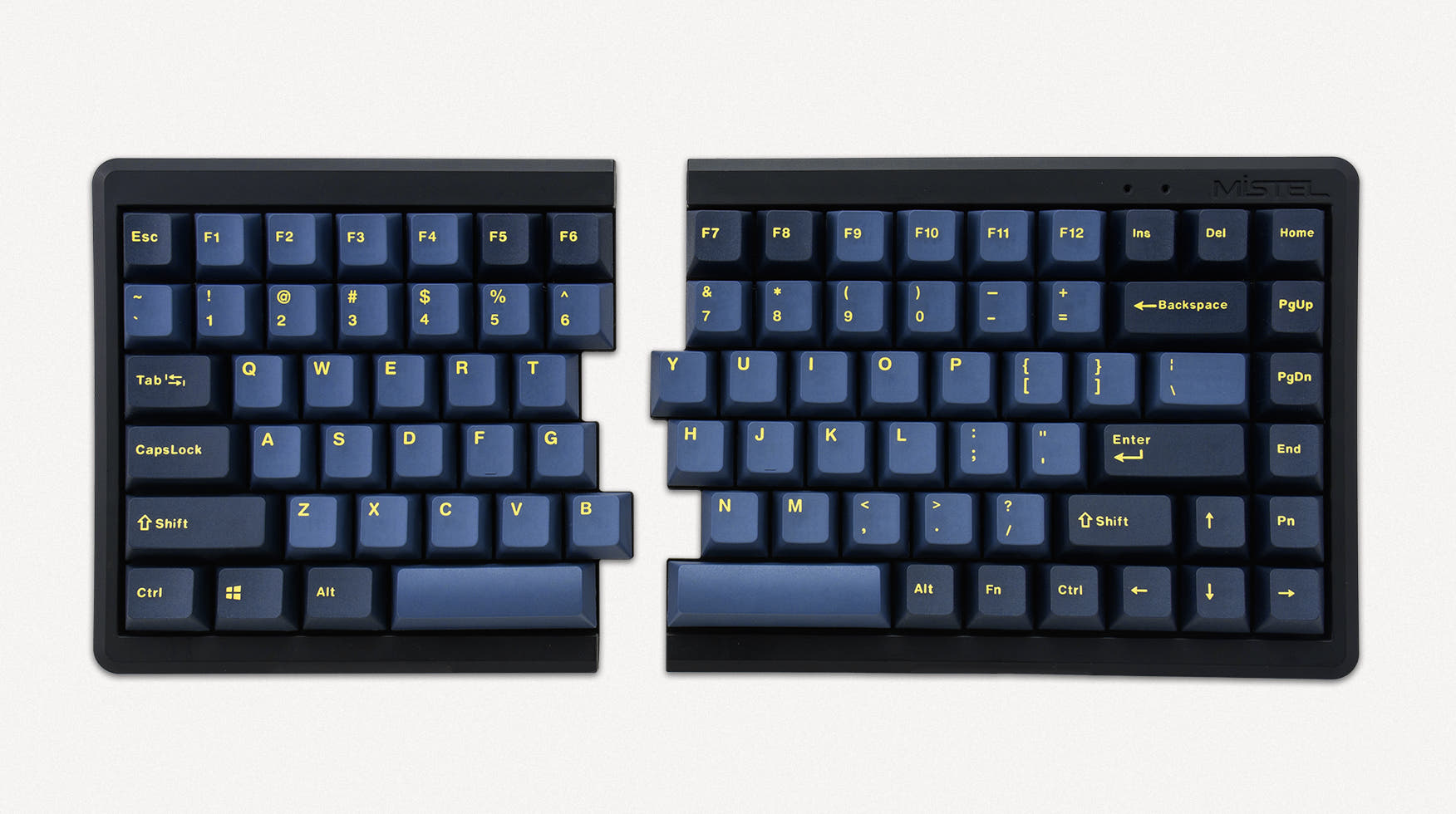

Looking for a wireless split keyboard or bluetooth split keyboard? Browse every cable-free split mechanical keyboard in one place — from compact column-stagger boards to full-featured ergonomic wireless split keyboards with tenting and thumb clusters. Compare connectivity, battery life, and pricing to find the split board that keeps your desk clean and your wrists comfortable.
Our database tracks every wireless split keyboard and bluetooth split keyboard currently on the market, including ergonomic cable-free boards from Keychron, ZSA, and open-source kit makers. Filter by price, switch type, and layout size to narrow down the full list. New wireless splits with ZMK firmware and hot-swap sockets are added as they launch.
An ergonomic wireless split keyboard combines two proven comfort features: a split layout that lets you position each half at shoulder width, and wireless connectivity that removes desk cables entirely. This reduces ulnar deviation, wrist extension, and clutter at the same time. For developers, office workers, and anyone typing for hours daily, it is one of the most effective upgrades for long-term wrist health without sacrificing a clean workspace.
A bluetooth split keyboard pairs directly with laptops, tablets, and phones without a dongle — ideal for switching between devices at your desk. Most bluetooth split keyboards use ZMK firmware so each half connects independently over Bluetooth. A 2.4 GHz receiver offers lower latency for gaming and faster wake-from-sleep. Tri-mode boards that support USB-C, 2.4 GHz, and Bluetooth give you the most flexibility. Check each listing on KeebFinder to see which wireless modes a split board supports.
Most wireless split keyboards run ZMK firmware, which lets each half connect independently to your device over Bluetooth. This eliminates the TRRS cable between halves that wired splits require. ZMK also supports deep layer customization, tap-dance, and hold-tap behaviors — the same programmability QMK offers on wired boards. Popular ZMK splits include the Corne, Lily58, and Sofle in wireless builds.
Battery life on wireless splits typically ranges from two weeks to several months depending on backlighting, display modules, and polling rate. Turning off RGB can double or triple runtime — a worthwhile trade-off for daily office use. Smaller split boards with fewer keys tend to last longer per charge. Always check the quoted battery capacity and vendor estimates before buying a board meant for all-day wireless typing.
Developers and office workers benefit from ergonomic wireless split keyboards that reduce wrist strain without adding cable clutter to the desk. Position each half at shoulder width, pair over Bluetooth with your laptop, and create custom QMK or ZMK layers for IDE shortcuts and window management. The combination of ergonomic layout and cable-free connectivity makes wireless splits one of the most comfortable setups for long coding sessions.
Pre-built wireless splits from Keychron, ZSA, and others arrive ready to type with switches and keycaps installed. DIY wireless split kits give enthusiasts full control over case material, plate type, and switch choice at a lower price point. Both paths support hot-swap sockets on most modern boards, so you can swap switches without soldering. Compare pre-built and kit options below to match your budget and build experience.