Add to comparison
94
Overall/ Value
93.6Build Quality
88.1Customizability
95.9Performance
77.4Productivity
92.4Portability
51.8$199

Keychron Q15 Max
View on Keychron
Hotswap,
Wireless,
Wired,
RGB,
Knob,
VIA,
QMK,
Alu case,
Gasket Mount
Explore ortholinear mechanical keyboards with columnar grid layouts designed to reduce finger travel and improve typing accuracy. Compare Planck, Preonic, and other ortho boards with QMK/VIA support, hot-swap sockets, and compact form factors on KeebFinder.


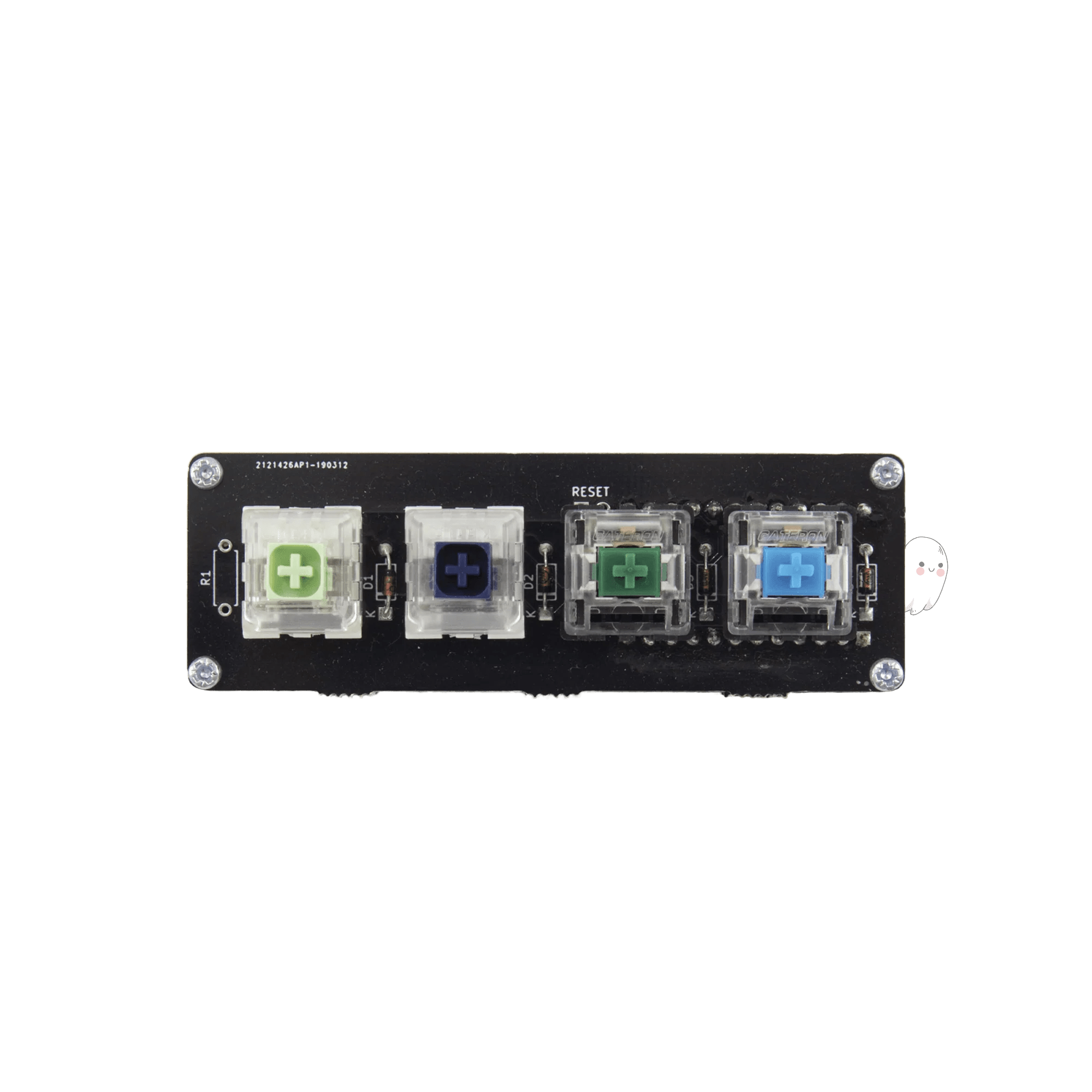


![[Pre-Order] @40 40% Low Profile Keyboard Kit by Niuniu](https://cdn.shopify.com/s/files/1/1674/0405/files/DSC_1222_1.jpg?v=1749523764&width=3840&quality=75)

![[Shipping, Inventory available soon] Cheerz 40% Keyboard Kit by ptdc](https://cdn.shopify.com/s/files/1/1674/0405/files/04.png?v=1733425202&width=3840&quality=75)


![[Pre-Order] ORTHO Roly-poly 40 R3 Keyboard Kit by Niuniu](https://cdn.shopify.com/s/files/1/1674/0405/files/42A5DCDF6CC2BFFDC11E43D62A22AC4B_56e3ae27-1b5a-4910-8d50-059f522426b7.jpg?v=1745208295&width=3840&quality=75)


![[Pre Order] Minimi40 Keyboard Kit](https://cdn.shopify.com/s/files/1/1674/0405/files/DSC04192-219.jpg?v=1761814490&width=3840&quality=75)
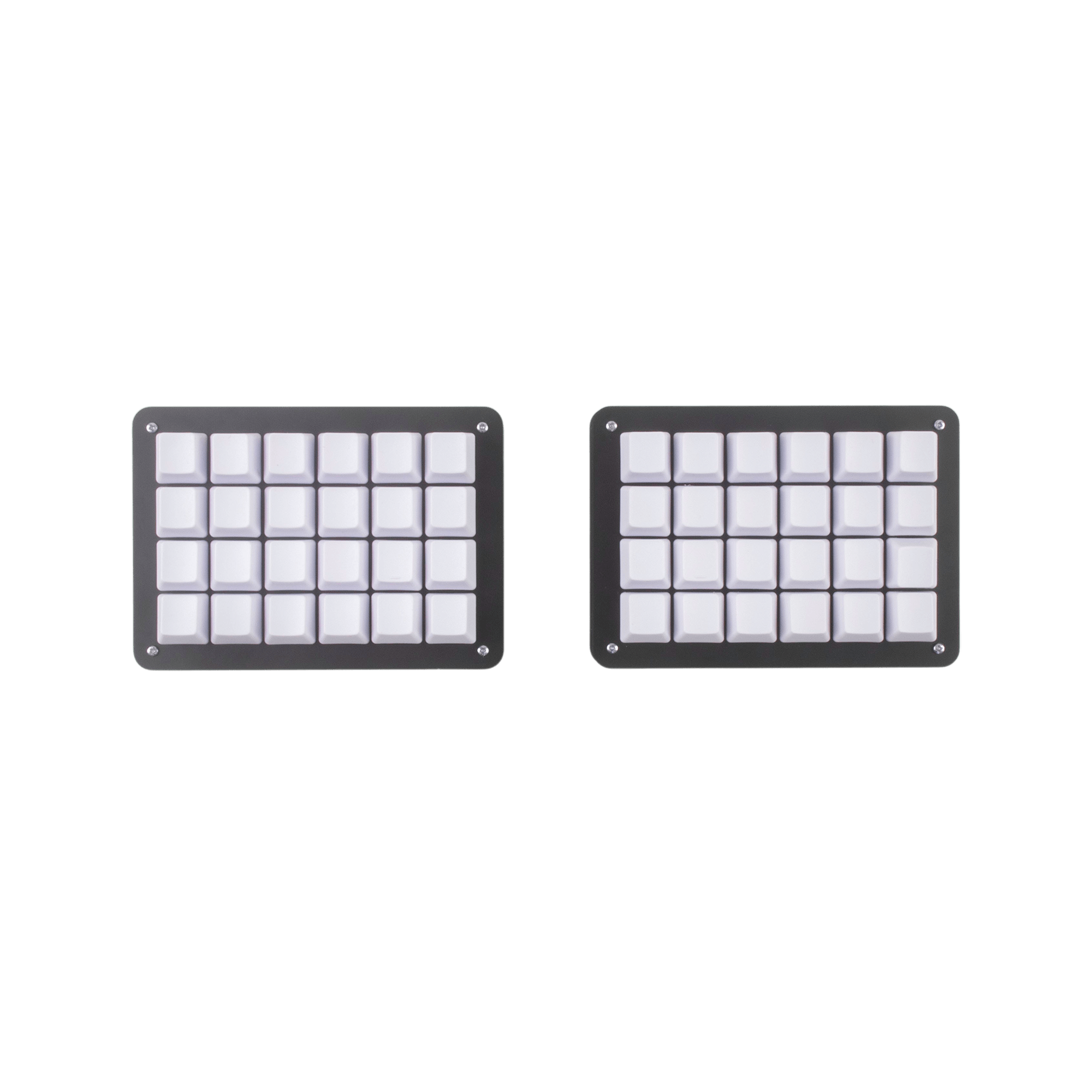
Ortholinear keyboards arrange keys in a straight grid instead of the traditional stagger, reducing lateral finger movement and promoting cleaner typing habits. Browse compact 40% Plancks, 5x12 Preonics, and full-grid customs — all filterable by switch type, programmability, and price.
Staggered layouts were designed for typewriters, not human fingers. Ortholinear grids align each column vertically so your fingers move straight up and down instead of diagonally. Many typists report reaching their previous WPM within two weeks and eventually surpassing it thanks to more consistent finger travel distances across the board.
The OLKB Planck and Preonic remain the most popular entry points. The Planck is a 4x12 grid that forces you to embrace layers, while the Preonic adds a number row for an easier transition. Both support QMK and VIA, come in hot-swap variants, and have active communities sharing ready-made keymaps to flatten the learning curve.
Start by remapping your ortho board to mirror your staggered layout as closely as possible. Practice with typing tools like Monkeytype or Keybr for 15–30 minutes a day. Most users experience a noticeable speed dip for the first week before muscle memory adapts. Keeping your staggered board available for urgent work reduces frustration during the switch.
Programmers benefit from ortholinear grids because symbol-heavy keys sit in predictable positions relative to the home row. Combined with QMK layers, you can place brackets, semicolons, and arrows directly under your fingers without reaching. Many developers pair an ortho board with a custom symbol layer that eliminates the need for a traditional number row entirely.
If you want the grid layout plus shoulder-width hand separation, split ortho boards like the Corne and Lily58 deliver both. These kits typically support QMK/VIA, hot-swap sockets, and OLED screens. A split ortholinear keyboard can dramatically reduce ulnar deviation and wrist pronation compared to a single-piece staggered board.
Finding keycap sets that cover a grid layout can be tricky since most sets target staggered boards. Look for sets that include ortho or 40s compatibility kits. Uniform-profile caps like DSA, XDA, or MBK work especially well because every row uses the same sculpt, so you can place them anywhere on the grid without worrying about row mismatch.