Not sure which keyboard to choose? Try the Keyboard Finder now!

Compare Shortcut Studio Bridge75 vs Mechboards Let's Split Differences Side by Side

This comparison is for buyers deciding between a fully-featured, modern prebuilt keyboard and a minimalist, educational DIY kit. The choice is stark: the Shortcut Studio Bridge75 offers a premium, wireless-ready experience out of the box, while the Mechboards Let's Split is a barebones project requiring significant assembly. The decision hinges on your need for immediate functionality versus the desire for a custom, split ortholinear build from the ground up.

89
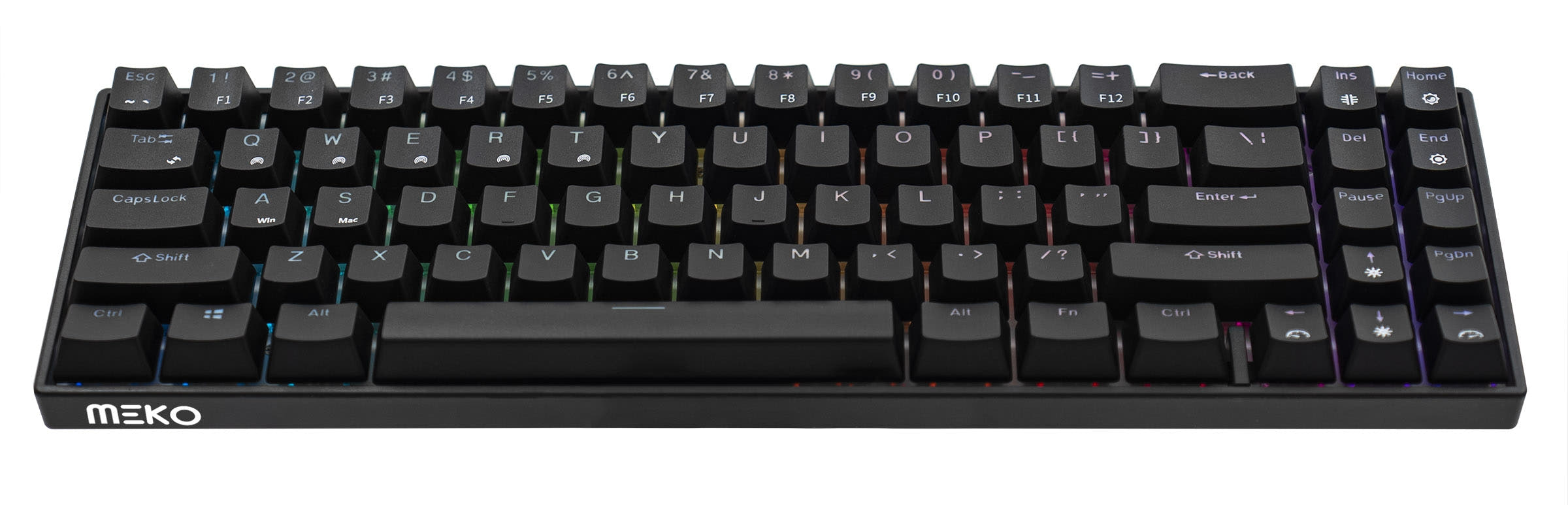
Shortcut Studio Bridge75 Keyboard
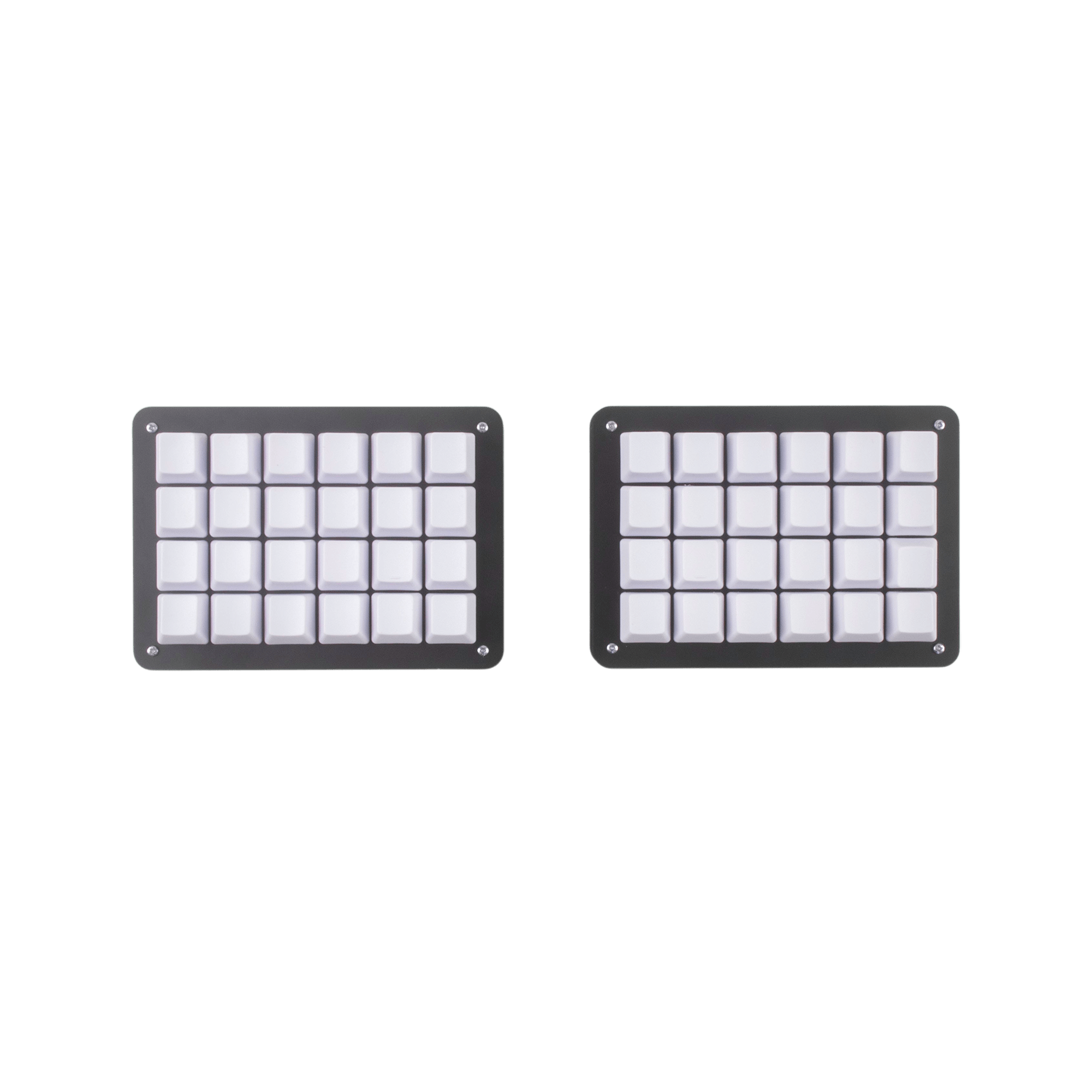
Let's Split Kit

Select a keyboard to compare

4.8 (170)
0.0 (0)
  • Released in 2024
  • Supports hot-swappable switches
  • Available in a 75% layout
  • Offers Normal ergonomics
  • Compatible with both Mac and Windows
  • Connects via USB-C
  • Supports QMK firmware
  • Supports VIA configuration
  • Features N-key rollover
  • Has built-in sound dampening
  • Uses a PCB Mount mounting style
  • Supports Bluetooth, 2.4 GHz, Wired, Wireless connectivity
  • Runs at a 1000 Hz polling rate
  • Equipped with a 4000 mAh battery
  • Made with a Copper, Aluminum case
  • Features PBT keycaps
  • Offers Yes, Rgb, South-face RGB lighting
  • Released in 2021
  • Offers Ortholinear ergonomics
  • Offers No RGB lighting
Scores
  • Performance: 82.2
  • Build Quality: 87.2
  • Productivity: 89.5
  • Customizability: 93.1
  • Portability: 81.6
Scores
  • Performance: 42.3
  • Build Quality: 52.8
  • Productivity: 50.3
  • Customizability: 49.2
  • Portability: 41
Name
Shortcut Studio Bridge75
Name
Mechboards Let's Split
Release year
2024
Release year
2021
Switch Options
-
Switch Options
-
Profile
Normal Profile
Profile
Normal Profile
Hot Swappable
 
Hot Swappable
 
Layout Size
75%
Layout Size
Unknown
Layout Standard
ANSI
Layout Standard
ANSI
Layout Ergonomics
Normal
Layout Ergonomics
Ortholinear
Knob Support
 
Knob Support
 
Display Support
 
Display Support
 
Mac/Win Support
 
Mac/Win Support
 
Multi-Media Keys
 
Multi-Media Keys
 
USB-C
 
USB-C
 
USB passthrough
 
USB passthrough
 
Connection
Bluetooth, 2.4 GHz, Wired, Wireless
Connection
Polling Rate
1000 Hz
Polling Rate
-
Battery capacity
4000 mAh
Battery capacity
-
Hall Effect Support
 
Hall Effect Support
 
QMK Support
 
QMK Support
 
VIA Support
 
VIA Support
 
VIAL Support
 
VIAL Support
 
N-Key Rollover
 
N-Key Rollover
 
Rapid Trigger
 
Rapid Trigger
 
Mount Style
PCB Mount
Mount Style
-
Screw in Stabilizers
 
Screw in Stabilizers
 
Sound Dampening
 
Sound Dampening
 
Backlight
 
Rgb, South-face
Backlight
 
Case Colors
Case Colors
Case Material
Copper, Aluminum
Case Material
-
Keycaps Material
PBT
Keycaps Material
-
Dimensions
-
Dimensions
-
Weight
-
Weight
-
*Something incorrect or missing? Please
let me know
!

Pros and Trade-offs

For nearly all users seeking a high-performance, customizable, and wireless-ready keyboard, the Shortcut Studio Bridge75 is the definitive recommendation. Only consider the Mechboards Let's Split if your primary goal is the educational experience of building a split ortholinear keyboard from a barebones kit, and you are prepared to source additional components and solder the entire assembly.

Shortcut Studio Bridge75

  • +Tri-mode wireless connectivity (Bluetooth, 2.4 GHz, and wired USB-C).
  • +High-quality construction with an aluminum case, stainless steel weight, and gasket mount.
  • +Extensive sound dampening with INOAC Poron foam, an IPXE sheet, and EPDM case foam.
  • +Fully programmable via VIA and QMK with a hot-swappable, flex-cut PCB.
  • +Comes prebuilt with Cherry profile double-shot PBT keycaps and includes necessary accessories.

  • The vendor description notes shipping may be restricted to the US.
  • Its 75% size, while compact, is larger and likely heavier than a minimalist split kit.
  • Requires careful firmware updates as incorrect installation can damage the board, according to the vendor.

Mechboards Let's Split

  • +Offers a unique split, ortholinear layout for ergonomic positioning.
  • +As a DIY kit, it provides a complete project experience for learning soldering and assembly.
  • +Includes FR4 plates for the bottom and switch plate, along with all necessary PCB components.

  • Requires significant user assembly, including soldering switches and controllers.
  • Does not include switches, keycaps, or a case beyond the FR4 plates.
  • Lacks any wireless connectivity, RGB lighting, or immediate plug-and-play functionality.

Which Keyboard Is Better for Your Needs?

The Shortcut Studio Bridge75 is the clear choice for most practical use cases, from gaming and office work to travel and content creation, due to its robust feature set and ready-to-use design. It also wins for modding enthusiasts looking for a high-quality, customizable platform. The Mechboards Let's Split ties only in the niche area of programming, where its programmable ortholinear layout may appeal to users specifically seeking that ergonomic style and a hands-on building experience.

GamingShortcut Studio Bridge75
  • The Bridge75 offers a 1000 Hz polling rate in wired and 2.4 GHz modes for responsive input.
  • Its standard 75% ANSI layout is familiar for gaming keybinds.
  • It includes N-key rollover for simultaneous key presses.
OfficeShortcut Studio Bridge75
  • The Bridge75 offers tri-mode connectivity (Bluetooth, 2.4 GHz, wired) for flexible device switching.
  • It is a prebuilt unit with included keycaps and switches, ready to use immediately.
  • Its 75% layout retains arrow keys and function row for productivity.
ProgrammingTie
  • The Bridge75 is fully programmable via VIA and QMK for key remapping.
  • The Let's Split, as a DIY kit with a PCB, is also programmable, offering deep customization.
  • The Bridge75's standard layout may be easier to adapt to, while the Let's Split's ortholinear layout can be ergonomic for some coders.
TravelShortcut Studio Bridge75
  • The Bridge75 has a large 4000mAh battery for extended wireless use.
  • Its wireless capabilities eliminate the need for cables on the go.
  • While not as compact as some, its 75% form factor is more portable than a full-size board.
ModdingShortcut Studio Bridge75
  • The Bridge75 is hot-swappable, allowing easy switch changes without soldering.
  • It features a gasket mount design, a polycarbonate plate, and multiple sound-dampening foams (INOAC Poron, IPXE, EPDM) for acoustic tuning.
  • It supports both VIA and QMK for firmware customization.
Content CreationShortcut Studio Bridge75
  • The Bridge75's standard layout includes dedicated arrow keys and a function row useful for editing shortcuts.
  • Its wireless connectivity reduces desk clutter.
  • The prebuilt nature ensures a consistent, reliable typing experience for long sessions.

Frequently Asked Questions (FAQ)


Discover similar products

You might also like similar products in that price range:

81
$84
Shortcut Studio Bridge75 Plus Keyboard
Shortcut Studio Bridge75 Plus
75%,
Hotswap,
Wireless,
Wired,
RGB,
VIA,
Alu case,
Gasket Mount

98
$94
Keychron V1 Max QMK Wireless Custom Mechanical Keyboard ISO Layout Collection
Keychron V1 Max
75%,
Hotswap,
Wireless,
Wired,
RGB,
Knob,
VIA,
QMK,
Gasket Mount

90
$73
Qwertykeys Neo75 Keyboard
Qwertykeys Neo75
75%,
Hotswap,
Wireless,
Wired,
VIA,
QMK,
Alu case,
Gasket Mount

New
$149
Pixtendo x Keykobo Pixel67 Keyboard - Barebone
Keykobo Pixel67
65%,
Hotswap,
Wireless,
Wired,
RGB,
VIA,
QMK,
Alu case,
Gasket Mount

94
$85
Keychron Q8 Pro (Alice Layout) QMK/VIA Wireless Custom Mechanical Keyboard
Keychron Q8 Pro
65%,
Hotswap,
Wireless,
Wired,
RGB,
Knob,
VIA,
QMK,
Alu case,
Gasket Mount

76
$110
Qwertykeys Neo65 Cu Keyboard
Qwertykeys Neo65
65%,
Hotswap,
Wireless,
Wired,
VIA,
Alu case,
PCB Mount

81
$79
[In Stock] Lucky65 V2 65% Mechanical Keyboard
Weikav Lucky65 V2
65%,
Hotswap,
Wireless,
Wired,
RGB,
VIA,
QMK,
Alu case,
Gasket Mount

75
$110
Qwertykeys Neo60 Cu Keyboard
Qwertykeys Neo60
60%,
Hotswap,
Wireless,
Wired,
VIA,
Alu case,
PCB Mount